
datacomb
 datacomb copied to clipboard
 cmpolis
An interactive tool for exploring large, tabular datasets.
Datacomb
An interactive tool for analyzing, exploring and combing through tabular datasets. by @ChrisPolis
Turn your data into: live demo
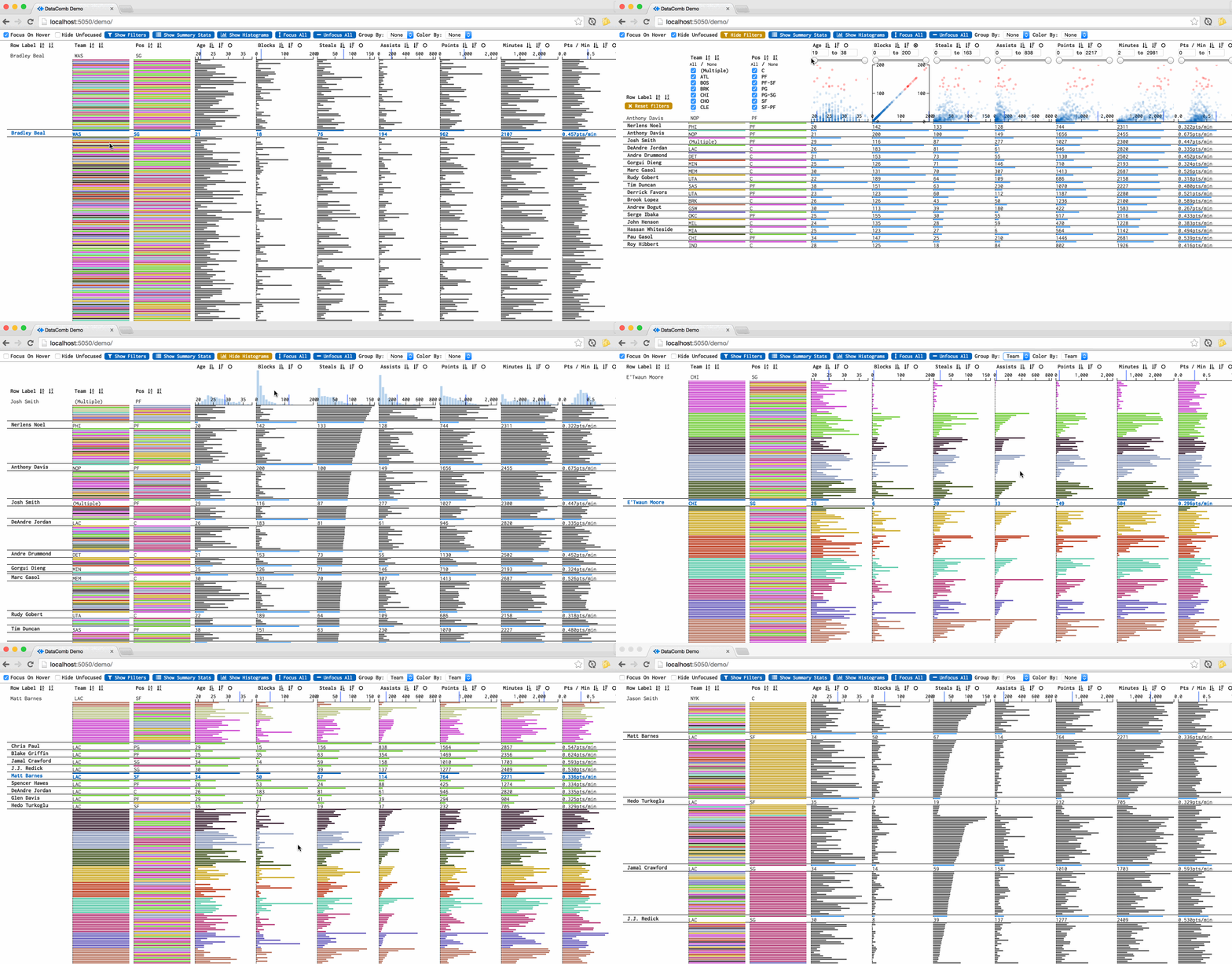
Usage
As an htmlwidget in R
devtools::install_github('cmpolis/datacomb', subdir='pkg', ref='1.1.2');
library(datacomb);
Datacomb(iris)
In a browser, with JavaScript:
to build: $ npm install && npm run build
//
//
// Sample usage of Datacomb (see also: /demo/demo.js)

// Column definitions, meta data
var columns = [
  {
    label: 'Team',
    accessor: 'team',

    // columns that are not quantitative need `type` flag
    type: 'discrete'
  },
  {
   label: 'Pos',
   accessor: 'pos',
   type: 'discrete',
   sortOrder: 'PG SG SF PF C'.split(' ')
  },
  {
    label: 'Points',
    accessor: 'pts'
  },
  {
    label: 'Minutes',
    accessor: 'mp'
  },
  {
    label: 'Pts / Min',

    // column defenitions can be functions
    accessor: function(d) { return d.pts / d.mp },

    // can define `format` function to change how text is displayed on the tbale
    format: function(val) { return val.toFixed(3) + 'pts/min'; },
  }
];

// init the interface
var myDatacomb = new Datacomb({

  //
  el: document.getElementById('datacomb-target'),

  // array of objects
  data: [ {name: 'Hank', team: 'Liverpool', points: 3 }, { ... }, ... ],

  //
  columns: columns,

  //
  labelAccessor: 'name'

});
Catalog of Interactions
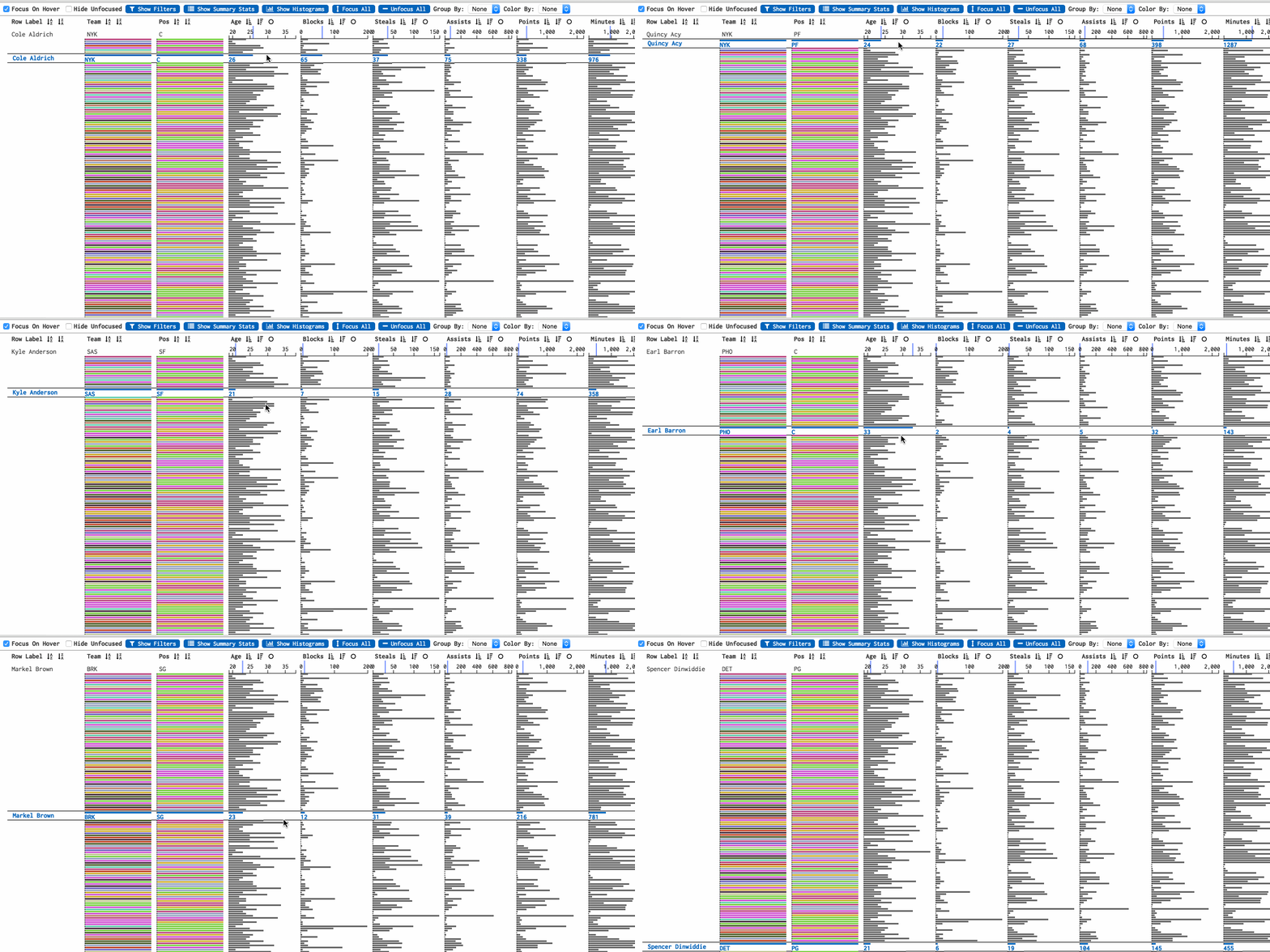
Hover over rows to reveal exact values
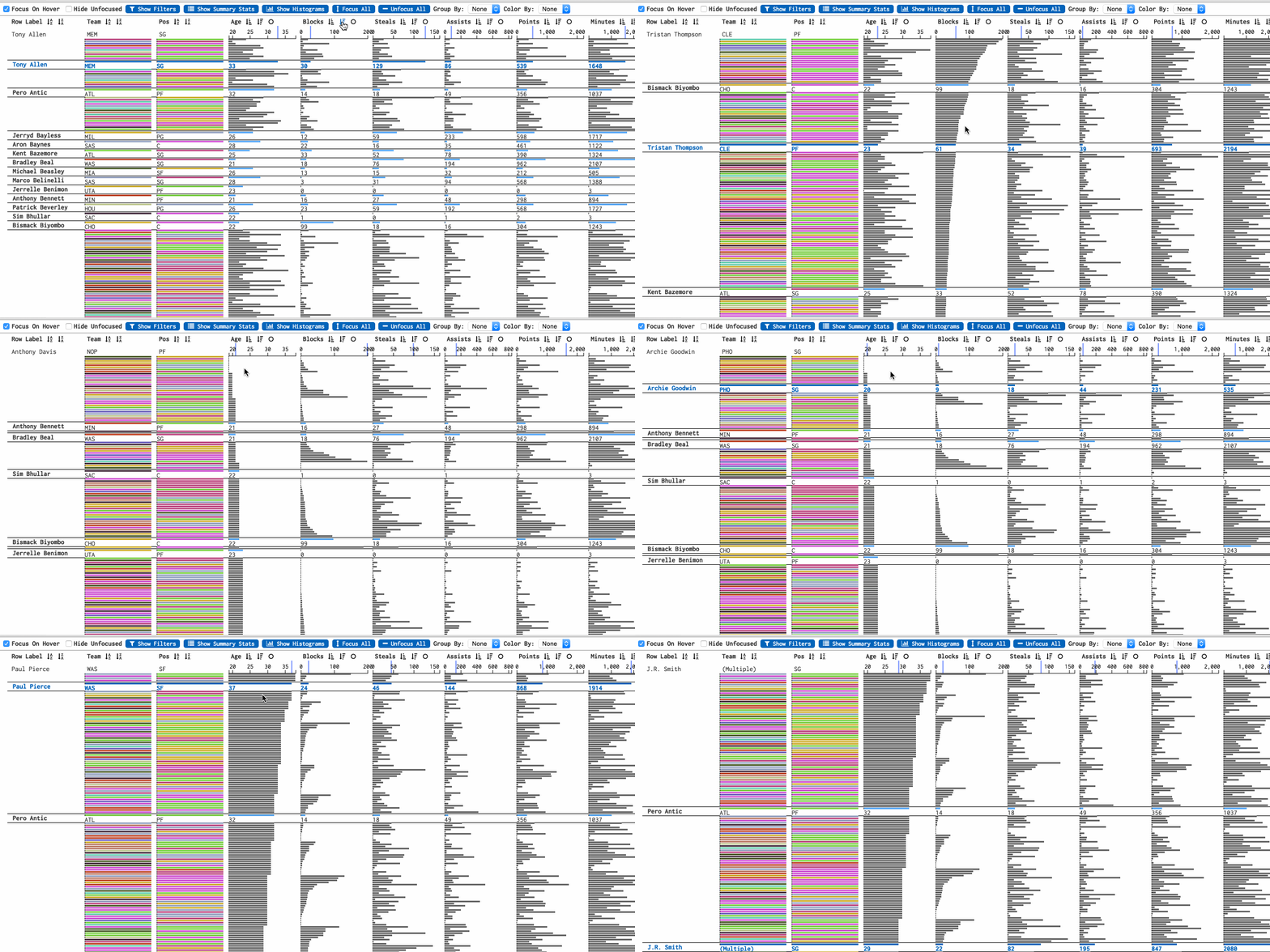
Sort by column(s)
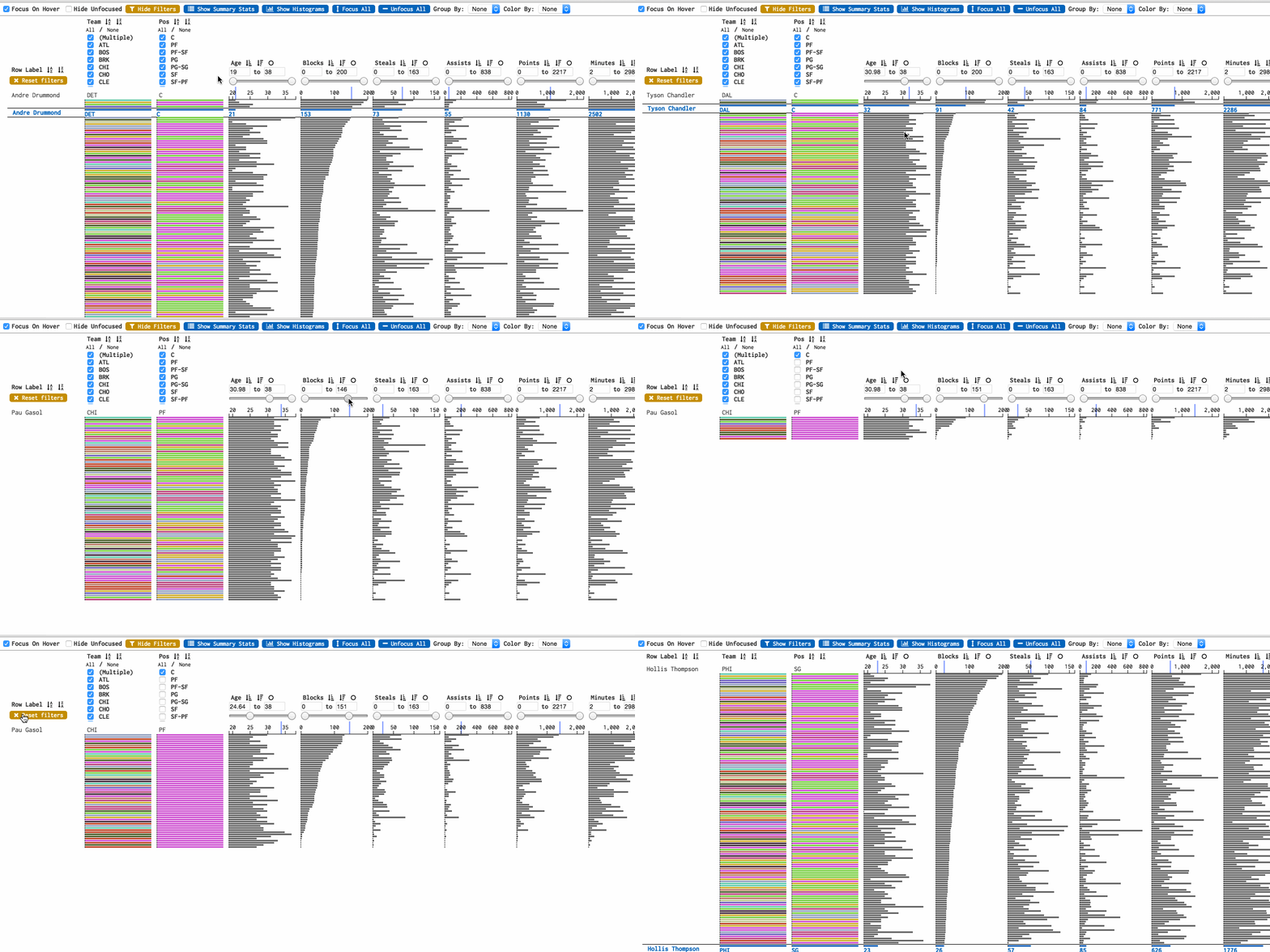
Filter rows visually with a slider or by specifiying exact bounds
Click and drag to select rows to focus
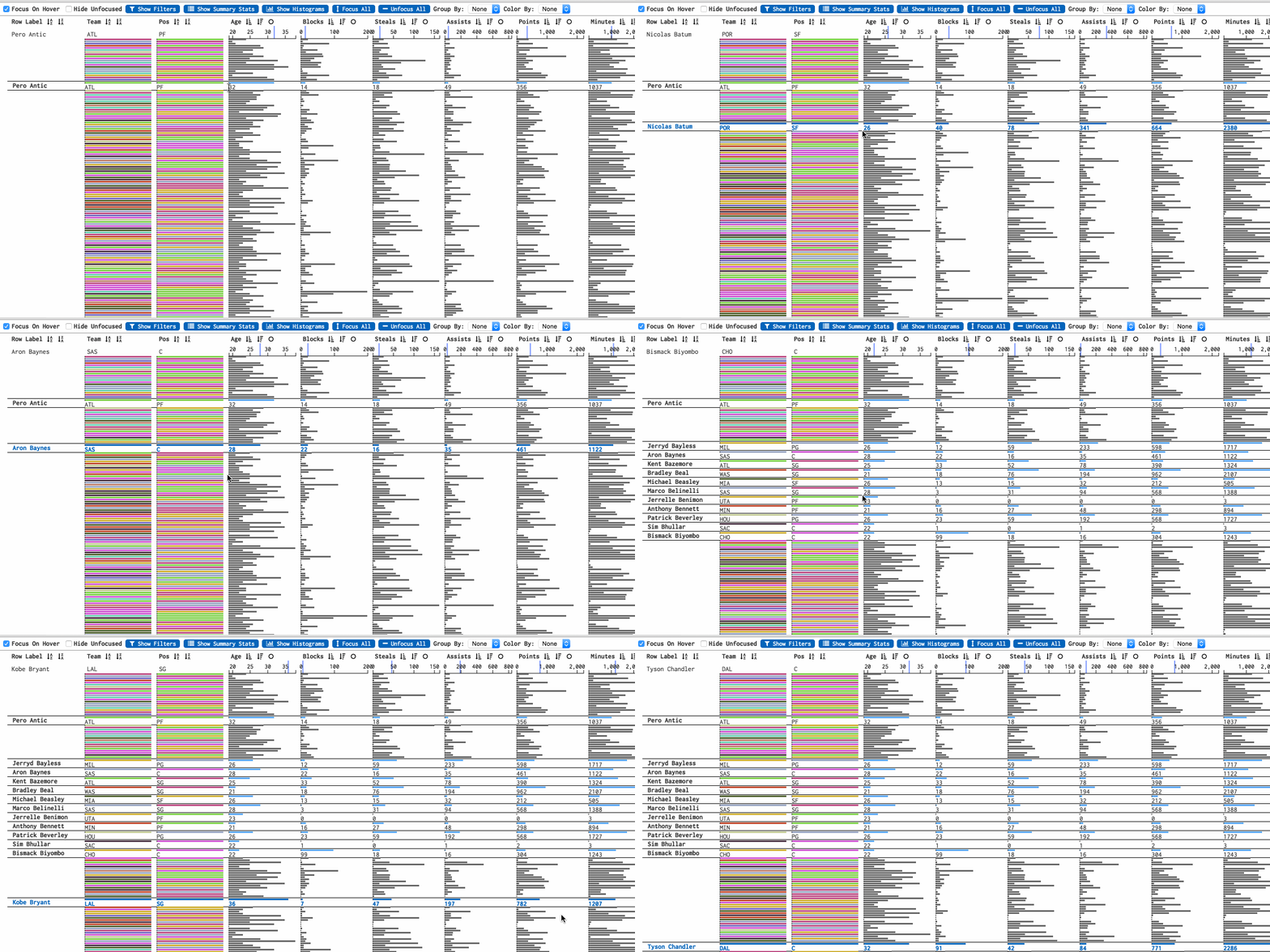
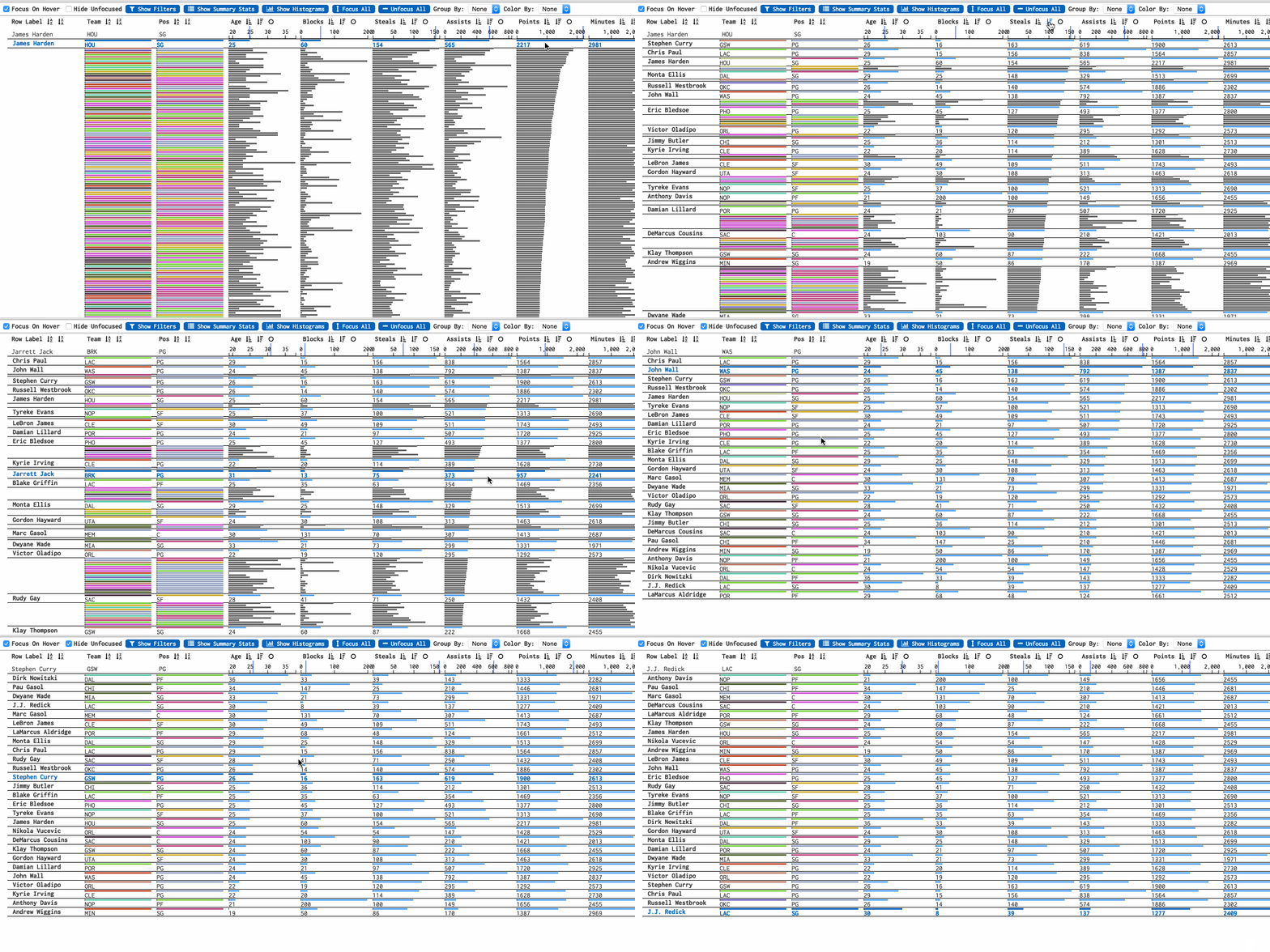
Show only selected rows to analyze a subset
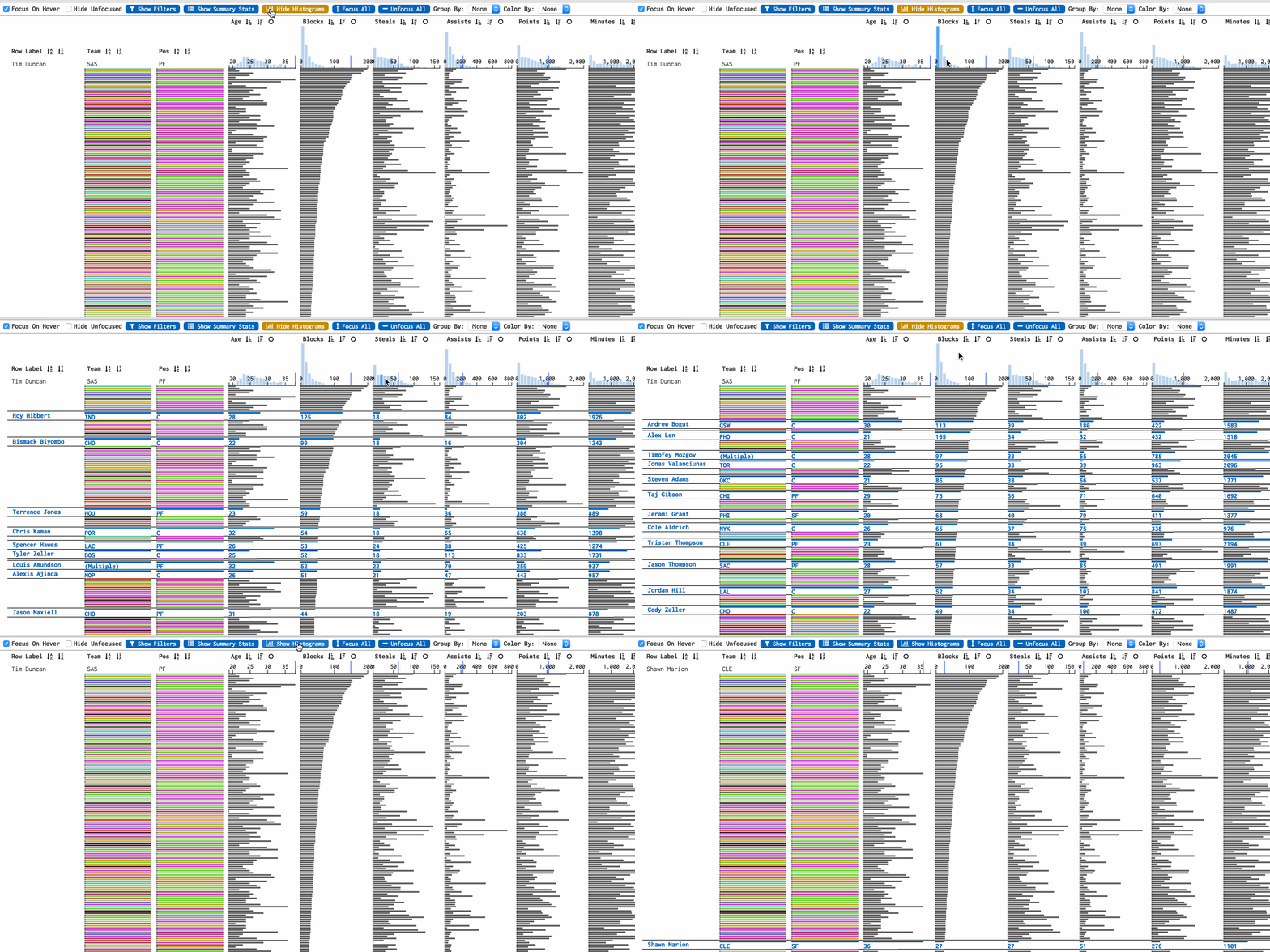
View distribution data for each column
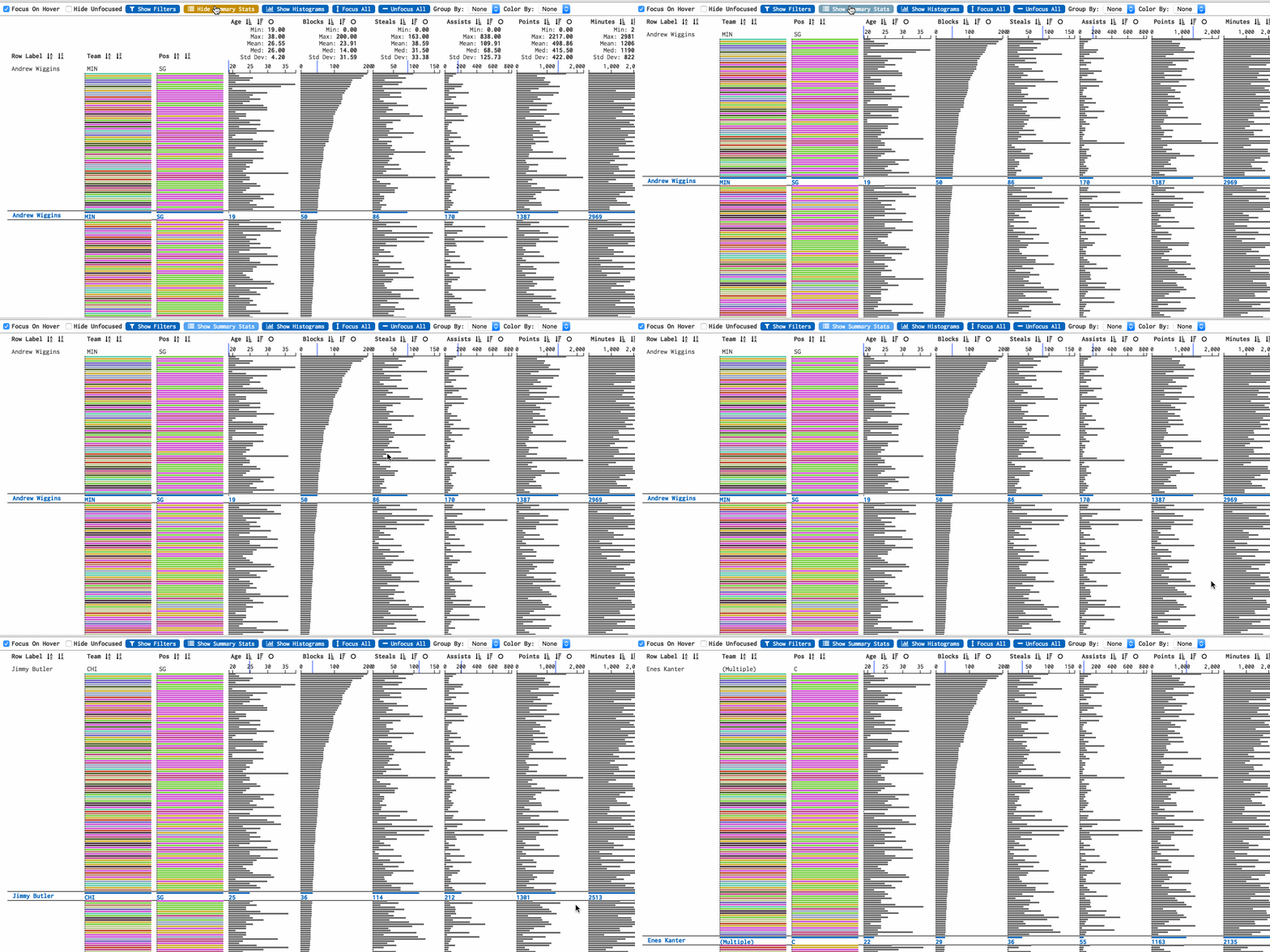
View summary statistics for each column
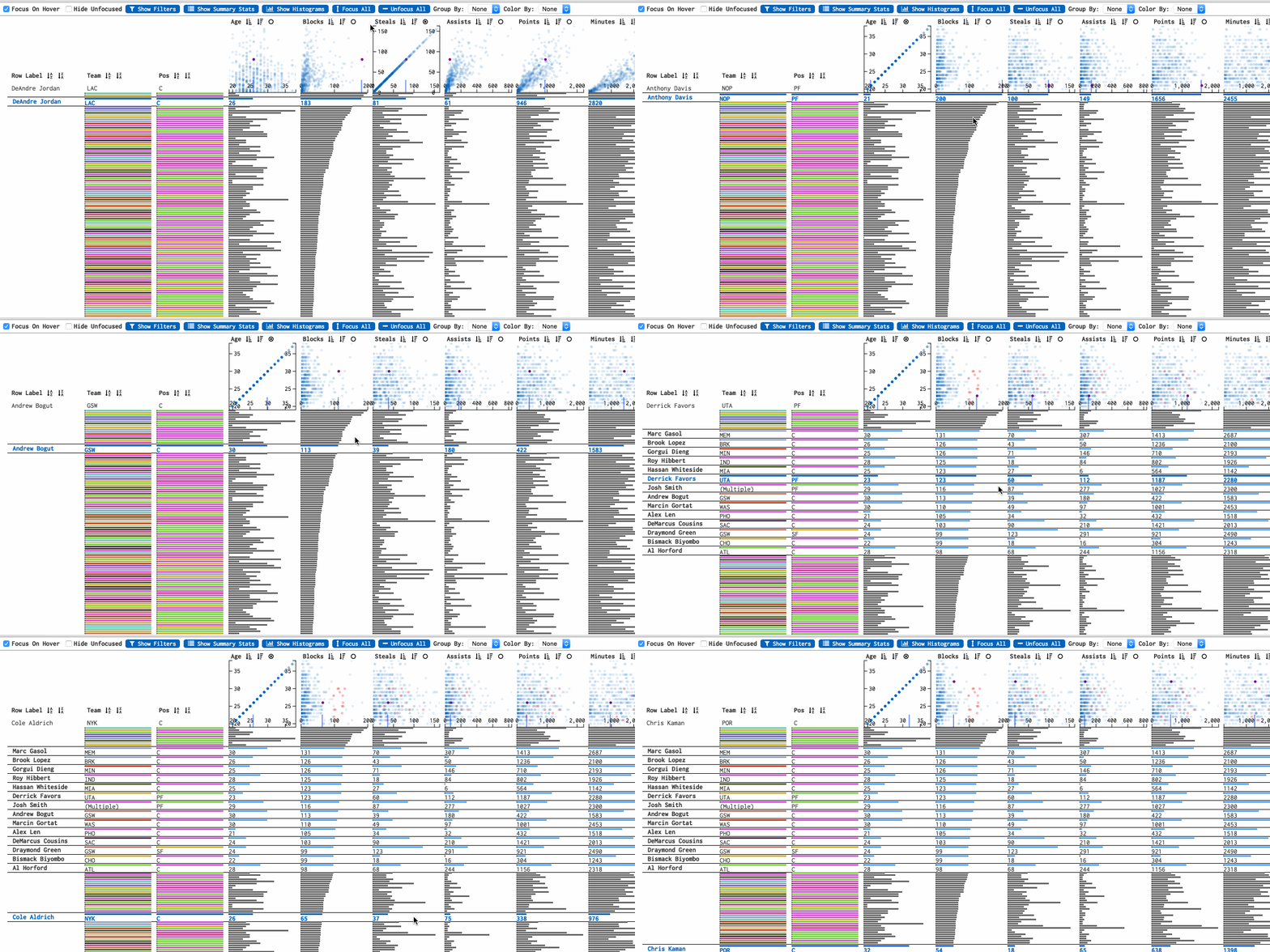
View relationships between columns by creating scatter plots of a column and all other columns
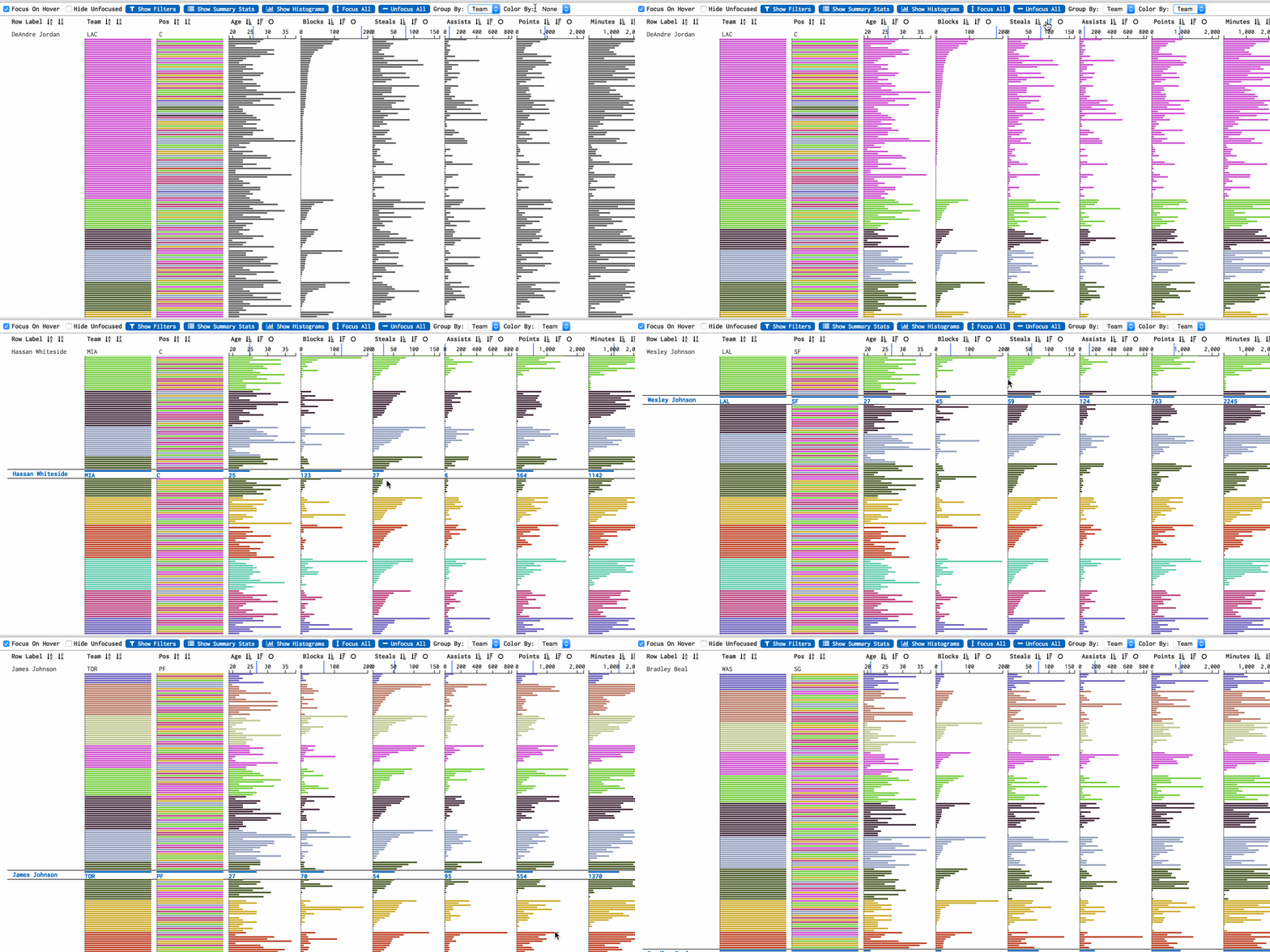
Group rows by discrete dimensions
Contributing
Pull requests welcomed! However, please try to mention or ask about it as an issue to make sure what you are working on will be merged in and is not already in progress.
$ npm install
$ npm run build
$ npm run serve
$ open http://localhost:5050/demo/
Testing
$ npm test
Resources
Blog post, demo of prototype/old version: http://www.bytemuse.com/post/data-comb-visualization/
R Package(CRAN!): https://github.com/mtennekes/tabplot
Table Lens Paper: https://www.cs.ubc.ca/~tmm/courses/cpsc533c-04-fall/readings/tablelens.pdf
Demo dataset sources:
- diamonds: https://vincentarelbundock.github.io/Rdatasets/datasets.html
- nba players: http://www.basketball-reference.com/
Status, project todo, notes
- [IN PROGRESS] v1/prototype:
- :thumbsup: project setup: can build, test, view in browser...
- :thumbsup: (https://github.com/cmpolis/smart-table-scroll) table row reuse (minimize # of <.row> DOM elements)
- :thumbsup: table layout and properly sized bars
- :thumbsup: hover interaction
- :thumbsup: click interaction
- :thumbsup: drag interaction
- :thumbsup: filtering
- :thumbsup: sorting
- :thumbsup: scatter plots (canvas)
- :thumbsup: histograms
- :thumbsup: summary statistics
- :thumbsup: grouping (by discrete dimensions)
- :thumbsup: coloring (by discrete dimensions)
- v2
- :x: expandable(full screen?) scatter plots
- :x: regressions in scatter plots
- :x: dynamic column addition, removal
- :x: custom column widths
- :x: functional column definitions from ui: eg:
areaCol: ${height} * ${width} - :x: axis labels
- :x: log scaling
- :x: quantize columns (continuous dim -> discrete dim)
- :x: illustrate filter response on histograms
- :x: illustrate filter response on scatter plots
- :x: close/expand groupings in table
- :construction: keyboard shortcuts
- :construction: HTMLWidget/R package
- :x: Serializable table configuration format. JSON?
- :x: Natural language/DSL mode for table configuration, querying
 cmpolis