

 cloudashdev
Support for AWS_ACCESS_KEY_ID/AWS_SECRET_ACCESS_KEY env vars
Right now, it is necessary to have a .aws/credentials file to run cloudash.
It would be great, if cloudash could be started from the terminal with AWS_ACCESS_KEY_ID and AWS_SECRET_ACCESS_KEY in the environment, so that I can choose my own way to populate those.

This also came up for me today: I only have an ~/.aws/config file as all my credentials are provided via AWS SSO. I needed to create an empty credentials file to be able to get past this screen:
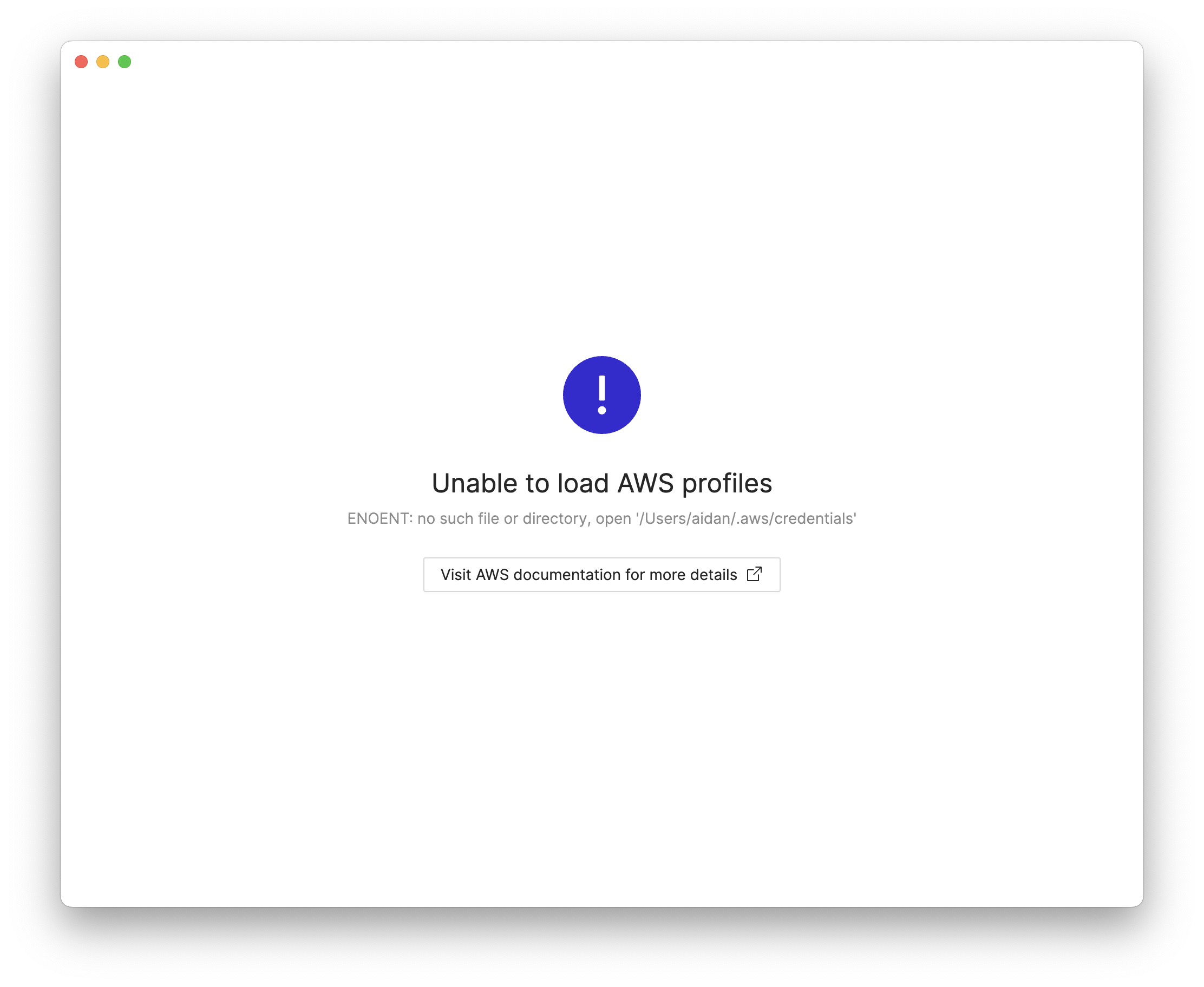

@aidansteele thanks for reporting. Fix for that will be released in the next version.

@sebbel your original request has been implemented in v1.18 https://github.com/cloudashdev/cloudash/releases/tag/1.18.0