

 ckeditor
Pasting into chromium based browsers strips some styling
To reproduce
- Rename the attached .txt file to .html
- Open in a browser, select all, copy
- Open in firefox: https://ckeditor.com/ckeditor-4/demo/#document
- Delete all the content in the default Document Editor and paste the previously copied content Note that the pasted content looks the same as the copy source.
- Repeat steps 3 and 4 with Chrome (or Safari, or Edge) Note that the pasted content is NOT the same as the copy source.
Font/sizing, colors, horizontal rule, indention are all missing.
This worked on a previous version of CKEditor, 4.4.5. I don't know where between 4.4.5 and 4.19 it stopped working.
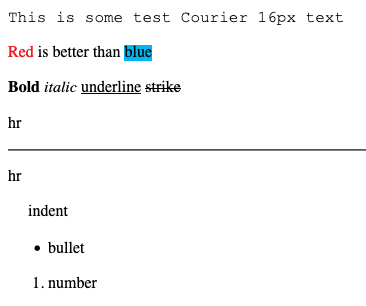
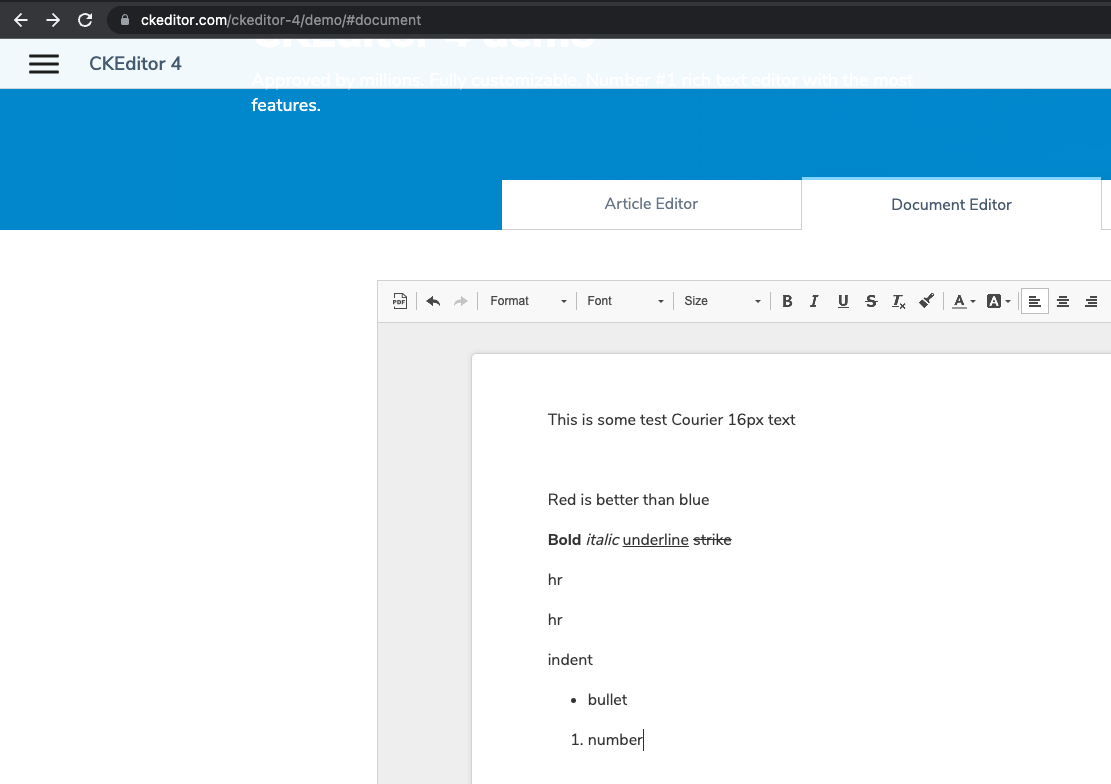
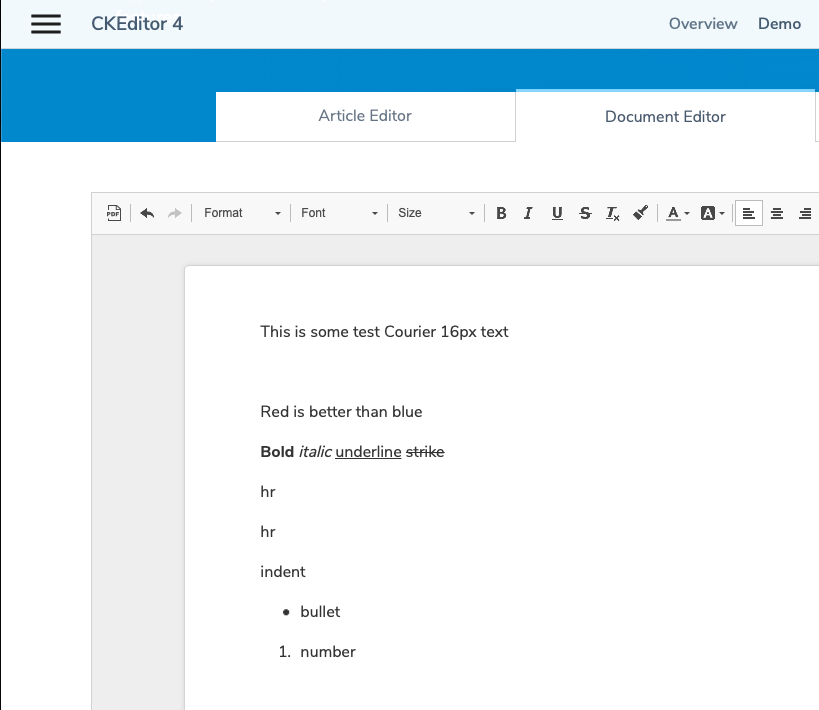
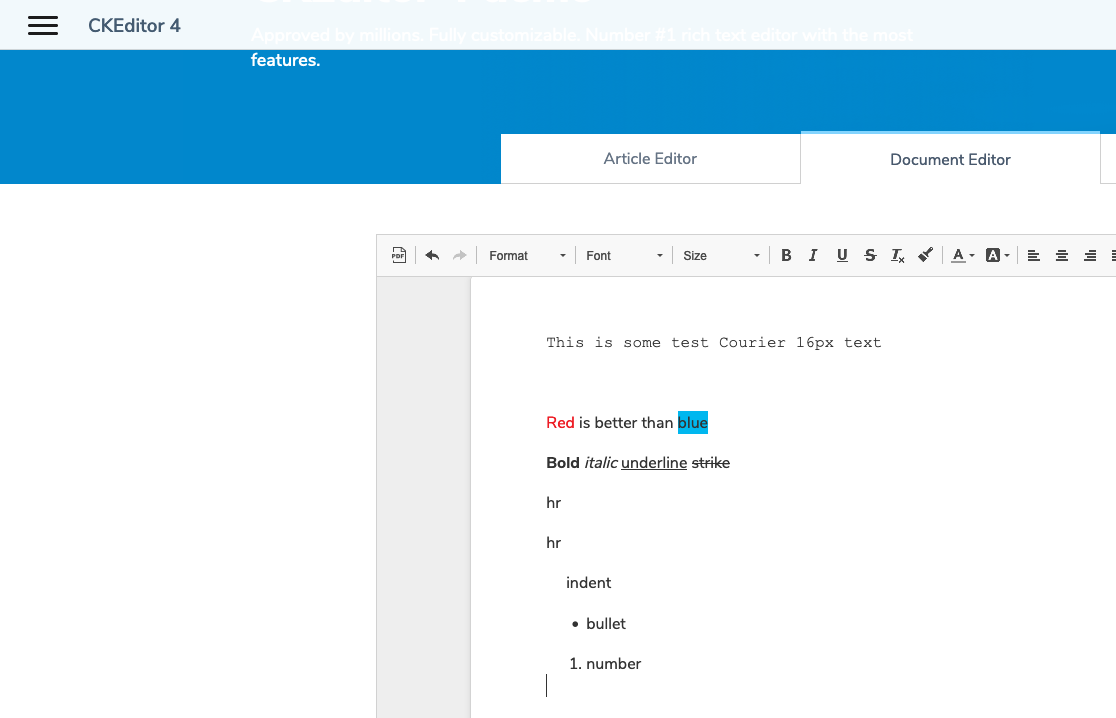

And for anyone that's wondering, Red is better than blue because I'm an NCSU graduate and married to a UNC graduate.
Hi @smaclagaibm - thank you for the report. I can confirm this issue.
Further issue details will be added soon...


Let's make a git bisect to understand what happened between these versions.

Anyway to get a rough estimate on when this might be prioritized? This is a frustrating regression after I upgraded. Thanks.
This change is connected with the introduction of the paste filter in CKEditor 4.5.0. By default, this filter removes some of the styling in Safari and Chromium-based browsers as they tend to paste too much bloat from the clipboard.
The old behavior can be restored by setting the pasteFilter config variable to null → https://codepen.io/Comandeer/pen/OJZMPVg

@Comandeer Thanks for pointing that out. Yes, that was the problem, and restoring it to "null" goes back to the old behavior. 🙇♂️