

 ckeditor
Using different styles in MS Word results in standard text pasted as bold
Type of report
Bug
Provide detailed reproduction steps (if any)
- Write a sentence inside the MS Word file.
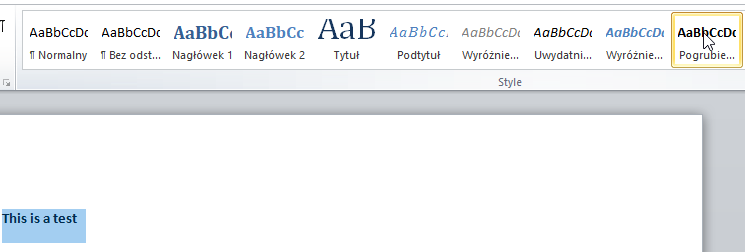
- Use a Strong style to bold it
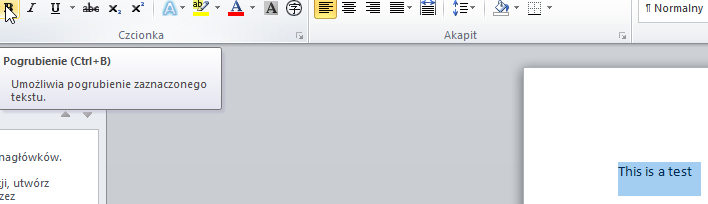
- Use the Bold button to unbold it
- Copy the sentence and paste it into CKEditor
Expected result
Text should not be bold.
Actual result
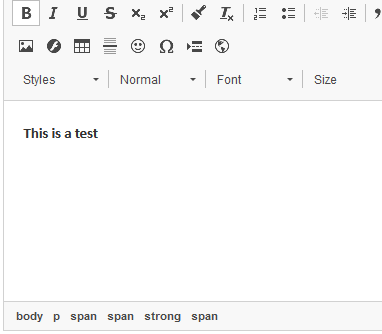
Text is bold
Other details
- Browser: Any
- OS: Any
- CKEditor version: All
- Installed CKEditor plugins: Paste From Word
The reason why this is happening is because in MS Word the Strong style operates on <strong> tag while the Bold button operates on <span style="font-weight:normal;. As a result, browser passes the follwing HTML:
<p><span style="font-size:11pt"><span><span style="font-family:"Calibri","sans-serif""><strong><span style="font-family:"Calibri","sans-serif""><span style="font-weight:normal">This is a test</span></span></strong></span></span></span></p>
CKEditor by default removes style font-weight:normal; but if you extend ACF config.extraAllowedContent = 'span{font-weight}'; then you can workaround this problem.
This bug is more of a question: should we treat this scenario as a bug because CKEditor should normalize such HTML or perhaps we should treat it as an upstream and extending ACF is the solution?

We should also see how it will behave for other MS Word basic styles (italic, underline, sub, sup, etc)

For now, the workaround mentioned by @jswiderski works.
As we talked with @jacekbogdanski, this problem is a bit more complex because the content received from Word looks incorrect. The strong element includes span with an inline CSS rule to reset bold.
To solve this problem in this situation we can try to split each element contained in strong, remove the inline CSS reset rule, and remove the surrounding strong element. For now, our basicstyles can't handle thIs case and the most tricky part can be proper walking up through the tree.
-
<strong><span style="font-weight:normal">foo</span><span>bar</span></strong>- situation whenfooshouldn't be bolded. -
[<strong><span style="font-weight:normal">foo</span></strong>][<strong><span>bar</span></strong>]- we should split both elements and normalize it. -
[<span>foo</span>][<strong>bar</strong>]- normalized content don't have any additional CSS rules and onlybartext is bolded.
