cfcurtis
LayerFilter deleting a layer incorrectly
hey @cfcurtis,
I know this issue is not really related to the goal of your project, but I desperately need help.
I found your code online - specifically your LayerFilter. I want to use this to completely delete a layer inside a PDF file. Here's what I have:
from pdfstitcher.layerfilter import LayerFilter
import pikepdf

filename = 'sagawa.pdf'
pdf = pikepdf.open(filename)
# get rid of レイヤー2 containing the dumb watermark
pdf = LayerFilter(pdf, keep_ocs=['レイヤー4', 'レイヤー5', 'レイヤー6']).run()
pdf.save('{}_watermarkless.pdf'.format(filename.split('.')[0]))
and this is my input file sagawa.pdf. Here's what gets produced if you run the above code - sagawa_watermarkless.pdf. The watermark text disappears, but some other elements disappear as well :( which is not what I want.
Could you please take a look and help me if this can be fixed?

Hi @dionysio,
Thanks for the interest in this project! I think there are some lingering issues with LayerFilter, it's surprisingly difficult to remove a layer. I'll take a look at your test files and see if I can identify any issues.
That said, I'm on linux at the moment and Evince doesn't seem to like this file either. It displays as a mostly blank page with a couple of random lines on it:
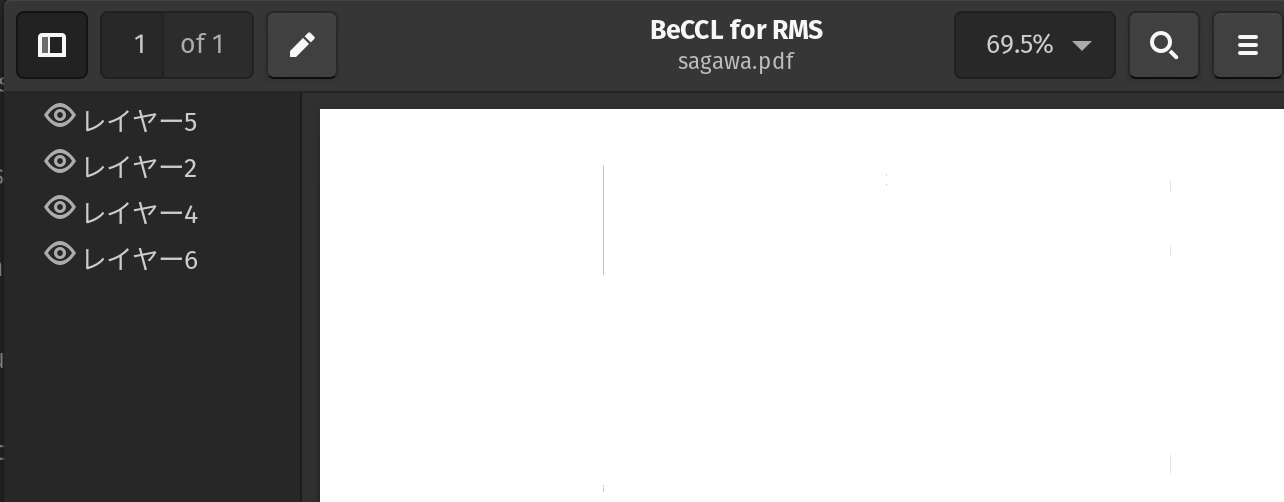

Yea, this whole PDF is terrible. The producer adds javascript to it, which hides/display this overlay on top (or shows an error message). I found that some PDF readers just don't run javascript at all so it doesn't display in them. For me opening it in Chrome or using Adobe Acrobat Reader works the best.
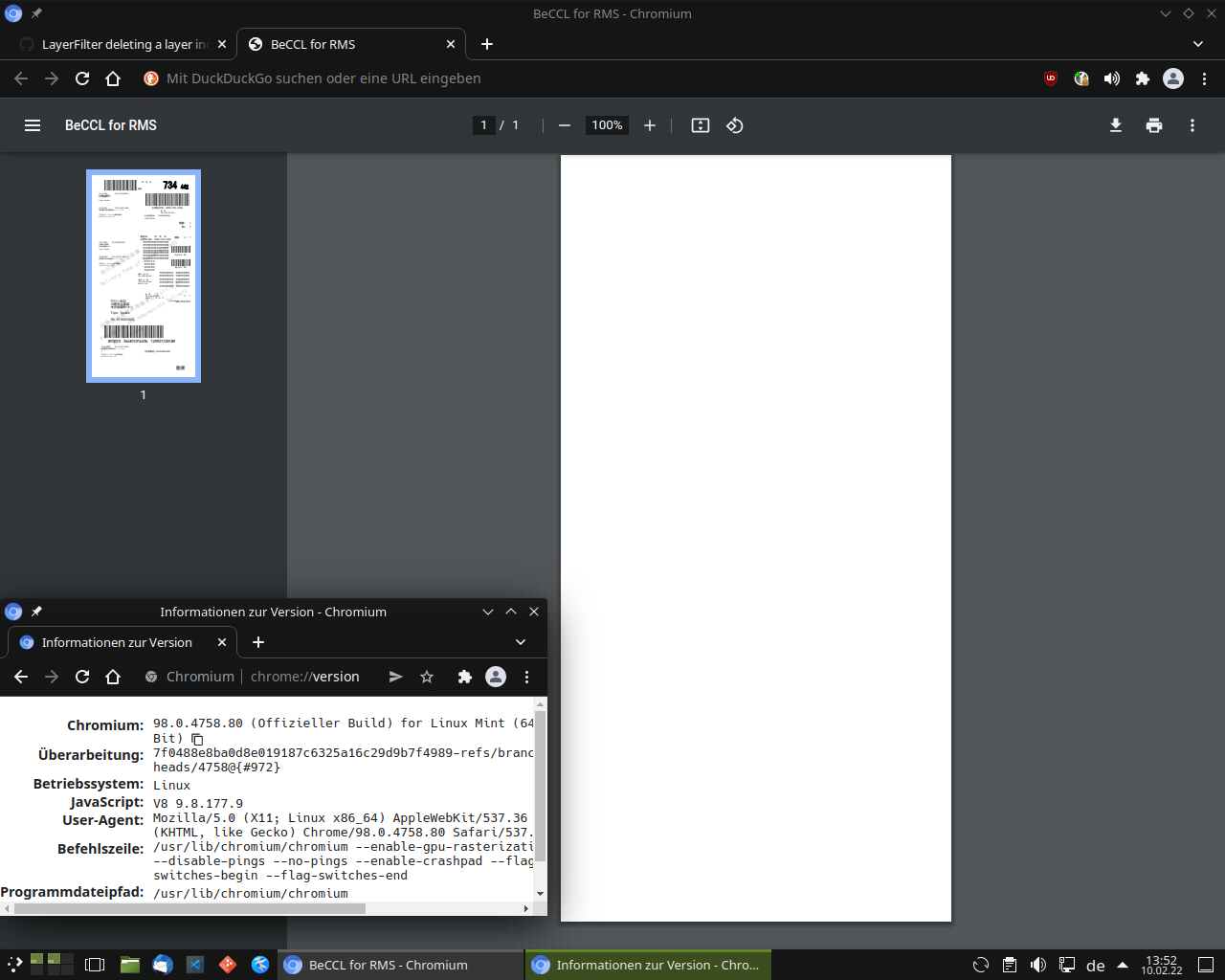
With Chromium M98 on Ubuntu 20.04, I can see content in the thumbnail, but the main view is blank anyway:

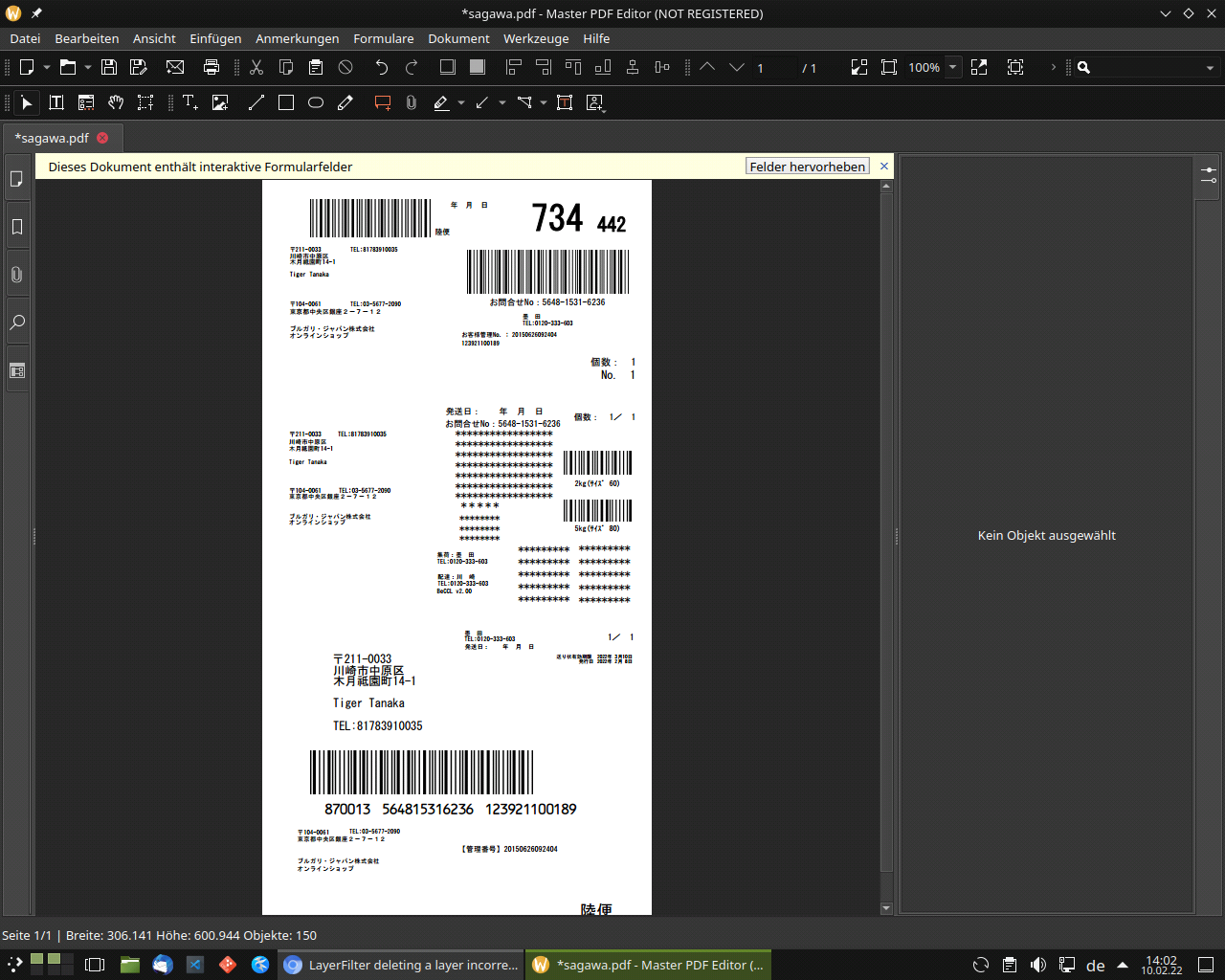
@dionysio The proprietary (but free of charge) Master PDF Editor 4 for Linux can display and edit your file if one removes the set of SMasks that cover the page. I have attached a more or less neutralised version of your document: sagawa.pdf