
iOSZipRarUtil
 iOSZipRarUtil copied to clipboard
 ceekay1991
iOS zip rar 压缩、解压缩 预览 compression and decompression rar、zip文件 密码判断 中文编码乱码处理
ArchiveUnArchiveIniOS_zip_rar
一、ArchiveUnArchiveIniOS_zip_rar简介
ArchiveUnArchiveIniOS_zip_rar 集成的第三方库
- UnrarKit---rar解压缩;
- SSZipArchive----zip解压缩、压缩(扩展密码判断、密码正确性判断);
- ZipZap----zip解压缩、压缩;
- unchardet---编码解析。
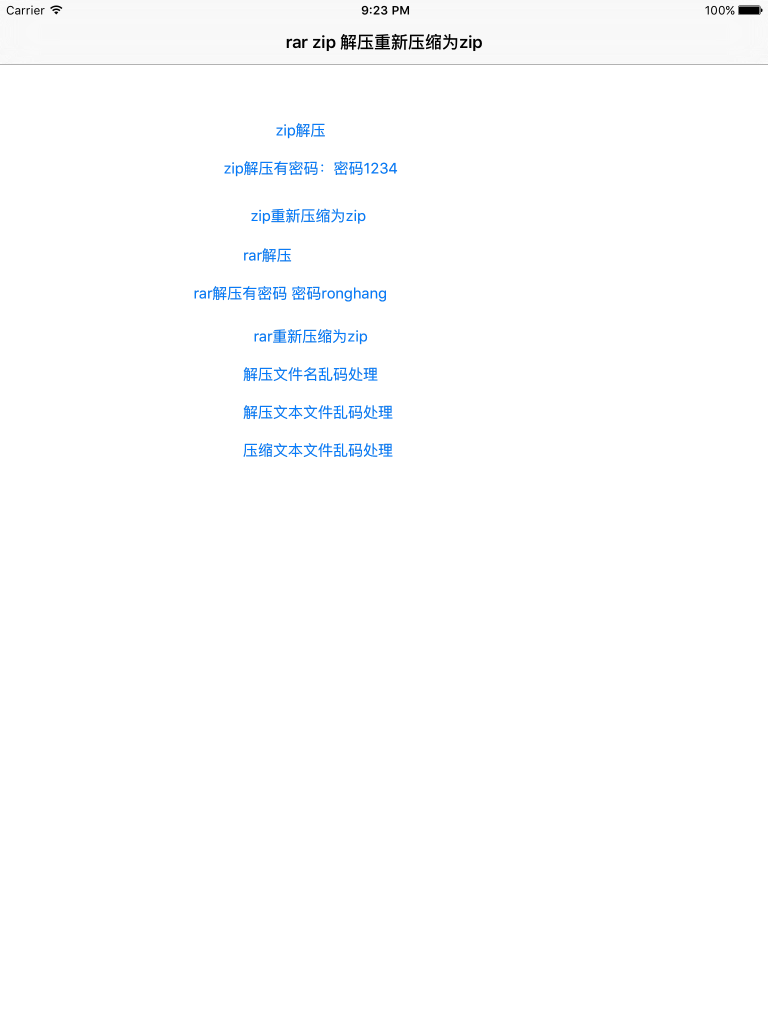
ArchiveUnArchiveIniOS_zip_rar 支持的功能
- 1、rar文件解压缩;
- 2、zip文件解压缩;
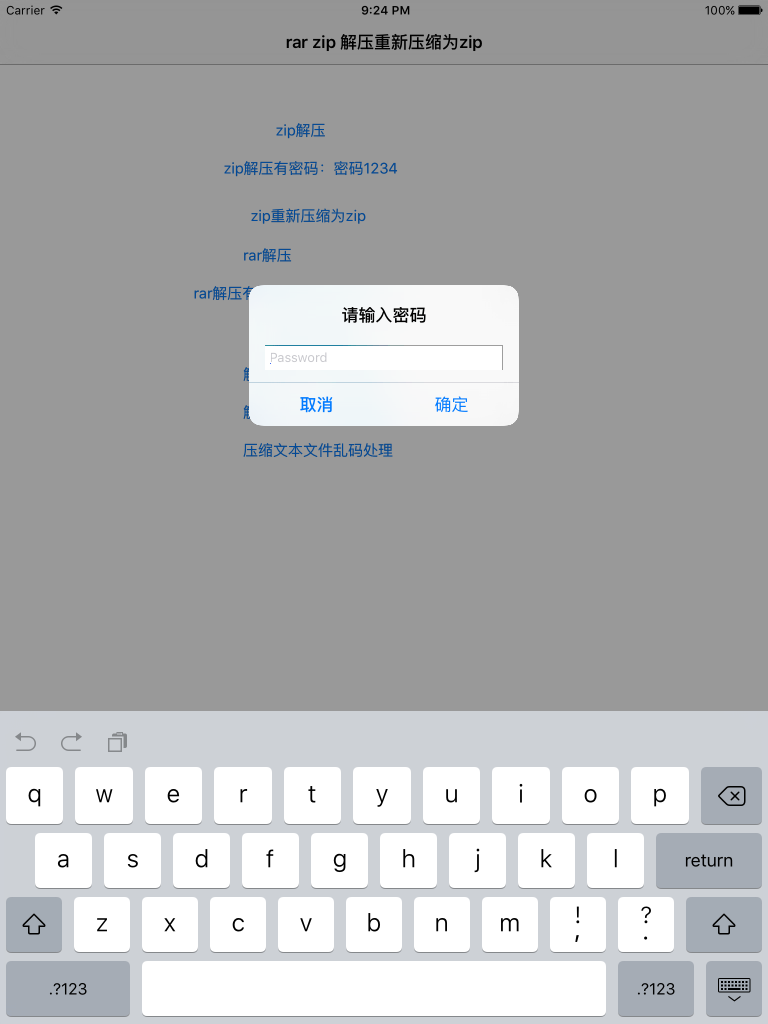
- 3、判断压缩文件是否有密码;
- 4、校验密码的正确性;
- 5、将压缩文件重新压缩为zip完美解决iOS7和iOS8对zip文件预览支持的差异性;
- 6、解压、压缩文件名编码解析;
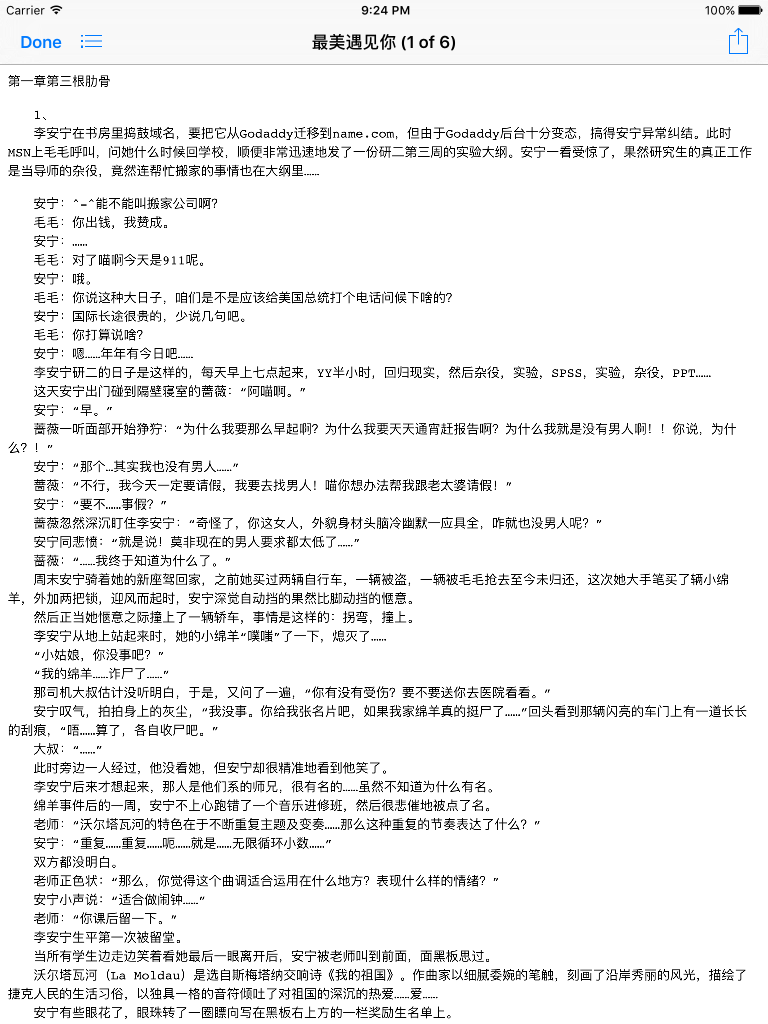
- 6、解压、压缩文本文件重新编码支持ios系统的预览;
二、ArchiveUnArchiveIniOS_zip_rar 使用步骤
-
1、将Class下的文件添加到工程目录
-
2、添加系统库
MobileCoreService.framework Foundation.framework ImageIO.framework CoreGraphics.framework UIKit.framework SystemConfiguration.framework libz.dylib QuickLook.framework -
3、buildsettings 配置
Other Link Flags 增加如下2项 -lc++ -force_load UnrarKit/libUnrarKit.a -
4.代码调用
解压缩:
	dispatch_async(dispatch_get_global_queue(DISPATCH_QUEUE_PRIORITY_DEFAULT, 0), ^{
  		 [BDCompressUtil unCompressWitthSourcePath:源文件 andDestenationPath:输出		目录文件夹 andFinish:^(NSString *filePath) {
     		dispatch_async(dispatch_get_main_queue(), ^{
       		 NSLog(@"unCompressFile 输出目录:%@",filePath);
      		});

  }];
 });
压缩:
   dispatch_async(dispatch_get_global_queue(DISPATCH_QUEUE_PRIORITY_DEFAULT, 0), ^{
     [BDCompressUtil reCompressToZIPWitthSourcePath:filePath
        andDestenationPath:ArchiveUnArchiveViewControllerOutPath
                 andFinish:^(NSString *filePath){
               dispatch_async(dispatch_get_main_queue(), ^{
                  NSLog(@"recompress2zip 输出目录:%@",filePath);

                      });

      }];
    });
三、备注
四 截图
Metadata
18
Stars
7
Forks
Watchers
Owner
 ceekay1991
Metadata
iOS zip rar 压缩、解压缩 预览 compression and decompression rar、zip文件 密码判断 中文编码乱码处理