

 bvaughn
RTL Support
While Grid displays cells with RTL languages since https://github.com/bvaughn/react-virtualized/commit/7595de7cf7dc8beef39b6383f8fbbeb0f5f9eddf, it doesn't actually display them in an RTL way. Ideally, when in RTL mode, all logic should be reversed so that the first cell appears on the right of the grid, etc.
A "hacky" way of achieving this has been suggested by mirroing both the gird and the cell via styleing both with transform: rotateY(180deg);. This needs to be investigated for possible performance cost. Additionally, while the cells are displayed correctly with this style, it is unclear if scrolling is in the intended direction.
edit: Once this is addressed, direction should be removed by default as this breaks other layouts

Just tested this. Unfortunately, it seems as twice-transforming (as above) doesn't mirror the scroll direction, and scrolling stays LTR. Might need to rewrite the logic to handle RTL natively (which would allow for other benefits, too)
I'm experimenting with a short-term fix for this in a local fork. Seems promising so far for non-dynamic-sized content. Will see if it pans out...

@bvaughn do you have any code for RTL for static sized content I could take a look at?

Hi and thanks to work on this.
I'm testing component with RTL and see that in the element class="ReactVirtualized__Grid ReactVirtualized__List VirtualList__list" dir property is forced set to ltr.
If manually set the inner element class="ReactVirtualized__Grid__innerScrollContainer" property dir="rtl" seems to works well.
Hope to get update.

@bvaughn Also ran into this, we have to manually reset direction to rtl for all cells and headers.


as a temporary hack, how about passing an rtl prop that simply sets the horizontal offset to the width of the list, and changes the left style attribute to right?
I haven't looked at the internal or RV but do you see a reason it won't work? I'm going to try it now in my (sadly) RTL project, and will report progres
EDIT
I tried that locally, epic fail :)
Will try next to reverse the array and offset the initial scroll left
EDIT 2 :v:
This approach works on our project (only now deploying to production).


OK, found a solution!
@bvaughn do you see any drawbacks from this approach?
I can prepare a PR to accept an rtl prop to make this work out of the box in RV. Thanks for the awesome project btw! :)
Copied lightweight code from sandbox:
const height = 50;
const columnWidth = 40;
const listWidth = window.innerWidth;

const list = [...new Array(1000)].map((_, idx) => idx);

const cellRenderer = ({ columnIndex, style, key }) => {
  const item = _.nth(list, -columnIndex - 1);
  return (
    <div key={key} style={style}>
      {item}
    </div>
  );
};

function getGridWidth() {
  console.log(list.length * columnWidth);
  return list.length * columnWidth;
}

function scrollLeft(rtlIsOn) {
  if (!rtlIsOn) {
    return 0;
  }
  return getGridWidth();
}

function App() {
  const [rtlIsOn, setRtlIsOn] = useState(true);
  return (
    <div>
      <Grid
        height={height}
        columnCount={list.length}
        columnWidth={columnWidth}
        rowCount={1}
        scrollLeft={scrollLeft(rtlIsOn)}
        rowHeight={height}
        cellRenderer={cellRenderer}
        width={listWidth}
      />
      <div style={{ marginTop: 40 }}>
        <input
          style={{ cursor: "pointer", width: 16, height: 16 }}
          id="isRtlCheckbox"
          type="checkbox"
          value={rtlIsOn}
          checked={rtlIsOn}
          onClick={evt => setRtlIsOn(!rtlIsOn)}
        />
        <label
          style={{ cursor: "pointer", fontSize: 20 }}
          htmlFor="isRtlCheckbox"
        >
          RTL mode
        </label>
      </div>
    </div>
  );
}
ok, seeing a weird behavior ... I have a vertical virtual list, and each of the items has it's own virtual list in RTL mode (see the previous comment).
the images are in order (RTL works fine) but some of the lists render partially. Any ideas what to investigate here?
If I remove RTL it works flawlessly :)
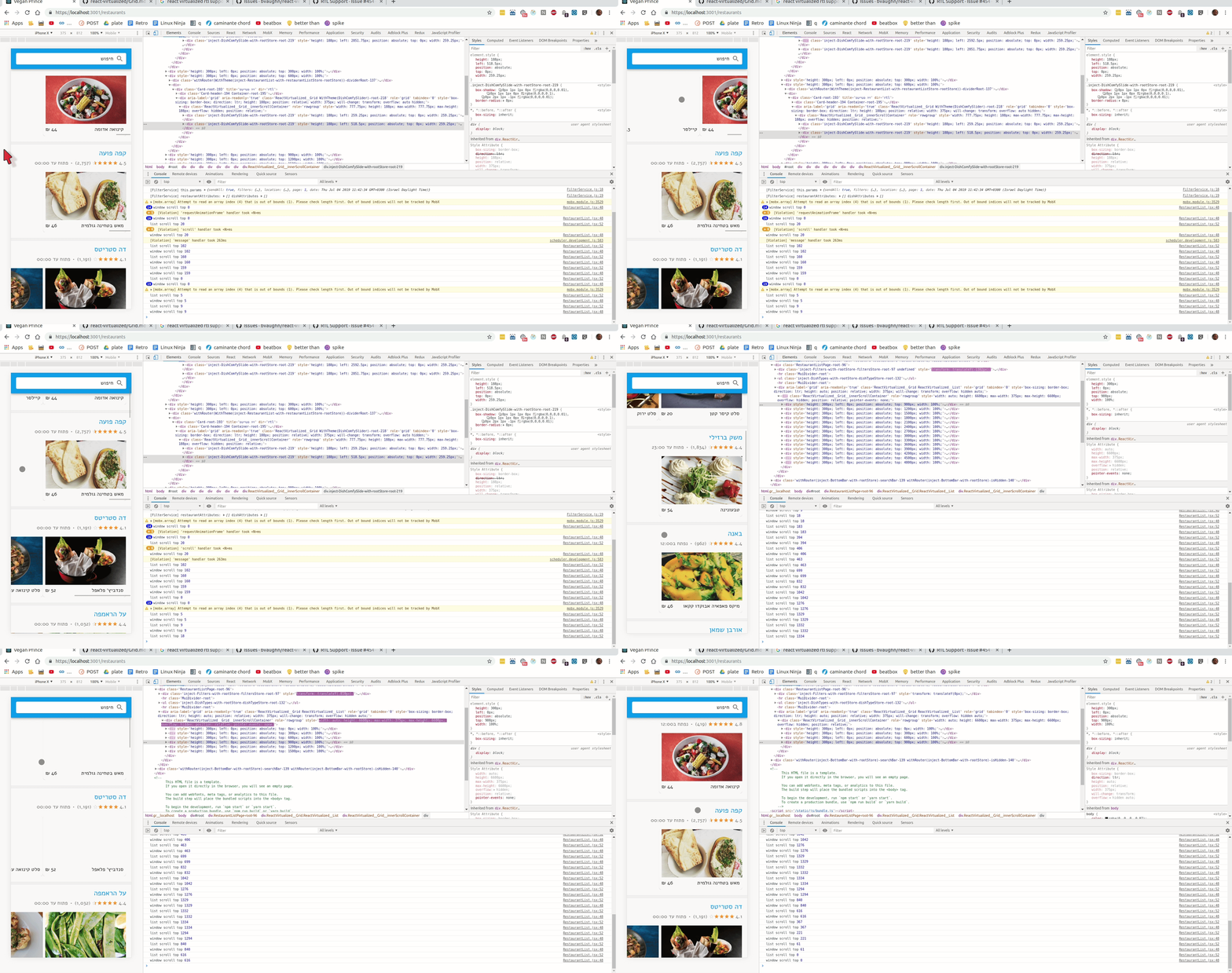
Guys where are we standing with this? I'm happy to send a PR with some guidance. ATM this is blocking us for using react-virtualized in our project :(
I'm hacking it through CSS right now:
.ReactVirtualized__Grid, .ReactVirtualized__List { direction: inherit !important; }

I'm hacking it through CSS right now:
.ReactVirtualized__Grid, .ReactVirtualized__List { direction: inherit !important; }
Thank you 🙌 It's a dirty way but works like a charm 🍻


This snippet will edit the style object passed in rowRenderer or cellRenderer:
const documentDirection = getDocumentDirection(); const isRTL = documentDirection === "rtl"; const { left, right } = style; const updatedStyle = { right: isRTL ? left : left === "unset" ? right : left, left: isRTL ? "unset" : left === "unset" ? right : left, };
here is getDocumentDirection code:
export const getDocumentDirection = (): DocumentDirection => { const documentDirection = getComputedStyle( document.documentElement ).direction; return documentDirection === "rtl" ? "rtl" : "ltr"; };
then pass the updated style with the style of rowRenderer or cellRenderer:
https://github.com/bvaughn/react-virtualized/blob/master/docs/List.md#rowrenderer
const cellStyle = Object.assign({}, style, { ...getCellStyle(style), });
