

 box
box
Box Content Picker overwrites button styles of Bootstrap 4
Environment:
- Elements version: 7.2.0
Steps to reproduce the problem:
- Include
https://cdn01.boxcdn.net/platform/elements/7.2.0/nl-NL/picker.cssas stylesheet - Include
https://stackpath.bootstrapcdn.com/bootstrap/4.1.3/css/bootstrap.min.css
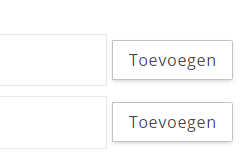
What is the expected behavior? (Screenshots can be helpful here) I expect the buttons of the content picker to have one style, and the default Bootstrap buttons to have their own style.
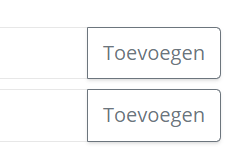
What went wrong? (Screenshots, console logs, or HAR files can be helpful here) The style of other buttons on my page, not inside of the Box UI Elements is overridden.

Duplicate of #522. Unfortunately, it is a problem with our underlying component library which has the same css classes as bootstrap. We are aware of the issue, and hopefully it will be resolved soon


Hi @tmswartz12 and @Helveg, thanks for reaching out about this issue!
We recently created a new next dist tag with namespaced CSS class names, e.g., bdl-Button instead of btn. You can see the changes in this commit. If you're using npm, you can upgrade to 11.0.0-next.1 to try out the new class names.
Please note that this release is experimental and thus will not be available via our CDN. If you find any bugs, please report them to us in this thread.

Hi there, 2022 still experiencing this issue with version 15.0.0
This CSS still contains the .btn & .btn-primary classes, overwriting or clashing with tailwind classes in my app: https://cdn01.boxcdn.net/platform/elements/15.0.0/en-US/explorer.css
How to fix this?

