
fonted
 fonted copied to clipboard
 blackmann
Change workspace font for vscode

``` Version: 1.77.3 (user setup) Commit: 704ed70d4fd1c6bd6342c436f1ede30d1cff4710 Date: 2023-04-12T09:16:02.548Z Electron: 19.1.11 Chromium: 102.0.5005.196 Node.js: 16.14.2 V8: 10.2.154.26-electron.0 OS: Windows_NT x64 10.0.22621 Sandboxed: No ``` 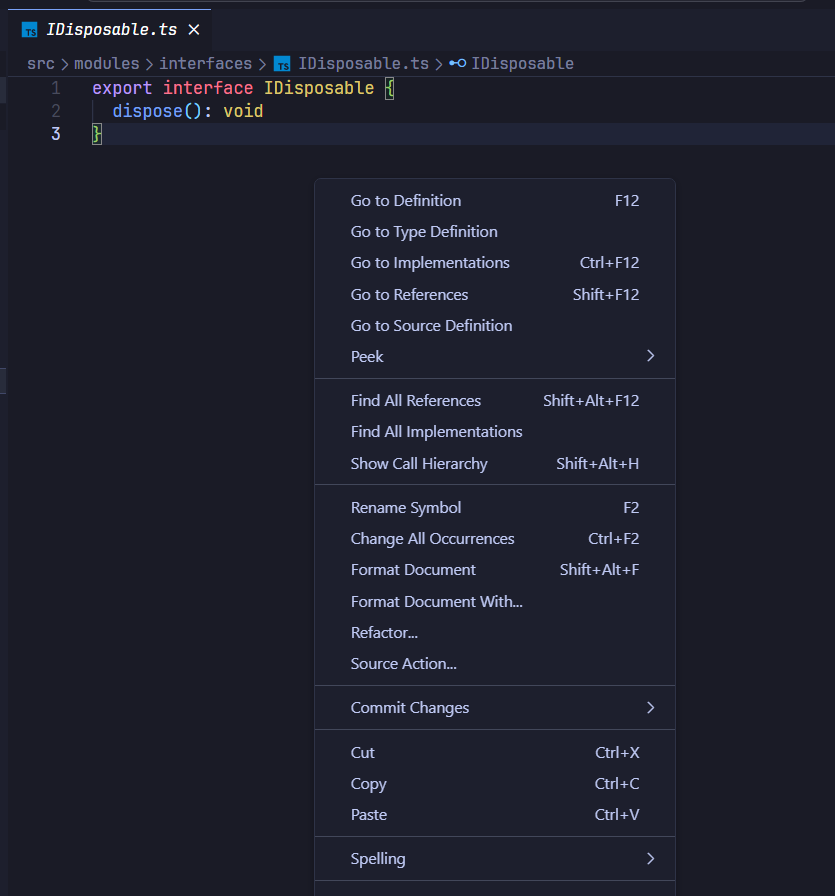

Steps: 1. Install fonted 2. Click "File>Preferences>Settings>Extensions>Fonted" 3. Type in "Iosevka" on the "Font" text box 4. Press Ctrl+Shift+P, then type "fonted", select "Fonted: Enable" 5. Click "Restart" 6. Wait...

What the title says, I was experimenting with how fonts looked, ran the enabled command multiple times in a row and it replaced the Vanilla font so when I run...

I set the font to the pragmata mono suggested: and then ran the enable command and restarted. the UI font now seems to be some times new roman looking thing:...

I improved font change algorithm. Now it replace fonts in the `workbench.desktop.main.js` and `workbench.desktop.main.css` files. Tested on: ``` Version: 1.77.3 (user setup) Commit: 704ed70d4fd1c6bd6342c436f1ede30d1cff4710 Date: 2023-04-12T09:16:02.548Z Electron: 19.1.11 Chromium: 102.0.5005.196...
I'm using Cursor and when using this all I get is the font changed to some Serif font. Also unistalled it and the font still Serif everywhere.

Please update the fonted in open-vsx marketplace. After upgrading Windsurf to version 1.6.1 (VS Code 1.97.0) I cannot enable it. Here is the error message: > Command 'Fonted: Enable' resulted...

# Search input under Source Control  # Search input under Extensions  # Context Menu 

