

 bitsensor
Can't save new rule
I have some rules on my dockerized elastalert which work fine and now I'm trying to get them shown in its plugin and see no rules and if I create one I see an error:
Failed to save
Rule 'test' could not be saved: (500) Internal Server Error
How can I see all my stored on file system rules in kibana and why can't I add new rule?


I have this problem too. ELK 6.7.2 Elastalert 3.0.1 Kibana-plugin for 6.7.2 I solved my problem. I used elastalert-server in docker and mounted volumes (rules,rule_template). I chached rule for others users( chmod o+rw rules). It work for me

I have this problem with ELK 7.1.0, elastalert 3.0.0-beta.0 and kibana-plugin 1.0.4-7.1.0 all in docker.

I think you could try to execute command chmod -R o+rw rule and try to create new rule into kibana plugin. It is work for me
FYI we are using the elastalert 3.0.0-beta.0. Running that command didn't seem to work for me.
sudo docker run -d -p 3030:3030 -p 3333:3333 -v pwd/config/elastalert.yaml:/opt/elastalert/config.yaml -v pwd/config/elastalert-test.yaml:/opt/elastalert/config-test.yaml -v pwd/config/config.json:/opt/elastalert-server/config/config.json -v pwd/opt/elastalert/rules:/opt/elastalert/rules:rw -v pwd/rule_templates:/opt/elastalert/rule_templates --net="host" --name elastalert bitsensor/elastalert:3.0.0-beta.0
Adding the :rw option didn't work for me.
Check access rights for the folder and for files of rules. Everything works for me.
My config was pointed at /opt/elastalert/rules instead of the current directory with /rules. It made perfect sense after I quit screwing around with Docker.
https://media.giphy.com/media/xT5LMzIK1AdZJ4cYW4/giphy.gif
hi i have the same problem
pls some one can help me i istalled elastalert plugin for kibana 7.3.2 but i have issue the rule can't saved
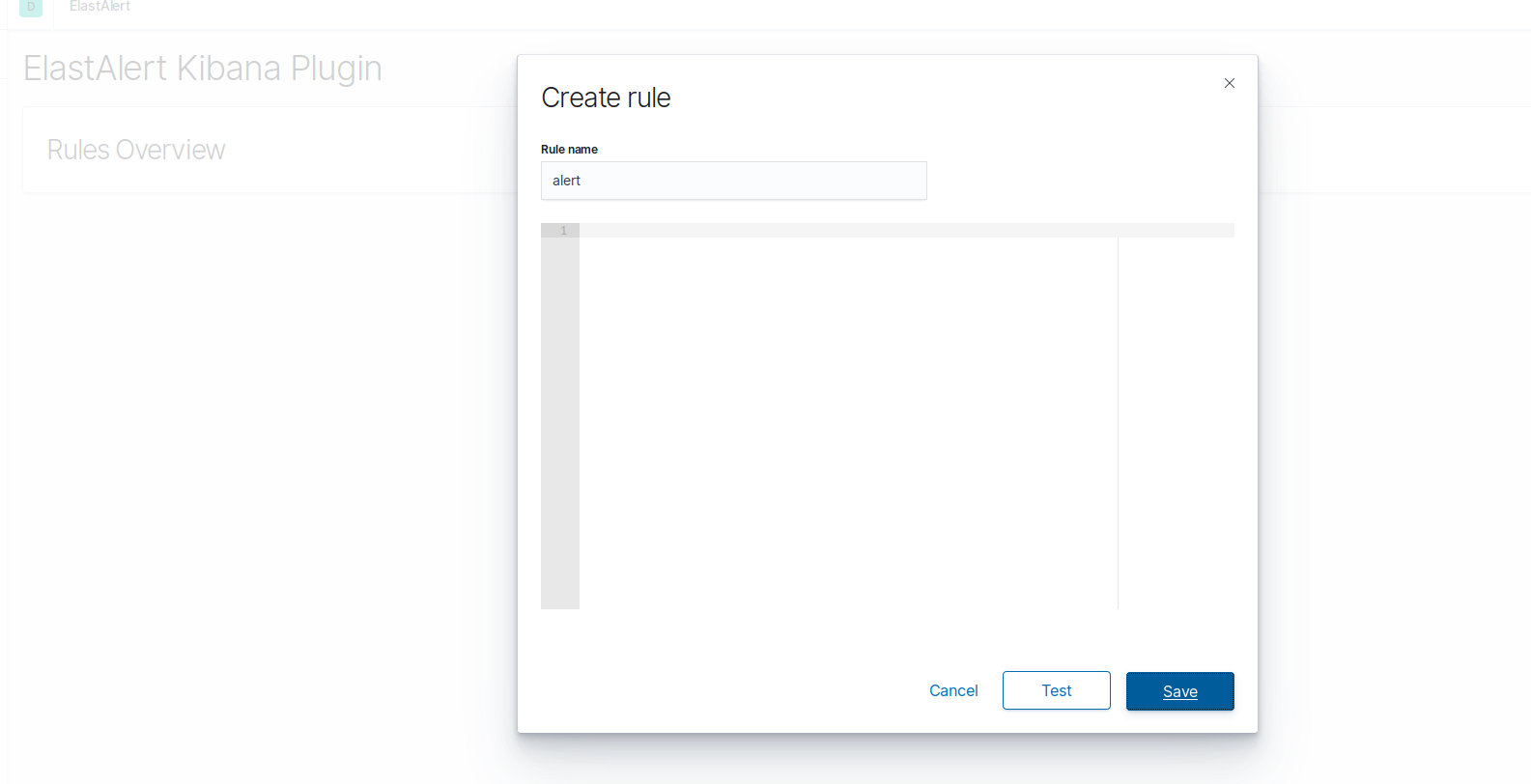
any help????? this my config kibana.yml file: elastalert-kibana-plugin.enabled: true elastalert-kibana-plugin.serverHost: 123.0.0.1 elastalert-kibana-plugin.serverPort: 9000 elastalert-kibana-plugin.serverSsl: false

On the Host OS (Were you have installed docker) just execute the command:
#chmod -R o+rw /opt/elastalert/rules/
And then you are on the go...
