
flutter_refresh
 flutter_refresh copied to clipboard
 best-flutter
A Flutter plugin for refreshing every scrollable view by pulling down-up.
I/flutter (10831): Another exception was thrown: A ValueNotifier was used after being disposed. I/flutter (10831): Another exception was thrown: 'package:flutter/src/widgets/framework.dart': Failed assertion: line 4598 pos 14: 'oldChild == null ||...


下拉刷新展示异常

如果布局既有listview也有左右滑动(子项SingleChildScrollView)左右滑动时会出现下拉刷新,我是在你的_drag(ScrollNotification)方法里加入了方向判断

上拉加载更多的时候,数据还没有请求成功,底部的那个圈圈指示器就隐藏了,我就以为数据加载成功了,然后一看没有数据,是我用的不对,还是需要设置,怎么设置底部的圈圈指示器一直显示,等数据返回加载了再隐藏

先上图:首先这个是默认的界面,刚初始化,还没刷新的 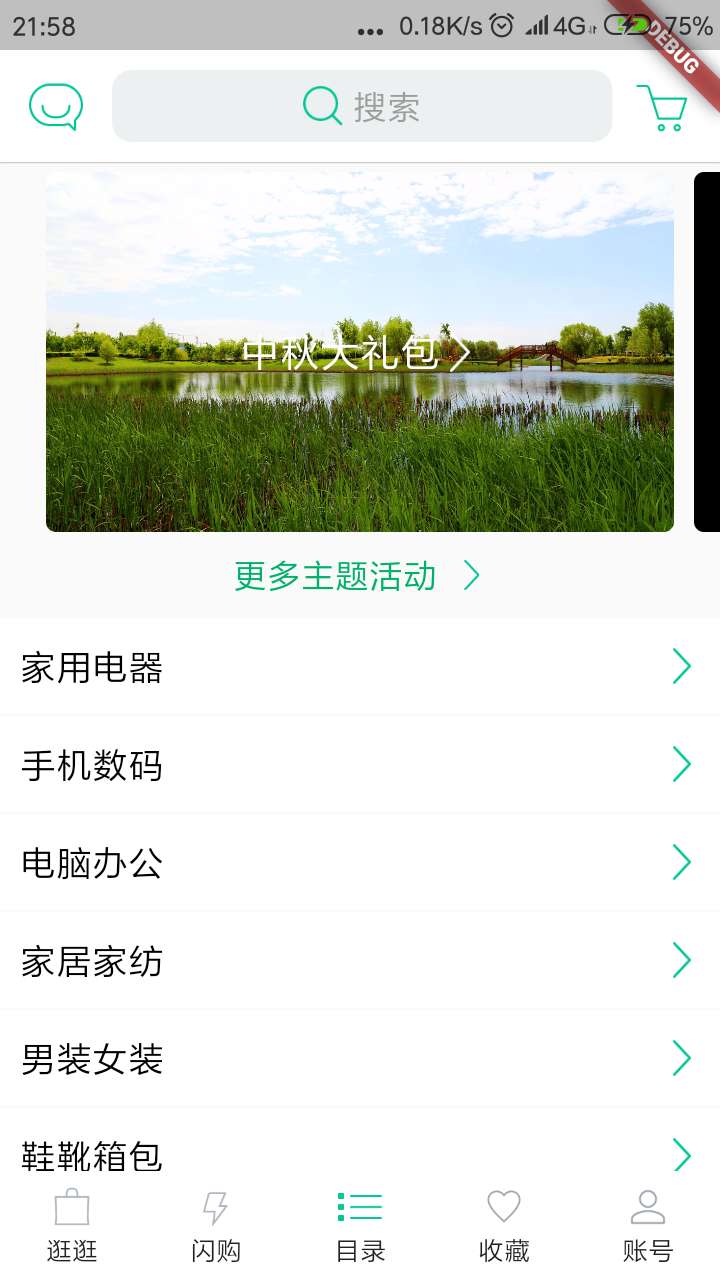 然后这个是刷新过后的,顶部多了个间距 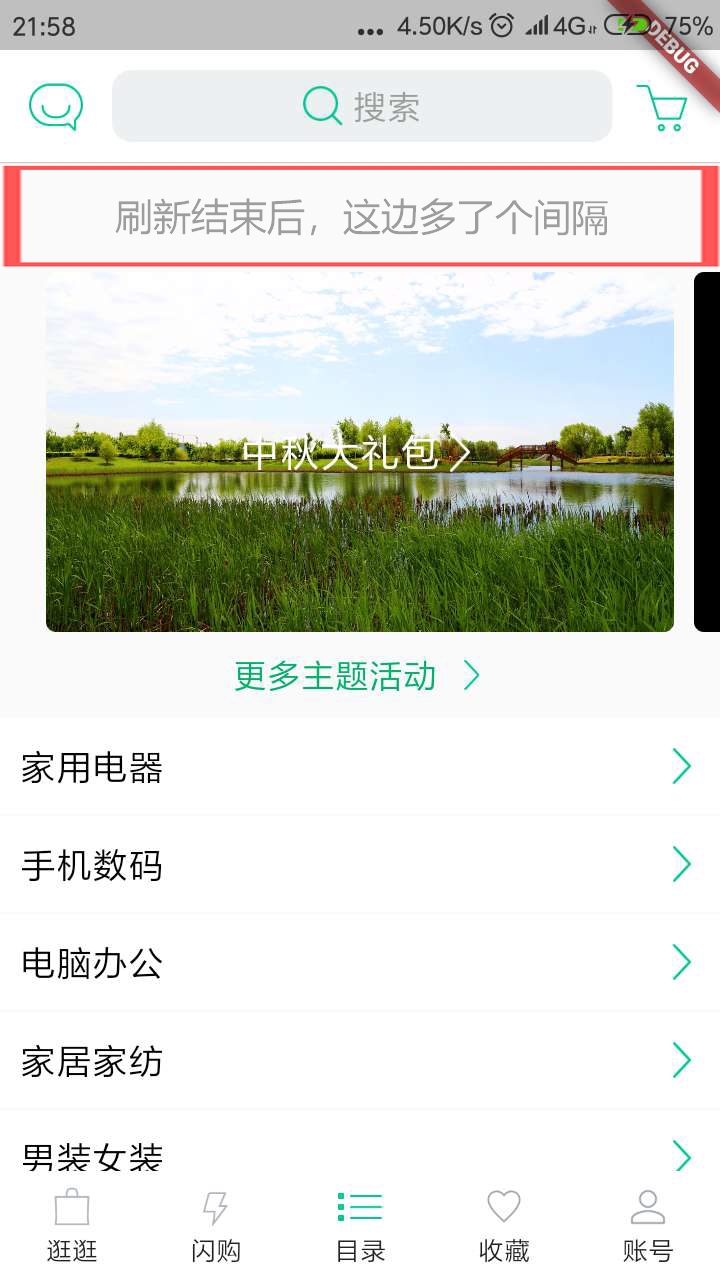 最后这个是我把它往上滑的,顶部那个距离,就多出现了那个刷新时间 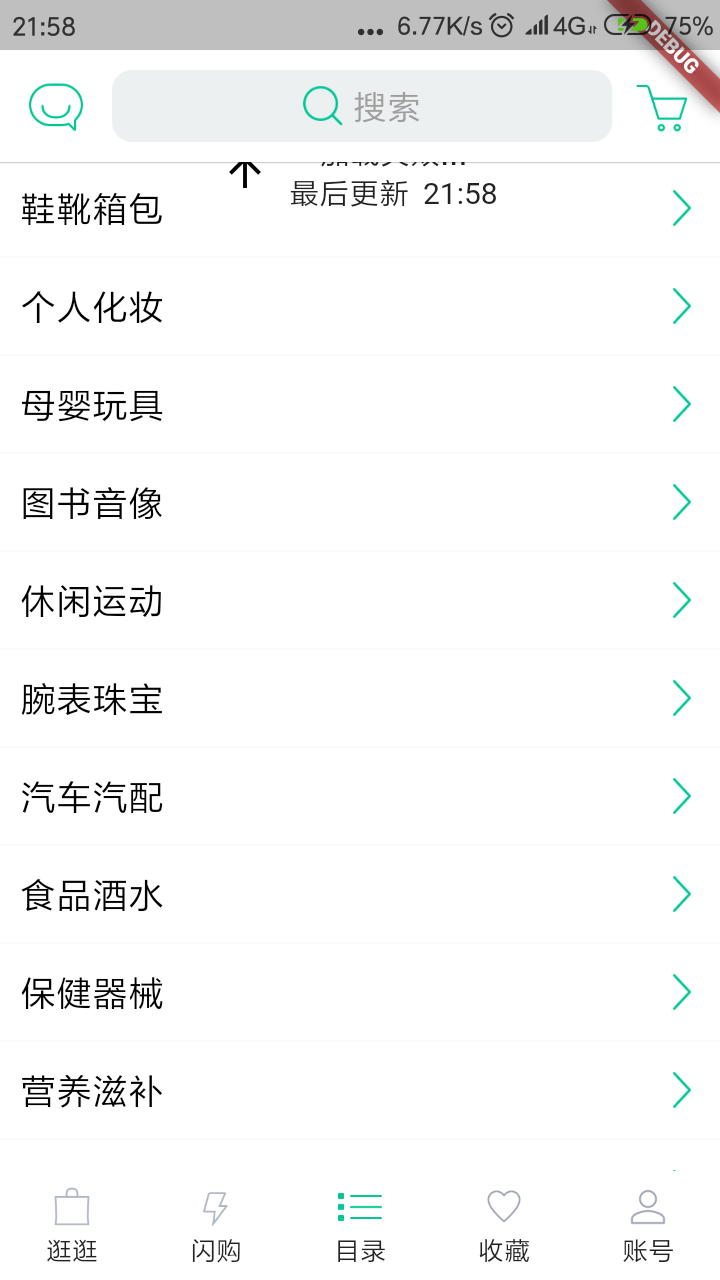 然后上代码: 两种放child的使用方式我都用过: 1. @override Widget build(BuildContext context) { return Refresh( controller: _refreshController, onHeaderRefresh: () { _loadData(); }, childBuilder: ( _ , {controller, physics}) =>...


Metadata
Owner
Metadata
A Flutter plugin for refreshing every scrollable view by pulling down-up.