

 beakerbrowser
PDF files not showing within the browser
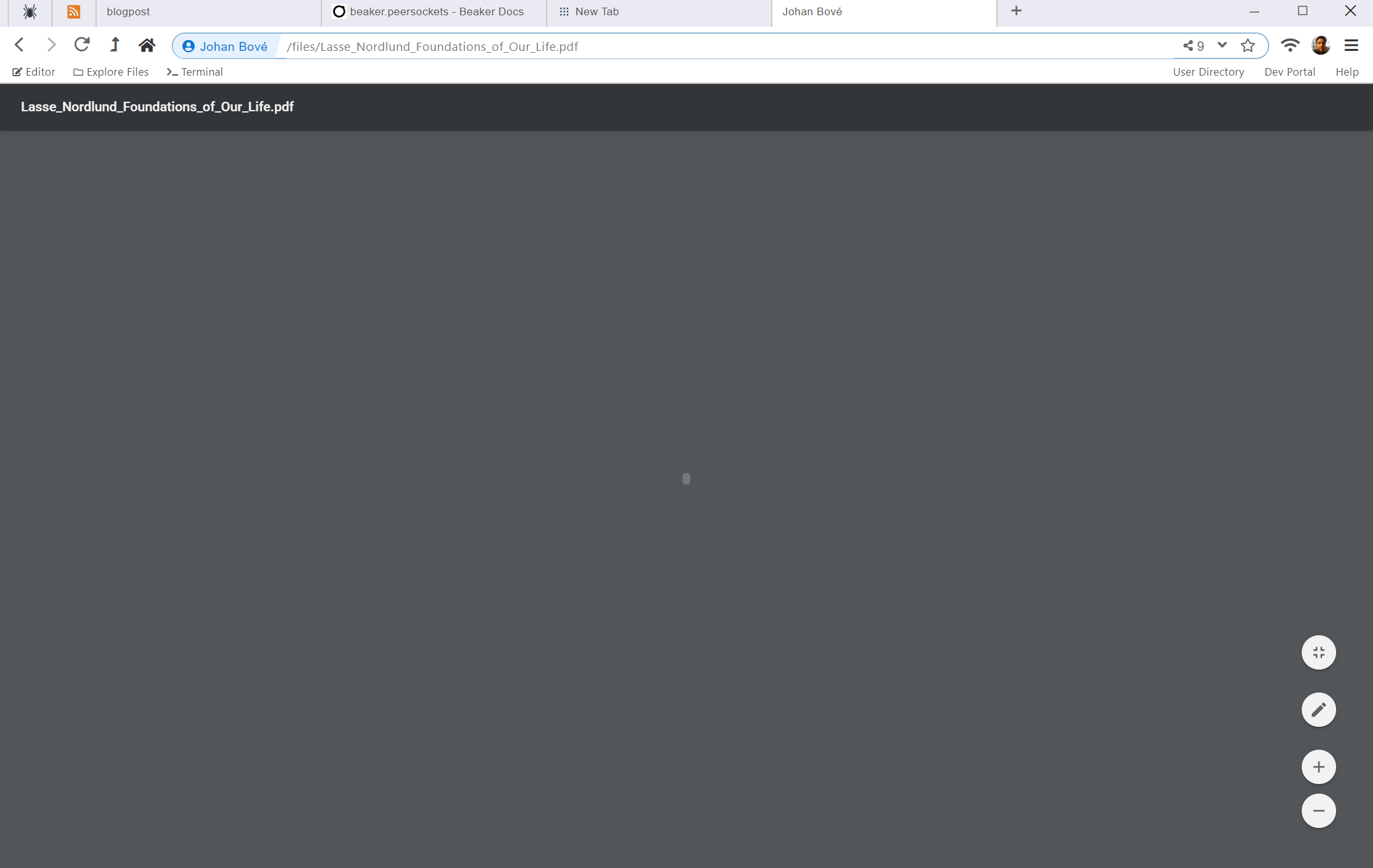
Describe the bug PDF files are not showing properly within the browser.
To Reproduce Steps to reproduce the behavior:
- Go to a hyperdrive with PDF files
- Click on on a PDF file to open it in the browser
- The PDF seems to be opening
- But the file is not rendering. It seems stuck on a grey background with some icon in the middle.
Expected behavior The PDF file can be opened within the browser.
Screenshots

Desktop (please complete the following information): Version: 1.0.0-prerelease.2
Electron: 9.0.0
Chromium: 83.0.4103.64
Node: 12.14.1
Hyperdrive: 10.11.0
API: 0
Daemon: 1.13.12
Client: 1.15.1
Schema: 1.10.0
Fuse Native:
Fuse:
Additional context Add any other context about the problem here.


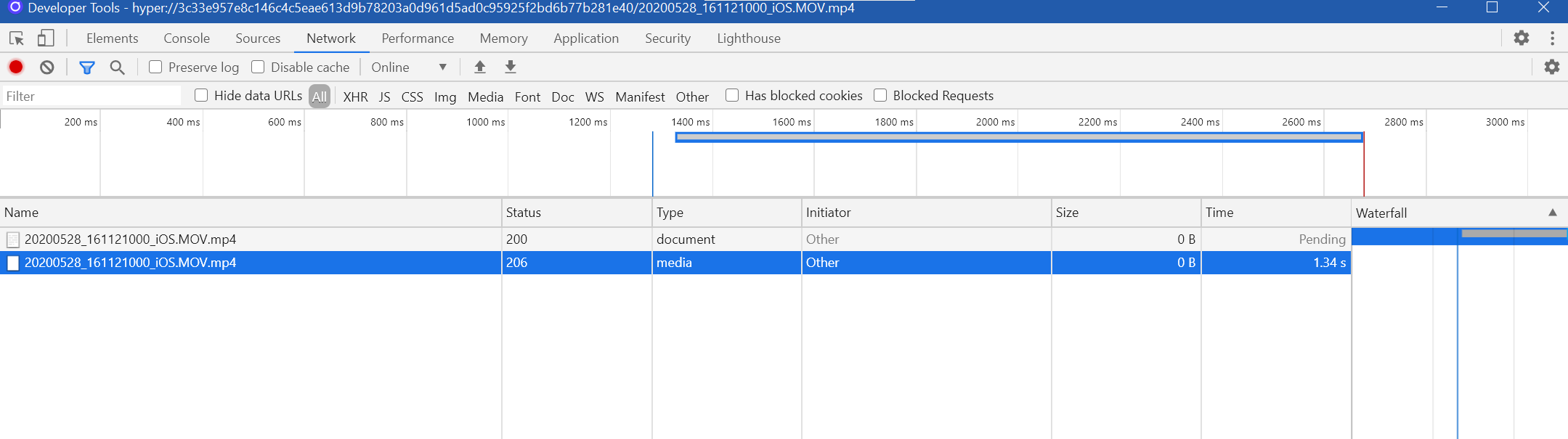
Not sure if this is related, but mp4 and mp3 files are also not loading up in the browser either. The browser seems to identify the mime-types, but then does not continue with downloading the binaries.
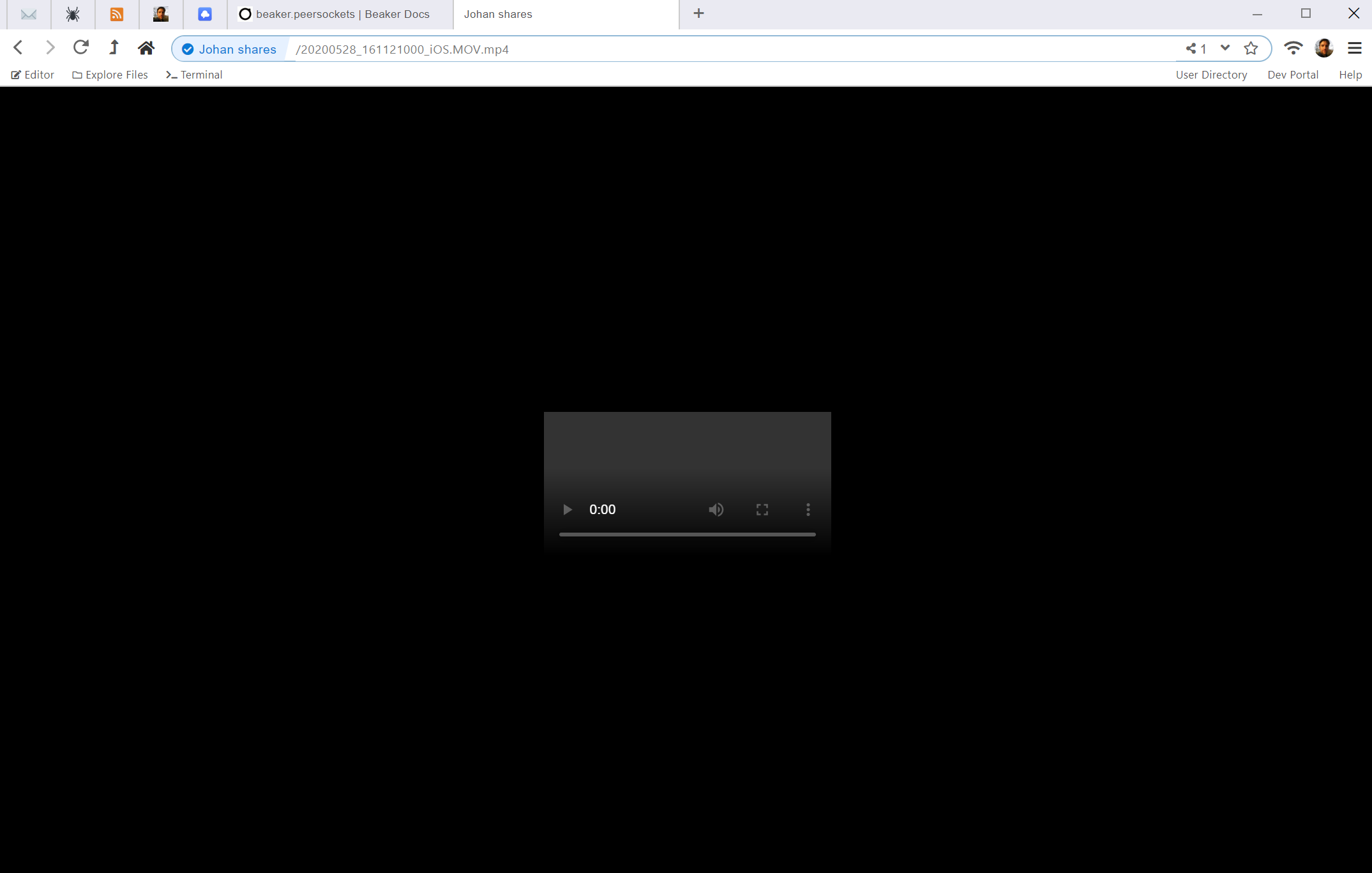

The video thing is a known issue, we've got an electron PR waiting
What I'm seeing right now is an error being emitted from Electron/Chromium's internals:
[51254:0603/111731.403067:INFO:CONSOLE(259)] "Refused to load plugin data from 'hyper://<redacted>/mozilla_builders_summer_startup_studio_response_CaAHdVHOD23B.pdf' because it violates the following Content Security Policy directive: "object-src * blob: externalfile: file: filesystem: data:".
", source: chrome-extension://mhjfbmdgcfjbbpaeojofohoefgiehjai/controller.js (259)
That CSP is the pdf viewer extension's CSP so it looks like the * designation is not being properly applied to our custom protocol, hyper:. I'm going to need to work with upstream on this one.
There is a temporary solution here: https://github.com/electron/electron/issues/24859

Until this is fixed, is there a way to disable the PDF plugin so that links to PDFs either download the file and/or open it in an external PDF viewer?
