
Termage
 Termage copied to clipboard
 bczsalba
Generate SVGs from any Python code, even in your documentation.
Termage
See the docs for some live examples.
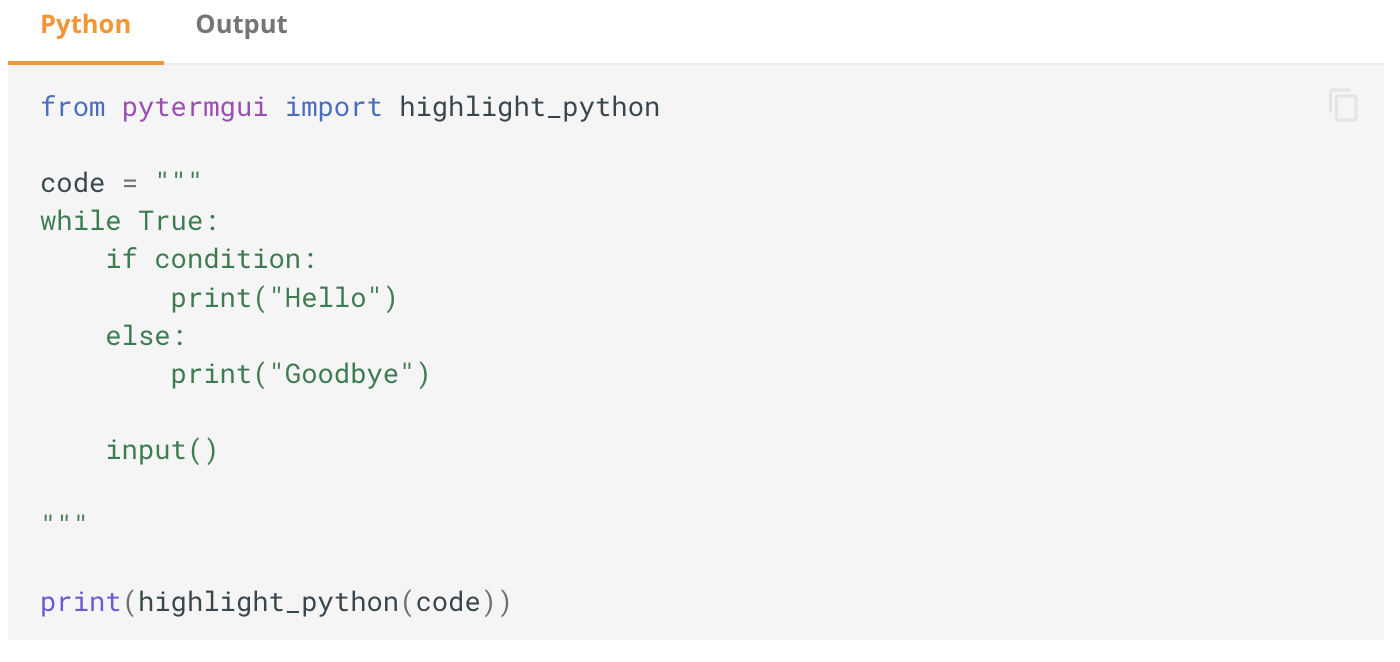
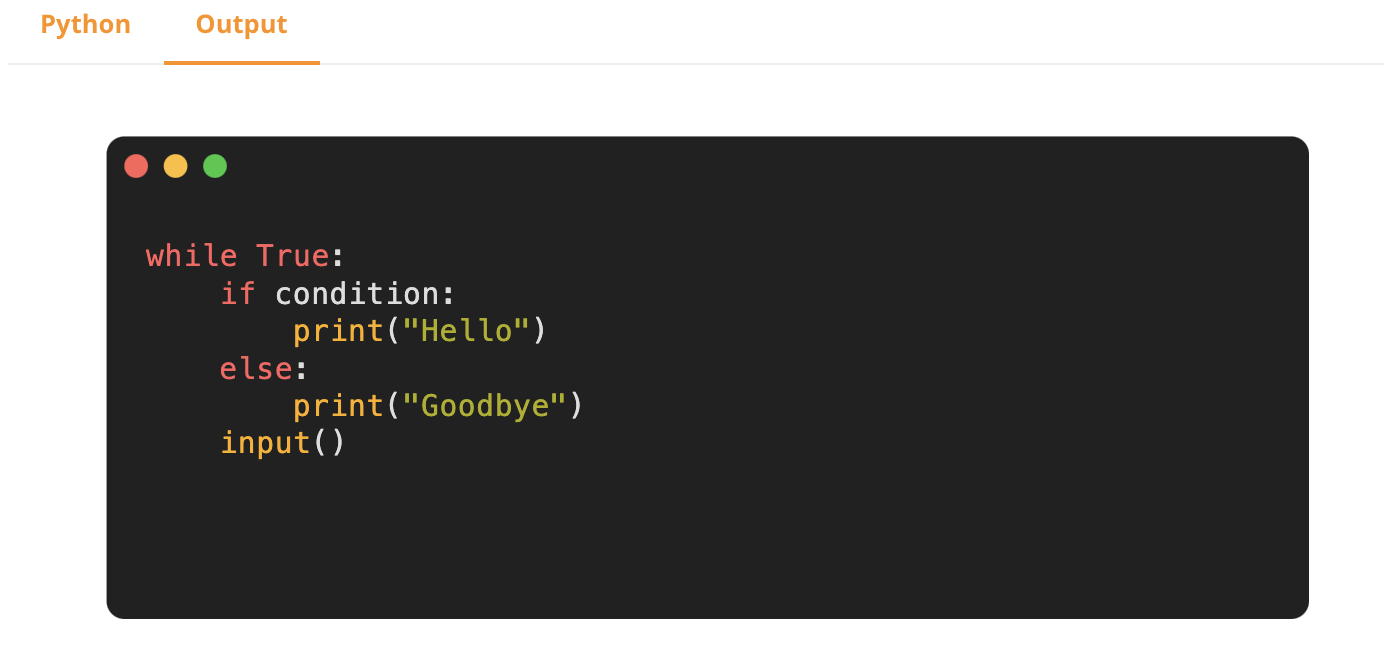
Termage allows you to generate up-to-date, reproducible and real screenshots of Python output while building your documentation. It uses PyTermGUI to create the SVGs, and pre-processes your markdown file into a codefences format.
Installation
Termage is best installed using pip:
$ pip install mkdocs-termage-plugin
This installs the plugin, as well as PyTermGUI as a dependency. By this point you probably should already have mkdocs installed.
Setup
To use the plugin, you should first add it to your mkdocs.yml plugin list:
plugins:
    - termage
 bczsalba