

 bavc
bavc
Windows v1.1 - Can't successfully drag and drop sidecar file into QCTools
I'm using Windows 10 v1.1.
Expected behaviour from old versions of QCTools - dragging and dropping the video file or the sidecar xml.gz should have the same effect, the graphs appear and you can analyse your file.
Current behaviour: While the graphs load if you drag and drop the video file, the graphs do not load if you drag and drop the sidecar (either the xml.gz or the mkv), but the stats appear in the file menu.
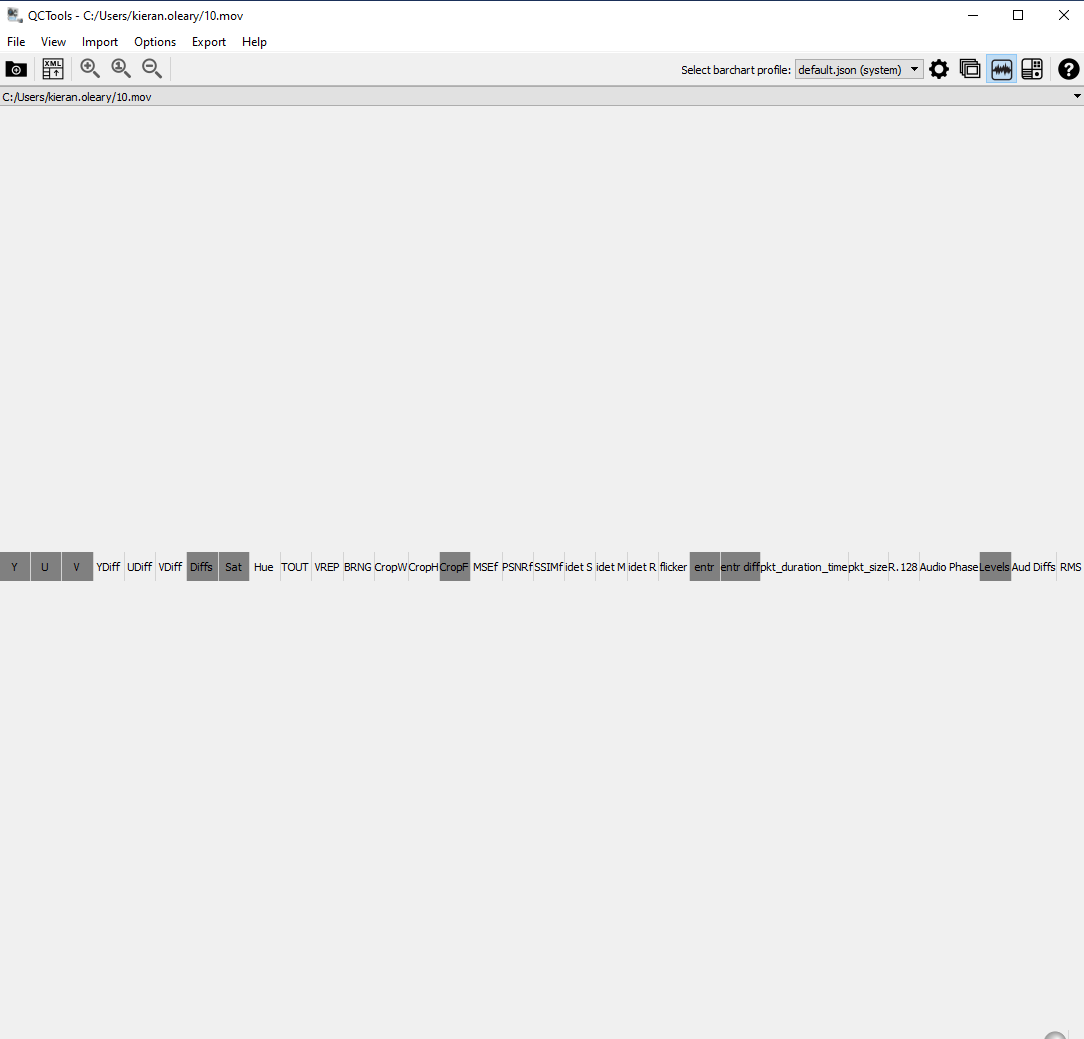
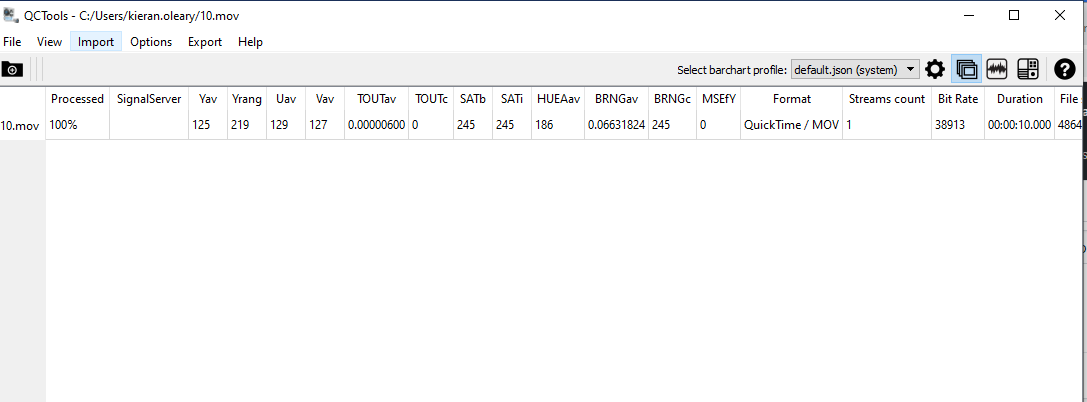
If I try to resize the window, QCTools crashes and exits.
The sidecar was created by QCTools v1.1 by exporting the sidecar after graphs loaded. Testfiles - sidecar_and_video.zip

Hi @kieranjol, can you retest with the recent daily builds? I suspect there was possibly an iteration of qctools at one point with a broken .qctools.mkv exporter as I found one on my computer from January 2018 that was called "...qctools.mkv", but wasn't a Matroska but only a mjpeg image sequence. I did make this issue which might handle it, https://github.com/bavc/qctools/issues/664, but let me know if your issue persists with recent daily builds.
