

 ayumax
Windows is recognized but not reflecting on the texture.
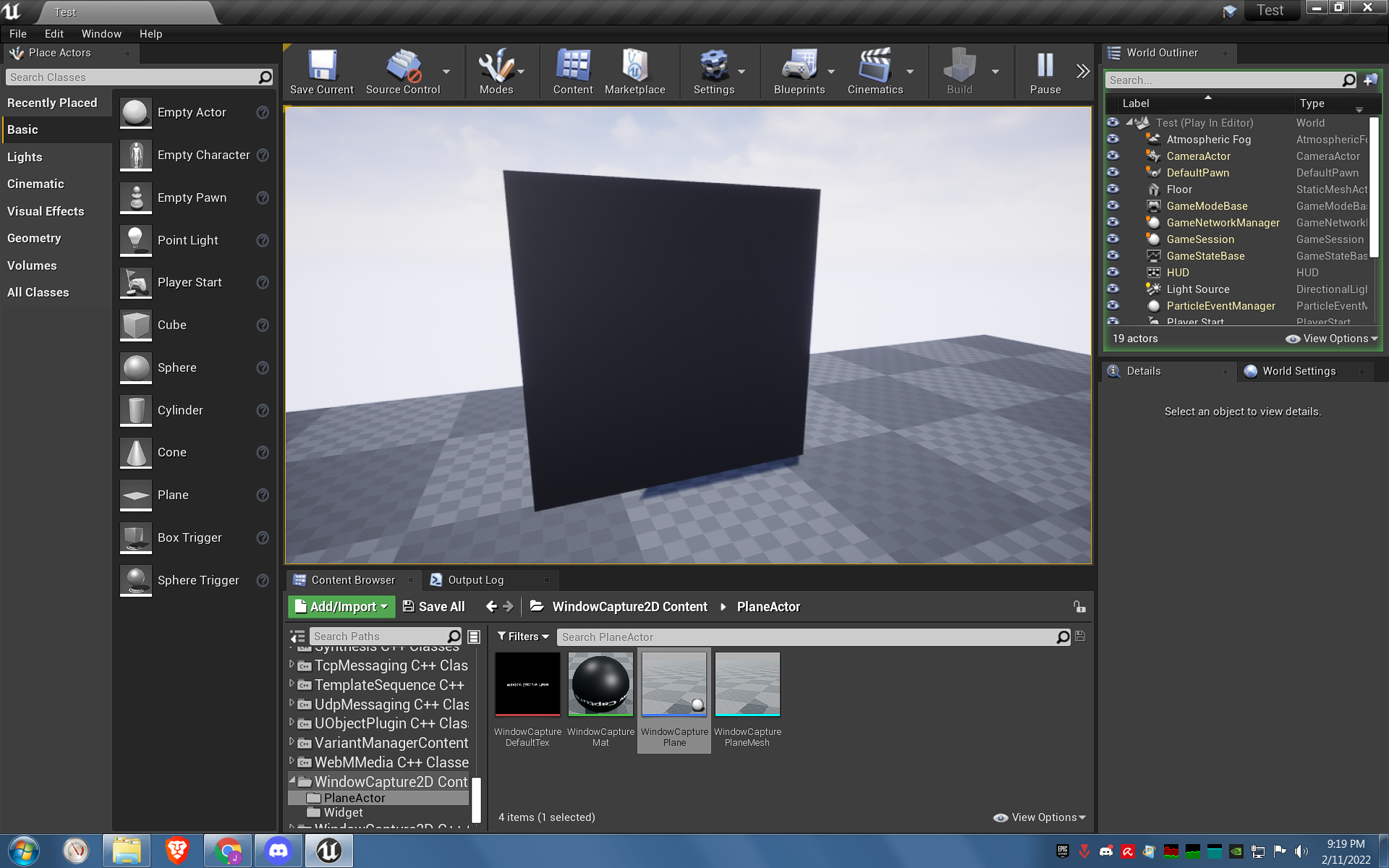
The window being captured isn't showing. When a window isn't existing, I'm assuming it shows the white material. But when I change the property to a window that exists, it now shows a black material. What could be the problem?
UE Version: 4.27.2


I don't think WindowCaptureMat was a white material, did you change it? Also, apart from the white material thing. If it turns black with a window set to exist, it may be that the window capture is failing.

Nope, I know it's black with "Window Capture Plane" on it, but when I place the WindowCapturePlane on the scene/level, it automatically changes to white. Also when I right click anything in the PlaneActor folder. I'm downloading/installing 4.26.2 to see if the problem still persists.
Maybe the assets are corrupted, so try deleting the plugin and downloading it again!
Nope, still the same. :( What could be the problem? I have project creation on blueprint, maximum quality, and ray-tracing disabled. Not sure if it changes anything though.
Hey man, good news! I was able to make it work on a borrowed laptop which was a Windows 10. Though I'm not entirely sure if it is just the OS, because I was also trying to look for an alternative for capturing windows and I found NDI Tools. It was looking for a Supplemental SSSE3 on my CPU which I don't have (yes, that's how potato my desktop is). So there's that, I'm not sure if any of these would help, but if it does, at least we can add Hardware Requirements on the marketplace and github.