
SplitView
 SplitView copied to clipboard
 avdyushin
SplitView SwiftUI component
SplitView
Split View component for SwiftUI that allows to have two manually resizable views.
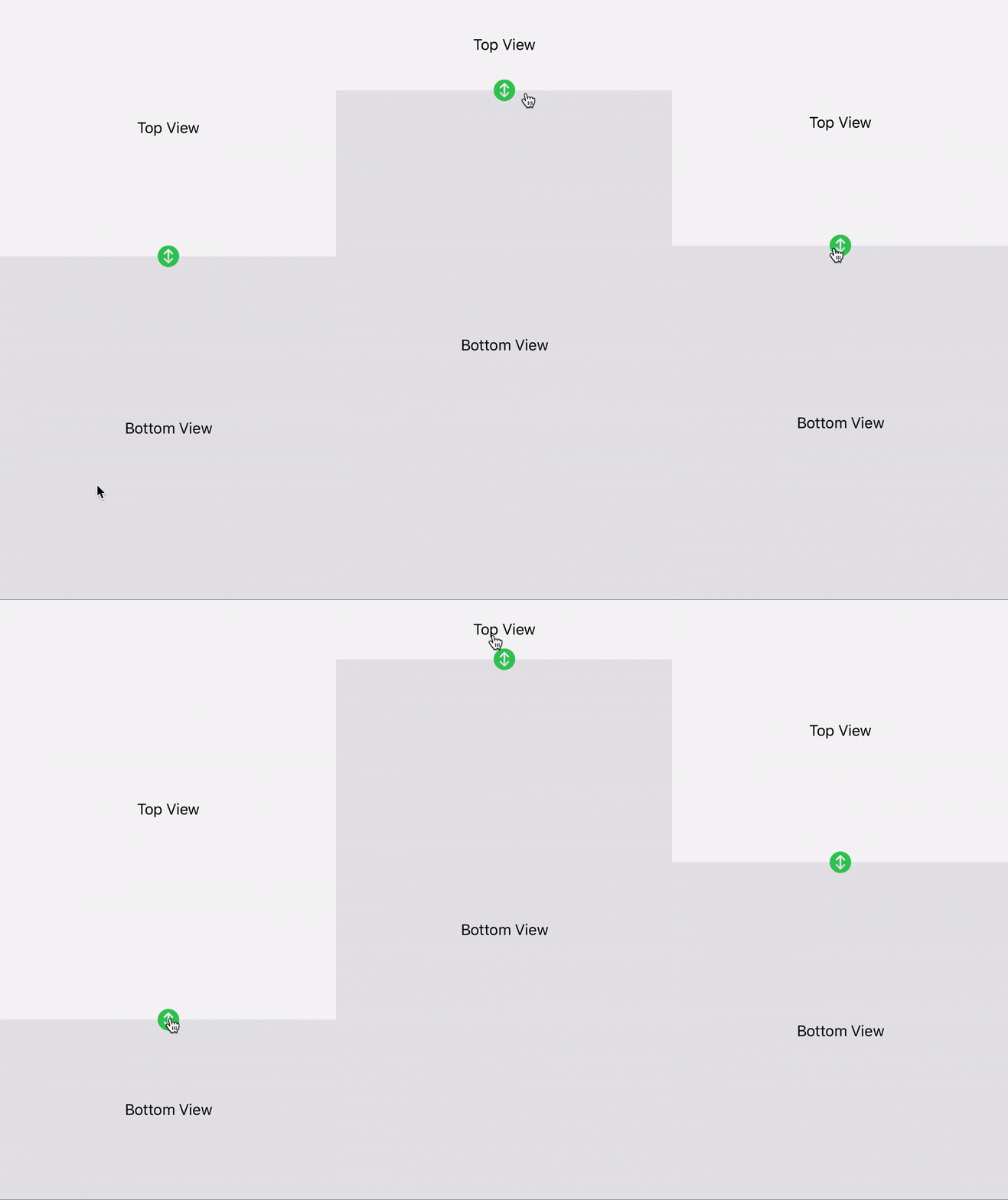
How to use?
Create SliderControlViewModel with middle position as protortion of full height
and range for maximum and minumum expand.
let viewModel = SliderControlViewModel(
    middle: 0.5, // 50%
    range: 0.2...0.8 // 20%...80%
)
This view model has middle postion at half of full height of container.
Minimum position is 20% of height and maximum is 80% of height.
Create SplitView with viewModel and this three views:
controlViewis content view of the slider itself;topViewis content view of the top view;bottomViewis content view of the bottom view.
let view = SplitView(
    viewModel: viewModel,
    controlView: {
        Group {
            ZStack {
                RoundedRectangle(cornerRadius: 6)
                    .fill()
                    .frame(width: 24, height: 6)
            }
        }
        .foregroundColor(Color.green)
        .frame(minWidth: 0, maxWidth: .infinity)
    },
    topView: { Text("Top View") },
    bottomView: { Text("Bottom View") }
)
How to add it to Xcode project?
- In Xcode select File ⭢ Swift Packages ⭢ Add Package Dependency...
- Copy-paste repository URL: https://github.com/avdyushin/SplitView
- Hit Next two times, under Add to Target select your build target.
- Hit Finish
 avdyushin