TableHeaderViewWithAutoLayout

TableHeaderViewWithAutoLayout copied to clipboard
 aunnnn
What about Footer View?
I used the same code for table footer view and is not working. The View is setting at the top of the table view like it was a header view.
This is my code:
  `let containerView = UIView()
    containerView.translatesAutoresizingMaskIntoConstraints = false

    self.totalLabelFooter = UILabel()
    self.totalLabelFooter.text = "Total: $790"
    self.totalLabelFooter.textAlignment = .right
    self.totalLabelFooter.translatesAutoresizingMaskIntoConstraints = false

    containerView.addSubview(self.totalLabelFooter)

    self.totalLabelFooter.topAnchor.constraint(equalTo: containerView.topAnchor).isActive = true
    self.totalLabelFooter.bottomAnchor.constraint(equalTo: containerView.bottomAnchor).isActive = true
    self.totalLabelFooter.leftAnchor.constraint(equalTo: containerView.leftAnchor).isActive = true
    self.totalLabelFooter.rightAnchor.constraint(equalTo: containerView.rightAnchor).isActive = true

    self.tableView.tableFooterView = containerView

    // 3.
    containerView.centerXAnchor.constraint(equalTo: self.tableView.centerXAnchor).isActive = true
    containerView.widthAnchor.constraint(equalTo: self.tableView.widthAnchor, multiplier: 0.8).isActive = true
    containerView.bottomAnchor.constraint(equalTo: self.tableView.bottomAnchor).isActive = true

    self.tableView.tableFooterView?.layoutIfNeeded()
    self.tableView.tableFooterView = self.tableView.tableFooterView`

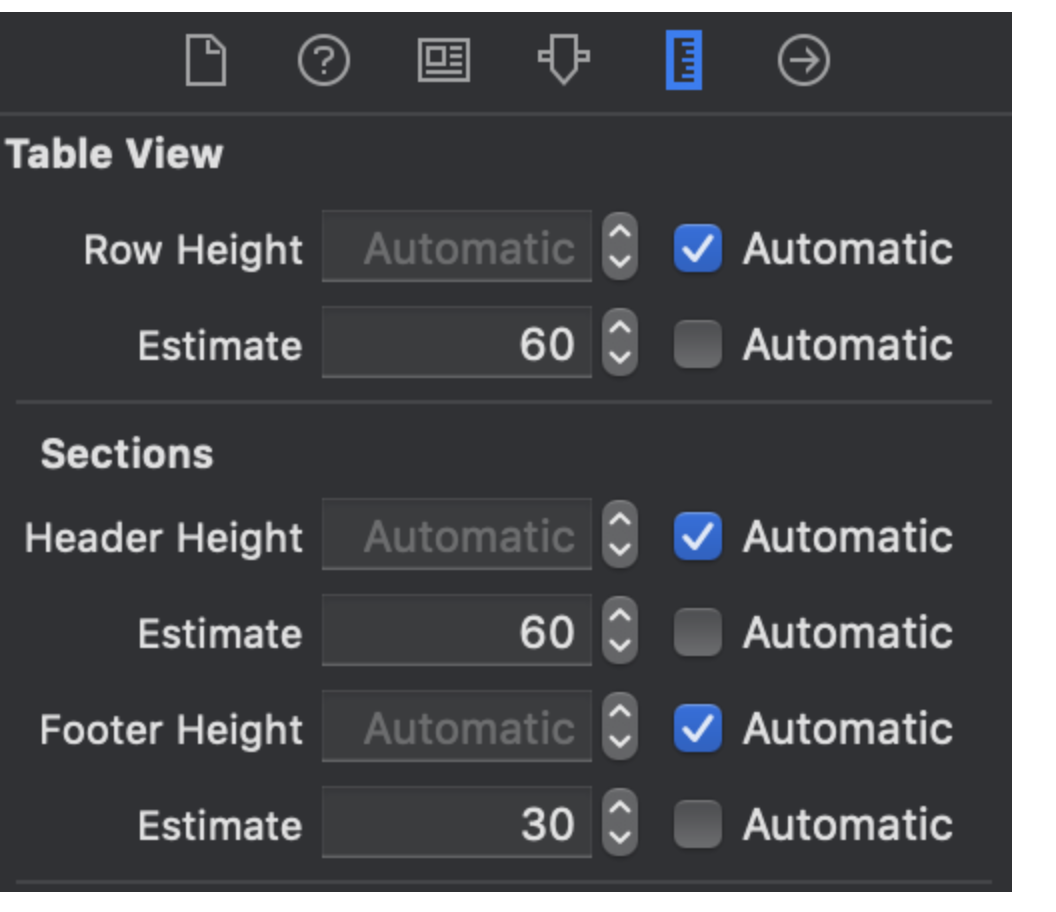
HI @AbrahamEP , I was facing the same issue not working for table footer View. I find the work around thats works for me. drag the footer view(footerView) from table View . set it as view to footer for last section (here section 1 is my last section). set footer section height dynamically from storyboard..
func tableView(_ tableView: UITableView, viewForFooterInSection section: Int) -> UIView? { return section == 1 ? self.footerView : nil }
func tableView(_ tableView: UITableView, heightForFooterInSection section: Int) -> CGFloat {
    return section == 0 ?  0 :  UITableView.automaticDimension
   }
a)