

 atom
atom
Some files access outline view , some can't ! hyperclick purpose
Description
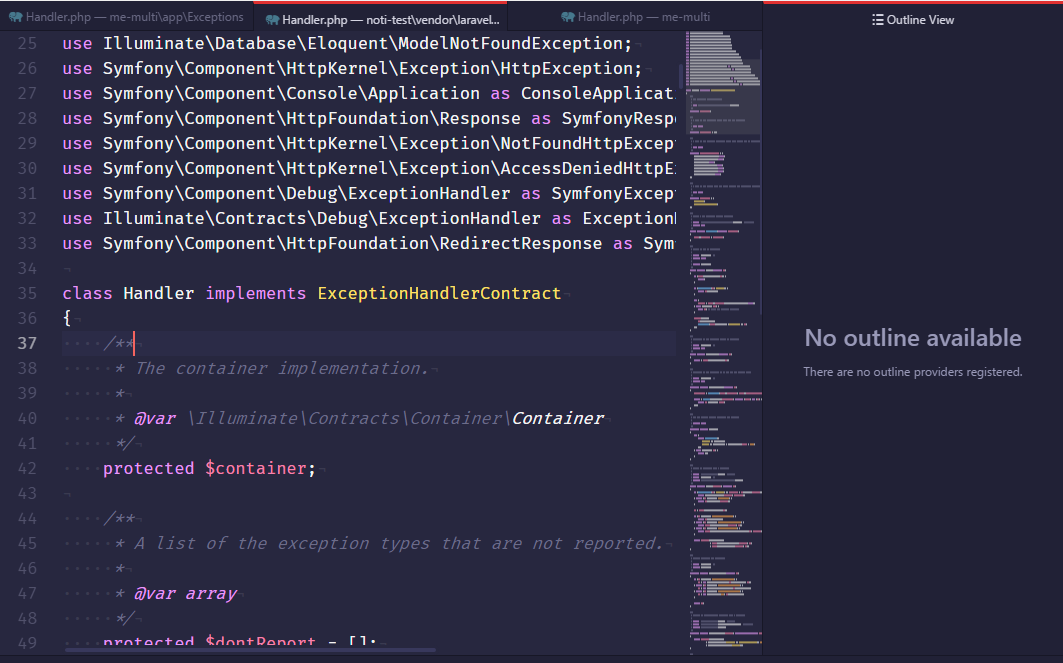
can't access outline view my laravel Illuminate\Foundation\Exceptions\Handler
Actual Behavior
Atom ide can't access but alibaba package can access
Versions
- Atom:1.22.0 beta 0
- Client OS: windows 10
- atom-ide-ui: 0.4.0
- ide-php:
0.6.9
access by atom ide outline view

Additional Details
but this files can't access by atom-ide outline view .


Can you share the file that isn't showing an outline view so I can give it a try?

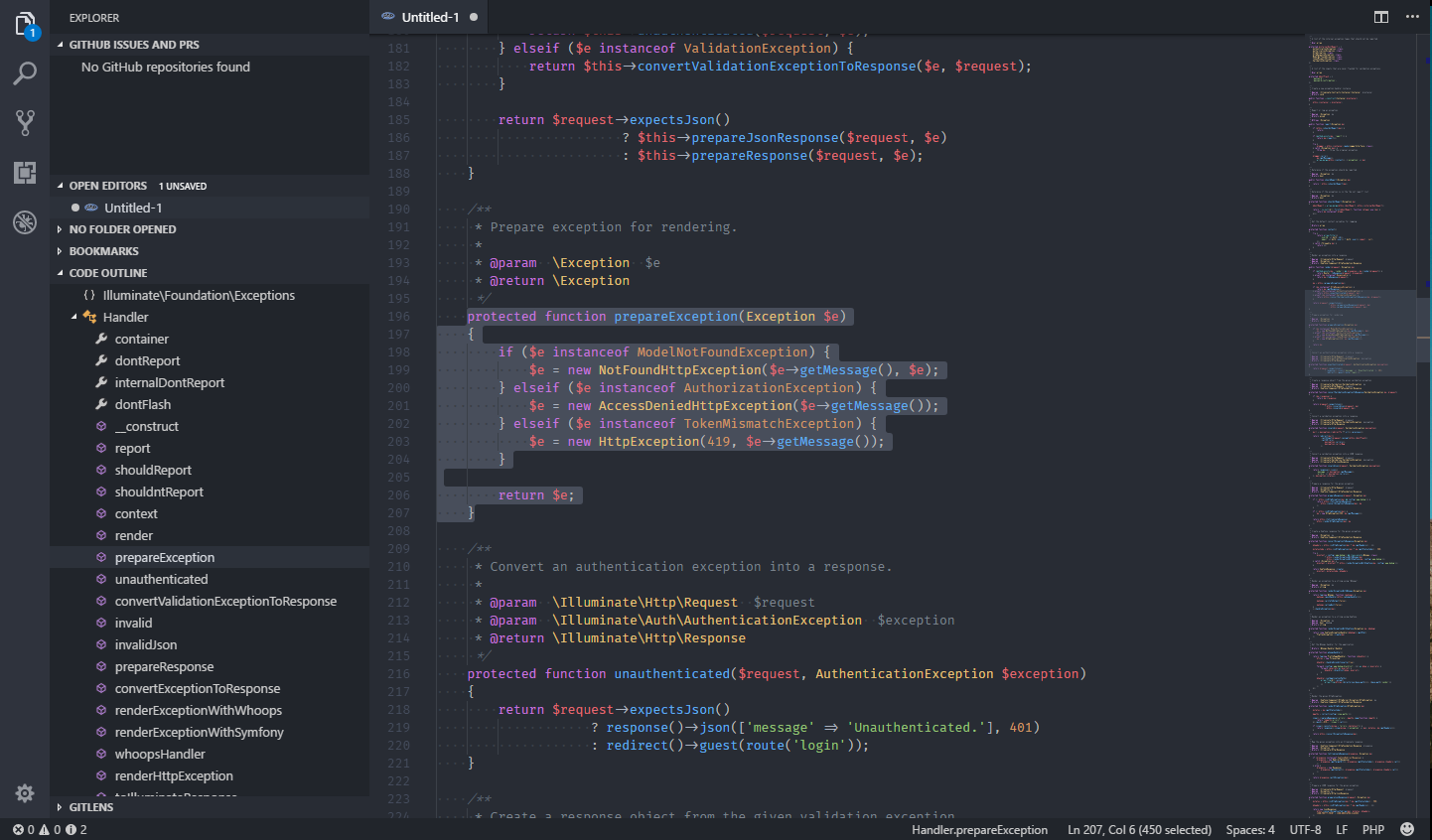
cannot reproduce in Visual Studio Code.
 Maybe there's a way to refresh the outline in Atom?

no . no refresh option for outline . you can access because you download only exception code . but my code isn't only exception code , my full framework framework for laravel .
I am already tested that when single file save that exception and work outline properly . but when go to from framework folder that time not working outline .
you can test it , install laravel framework then test , result will be not found anything outline that file .
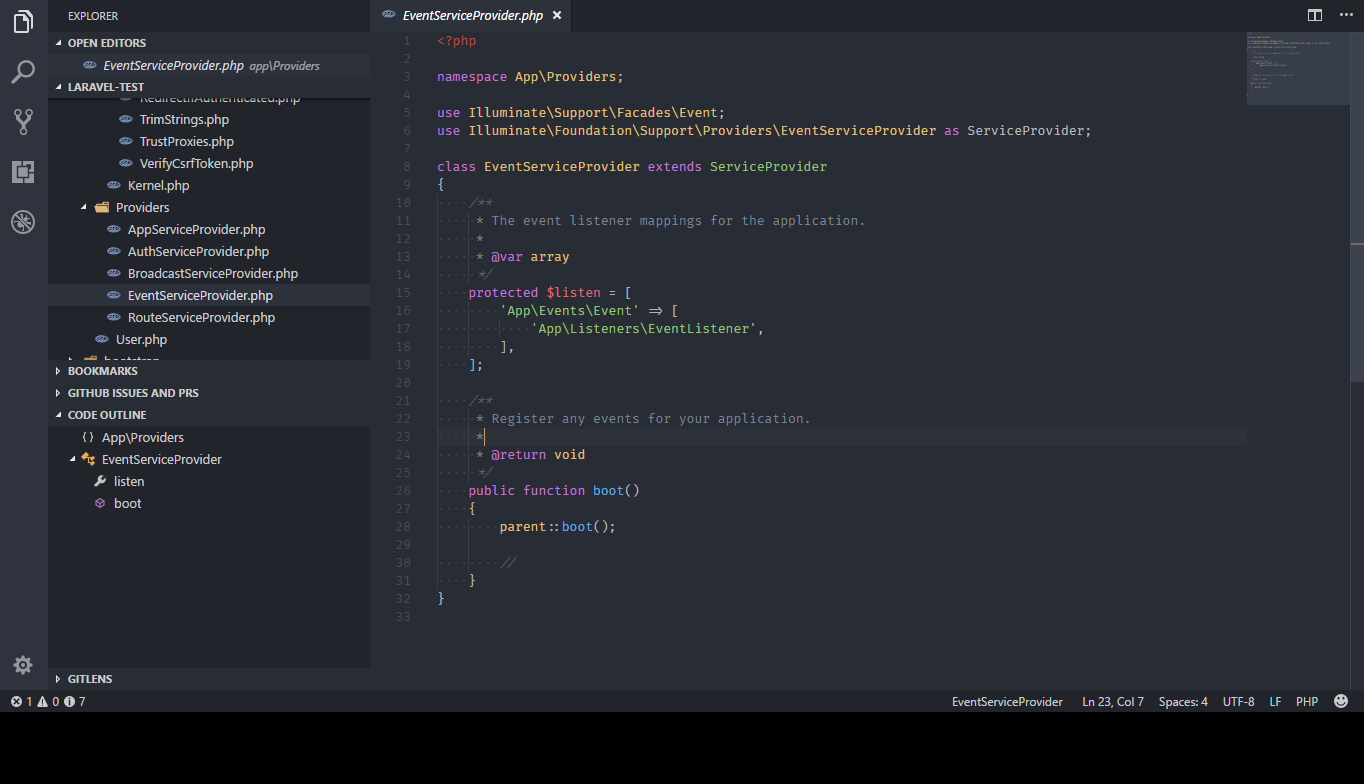
You mean like clicking on a classname or methodname? Yes, it does work, too.
atom-ide hyperclick . it's helps go to embed files as like use Illuminate\Foundation\Auth\User .
when hyperclick this , outline not found anything but when go to normal way that file that time good behaviour . @jens1o
I am using this as well in full Laravel apps, and the Outline View panel does update for me after hyper-clicking class names. It seems to work as expected. You may have conflicting packages installed.
I would try renaming your .atom folder and starting with only the core ide-php packages and the ones needed to run it (like atom-ide-ui), and test if it works then. Subsequently keep adding on package at a time and keep testing until it doesn't work anymore, and you know which one is the culprit.

@mostafa6765 - just to clarify, outline is working ok for you now but you're having an issue with hyperclick?
I had this problem when I want to hyperclick on reference but the class is on vendor folder which is ignored because it is in .gitignore and I check "Exclude VCS Ignored Paths" in Atom.

uncheck this and you will be able to hyperclick on everything

