

 archtechx
Highlight when Impersonating
Description
When impersonating a tenant user it would be good if this could be checked and acted on
Why this should be added
When providing user support or debugging it is helpful to impersonate a user but when that is finished there is a need to switch back to your own login, to support others etc.
Ideally it would be possible to detect that a login was an impersonation and at least display this e.g. "Admin acting as User". Even better would be the option to return to being Admin

I agree with that - i would also like to browse the tool as a impersonated user. Meaning that the token should not be restricted (or autogenerated for each request while some flag is set) to a single URL. Is this possible by using a custom middleware right now with version 3?

Yeah, you can do anything you want, this feature is just a matter of providing the functionality out of the box.
All the impersonation logic is completely separate from the tenancy features.
I think you'd want to store the previous user (& context, i.e. central or a specific tenant) and the current user to show the "impersonation toolbar". You can do these in the place where the Auth impersonation happens — the route on the tenant domain.

Yeah, you can do anything you want, this feature is just a matter of providing the functionality out of the box.
All the impersonation logic is completely separate from the tenancy features.
I think you'd want to store the previous user (& context, i.e. central or a specific tenant) and the current user to show the "impersonation toolbar". You can do these in the place where the Auth impersonation happens — the route on the tenant domain.
I thought of a middleware which will automaticly assign a new token if i navigate to another tenant url (while beeing logged in via central URL as admin). This middleware should, while "override-user"-flag is active, be run on each tenant url request.
"You can do these in the place where the Auth impersonation happens" - where exactly do you mean? Just generate a new token on every tenant-url (by using the middleware) and then use the redirect-method of this package?
The central app redirects to a URL on the tenant domain. This URL sets the authenticated user from the token.
In that route action, you can also set the current user. I think a middleware is not needed here.
But if you want to browse the tenant views, meaning in the tenant view clicking another link which is another tenant url there will be no token with that "redirect url". Does that mean that i cannot access it or is the "redirect link" only used for the first redirect after the impersonation. That would mean that the check if i can view the tenant URL only depends on the token and is not restricted to the url of that token. Documentation is kind of sparse at that point.
meaning in the tenant view clicking another link which is another tenant url
Why would you do that? Impersonation is meant to be used from the central admin panel, and it will redirect you to a specific tenant's domain. I don't see why there would be a link to another tenant's domain on that tenant domain.
Documentation is kind of sparse at that point
I recommend looking at the code of the feature. As I said, it's extremely simple. Probably < 50 lines of code.
@colinmackinlay maybe we can use something like https://laravel.com/docs/8.x/authentication#authenticate-a-user-once but not sure how yet.
@stancl can u plz add more details to the docs, as atm its very basic and not friendly to new users ex.
$token = tenancy()->impersonate($tenant, $user->id, $redirectUrl);
how do we get the user from a tenant, do we use something like
User::connection($tenant->getName())->find($user_id)
actually i cant find anywhere in the docs on how to access a record under a tenant from central domain, so any help is appreciated.

What are you trying to do? Did you read the description of how the impersonation works before jumping to the code examples?
am already familiar with impersonation from https://github.com/404labfr/laravel-impersonate which i believe https://github.com/stancl/tenancy/issues/224 is coming from.
am also on the page of https://tenancyforlaravel.com/docs/v3/features/user-impersonation/, if there is another one for impersonation, plz advice.
The link you sent is a completely different package. We use custom impersonation logic.
And it's explained here:
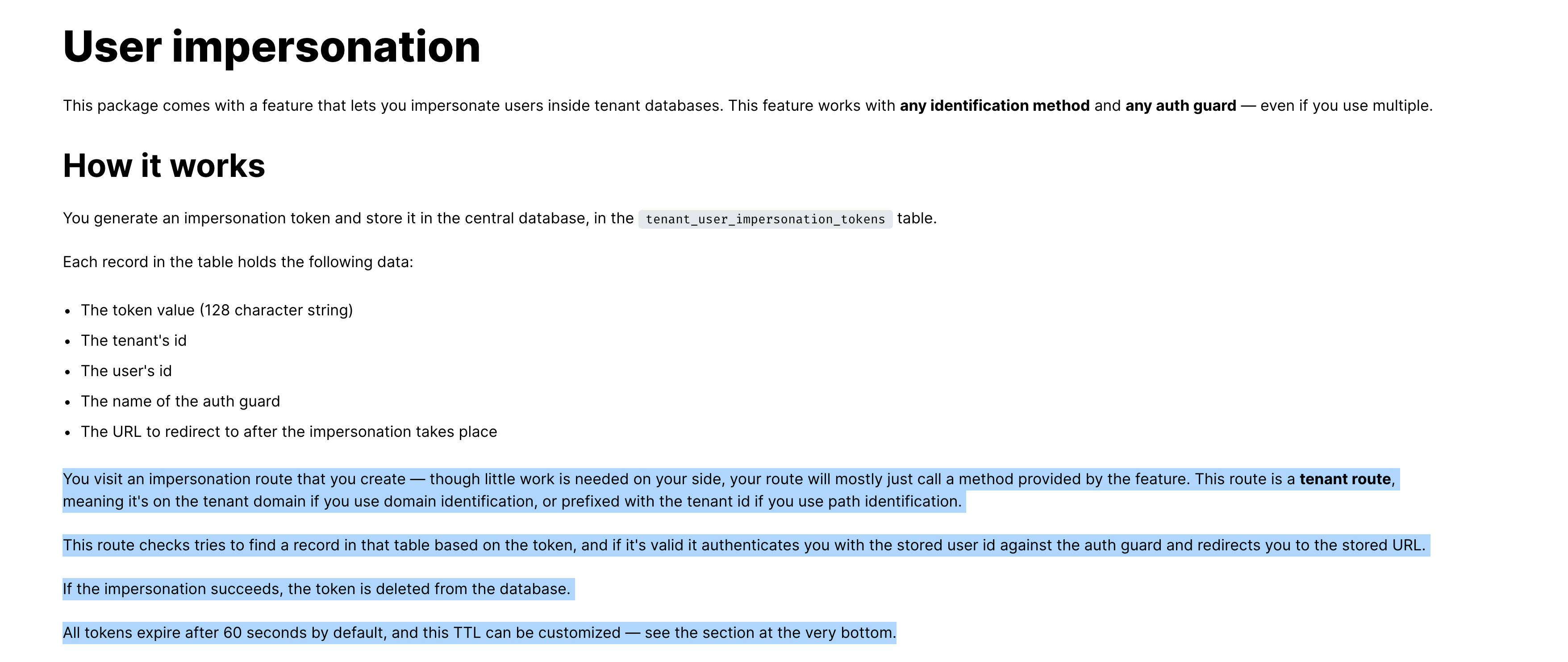
for the original ticket, i managed to successfully implement it via cookies. am using the below with domain based tenants, but it should work for others as well.
- follow https://tenancyforlaravel.com/docs/v3/features/user-impersonation/ until
usage - add cookie b4 final redirection
Cookie::queue('impersonated', true, 2628000);

return UserImpersonation::makeResponse($token);
- add a global function
if (!function_exists('tenantIsImpersonated')) {
    function tenantIsImpersonated()
    {
        return (bool) request()->cookie('impersonated');
    }
}
- now use
tenantIsImpersonated()anywhere to check if u r impersonating or not - and to leave, add a new route with
public function leave(Request $request)
{
    // if no auth user
    if (!$request->user()) {
        abort(401);
    }

    auth()->quietLogout();

    Cookie::queue(Cookie::forget('impersonated'));

    return redirect(env('APP_URL')); // central domain url
}
I did kind of the same approach by setting a session-variable on the impersonated domain (modified makeResponse-logic) after impersonating and then displaying the "admin started these session at ..."-hint.
Is it also possible to keep the admin signed in while impersonating? I tried to look this up using multiple auth guards and used different auth guards but it seems that when impersonating the admin is always signed out.

Is it also possible to keep the admin signed in while impersonating? I tried to look this up using multiple auth guards and used different auth guards but it seems that when impersonating the admin is always signed out.
I am using a multi-domain (subdomain for each tenant) and multi database setup. When impersonating as a user this happens in a new browser tab. That way the auth of the central space is kept and admin remains logged in.
Is it also possible to keep the admin signed in while impersonating? I tried to look this up using multiple auth guards and used different auth guards but it seems that when impersonating the admin is always signed out.
I am using a multi-domain (subdomain for each tenant) and multi database setup. When impersonating as a user this happens in a new browser tab. That way the auth of the central space is kept and admin remains logged in.
So you didn't have to set up any new auth guards? I'm using the path identification myself instead of the subdomain, but I am using separate databases for each tenant. Probably my authentication is overwritten because it already has its session on the same domain (as it uses path identification). I do have the session driver set to database so I expected it would work that way.
I am not sure about laravels possibilities about multiple guards. Seems that both are using session configs and that results in overwritten logins. Maybe you can find a way to modify theire session configs (prefixing field names or stuff like that). Or switch to domain identification. That way session cookies are separated.
There is a discord server for this package https://discord.gg/zqvGeEjQ
@rensphilipsen browsers create sessions per domains & the main reason is not ending up with having a session key for each segment or query string in the uri which also avoids that each new tab u open invalidates the older tabs sessions, thats why u have to use sub-domains