archseer
Weird behavior of Visual Line selection
I'm using this minimum init.vim
set rtp+=~/.vim/plugged/snippets.nvim
lua << EOF
if vim.env.SNIPPETS then
  vim.snippet = require 'snippet'
end
EOF
Reproduce step:
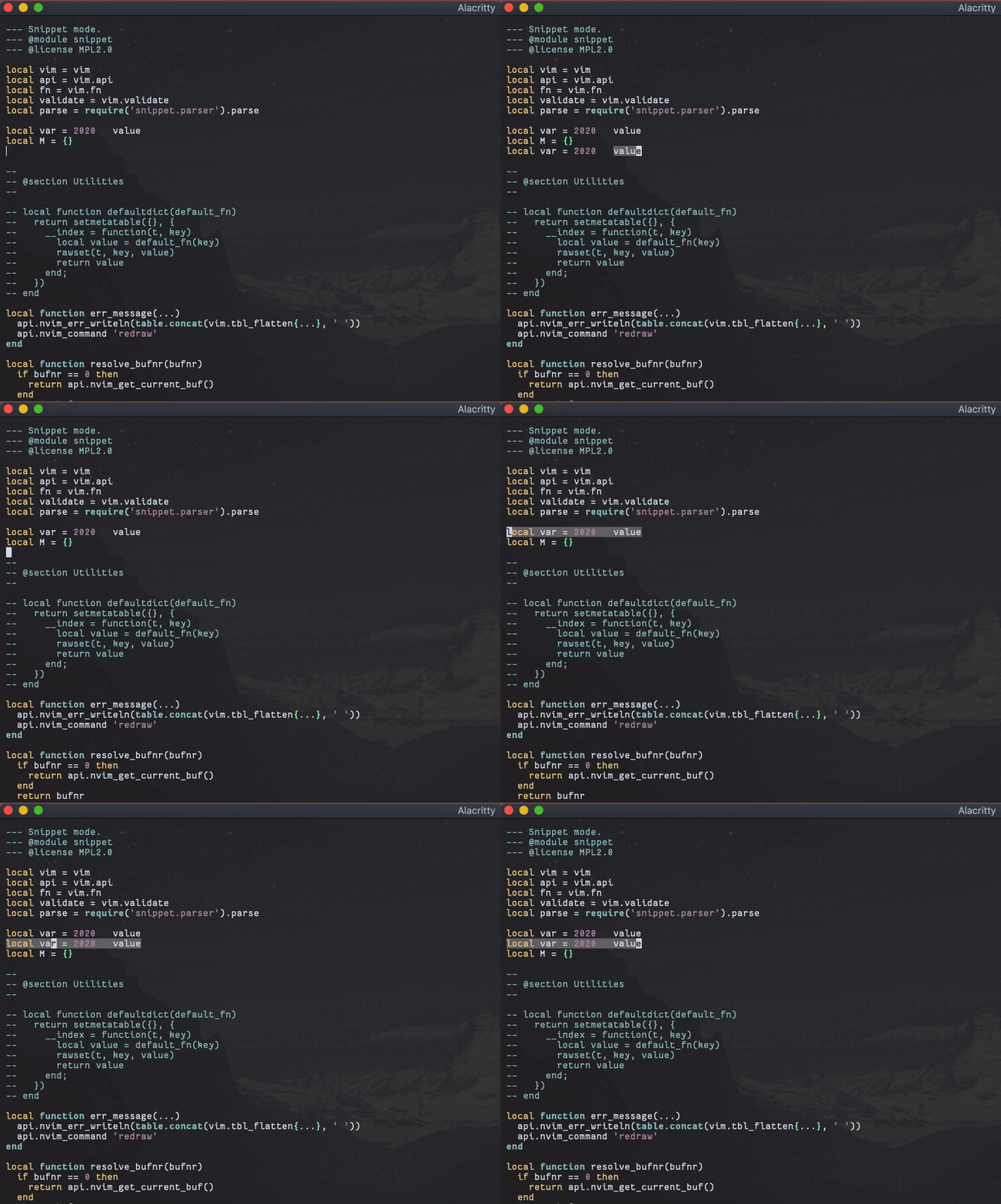
- Use shift v for a visual line selection randomly.
- Expand the snippets, you'll find out the selection was a line selection.
gif example: you'll see that initially everything works find, but after a visual line selection the selection is messed up.
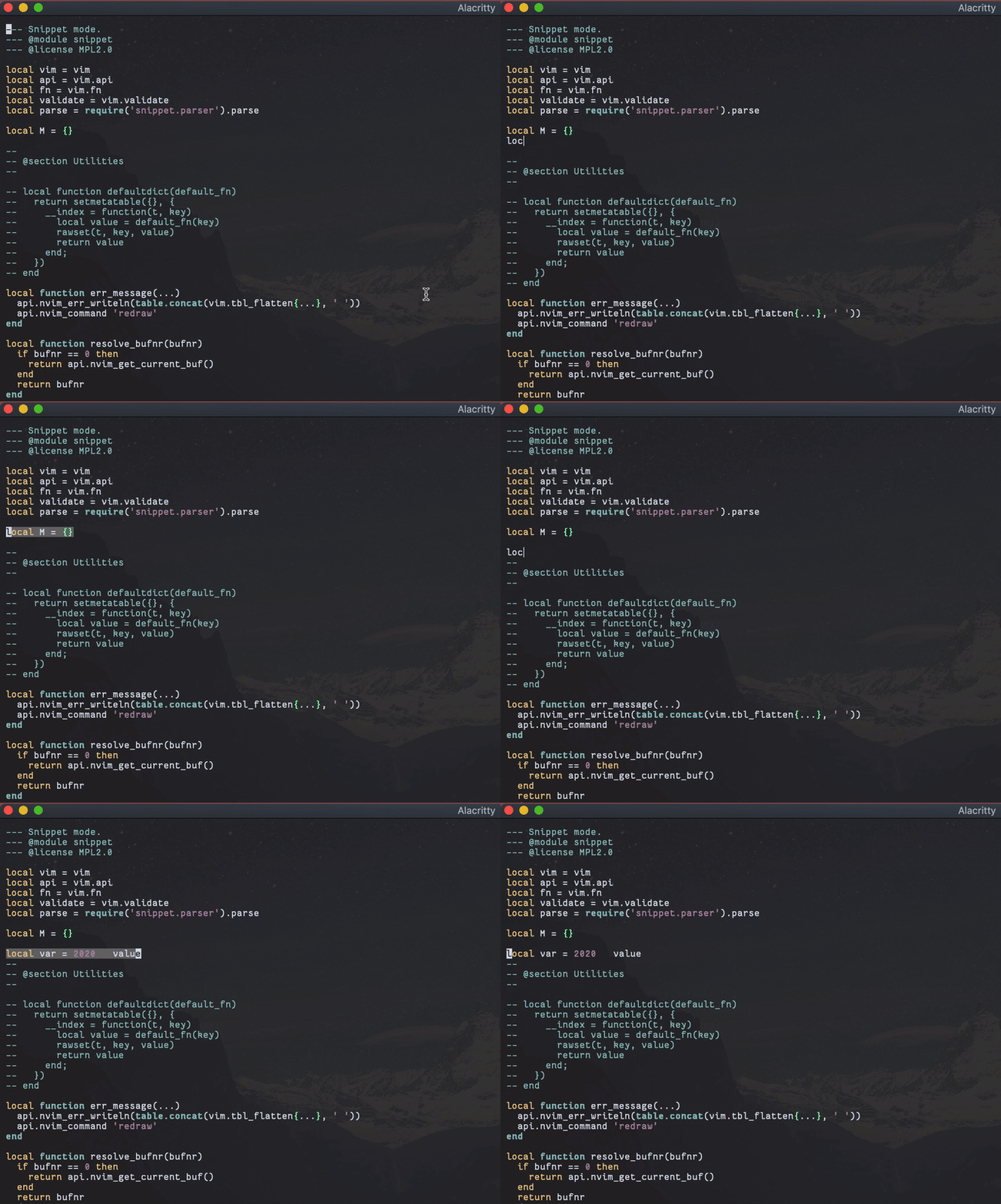

Hmm I see, this happens when you don't finish the snippet (loc has 2 placeholders so you need to press ctrl-k 3 times to finish -- which clears the state). Need to figure out a way to detect that. Probably need to scan over variables in TextChanged callback and remove any that have missing marks. If no variables left, then we just finalize.
When you expand the snippet again, it also gets confused probably because the previous snippet's state is still there (in which case the state needs to merge).

Hmm I'm afraid that this is a different issue. In the following gif I press ctrl-k 3 times but this issue still happens. What I've been noticing is after a visual line selection, fn.setpos("'>", {0, B[1], B[2]}) seems to stop working. I tried to call it manually by setpos on my own but it just stop working a :echo getpos("'>") always gave me a large column number.