

 archlinux
archinstall abnormal exit
Sorry if there is a lack of information. Trying to use archinstall on my desktop after having success with a few laptops.
archinstall fails very quickly after issuing command.
log and command output included..
I’m sure I have simply missed something in the bios.
I can’t seem find anything on this issue.
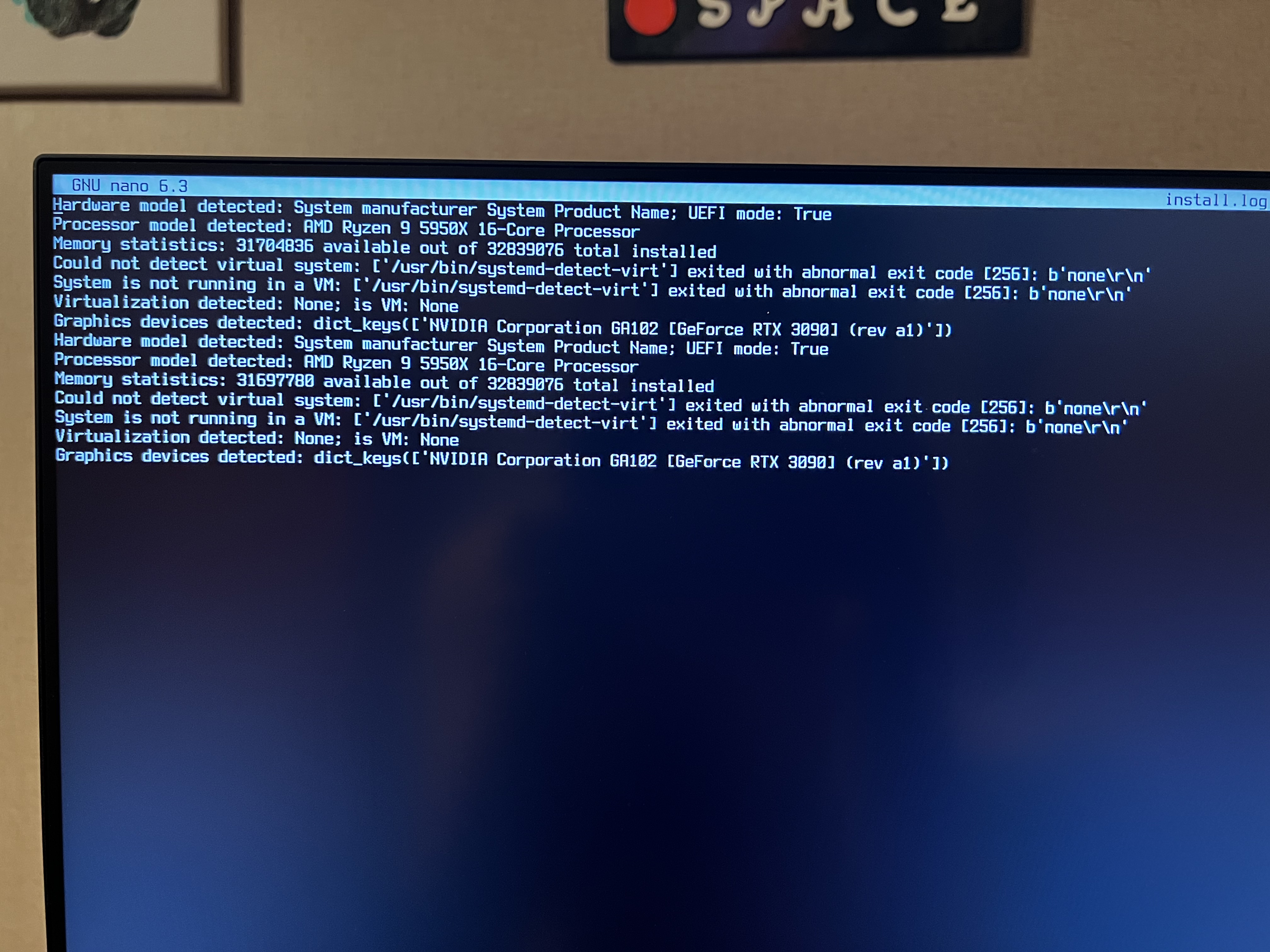
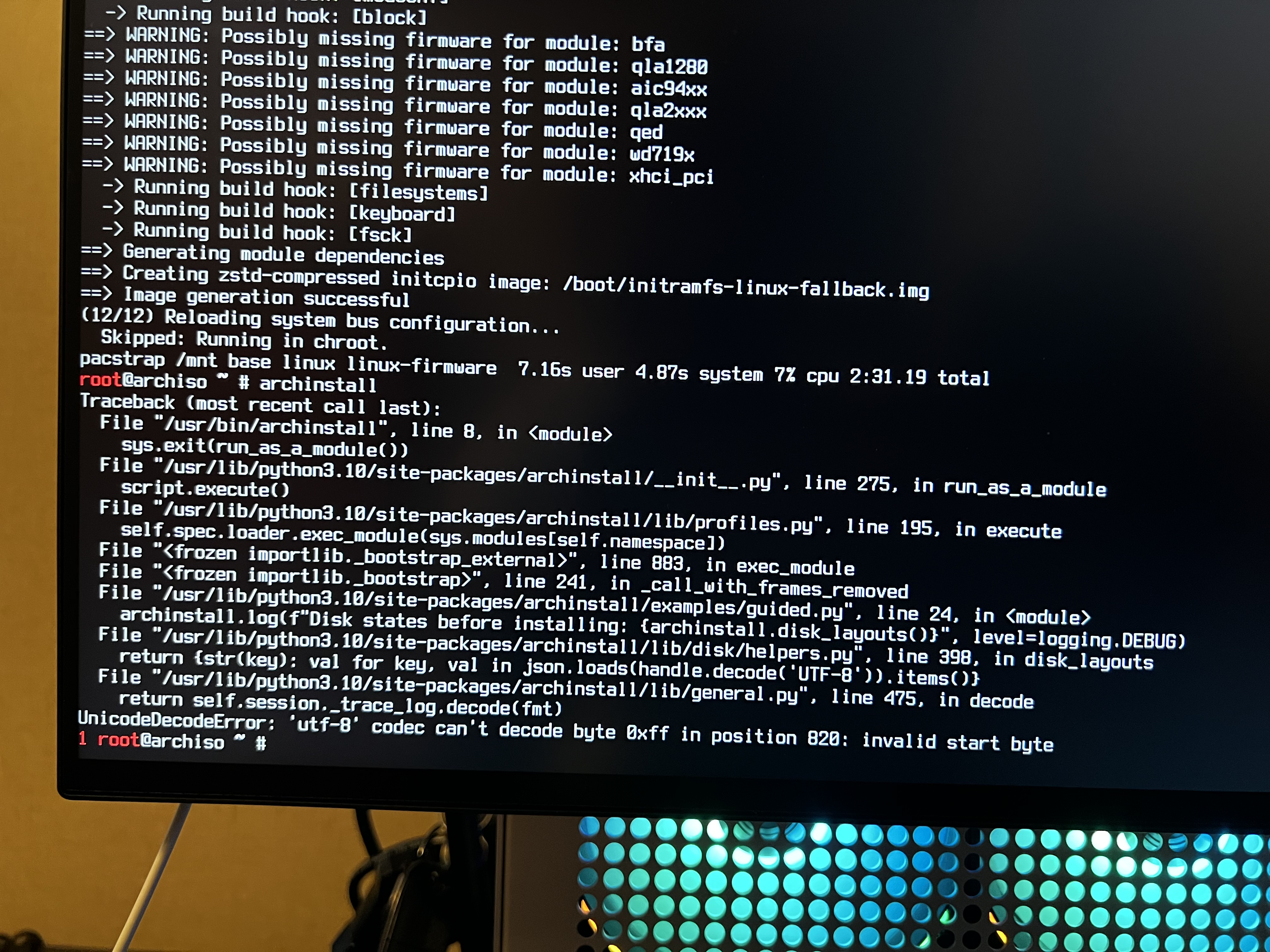
Note: this is not a VM installation.

I'm wondering if you have a disk label/partition label that contains native language? like backup hårddisk and that it causes an issue?

I'm wondering if you have a disk label/partition label that contains native language? like
backup hårddiskand that it causes an issue?
Would this be and potential issue with live usb or drive installed in pc?
I am unable to scroll for some reason. But here is what I have. I also ran lsblk -b
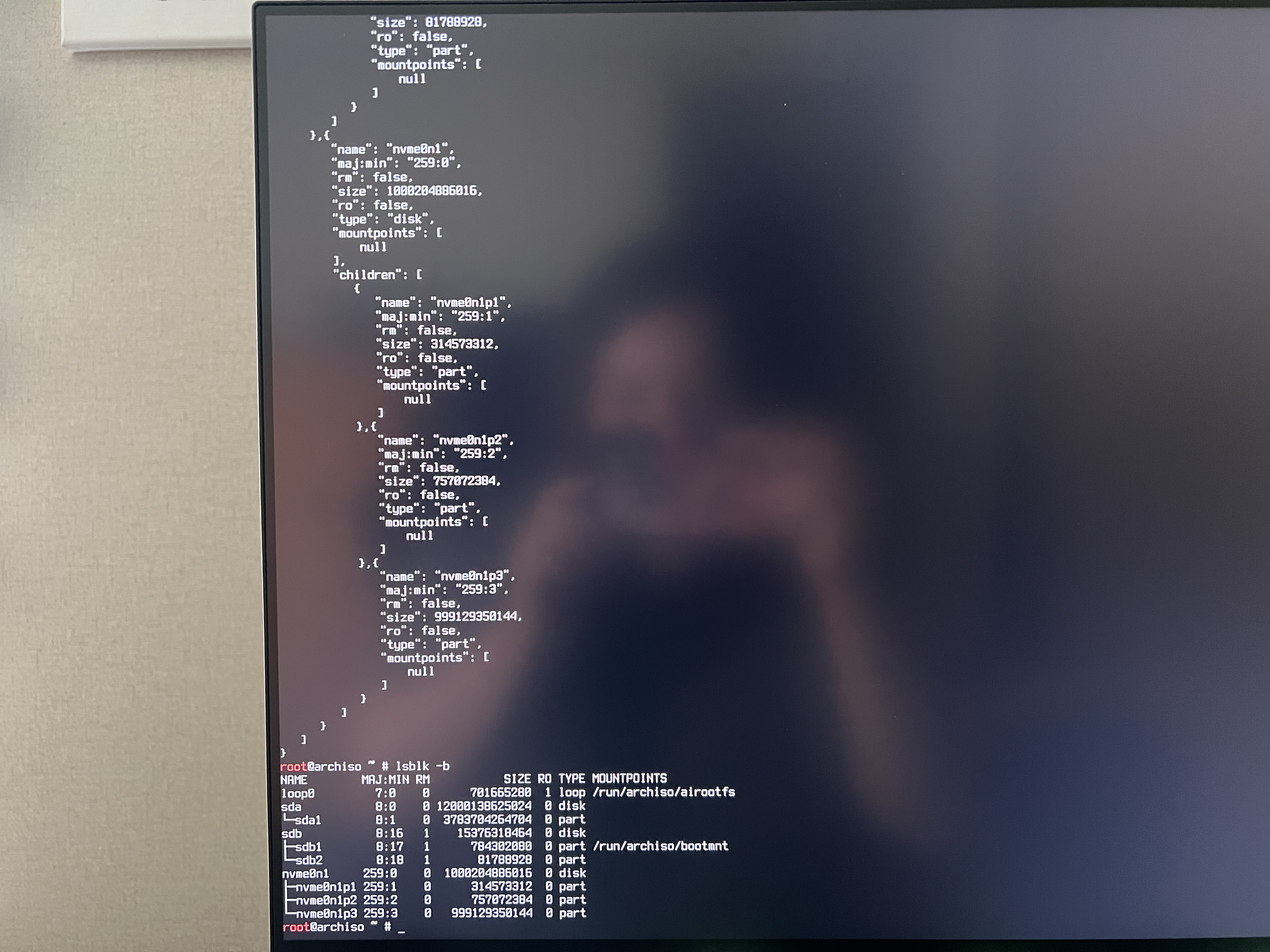
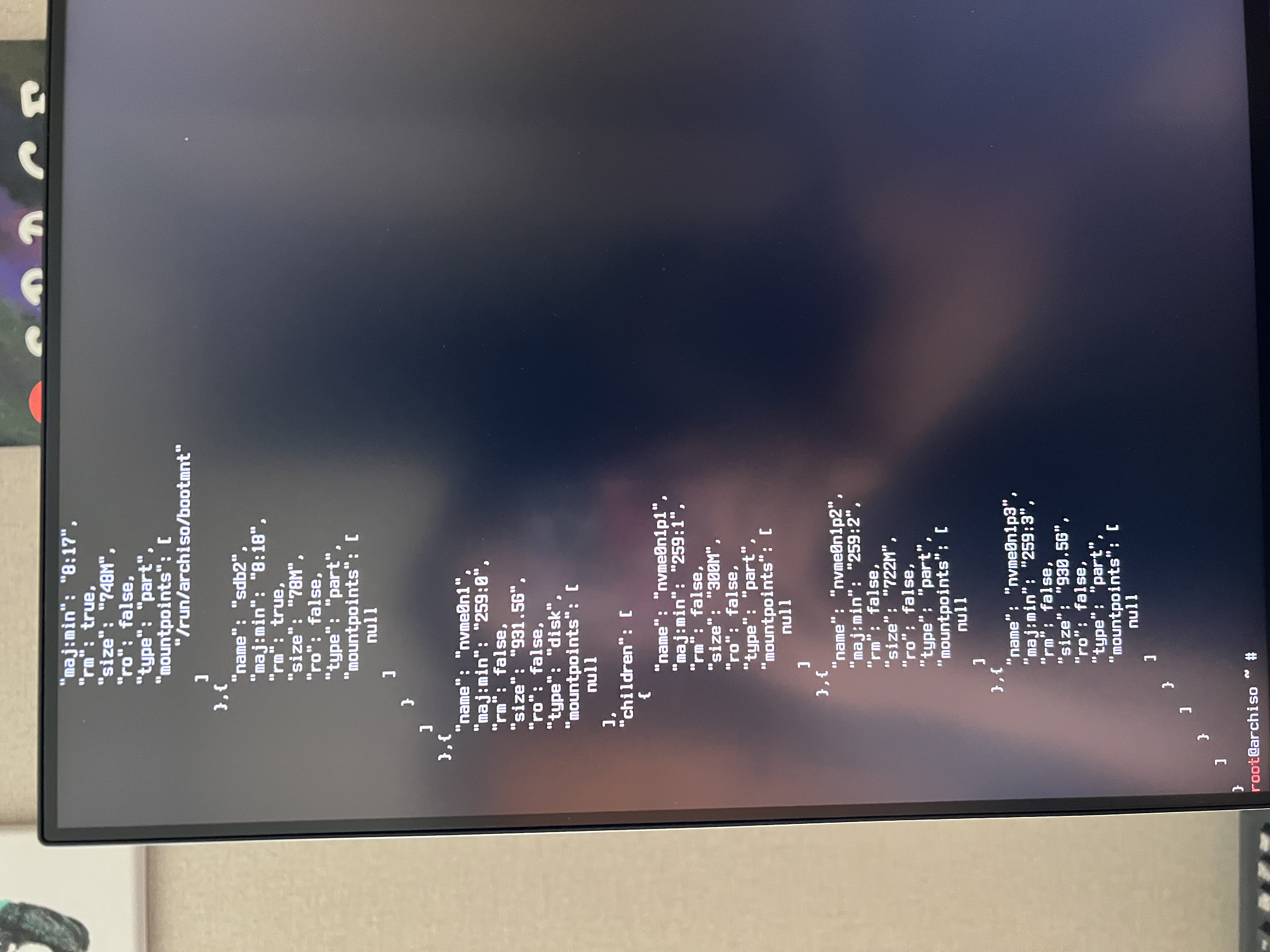
Unfortunately I need the string that is hidden hehe.
You can enable scrolling with lsblk -f -o+TYPE,SIZE -J | less -S
It's specifically the label field that I'm worried is weird.
Myabe lsblk -f -o+TYPE,SIZE will be enough tho and thus no need to scroll :)
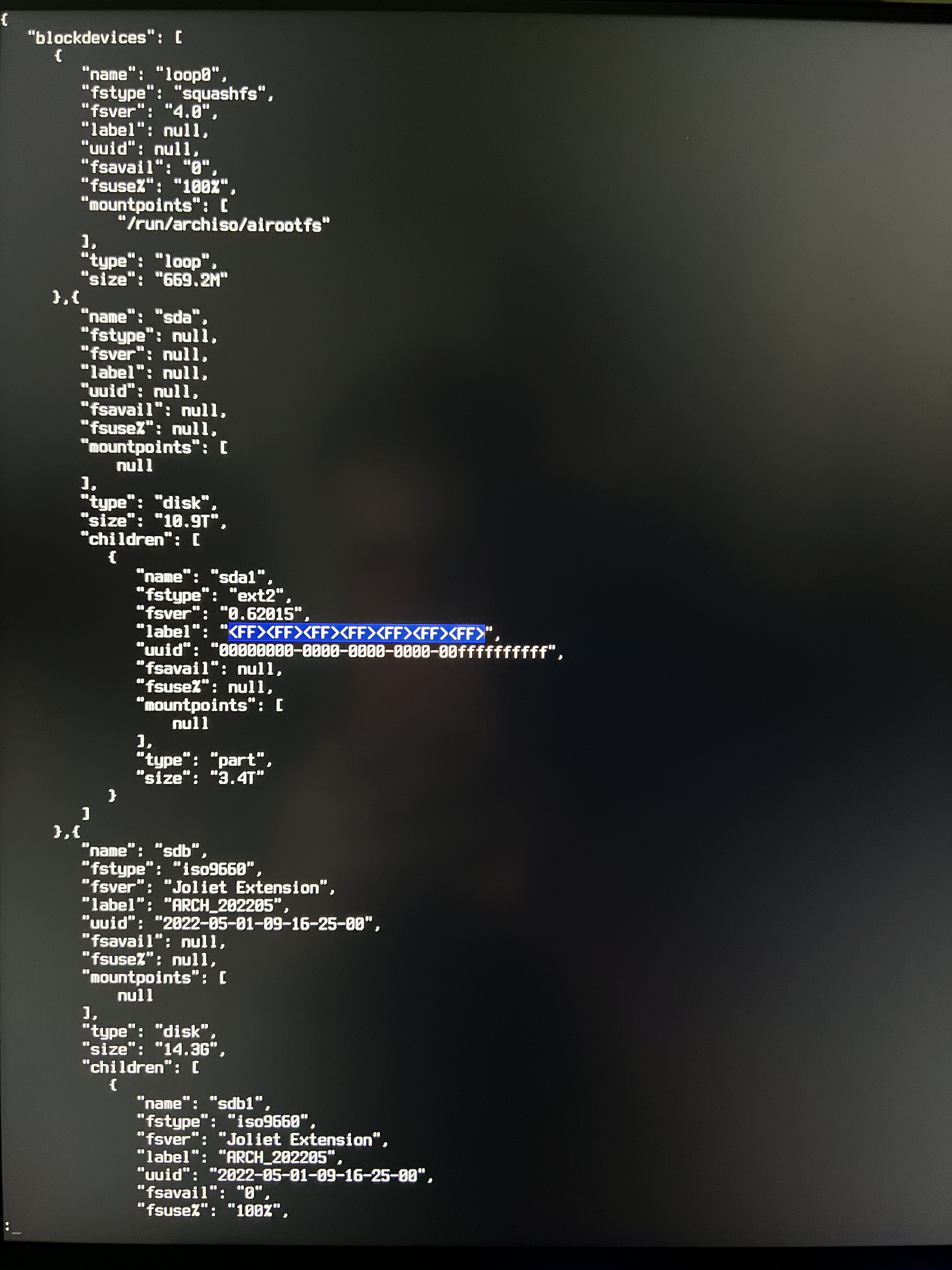
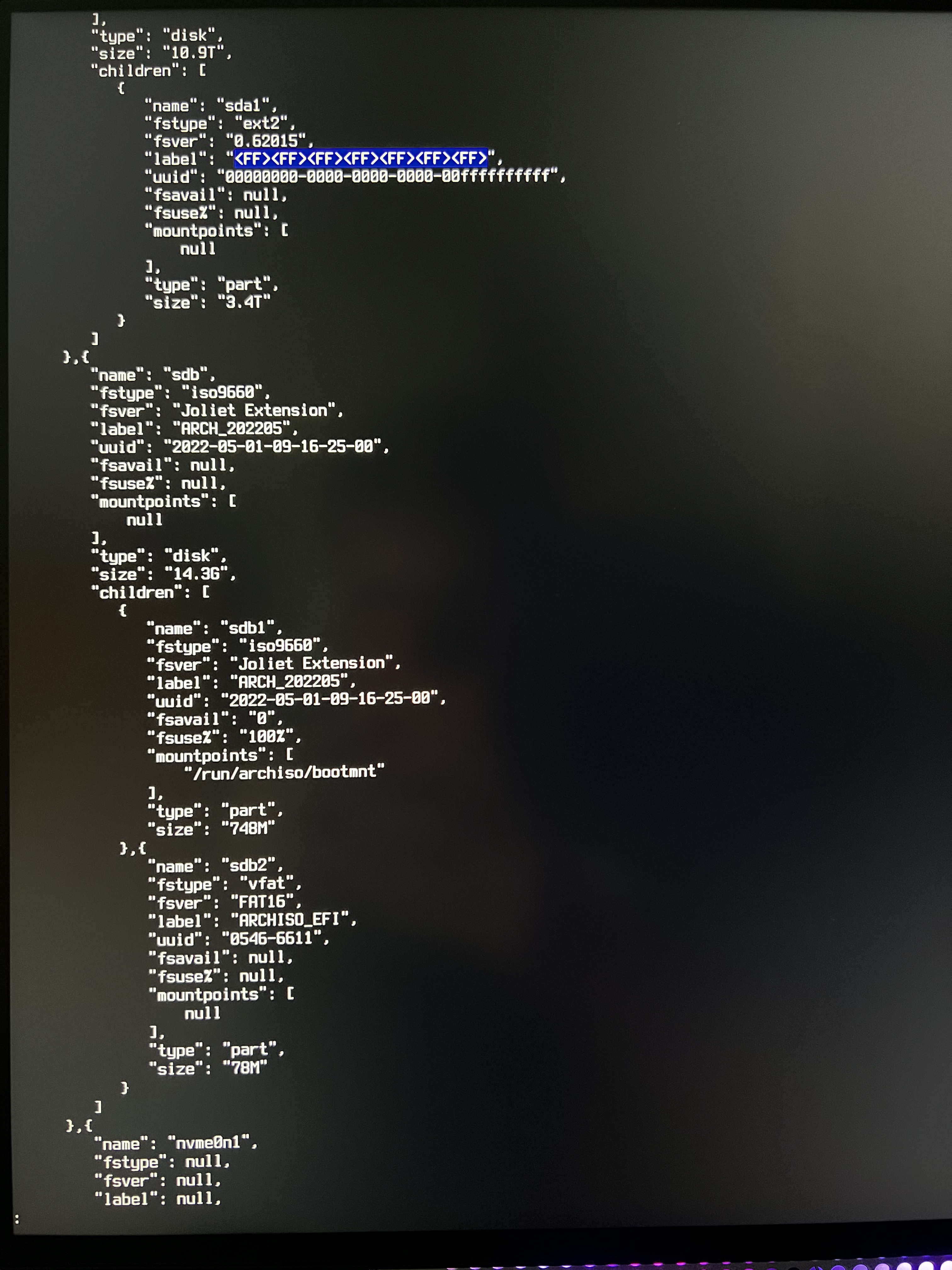
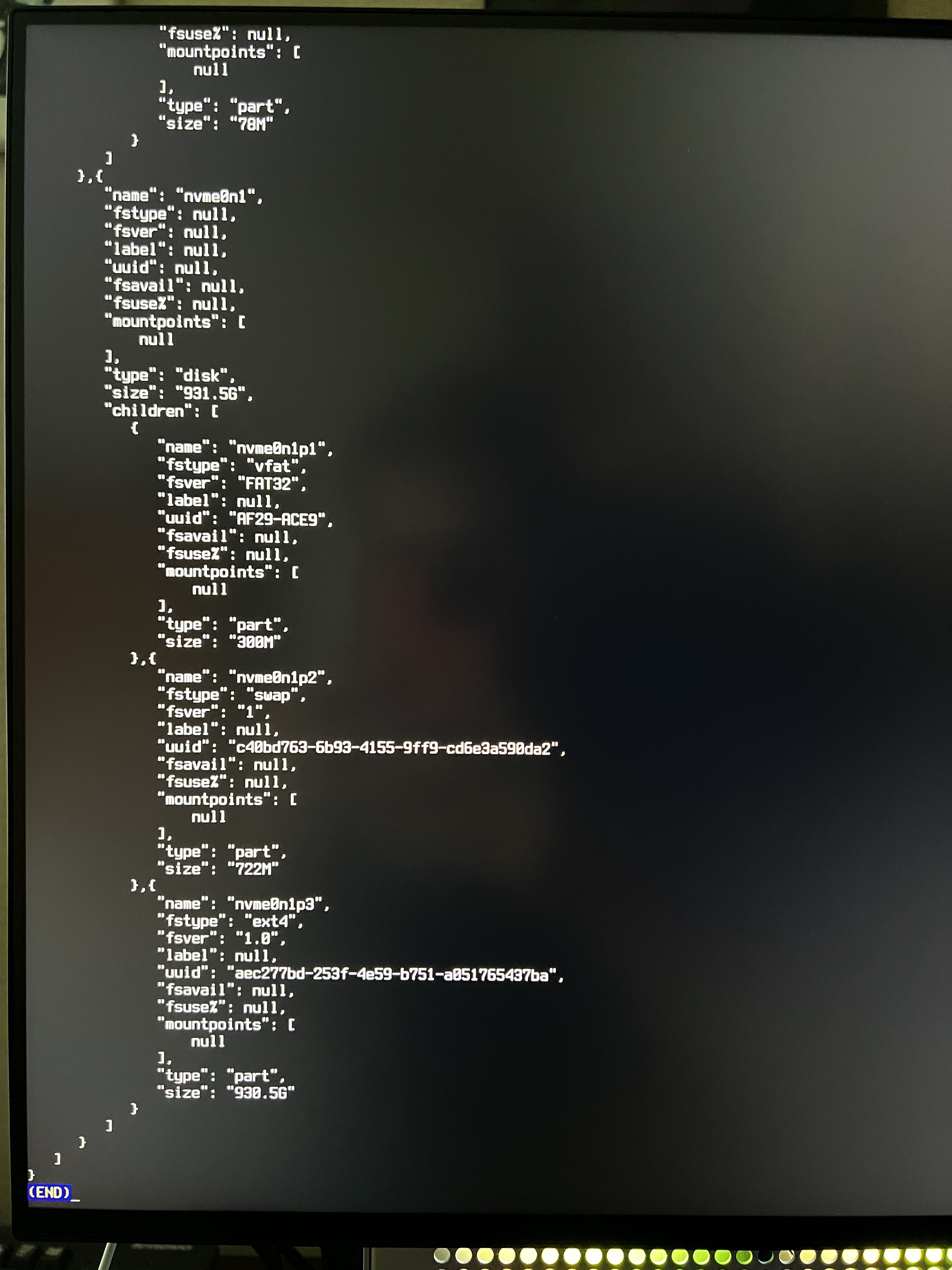
I booted up gparted and deleted all partitions on sda1 and then rebooted into arch and now archinstall is working! But I'm still curious what happened lol I did notice the odd label on the disk...
Yea it's the label for sure.
I'll see if I can add some error handling, it's going to be hard without doing str.replace() on weird things, or clean it before hand. As I don't think there's a flag for it to lbslk or the python module json.
But we'll get that sorted :)
We can probably close this for now as it may be resolved with the move to pyparted
