

 appsmithorg
[Bug]: Postgres plugin: allow connection without password
Is there an existing issue for this?
- [X] I have searched the existing issues
Description
Currently Postgres plugin does not allow connection without password. We need to check if the Postgres DB allows a user to connect without password and if so, then Postgres plugin should allow such a connection as well.
Steps To Reproduce
- Create new postgres datasource.
- Click on
Testbutton after entering all details except password.
Public Sample App
No response
Version
cloud, self hosted


@abhishek818 yes, absolutely. Thanks for showing interest. I am assigning this issue to you. Please read our code contribution guidlines before proceeding. Also, feel free to reach out to us on GitHub or via the Discord channel mentioned here. Happy coding :)
@sumitsum Pls review my PR -> https://github.com/appsmithorg/appsmith/pull/14807
any chance this is going to be fixed? it is preventing us from using AppSmith with IAM based login to Postgres

@codebreach can you please share any doc that talks IAM based login to Postgres ? Is this document a correct reference : https://aws.amazon.com/premiumsupport/knowledge-center/rds-postgresql-connect-using-iam/ ?
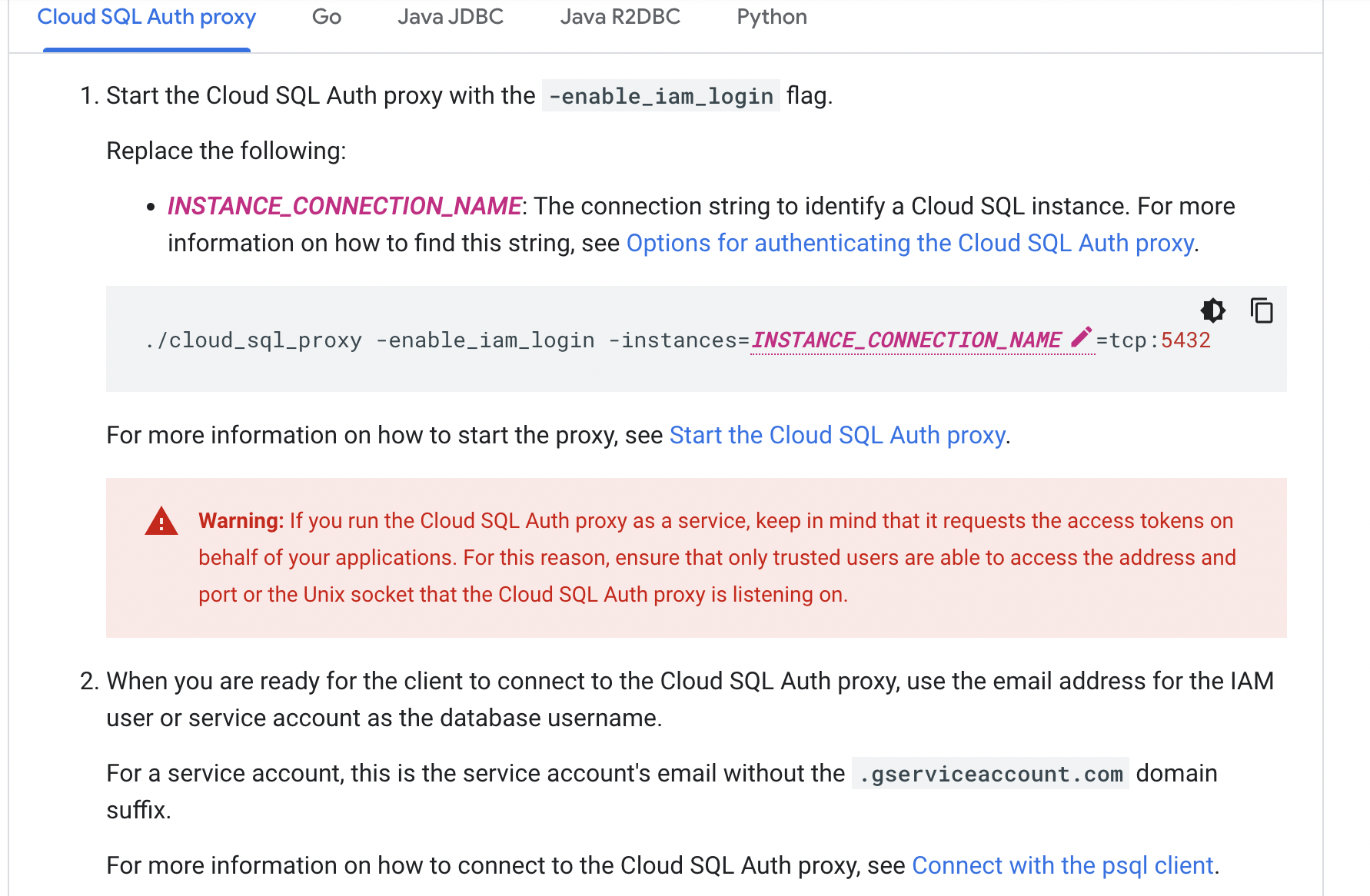
We are using GCP with CloudSQL Proxy which allows us to connect to other their recommendation is to just pass the name of the service account as the user and no password.
When you are ready for the client to connect to the Cloud SQL Auth proxy, use the email address for the IAM user or service account as the database username.
However, turns out there was some copy-pasta due to which it wasn't working. We were able to connect using password as it is ignored and the service account credentials are used instead
Thanks a lot for the info @codebreach . I am very glad that you were able to figure out a work around and connect with the DB 👍
Tested following scenario.
- Connection without password
- Connection with password
- Ran insert and select query after connection with Postgres
- Entered random password and checked if the connection is getting authenticated in case the password wasn't required
This fix is working fine. However, if the user still types something in the password field and save/ test, it should either show some warning or error message.
Note: Main issue is fixed. We can launch the same to unblock the users. This issue will be logged separately.

This fix is working fine. However, if the user still types something in the password field and save/ test, it should either show some warning or error message.
Note: Main issue is fixed. We can launch the same to unblock the users. This issue will be logged separately.
This would not be possible as the DB is managed by the end user and we don't know what type of authentication is associated with a particular username.

Agree with @PiyushPushkar02 , this is something for which we need to rely on the remote DB configuration / behaviour. We cannot generate such warning message on our own. cc: @AnandShahs123
Reopened this in favor of https://theappsmith.slack.com/archives/C0423TJFUJK/p1680872122620529
