

 appium
What causes AccessibilityNodeInfoError?
Description
I am trying to test an activity that is essentially a "book" with a table of contents composed of multiple sections including texts, videos, and pictures. Whenever I try to browse/scroll through this book via the table of contents, Appium would give error:
io.appium.uiautomator2.common.exceptions.UiAutomator2Exception: Timed out after 10000 milliseconds waiting for root AccessibilityNodeInfo
Sometimes even after loading in the activity, the test would be unable to access any of the UI Elements and would give the same error. I've also tried to view the book via the UIAutomatorViewer and it appeared to have worked for an arbitrary book, and was unable to view other books afterwards.
Environment
- java client build version or git revision if you use some shapshot: 7.0.0
- Appium server version or git revision if you use some shapshot: 1.13.0
- Desktop OS/version used to run Appium if necessary: Mac OS
- Node.js version (unless using Appium.app|exe) or Appium CLI or Appium.app|exe:
- Mobile platform/version under test:
- Real device or emulator/simulator: Real Device
Details
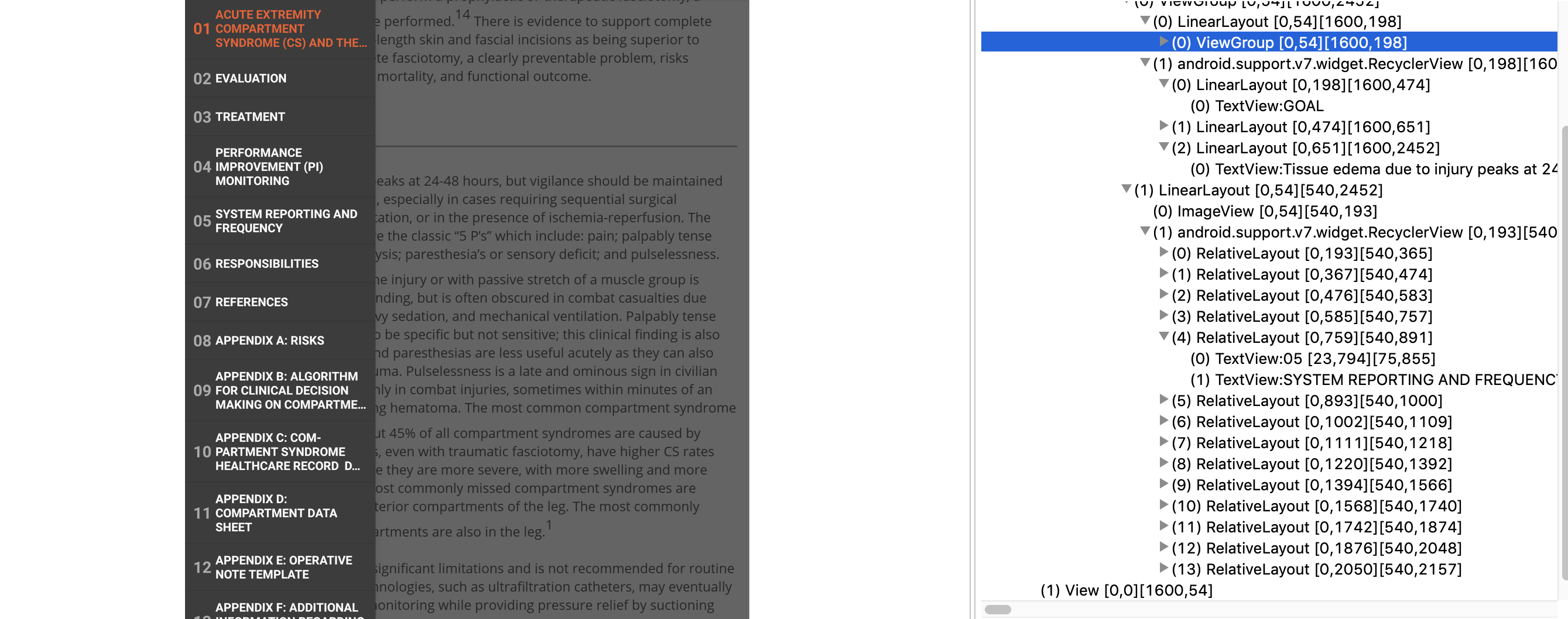
Here are some screenshots of when I am using UIAutomatorViewer:
Book with content in it
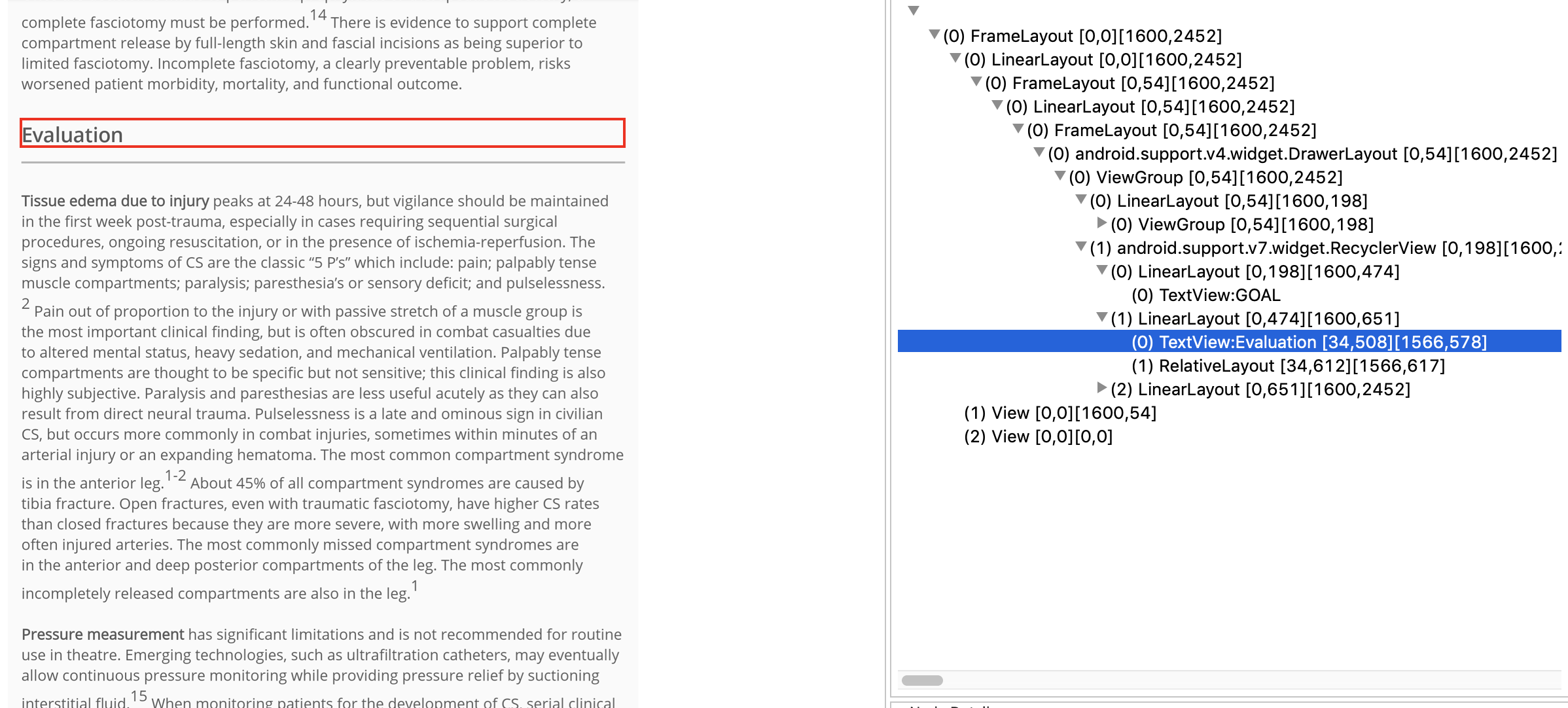
Table of Contents
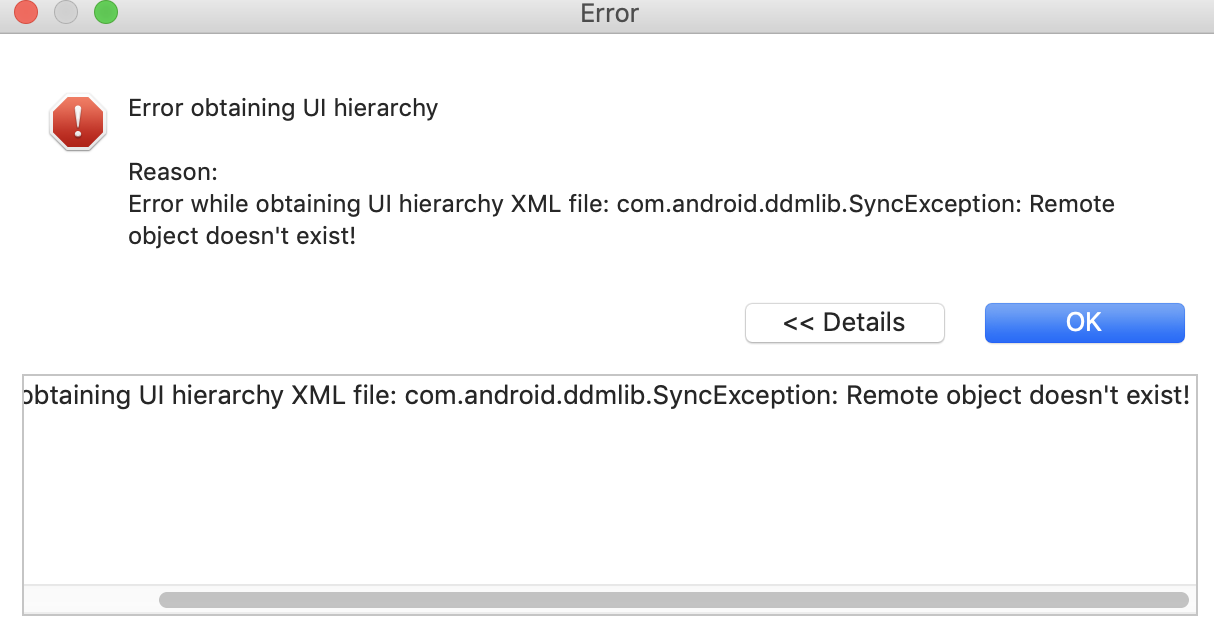
Error after clicking on a section:
Code To Reproduce Issue [ Good To Have ]
Exception stacktraces
https://gist.github.com/thv92/0bd9150d5b4073d49d98f5594e887459
Link to Appium logs
https://gist.github.com/thv92/431e8b71c3558ff2bf8b38d6320a1fd9

This error is not thrown by Appium but by UIAutomator. I had faced the same error, however, there was no resolution. I had then upgraded to later Appium version and worked. You may review these issues/resources, may help you find something that is important/helpful to you-
- https://github.com/appium/appium/issues/12555
- https://stackoverflow.com/questions/55883965/appium-timed-out-after-10000-milliseconds-waiting-for-root-accessibilitynodeinfo
- https://developer.android.com/reference/android/view/accessibility/AccessibilityNodeInfo

I'm using Appium for an Android app via React Native and I ran into this issue twice. Both times it was a JavaScript bundle issue that had nothing to do with my tests or Appium, in general. When you see this message, make sure your build and your tests are working manually first.
