apache
[Bug] [dolphinscheduler-api] there is not any tenant suitable, please choose a tenant available
Search before asking
- [X] I had searched in the issues and found no similar issues.
What happened
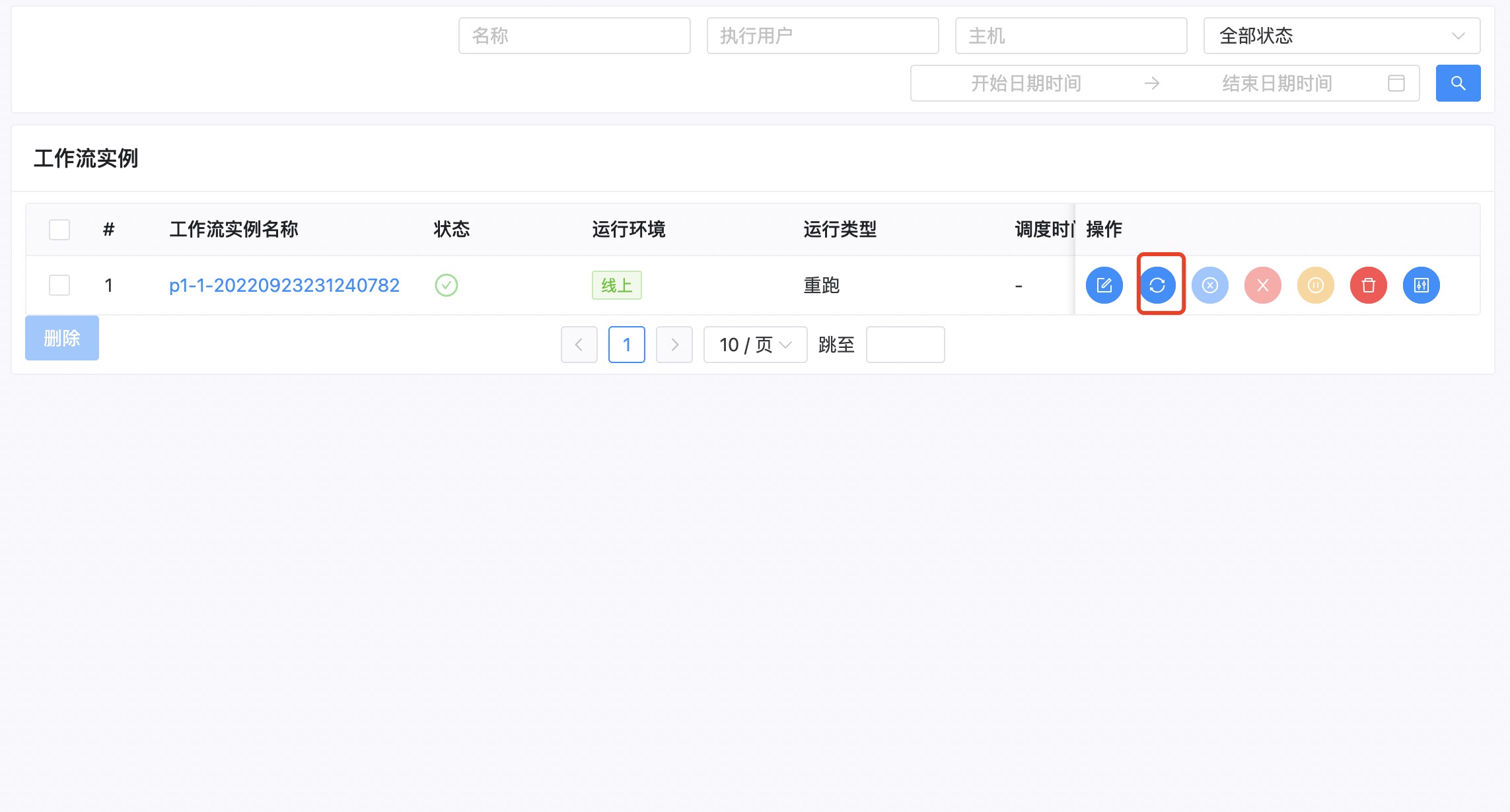
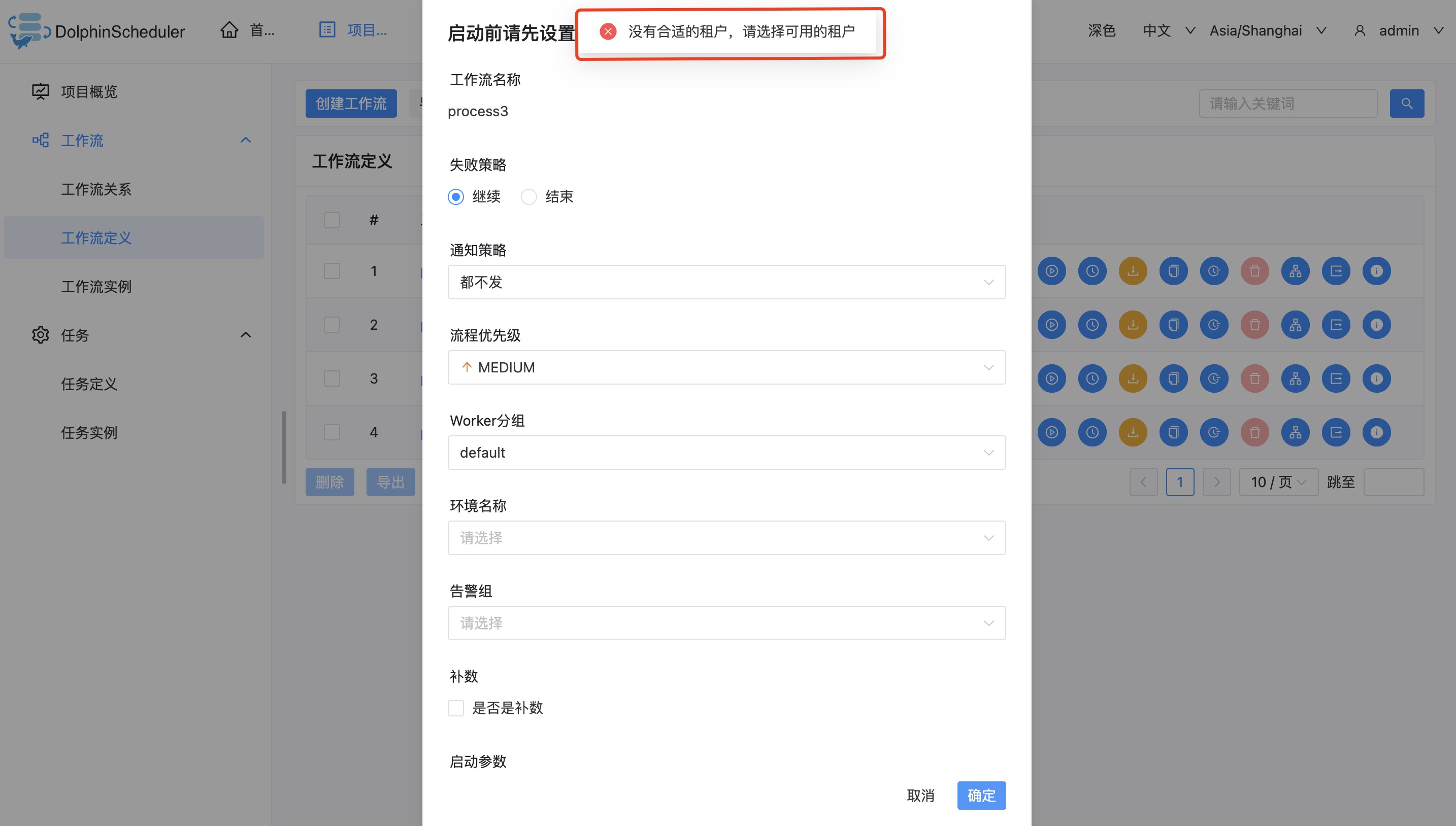
When I create the workflow as the admin user, then select the default tenant and execute it, I get the following exception

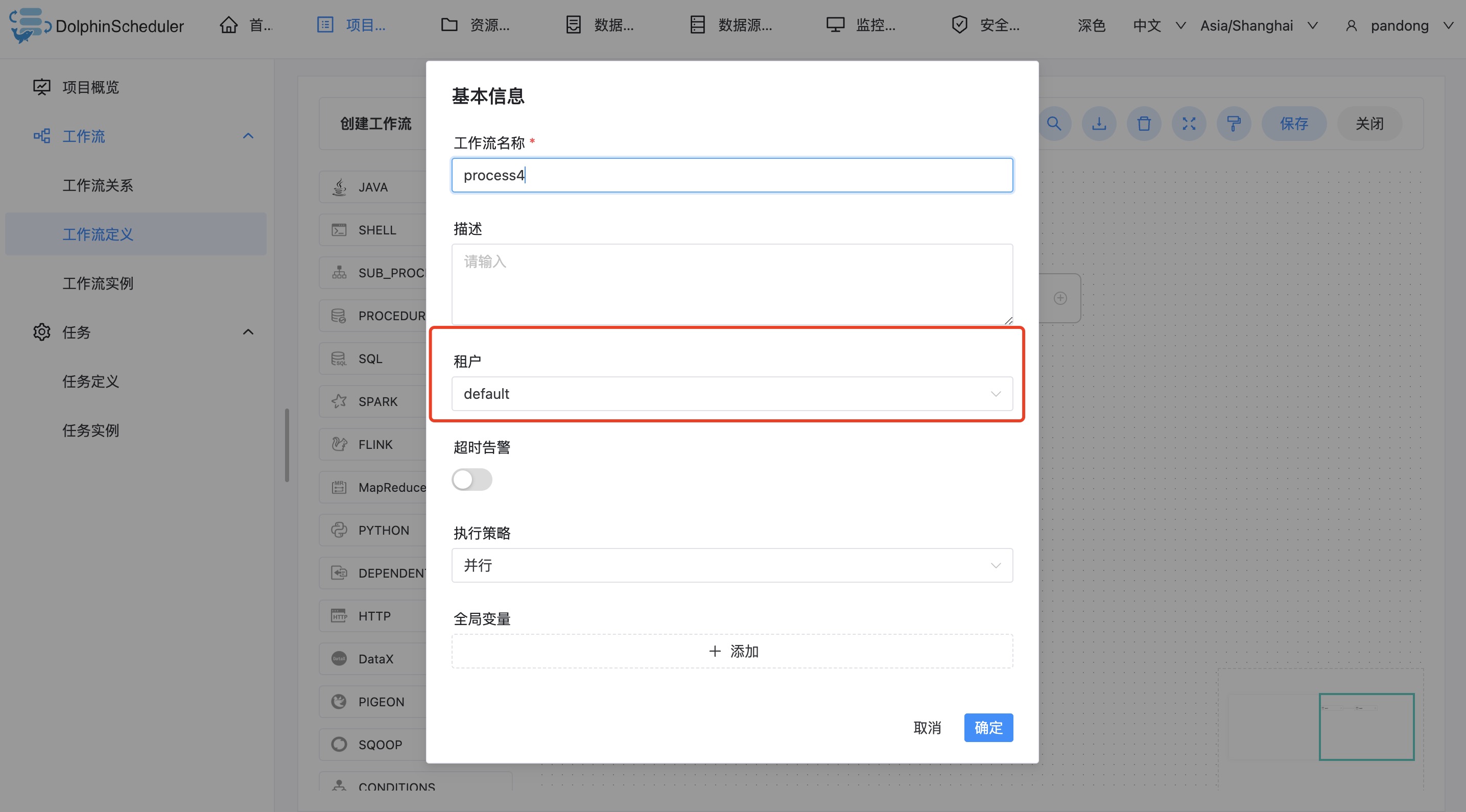
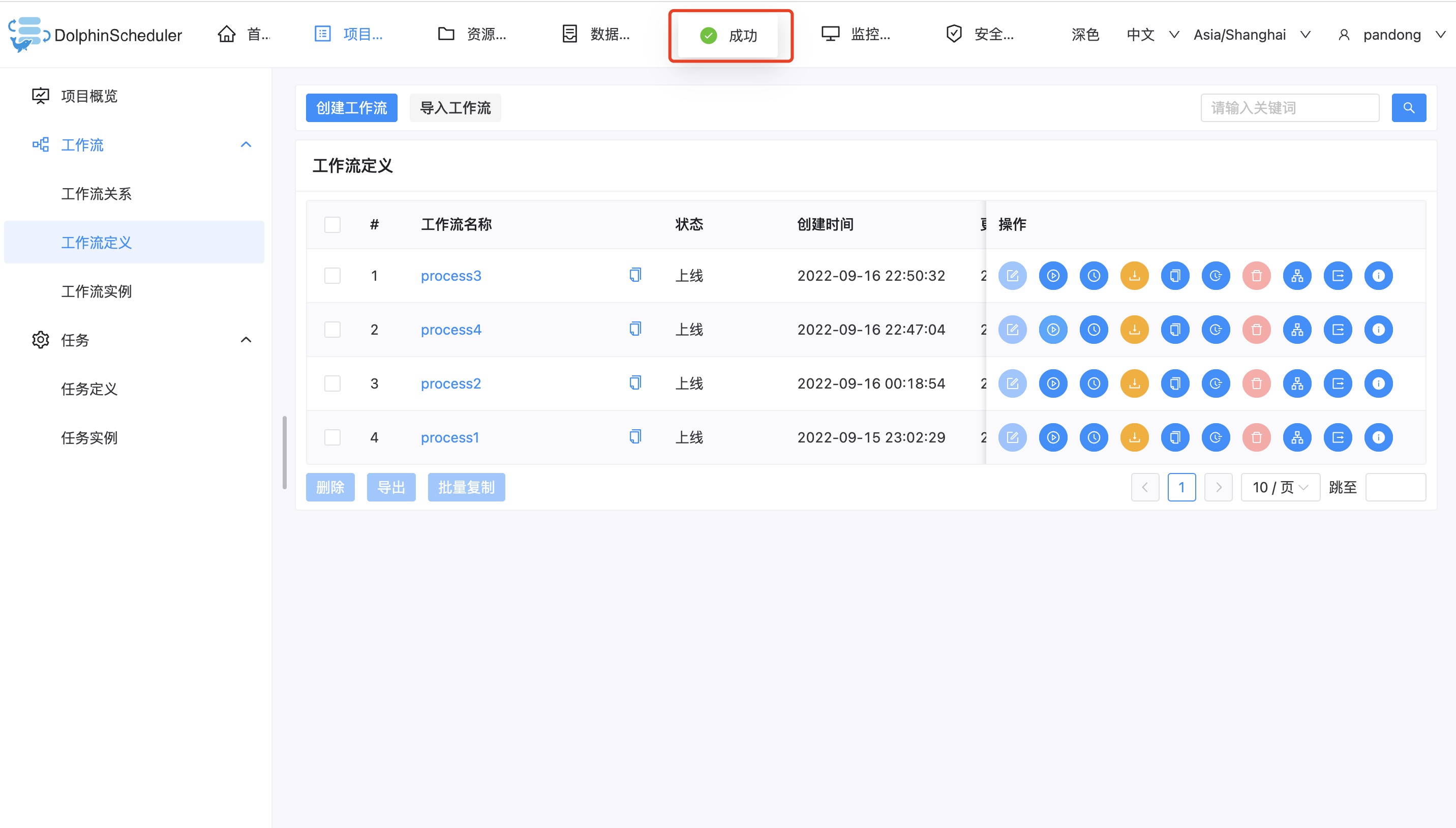
When I create a workflow with a regular user and select the default tenant, it works
What you expected to happen
When I create a common user as the admin user, a tenant is bound
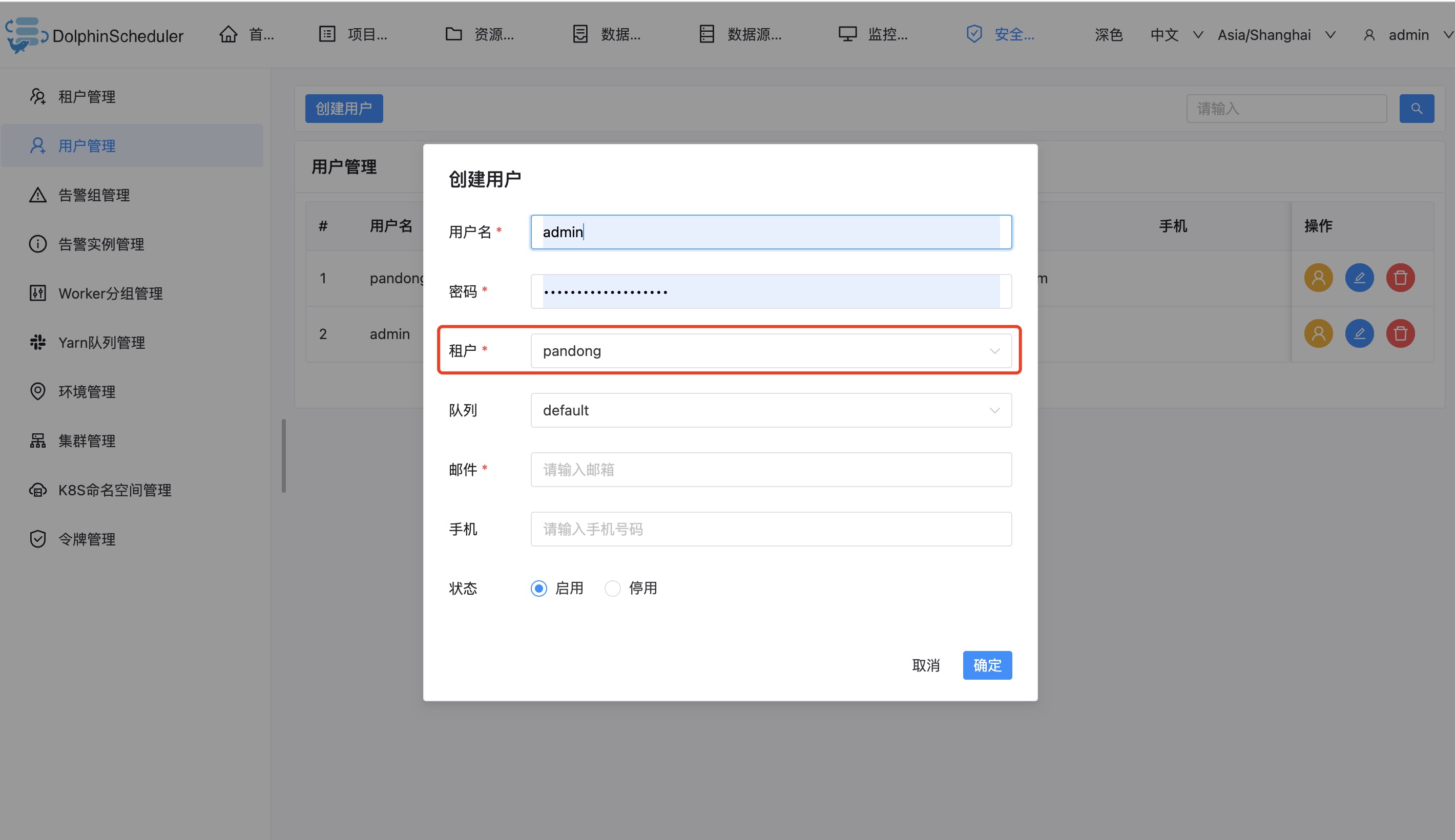
However, the admin user exists from the beginning, so there is no default tenant binding
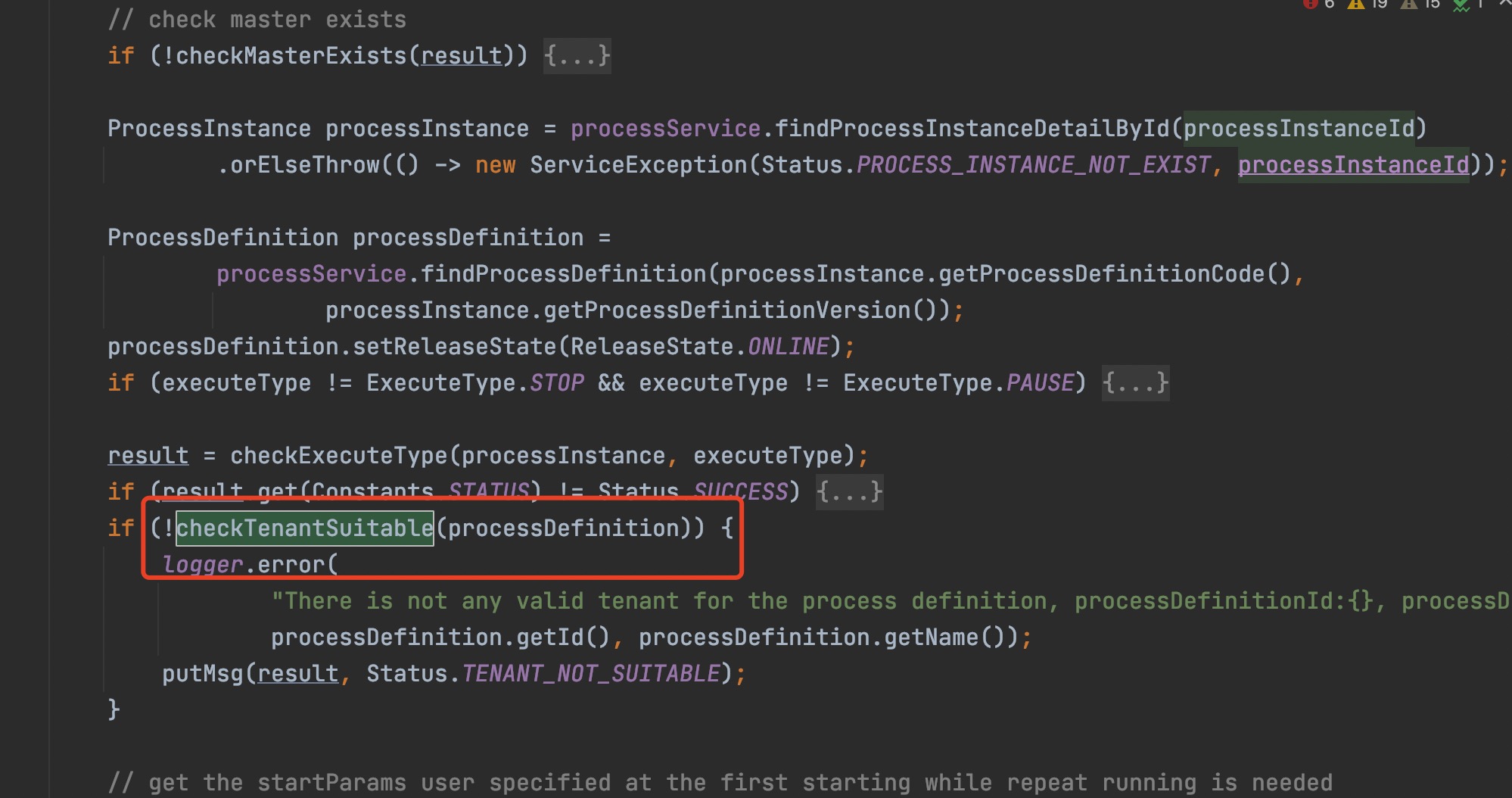
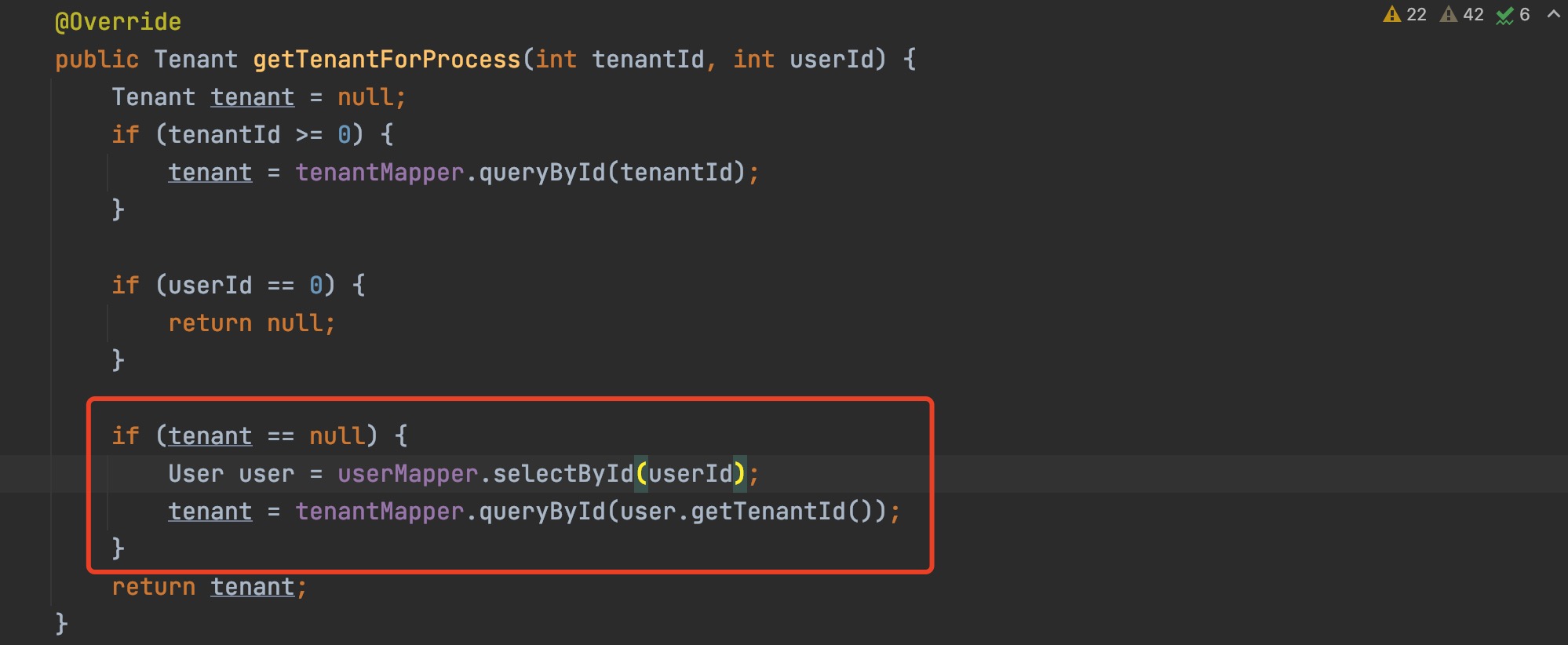
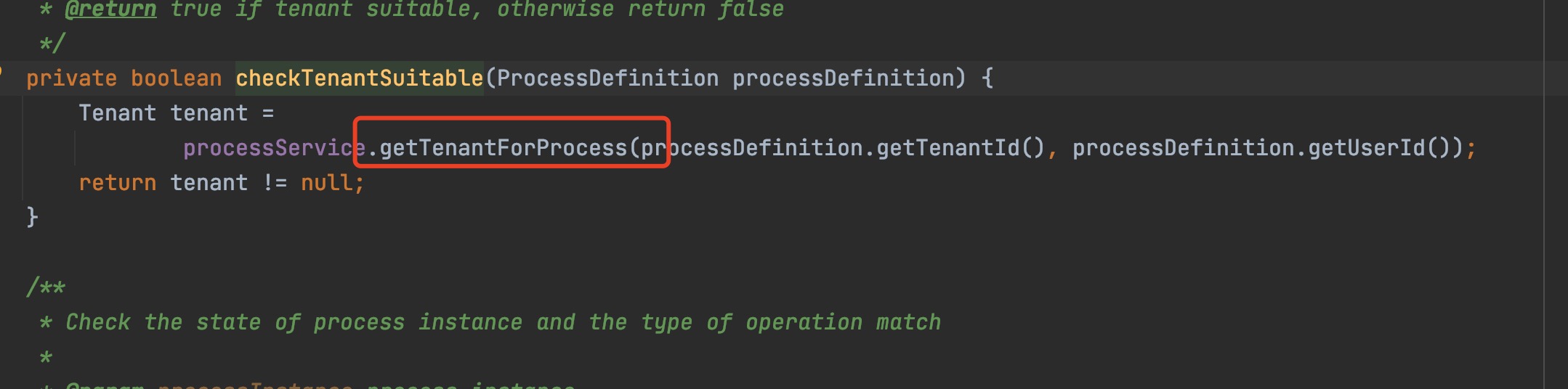
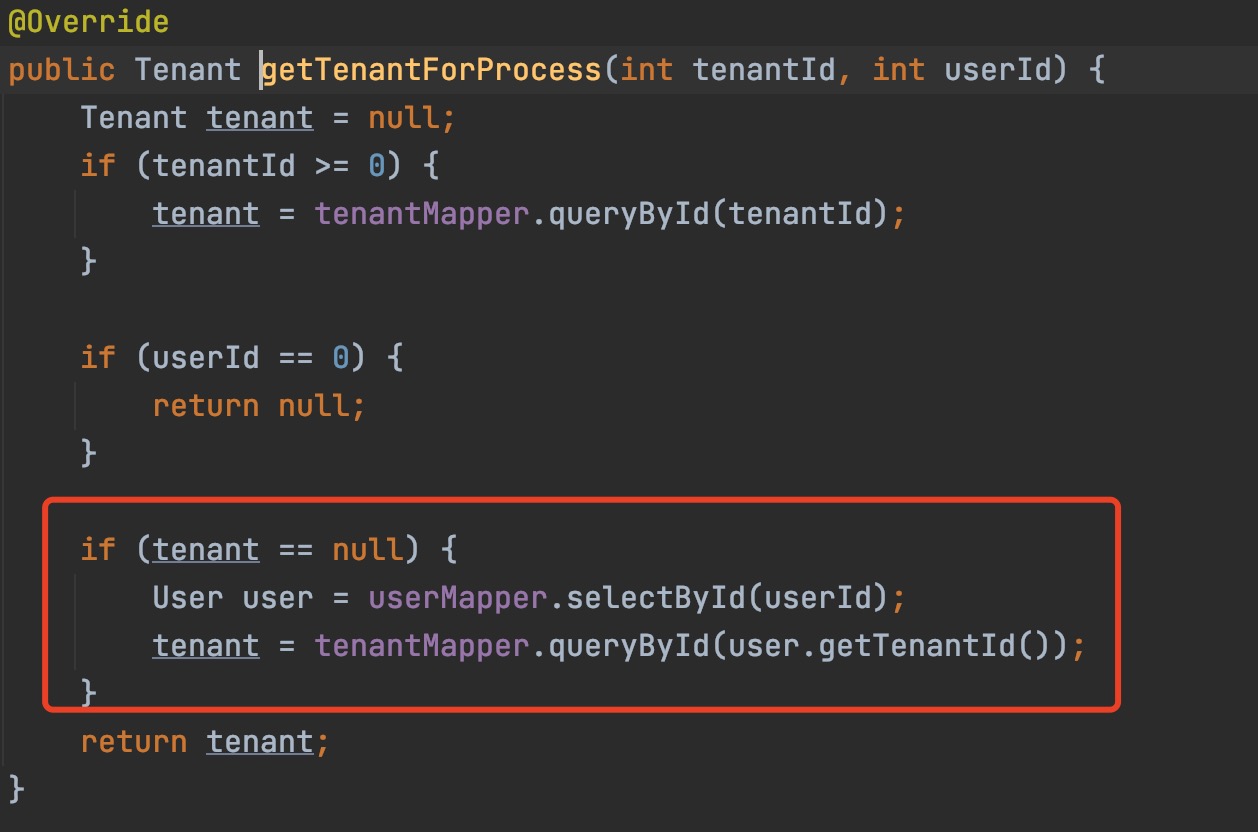
when user admin is used, the following code tenant returns a null value
How to reproduce
As I mentioned above
Anything else
No response
Version
dev
Are you willing to submit PR?
- [X] Yes I am willing to submit a PR!
Code of Conduct
- [X] I agree to follow this project's Code of Conduct

Thank you for your feedback, we have received your issue, Please wait patiently for a reply.
- In order for us to understand your request as soon as possible, please provide detailed information、version or pictures.
- If you haven't received a reply for a long time, you can join our slack and send your question to channel
#troubleshooting
![github-actions[bot] avatar](https://avatars.githubusercontent.com/in/15368?v=4 "Published by a pub.dev verified publisher")
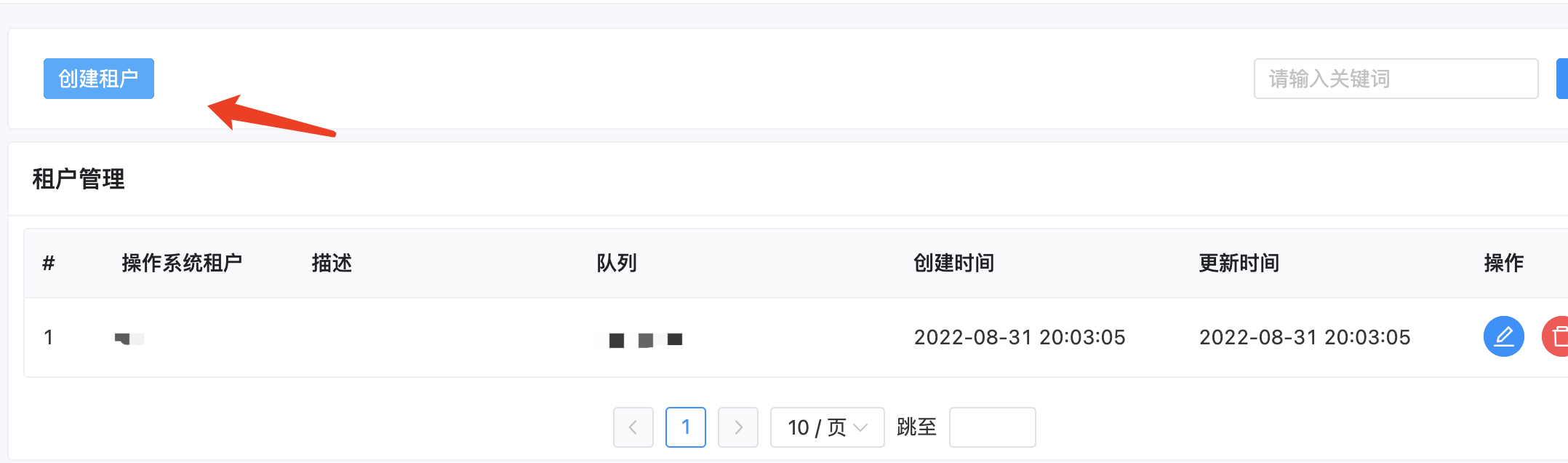
First, I think u should create a default tenant.
 Secondly, u should create users in Linux or Mac systems, for example: user add xxxx

First, I think u should create a default tenant.
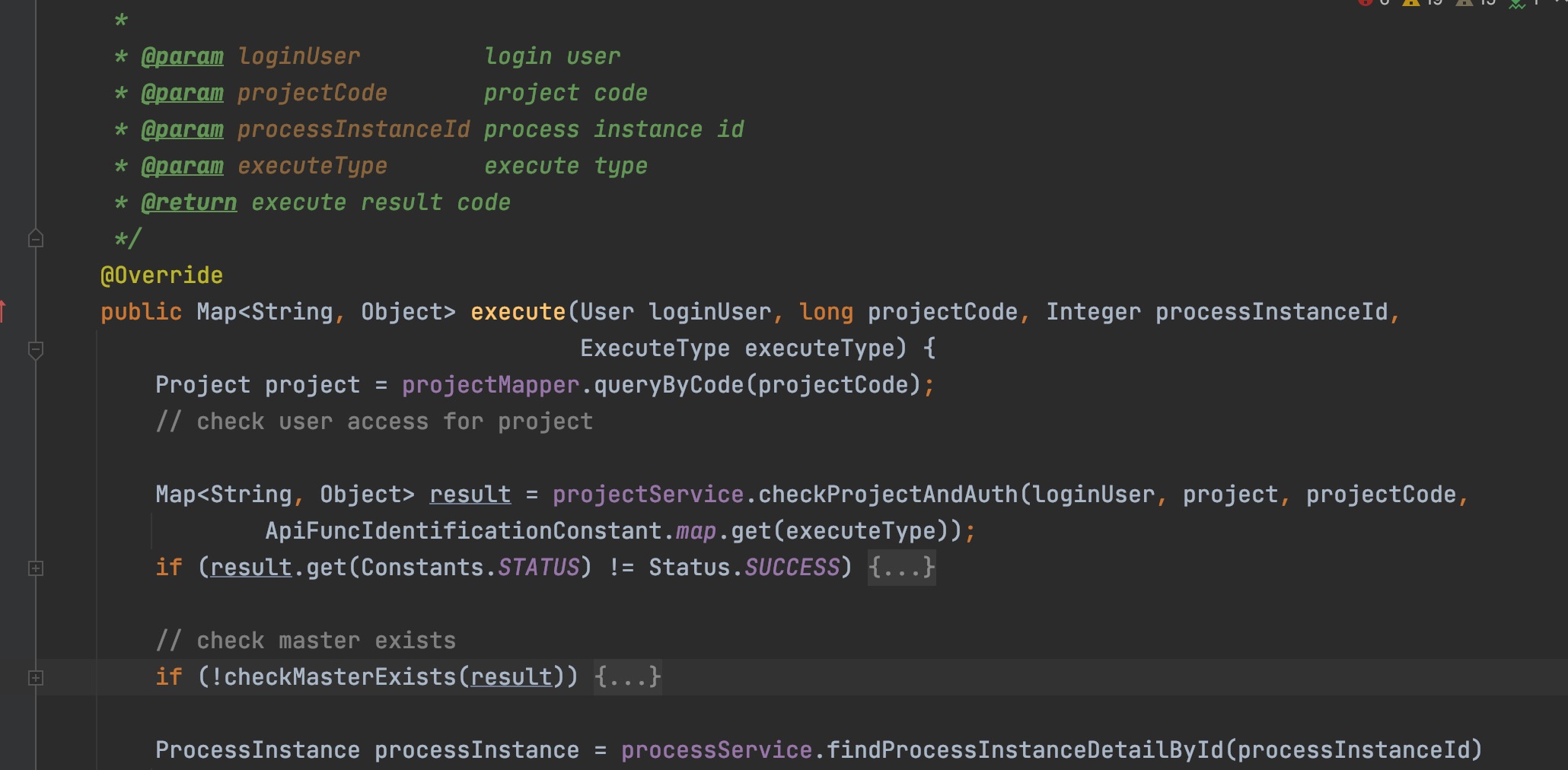
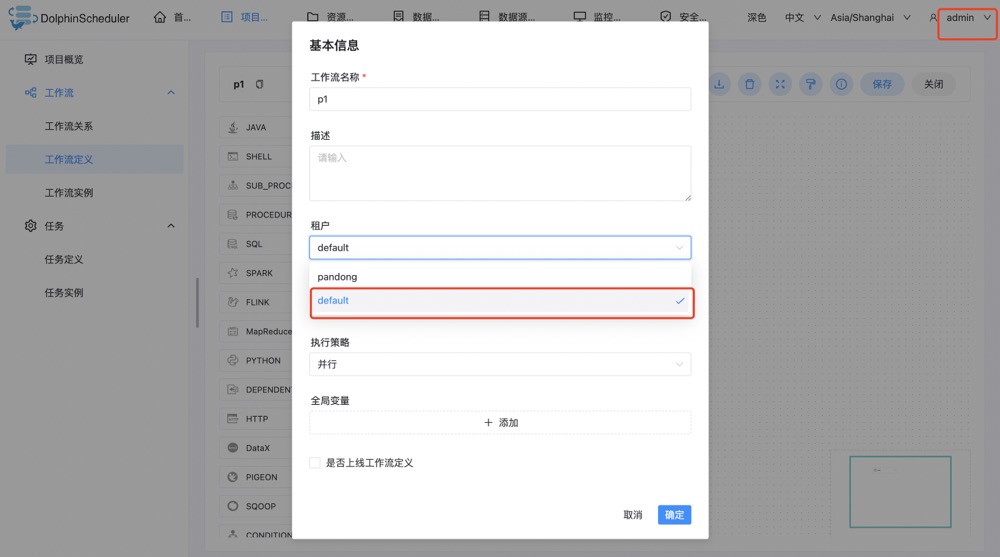
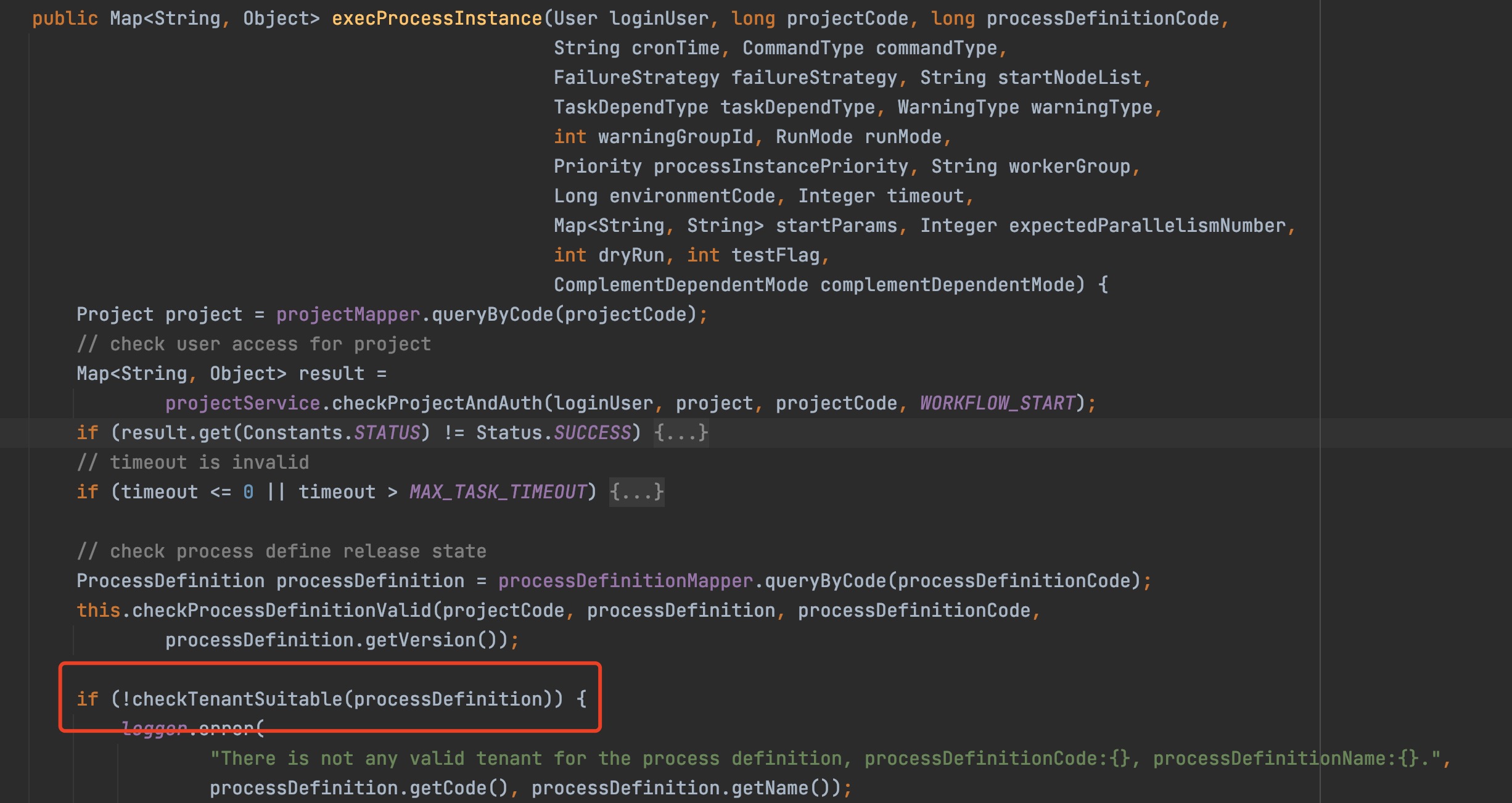
This is because the back-end program has relevant checks. When the workflow is created and executed, the back-end program will be executed as shown in Figure 1, Figure 2, Figure 3 and Figure 4. In Figure 4, when the admin user is used and the default tenant is selected, the check cannot pass
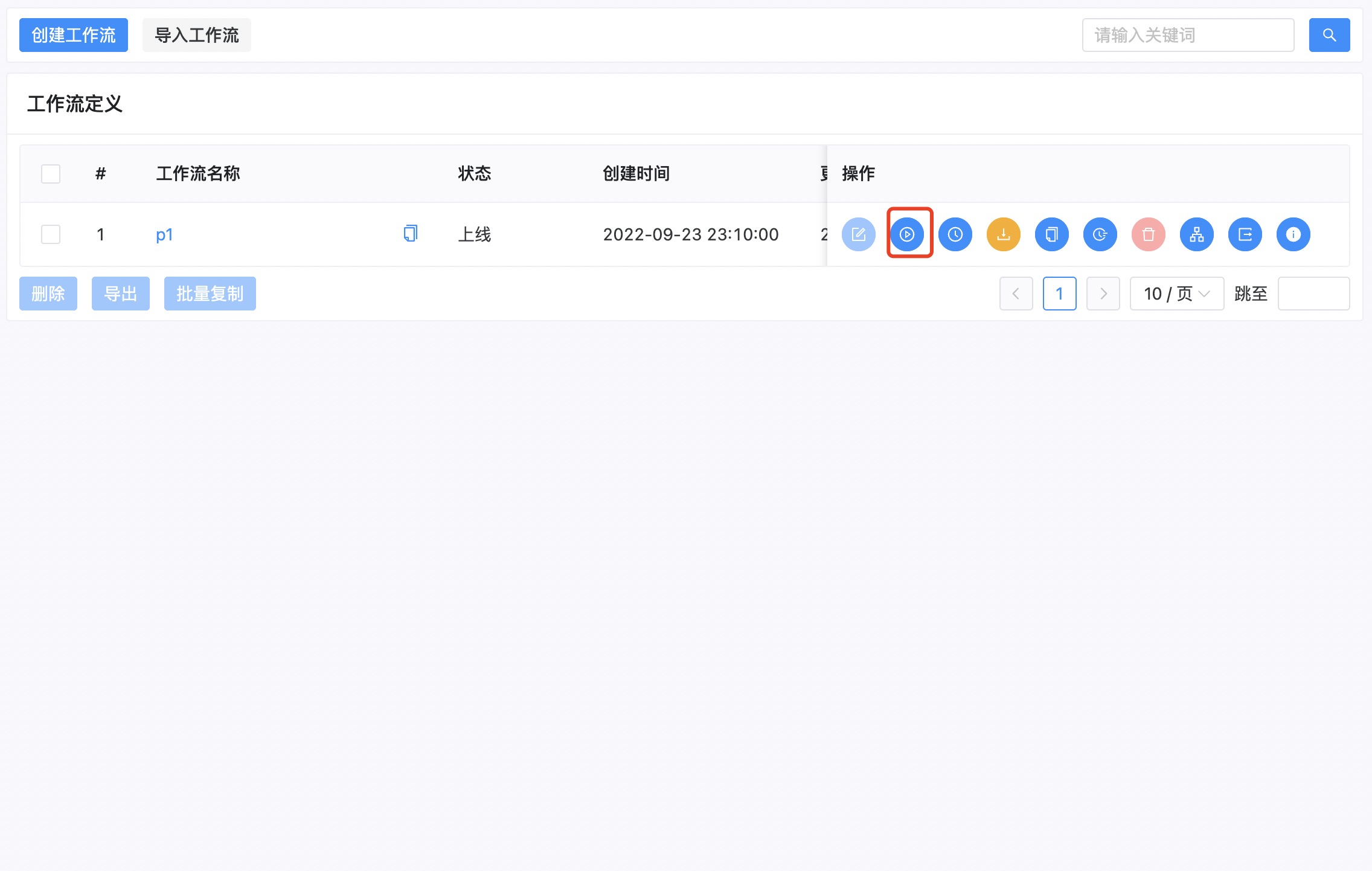
Rerouting workflow instances will also have relevant checks, The final solution is that if the current user is admin, there is no default option for the front-end save workflow when selecting a tenant, and if the user is a normal user, there is a default option