

 anupamchugh
Can't see the camera
Hi! I have a problem when executing the app in my android smartphone. The following error appears in Android Studio:
E/GLConsumer: [SurfaceTexture-0-26988-1] updateAndRelease: GLConsumer is not attached to an OpenGL ES context
Although it seems to work because the classifier identifyes what it is "seeing", due to the error, I cannot see the camera. Below I attach a screenshot of what I see.
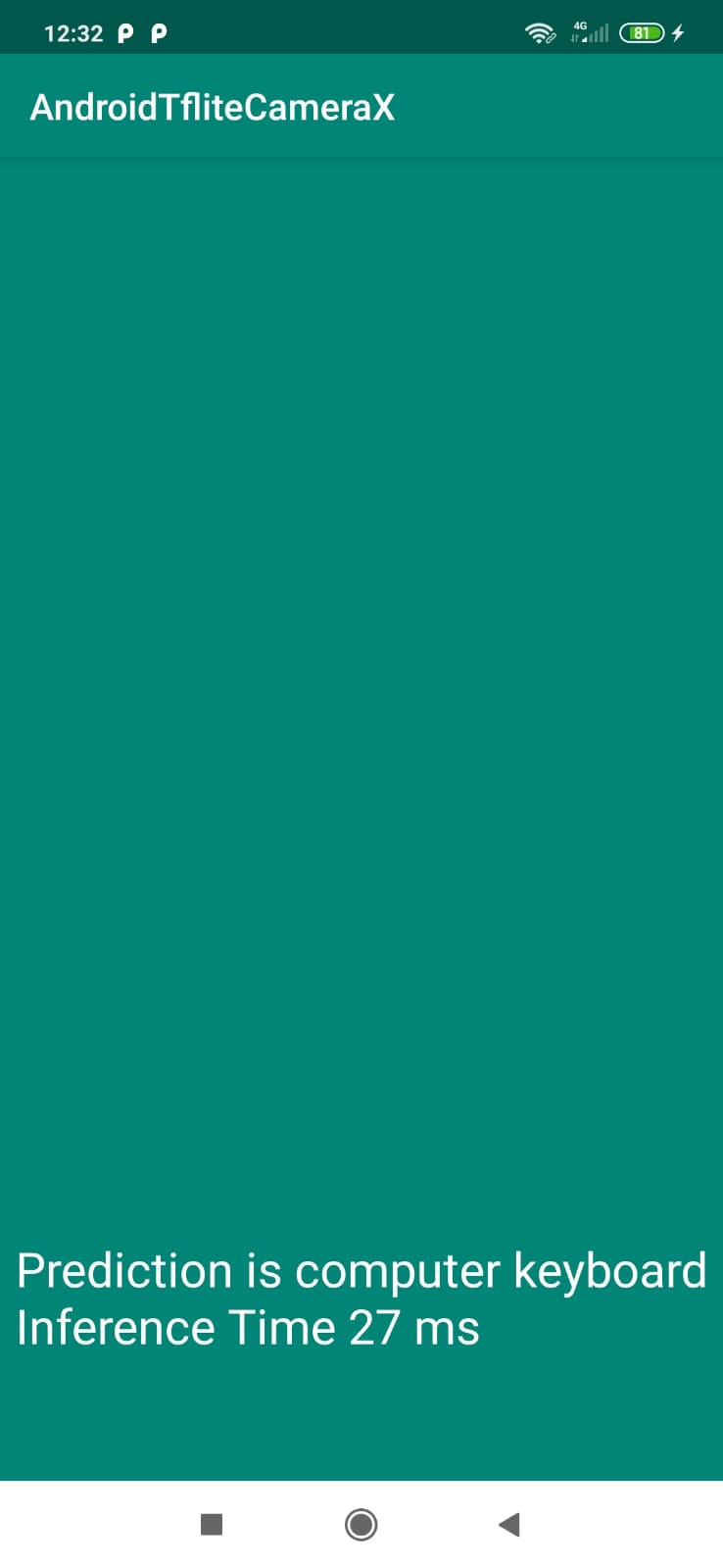
Furthermore, I tried to modify the codes to use my own model and labels. I have the model in TFLITE format and the labels in txt, and both of them are added to the assets folder. I followed all the steps detailed in the post but for some reason, the app is always retrieving the first label as the prediction, doesn't matter what am I pointing at. Can you tell me which might be the error? Thank you. Alicia

Hey, This could help with the camera problem: https://stackoverflow.com/questions/56064248/android-camerax-doesnt-show-anything

Close the imad's answer, but there is a compilation error in
textureView.surfaceTexture = output.surfaceTexture
As it is not allowed to reassign the val. Instead, rewrite the listener as follows:
preview.setOnPreviewOutputUpdateListener {
            val parent = textureView.parent as ViewGroup
            parent.removeView(textureView)
            textureView.setSurfaceTexture(it.surfaceTexture)
            parent.addView(textureView, 0)
            updateTransform()
        }
