

 ankeetmaini
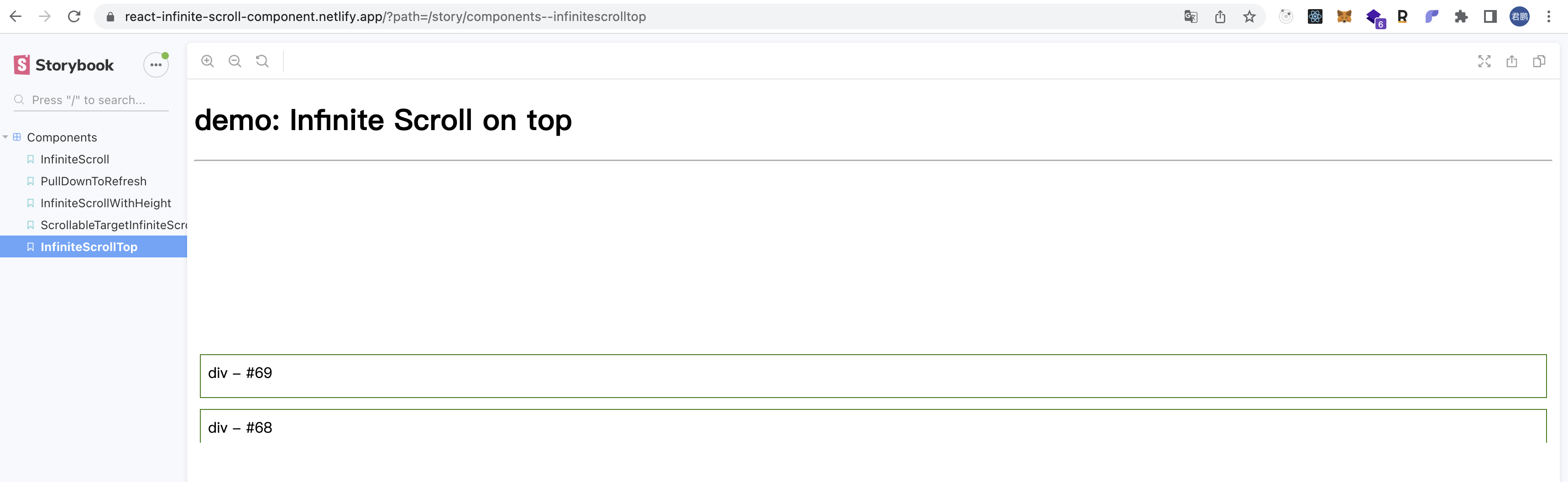
When inverse=true, the fast sliding sub component cannot be displayed normally

@ankeetmaini
Facing the same issue.
Also, observed that this is happening in newer version of chrome. (Version 108.0.5359.98 (Official Build) (x86_64))

I have the same problem. It seems to only happen with Chrome. I've only tested it on Chrome and Safari so far.


I created my own Infinite Scroll component, using intersection observer from JS where this bug does not occur. I want to provide a repository with example.
Same issue, any possible fixes.
https://user-images.githubusercontent.com/110843056/210102514-ae5eaf64-cae7-4635-a32f-139e1e2168db.mov

I created my own Infinite Scroll component, using intersection observer from JS where this bug does not occur. I want to provide a repository with example.
Any links for reference to your implementation?
I think its a bug with the browser rather than the component. flexDirection: 'column-inverse' causes issue with updated version of browsers.
for now the only fix that worked for me is setting css property on the items contentVisibility: 'auto'. This forces to render the element if not rendered already
Hope this helps.

https://codesandbox.io/s/nostalgic-wozniak-dpitnd?file=/src/index.js Here's an implementation where this occurs.

contentVisibility is experimental, compatibility is not very good, please use with caution in production environment.
https://stackoverflow.com/questions/74617048/chrome-wont-render-items-when-flex-direction-row-reverse-column-reverse-wit