angular-fullstack
style does not work on install
- X[ ] I understand that GitHub issues are not for tech support, but for questions specific to this generator, bug reports, and feature requests.
| Item | Version |
|---|---|
| generator-angular-fullstack | 4.2.3 |
| Node | 8.9.3 |
| npm | 5.5.1 |
| Operating System | Windows 10 |
| Browser | chrome, firefox, edge |
| Item | Answer |
|---|---|
| Transpiler | Babel |
| Markup | HTML |
| CSS | LESS |
| Router | ui-router |
| Client Tests | Mocha |
| DB | MongoDB |
| Auth | Y |
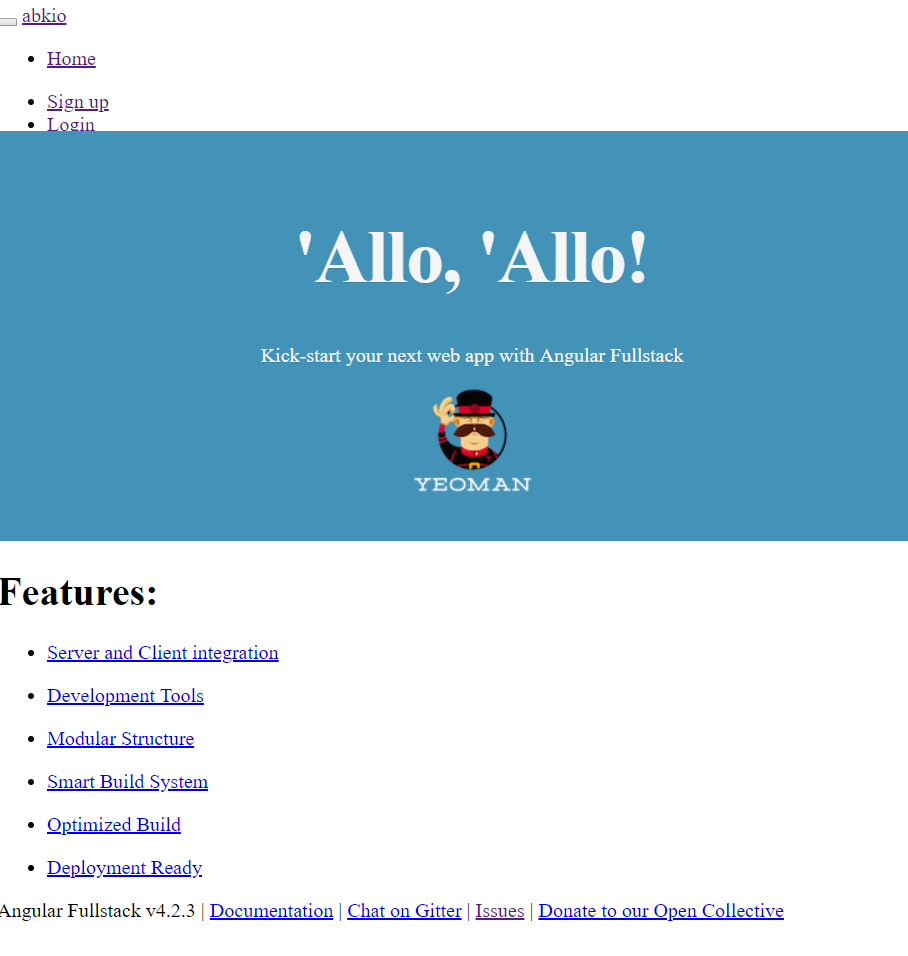
Hello, Disclaimer : I am new to this generator, hope this is not a newbie question. I tried several times to follow the startup guidelines ( https://angular-fullstack.github.io/get-started/), and the page doesn't load properly : for some reason part of the style is inactive (See printscreen below). There is no error in the browser.

Did you tried with something else than LESS for the css ? Only for testing. Did you get any error during generation or installation ?

Try changing the LESS loader in webpack.make.js to:
test: /\.less$/,
loaders: [
  'style-loader',
  'css-loader',
  'less-loader',
   'postcss-loader'
],

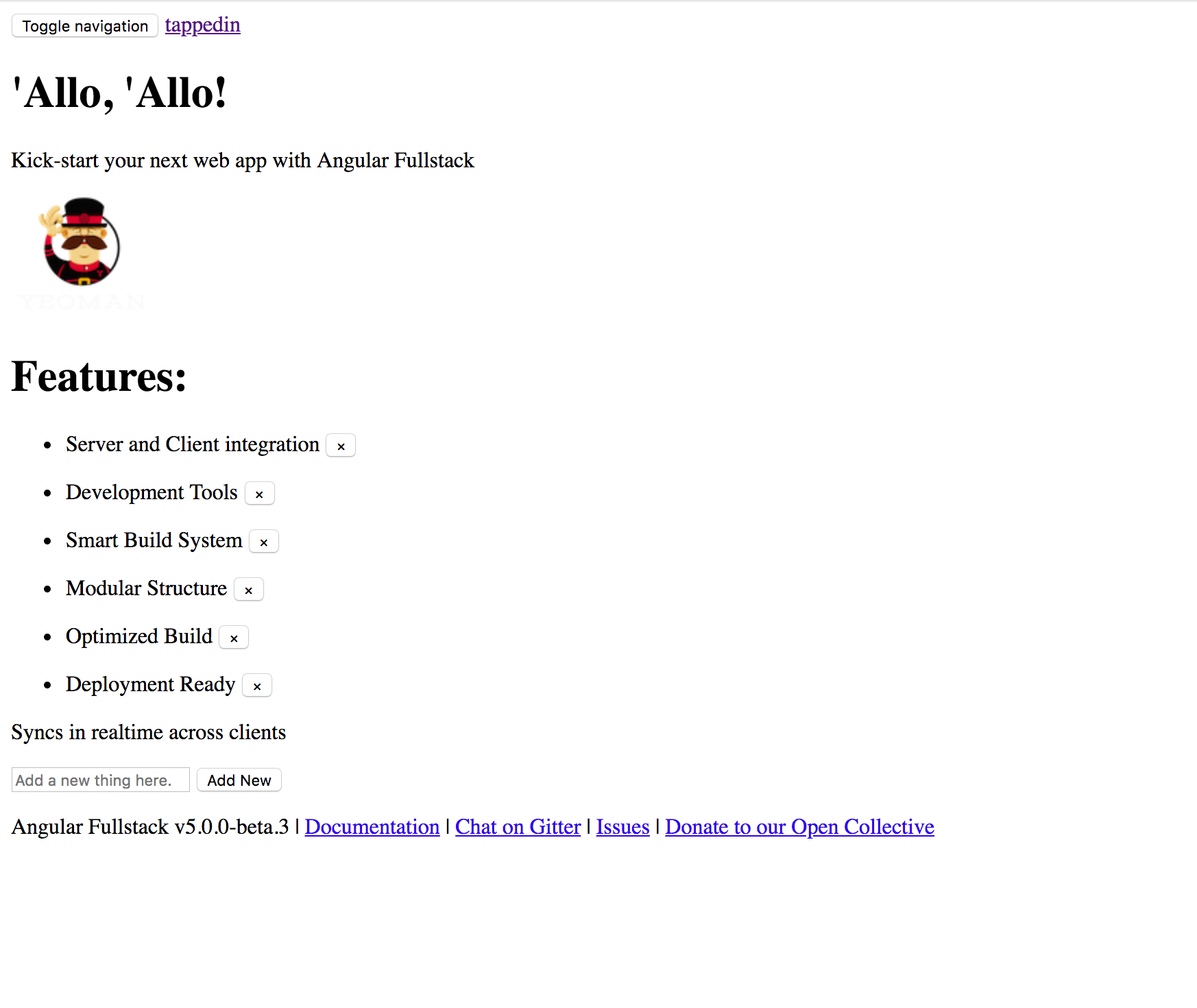
Not sure if this was ever resolved, but I get a very similar issue when choosing CSS as the stylesheet option during setup on v5.0.0-beta.3. I've done several generations, and so far everything works unless I choose CSS as the stylesheet option, in which case this is what the test page looks like: