

 android
It doesn't blur the image (Step 4 Make your first WorkRequest)
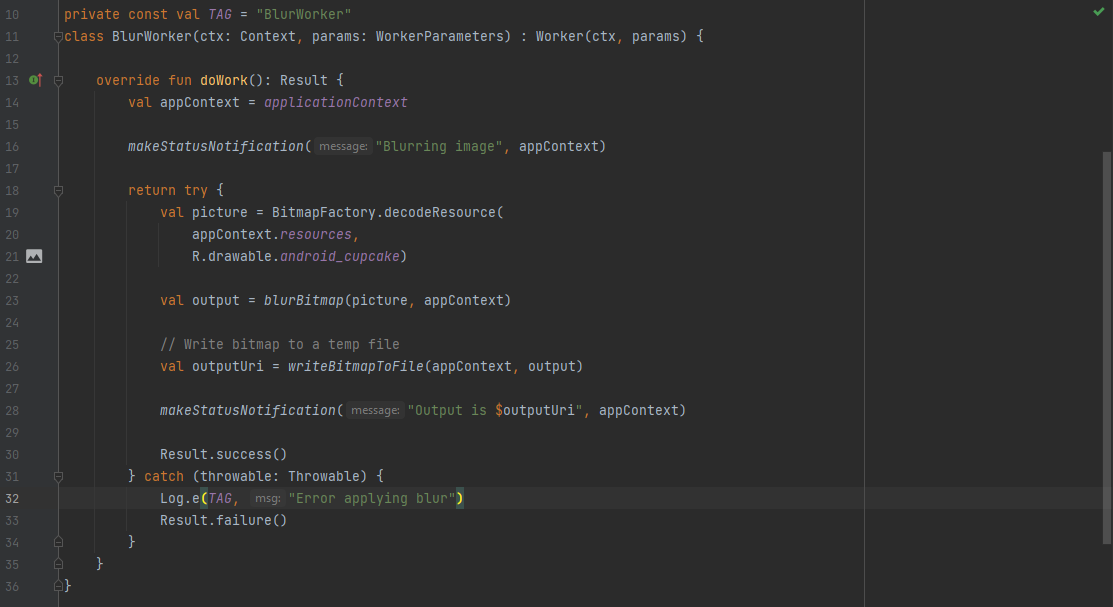
This is my snippet code of BlurWorker.kt
This is my BlurViewModel.kt

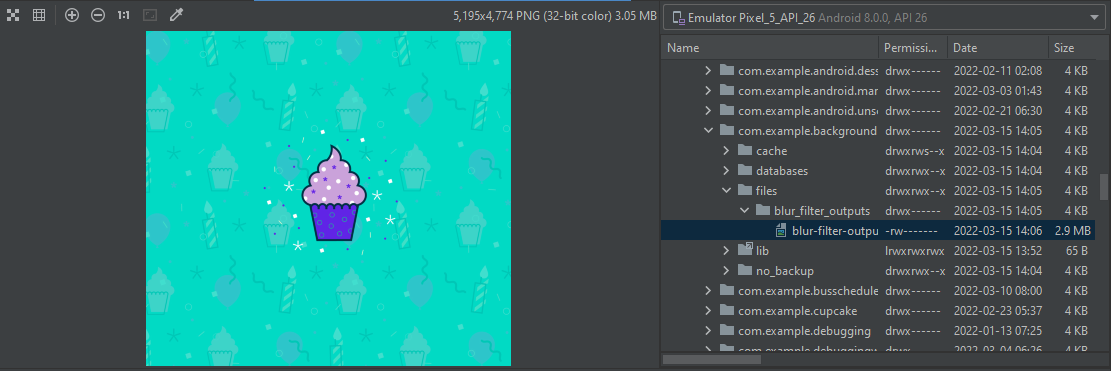
This is the output in Device File Explorer
I didn't change or refract other classes and functions. I just followed what the codelab says.


I spent time troubleshooting this as a learning exercise and found that the output from Step 4 actually is in fact blurring the image. However, the initial resource is such a high resolution file that is it almost undetectable. If you'd like to see the image blur, you can add a scale down option setting.
Where you have:
val picture = BitmapFactory.decodeResource( appContext.resources, R.drawable.android_cupcake)
You can add a size down option variable and pass it into the BitmapFactory.decodeResource method in the following way:
val sizeDownOption = BitmapFactory.Options()
sizeDownOption.inSampleSize = 2

val picture = BitmapFactory.decodeResource(
     appContext.resources,
     R.drawable.android_cupcake, sizeDownOption)
The inSampleSize option will return a smaller image. Then the blurBitmap will have a more noticeable effect.
Curious if this works for you (or anyone else). Thanks!

Another solution i found is to change one line in the blurBitmap method of WorkerUtils:
In theIntrinsic.apply{ ... } block, change setRadius(10f) to setRadius(25f)
I'm not exactly sure how it works but I read the documentation for ScriptIntrinsicBlur and it says setRadius allows you to set the radius of the blur and input values it accepts is between 10 and 25.

Thank you @honganhcs it works
Another solution i found is to change one line in the
blurBitmapmethod ofWorkerUtils: IntheIntrinsic.apply{ ... }block, changesetRadius(10f)tosetRadius(25f)I'm not exactly sure how it works but I read the documentation for ScriptIntrinsicBlur and it says
setRadiusallows you to set the radius of the blur and input values it accepts is between 10 and 25.
