hybridizer-basic-samples

hybridizer-basic-samples copied to clipboard
 altimesh
Error 0X609F: Cannot link generated binary.
- [✓] You run Visual Studio 2012, 2013, 2015 or 2017 with a valid license
- [✓] You installed C++ support in Visual Studio
- [✓] You queried and validated a license for Hybridizer Essentials and your license is still valid (Tools->Hybridizer Configuration)
- [✓] You have CUDA 8 or 9.x installed and Visual Studio Integration enabled
- [✓] If you run cuda 9.x with visual 2017, you have installed v140 toolset and compile native project with this toolset.


This bug is quite complex, and in the end, not a bug :)
First (compile time) :
- structure constructors must be marked with [Kernel]
- explicit operators as well Support of those is quite a new feature, and yes, we should detect that they are used device-side but we don't do it yet.
Second (runtime) : You are using a recursive function (GetColor) and your stack gets corrupted at runtime. You need to increase the stack size by using the function
cuda.DeviceGetLimit(out stackSize, cudaLimit.cudaLimitStackSize);
cuda.DeviceSetLimit(cudaLimit.cudaLimitStackSize, 16 * (int) stackSize);
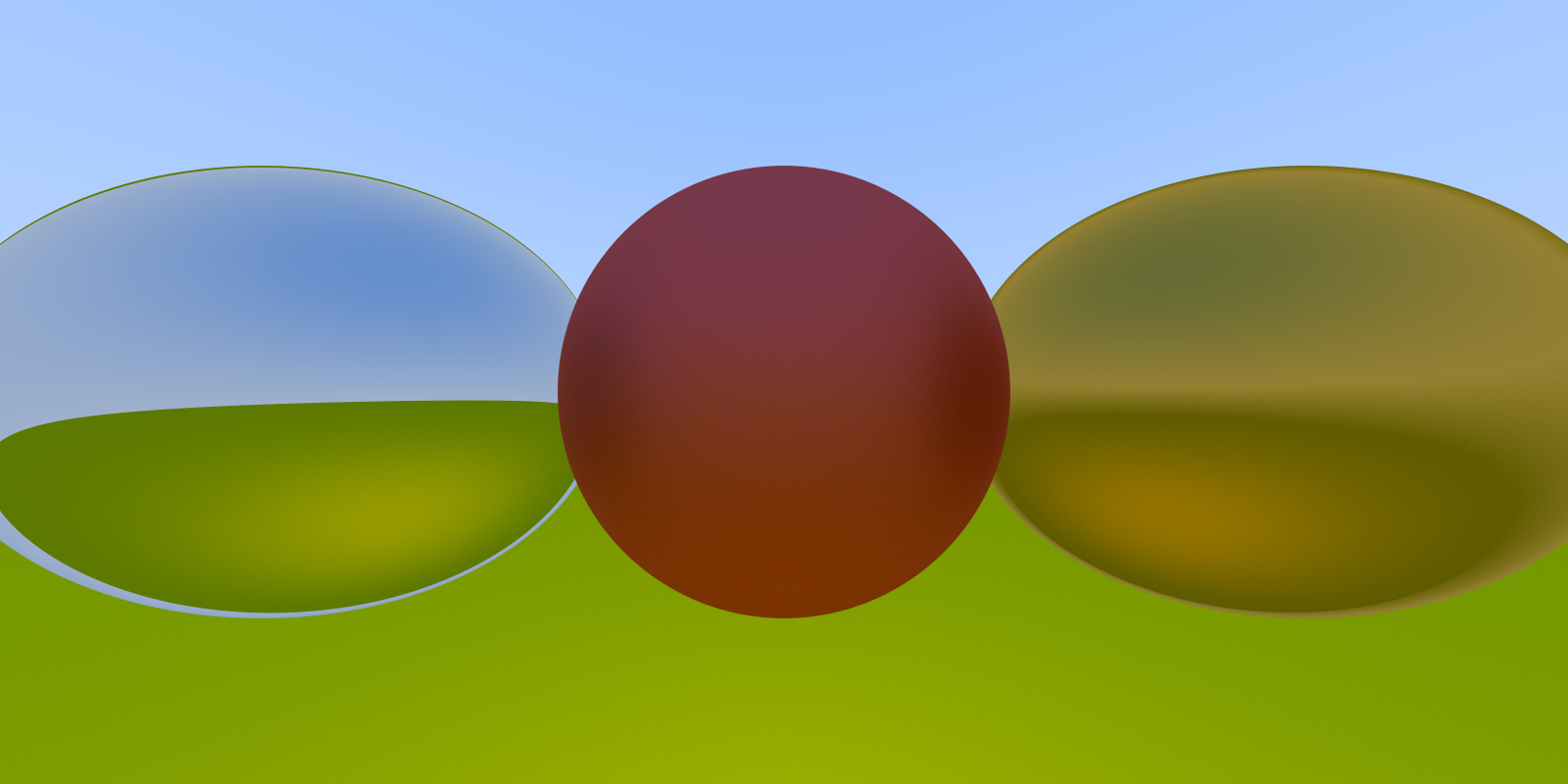
With those two modifications, your code runs well and yields this image