

 alorma
Breaks accessibility features
It seems that the debug drawer component breaks talk back because the drawer and its slider sit above the app content. Talk back can only see app content on the leftmost sliver of the screen, but things to the right get cut off:
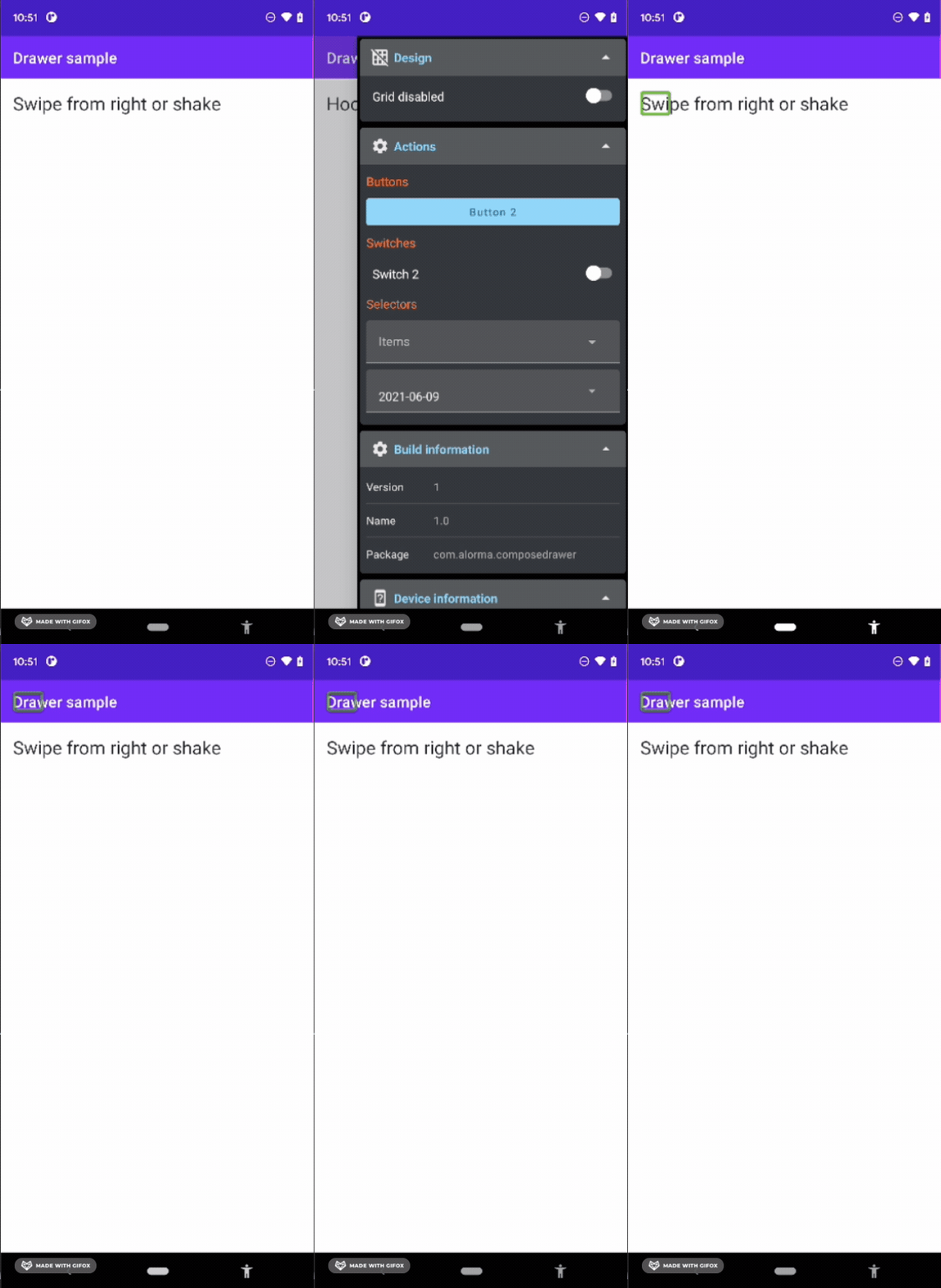
A potential fix is making the debug drawer content only render if the drawer is set to open, e.g. adding a conditional here
if (debugDrawerState.isOpen) {
    MaterialTheme(... rest of debug drawer
}
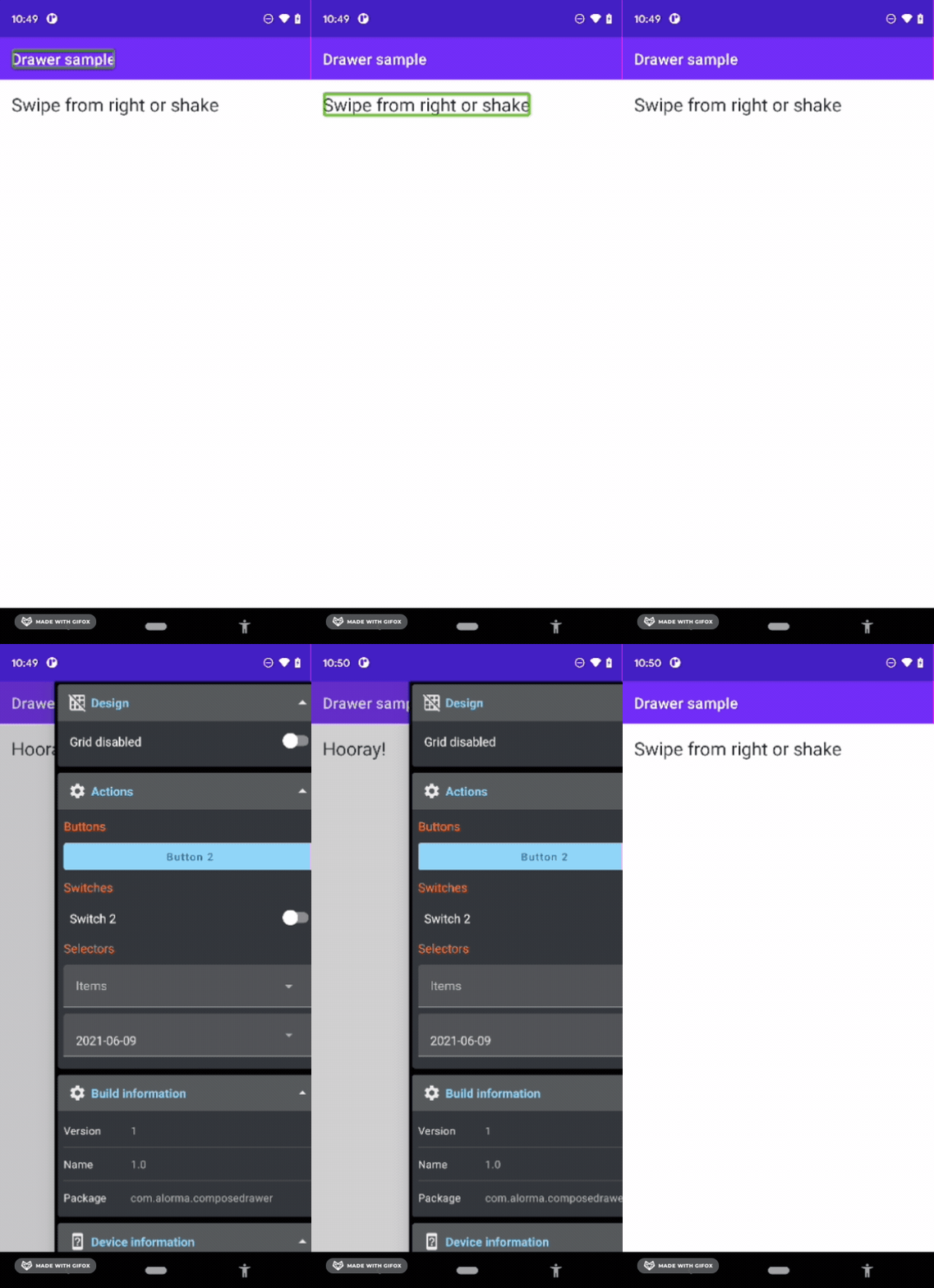

Hi @nimaeskandary !
Thanks for reporting it, I will take a look at it as soon as possible.
By the way, how to enable talkback? So I can properly test it?

There's a couple of ways depending on your device. Most Android devices can follow these suggestions, but if you have a Samsung Galaxy device there's also this list.

Hi @nimaeskandary
Does it happens also with Scaffold.drawerContent?
I've checked that the swipe is from almost all screen, same way as DebugDrawer, and is something that maybe compose drawer has the same problem...
Hey @alorma thanks for looking into this, the emulators don't have talkback by default so I manually install the apk from https://apkpure.com/android-accessibility-suite/com.google.android.marvin.talkback then drag it into the emulator screen
I'll checkout Scaffold.drawerContent and see if there's a similar problem