
yi-hack-v5
 yi-hack-v5 copied to clipboard
 alienatedsec
Even newer Custom Firmware for Xiaomi Cameras based on Hi3518ev200 Chipset. It includes free RTSP, ONVIF and other improvements based on the work by roleoroleo

test on Yi 1080p Home 48US If you have a problem like I do (after disabling the cloud, the camera doesn't record any video), change the code above to fix...

Hello! What’s wrong when on the main page I only get displayed whats in the section "Links". All other information is empty like host name, serial number, wifi name etc....

I don't think anything should be able to have over 100% WiFi strength. # WiFi strength  # SSH output: ``` /home/yi-hack-v5 # cat /proc/net/wireless Inter-| sta-| Quality | Discarded...

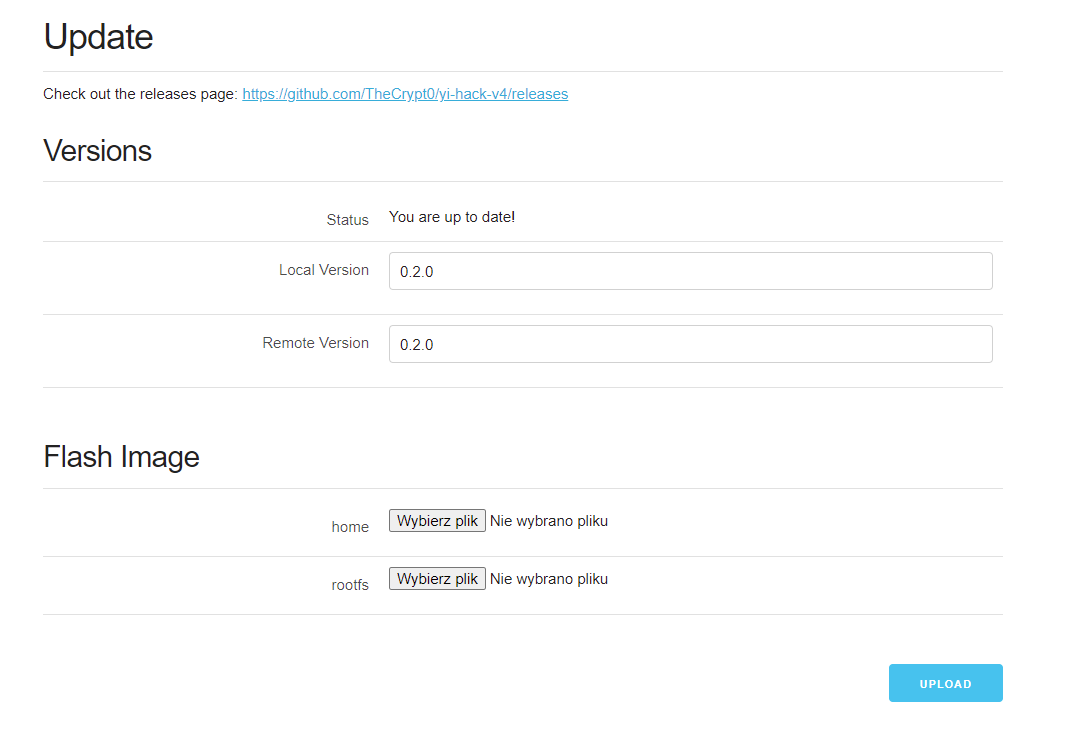 Hi, I wanna ask if I can just use Flash Image via web in yi-hack-v4 to upgrade to v5? Thanks in advance!

I would like to automatically reboot cameras once a week to make sure there are no glitches. I have tried to test the crontab with `46 20 * * *...

ONVIF provides an option to reboot the camera from Home Assistant, but after running the option nothing happens. Same option works on my second camera with yi-hack-mstar. The ONVIF server...

I have 2 Yi Home 720p cameras with the hack working well. I can view RTSP streams and get MQTT motion notifications. I have cloud access disabled. I have a...

Steps to reproduce issue: - http://camaddress:8080/?page=wifi - Select network from "WiFi network ESSID" - Enter password - Enter password confirmation - Open browser console to Network tab - Save -...

The yi-hack-v5 instructions don't mention anything about requiring a username and password to access the camera's web page. Is anyone else seeing this? Is there a default username and password?

yi_cloud_dome_1080p doesn't run when ifz ether is connected.  As you can see, when ether ifz is connected the firmware can't get the IP address and the rest of parameters...

Metadata
Owner
Metadata
Even newer Custom Firmware for Xiaomi Cameras based on Hi3518ev200 Chipset. It includes free RTSP, ONVIF and other improvements based on the work by roleoroleo