
hellomello
 hellomello copied to clipboard
 akavel
Experiments with writing Android apps in Nim
HelloWorld.apk built with Nim and no Android Studio
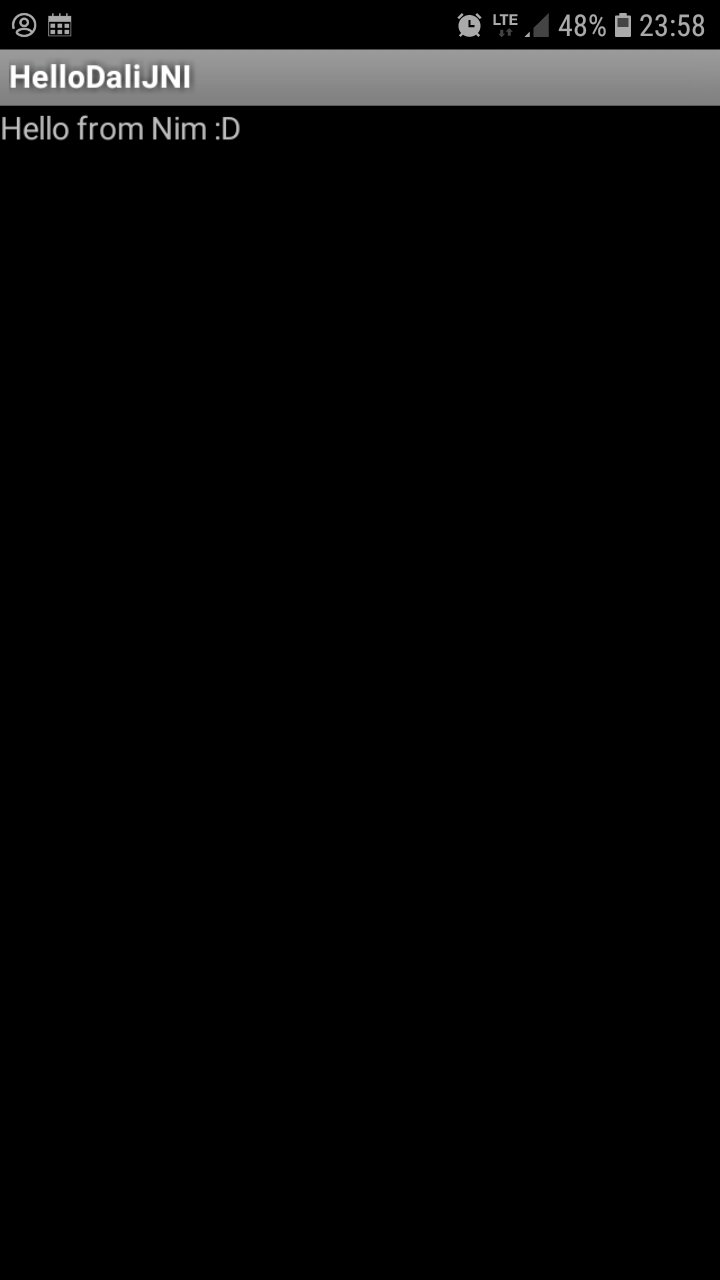
To build the project, you will currently need the following prerequisites:
- Nim compiler
- Go compiler (TODO: remove this dependency — at least provide prebuilt binaries of apksigner)
- Android NDK (the elephant in the room...)
- standalone toolchain — just download and unpack somewhere, no installation required afterwards (still, ~2.5GB unpacked)
- ...and: NO Java, NO JRE, NO Android Studio, NO Android SDK! 🎉
Build Steps
-
Compile the native JNI code, using Nim + Android NDK:
$ git clone https://github.com/akavel/hellomello # Edit `nim.cfg`: change `--clang.path=...` to a correct path to clang in your Android NDK directory. # Also: remove `.cmd` suffixes in `nim.cfg` if you are on Linux. $ cd hellomello $ nim c --app:lib --os:android --cpu=arm -d:noSignalHandler --hint[CC]:on hello.nim $ mkdir lib $ mkdir lib/armeabi-v7a $ mv libhello.so lib/armeabi-v7a/libhello-mello.so $ cd .. -
Assemble the Dalvik bytecode (required to wrap the JNI library), using dali:
$ git clone https://github.com/akavel/dali $ cd dali $ nim c jni_hello.nim $ ./jni_hello > ../hellomello/classes.dex $ cd .. -
Compile the manifest file to binary format, using marco:
$ git clone https://github.com/akavel/marco $ cd marco $ nimble build $ cd ../hellomello $ ../marco/marco < AndroidManifest0.xml > AndroidManifest.xml -
Build an unsigned .apk, using OS-provided zip archiver:
$ zip -r unsigned.apk classes.dex lib/ AndroidManifest.xml adding: classes.dex (172 bytes security) (deflated 44%) adding: lib/ (192 bytes security) (stored 0%) adding: lib/armeabi-v7a/ (192 bytes security) (stored 0%) adding: lib/armeabi-v7a/libhello-mello.so (172 bytes security) (deflated 60%) adding: AndroidManifest.xml (172 bytes security) (stored 0%) $ cd .. -
Sign the .apk, using apksigner tool written in Go:
$ git clone https://github.com/akavel/apksigner $ cd apksigner $ go build $ cd ../hellomello $ ../apksigner/apksigner -i unsigned.apk -o hello.apk -k key.pk8 -c key.x509.pem $ unzip -l hello.apk Archive: hello.apk Length Date Time Name -------- ---- ---- ---- 282 00-00-80 00:00 META-INF/MANIFEST.MF 335 00-00-80 00:00 META-INF/CERT.SF 436 00-00-80 00:00 META-INF/CERT.EC 14 06-05-19 22:30 AndroidManifest.xml 1060 06-05-19 22:29 classes.dex 149348 06-05-19 22:28 lib/armeabi-v7a/libhello-mello.so -------- ------- 151475 6 files -
...aaand you should have a
hello.apkfile now, ready to be installed on an ARM-based Android device. Worked For Me™... In case of problems installing or opening the apk on your device, try runningadb logcat(yep, that requires Android Studio... or you could try python-adb). I suggest searching for "InstallInstall" and "InstallFail" messages, verifier/verification messages, and Java-like exception stack traces. You're welcome to post your problems as issues on this repository, but I can't promise I will be able to help you in any way. We can treat them as "observations" or "reports". Maybe someone else will come by and suggest some steps for future experimenters.
/Mateusz Czapliński.
2019-05-06
 akavel