aim

aim copied to clipboard
 aimhubio
An easy way to distinguish between logs captured from stdout and stderr on UI
🚀 Feature
Ability to distinguish between logs captured from stdout and stderr on the run page. Also, apply color coding per python's logger formatting.
Motivation
The training process logs are captured both from stdout and stderr streams. It would be great to enable an easy way to differentiate the stdout logs from stderr logs.
Pitch
Divide captured logs into "Standard output (stdout)" and "Standard error (stderr)" tabs.
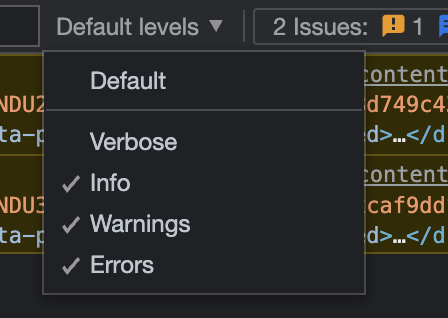
Add color coding for different levels of logging - info, warn, error.
As well as add filtering, like: