

 ail-project
Bug: Non-standard Docker IP-ranges prohibit update via github
I had to change the docker standard IP-range (172.17. 0.0/16) to something different. In order to get the crawlers to work I had to modify $AIL_HOME/configs/docker/splash_onion/etc/splash/proxy-profiles/default.ini to fit the new IP-address. This change prohibits automatic updates from github when launching the AIL-framework.

Hi @certrik, could you explain me better what did you do in order to make it work again the crawler? Because a few days ago i've installed the crawler, and it works perfectly, both for manual spider and onion sites. But now does not work anymore. If i try to send a manual spider for a given websites, appears to be down (but it's not)

@lucadigregorio if your docker configuration does not use the standard ip ranges for docker (172.17. 0.0/16) then you have to configure the fitting IP in $AIL_HOME/configs/docker/splash_onion/etc/splash/proxy-profiles/default.ini . I don't know if it is the problem with your crawlers.
It's not the case, but i got the same output you posted in issue #74
-->
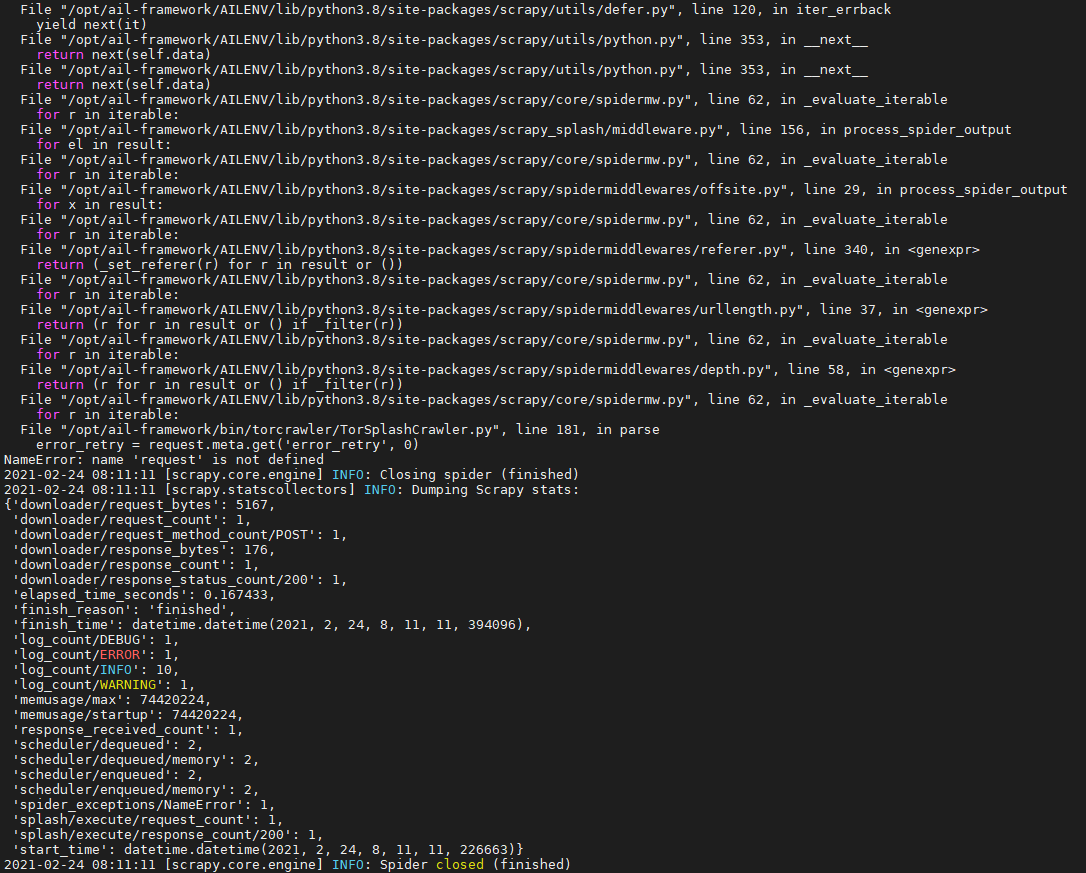 I checked that both tor configuration and docker configuration are properly configured. And i also do this test
 curl --socks5 localhost:9050 --socks5-hostname localhost:9050 -s https://check.torproject.org/ | cat | grep -m 1 Congratulations | xargs. It works. But if i try to crawl something (e.g. send a spider manually, every site appears to be down). Additionally, also onion domain no longer seems to work.
Any idea about that ?
