

 aholachek
Wide border style gets applied right before FLIP animation
Hey there, been experimenting some more with this library and encountered another issue 😅 Hoping you'll be able to help me out!
Expected Behaviour
Clicking the square on the center should animate it towards the square at the top, with a border width not wider than original width.
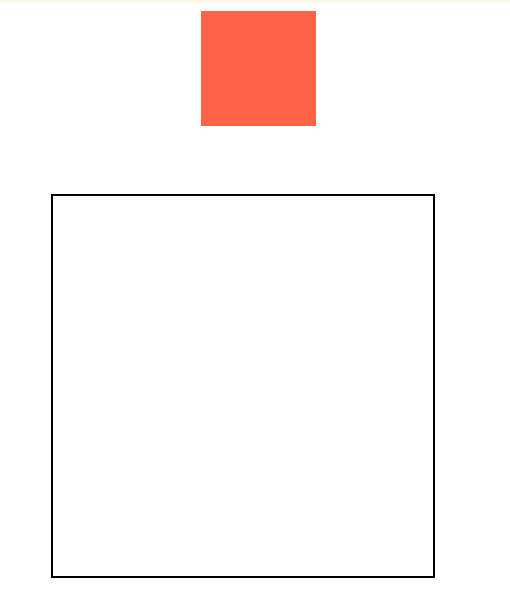
Actual Behaviour
After clicking the square, the border width immediately increases (and then scales down to what it should be during the animation).
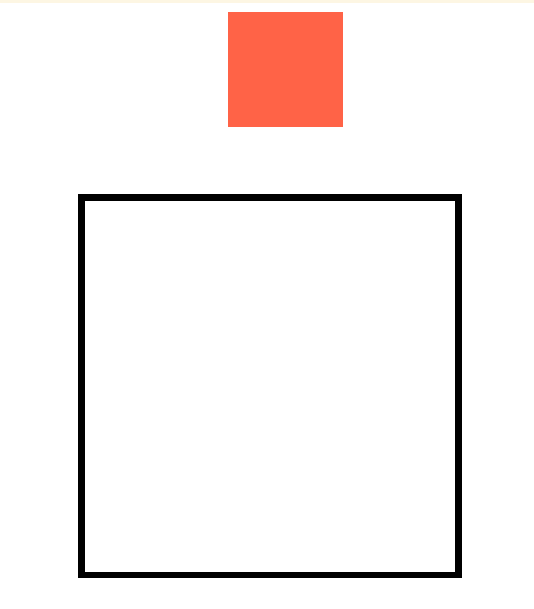
Minimal Reproduction
CodeSandbox: https://codesandbox.io/s/animating-square-with-radius-react-flip-toolkit-o1nro
My best guess
The transform applied apparently causes a scaling up of the border width, but it shouldn't be doing that, since the border width is the same both in the starting position and final position.

I think this is something inherent with FLIP techniques: they distort border-radius, border-width, etc. Please correct me if not @aholachek 😄
I've had some success masking it by interpolating the values. They can't have subpixel values unlike transforms, so it's not perfect, but in the above case, you could interpolate the border-width from a smaller value e.g. 0.5px or 1px back to 2px by the time the animation finishes with the onSpringUpdate callback. Or maybe "fake" the border by using another element behind that can also be transformed, allowing the proportion to be correct throughout the animation.

@atomiks hi, I did't fully understand what you said, can you give an example?

you can use box-shadow instead of border width
box-shadow: 0 0 0 borderWidth borderColor
