
Rafiki
 Rafiki copied to clipboard
 adamar
SSL + RSA + GPG Secure Key Store
Rafiki

Rafiki is a CLI tool for securely storing SSL and RSA files in a local SQLite3 Database. Imported files are first encrypted using openPGP and then stored in the database along with an identifying key (ie. CommonName for CSRs, MD5 for RSA, etc..)
The database will be created when Rafiki is run for the first time and can be re-located and referenced by Rafiki using the --db flag.
Note: The term 'key' is used throughout to refer to any/all types of files for simplicity's sake.
Installation
Ensure that your go bin is setup correctly GO-BIN
then run
go install github.com/adamar/rafiki
Usage
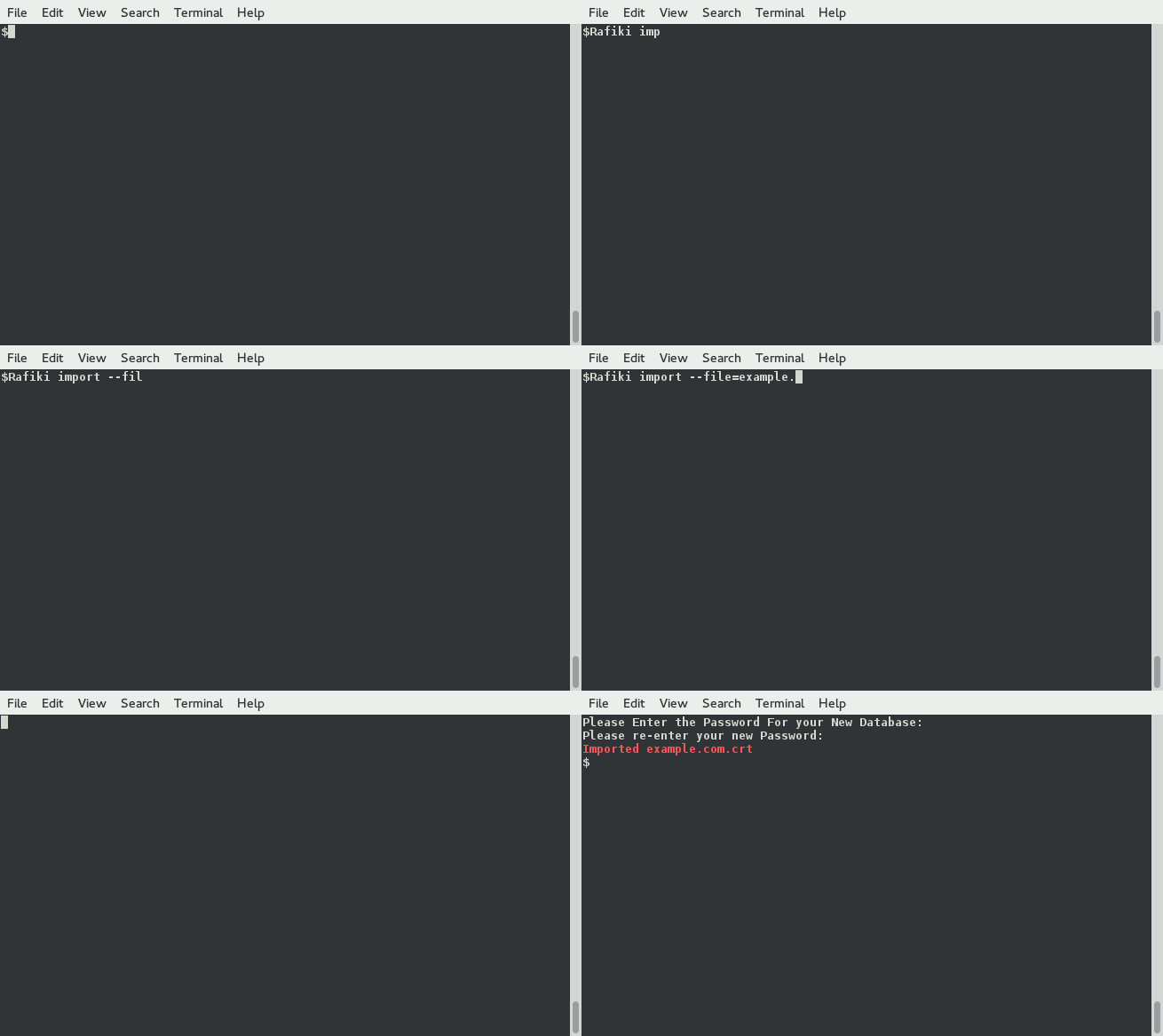
Import a key
./rafiki import --file=/loc/of/file
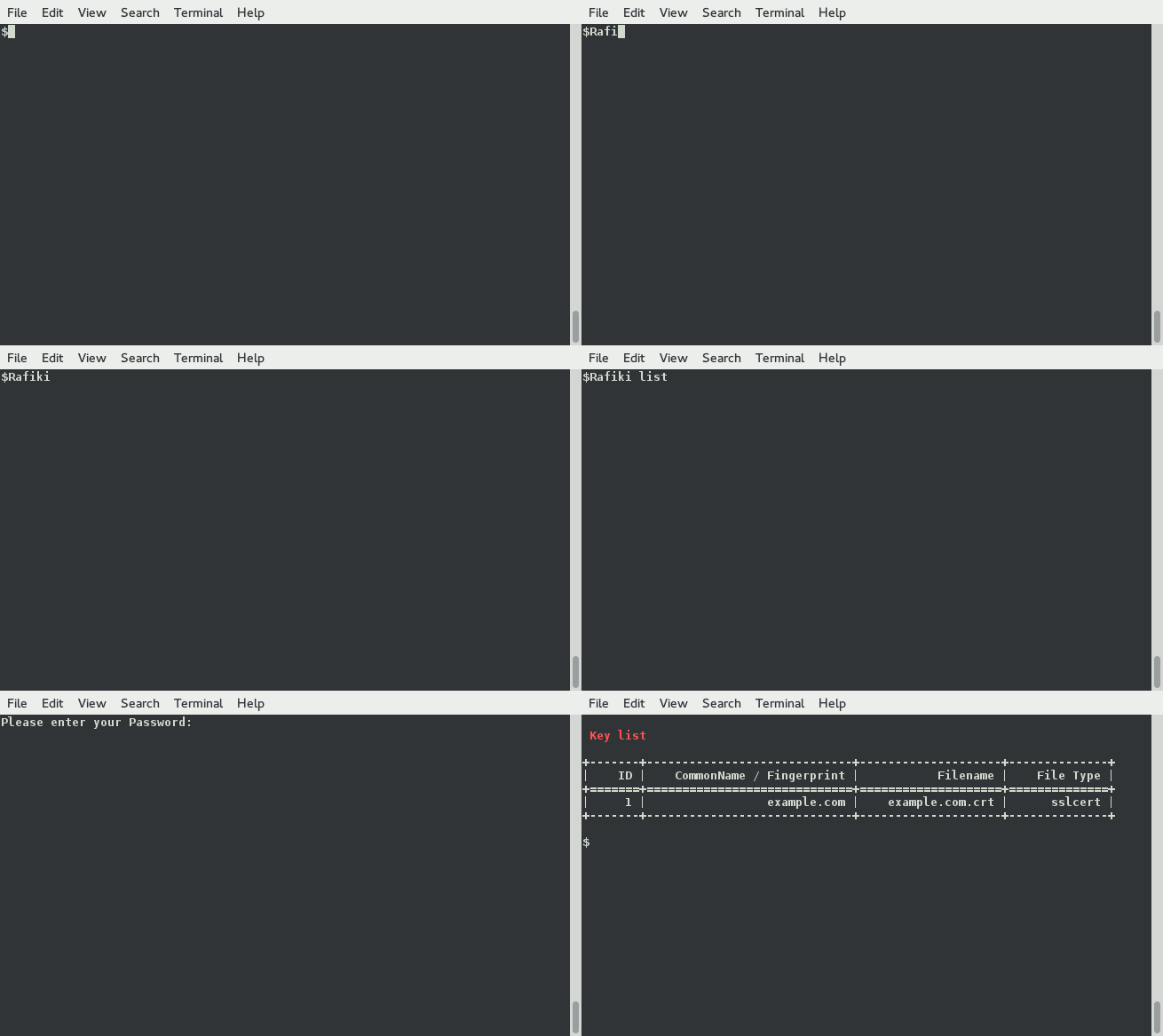
List keys
./rafiki list
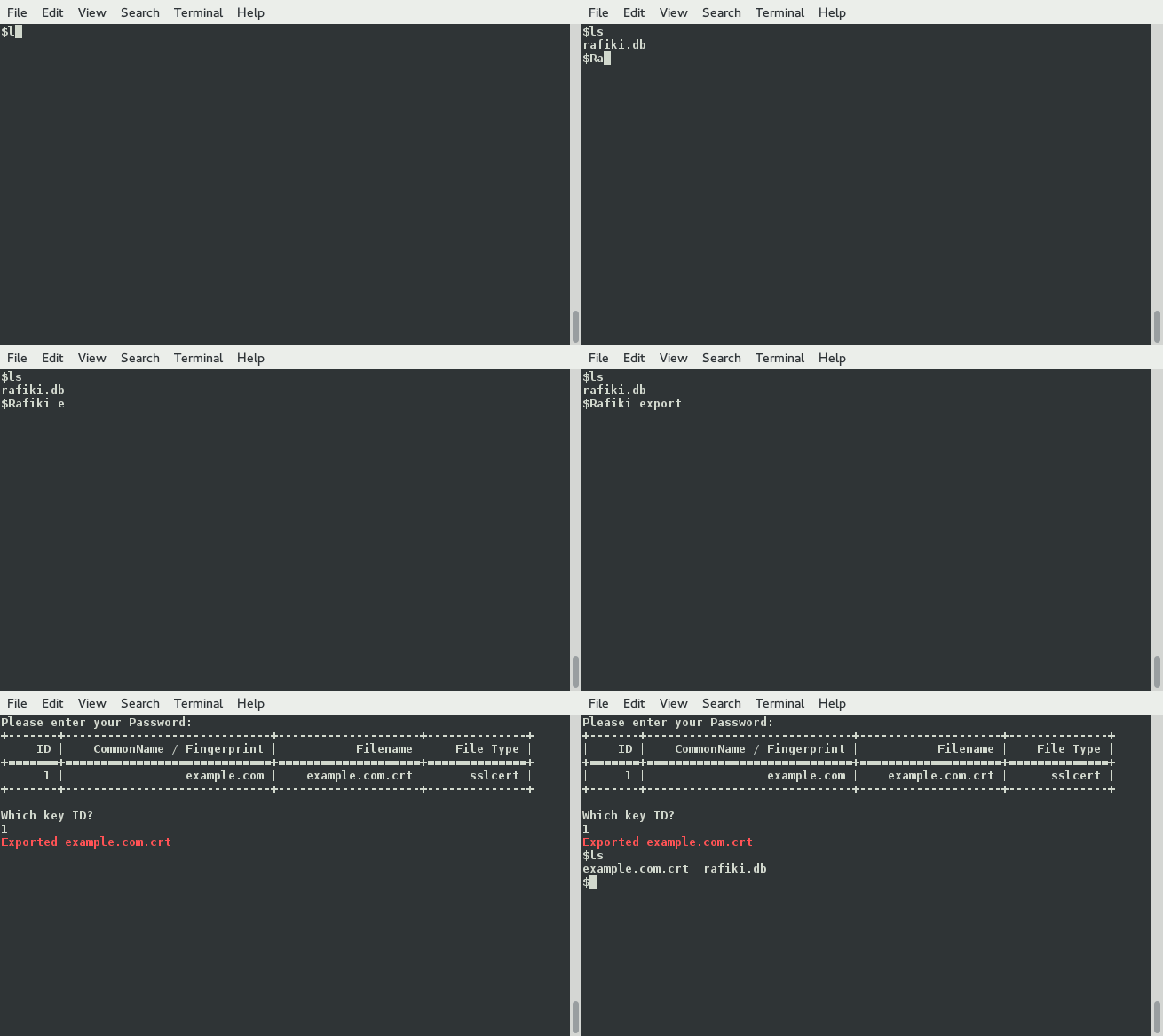
Export a key (using the original filename)
./rafiki export
Dependencies
- SQLite v3+
- Go 1.3+
Key Types Supported
| Key Type | Identifier | Supported |
|---|---|---|
| SSL Certificate | Common Name | Yes |
| SSL Certificate Signing Request | Common Name | Yes |
| SSL RSA Private Key | MD5 Fingerprint | Yes |
| SSL ECDSA Private Key | MD5 Fingerprint | Yes |
| SSH RSA Private Key | MD5 Fingerprint | Yes |
| SSH DSA Private Key | - | No |
| SSH ECDSA Private Key | - | No |
| GPG ASCII Armored Private Key | Public Fingerprint | Yes |
Development Misc
Useful Testing Tools
Print Public Key Fingerprint
ssh-keygen -lf /path/to/key.pub
Print CSR Info
openssl req -in domain.com.csr -text -noout
Show CSR Public Key
openssl req -in domain.com.csr -noout -pubkey
Show an RSA Key's SHA1 thumbprint
openssl rsa -noout -modulus -in your-private.key | openssl sha1
Show an RSA Key's MD5 thumbprint
openssl rsa -noout -modulus -in your-private.key | openssl md5
To Do
- Write more tests
- Add more error checking
- Better text layout
- Print out file details on import & export
- Add sub command to "List" option to filter on key type
- Add API Key file type definition
- Flatten file structure
Useful Resources
- CSR FAQ - Certificate Signing Request FAQ
 adamar