

 YACReader
[Windows] OS Scale setting not used by the UI
The application UI is very small when launched on a system that is scaling everything. I have a 4k display with 250% scale set. Most applications respect this and show UI elements nice and large. YACRead is displaying UI elements without the scale being applied so everything is teeny tiny.
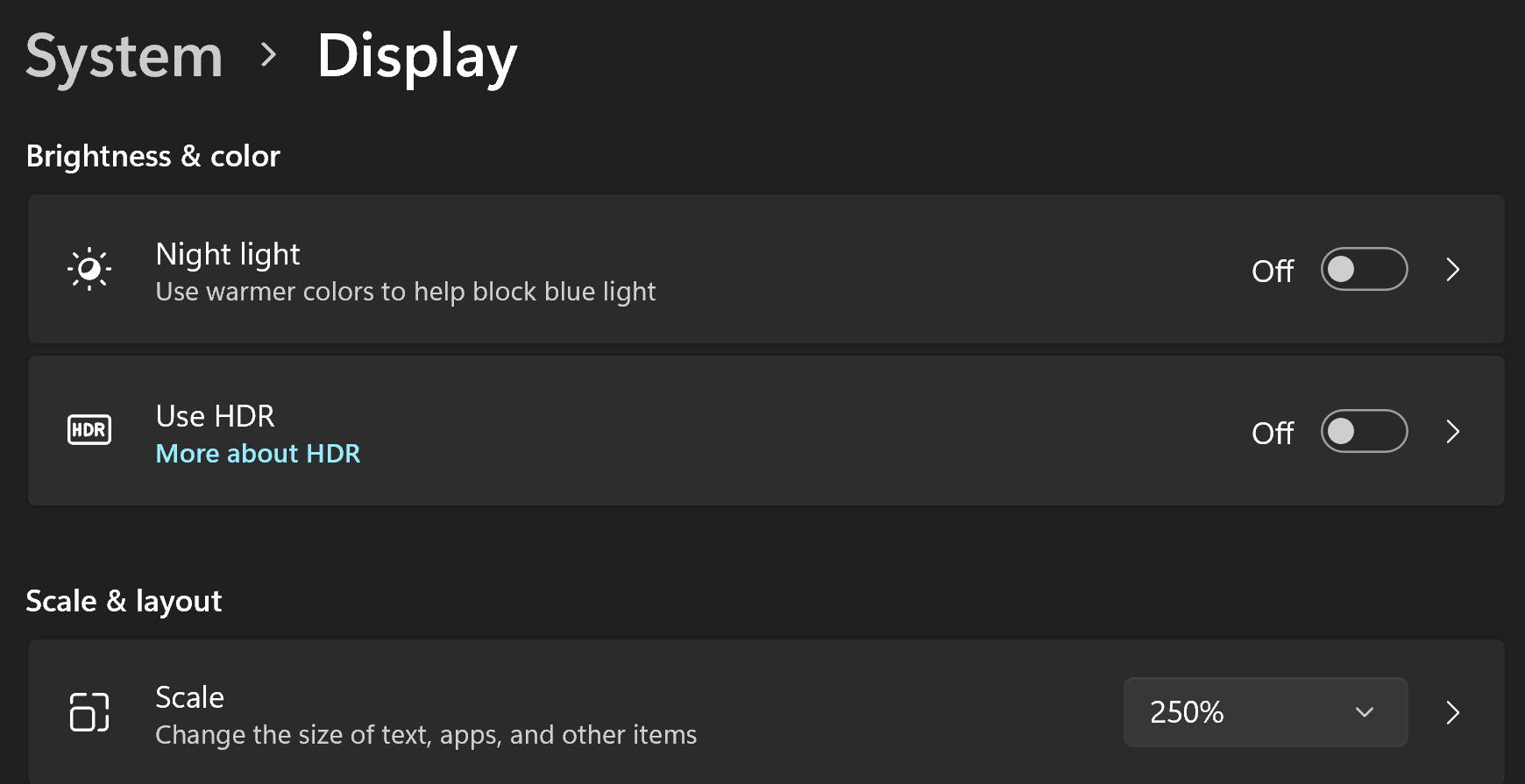
Windows 11 Scale is under Settings --> System --> Display and Scale.
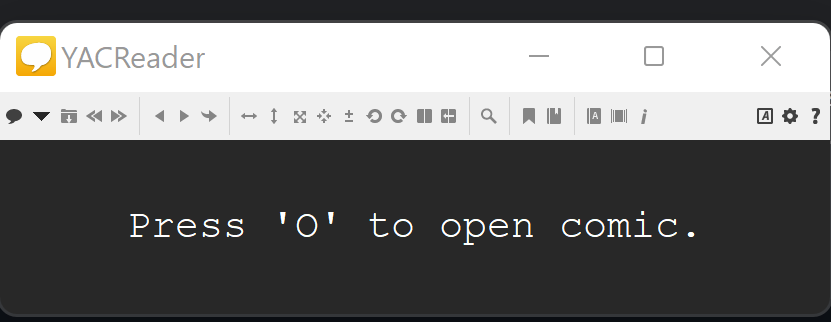
 In the image you can see the relative size of the title bar to the icons in the tool bar. The Press 'O' to open looks like it is correct. I have not run the application on an un scaled screen.

Use the latest dev build, hdpi support is enabled there: https://github.com/YACReader/yacreader-dev-builds/releases/tag/9.9.0.2207067
