

 YACReader
[feature request] 2-page view: start on the right side
It would be great to have an option for having uneven pages on the right side, like real books.

I'm not sure if I understand your request correctly. Double page mode always tries to show two pages unless it is a spread page. What you want is the left page to have an even page number and the right page to have an uneven number?

When you open a book in 2 page view, you should see the cover on the right side and nothing on the left side. Which means page 2 will be on the left side, page 3 on the right side and so on.
That is "manga mode". Click the icon next to two page mode when two page mode is enabled and right and left pages will be switched.
I don't want them switched. I just want it to look like an actual book: if you have a closed book in front of you, there's nothing on the left side. On the first opening you see pages 2 and 3. Then 4 and 5. And so on.
Currently, you see Cover (1) and 2. Then 3 and 4. When you have images spread on 2 pages, they are on 2 different openings.
So basically what you want is to have the cover as a single page so the page count doesn't get messed up? That already is a planned feature and it will probably get implemented in one of the next versions. Not 9.5 as we're already in beta, but maybe 9.6 or the version after that. It probably will look a bit different than you imagined though. The viewer currently checks if two pages can be displayed as a double page and acts accordingly. What I will do is add a setting to override that check for cover pages so they are displayed as single pages.
Hi, I am going to resurrect this issue since I also feel it is a good (and quite natural) feature. I'll try to make my point clear since it did not come across the first time around. Let's consider a western comic book (thus I am not talking about mangas) which is made of
- Cover
- Backcover
- Page 1, 2, 3, ... follow. The natural reading layout for the dual-page view in this case is 1st screen: Left: Empty - Right: Cover 2nd screen: Left: Backcover - Right: Page 1 3rd screen: Left: Page 2 - Right: Page 3 and so on.
Since I've come across file where either cover or backcover are missing, or where two page spreads mess up the flow from a certain point of the file on, my suggestion is not to try to be too smart. A cute little comic reader (Simple Comics) that does not work on modern MacOSX anymore had a toggle switch so to put either the even or the odd pages on the right side (with default on the odd one). So whenever the file/flow was messed up I could fix the dual-page view manually. And in general the default was working fine most of the time.
Thank you for the attention.

Collections may have some works with a cover, other works without. There can be a global default setting like "cover page" that toggles whether the first page in 2-page view is displayed as a singleton. Some viewers called this book mode.
It could be turned on and off during browsing / reading. And/or that setting could be saved as metadata per work.
Whether it is manga or not (RTL or LTR), the actual cover sequence logic is the same, only the layout organization changes:
- 1 1 1 1 1 1 (1-page)
- 2 2 2 2 2 (2-page)
- 1 2 2 2 2 (2-page-cover)

The simplest solution is to allow the user to shift forward/backward the 2-page view of just one page, so that the user can fix whatever layout. (Maybe the reader could remember this setting for each file).
MComix's implementation does exactly that when enabling Double Page mode. In the preferences/Double page mode there's also an option named "Show only one page where appropriate" where you can change this behaviour to only show one page for title pages, for wide pages, both (default) or disable it. Screenshot: https://imgur.com/l97LQaI

As this issue has picked up quite a bit of interest and page rendering, including double page mode, is in need of some overdue improvements anyways I've added this issue to the list of things we're considering for the next release(s).
Implementation will likely not happen as a new default setting but as a config option for double page suppression, i.e. if you want to show the cover as a single page (a sane default, IMHO) you could optionally start on the right half of the screen and leave the left half blank.
The first page of a book opens as a single page. A book only becomes "double paged" with the second and third pages. A book works like this: Cover (single page) ---> first page (single page) ---> second & third page (double page).
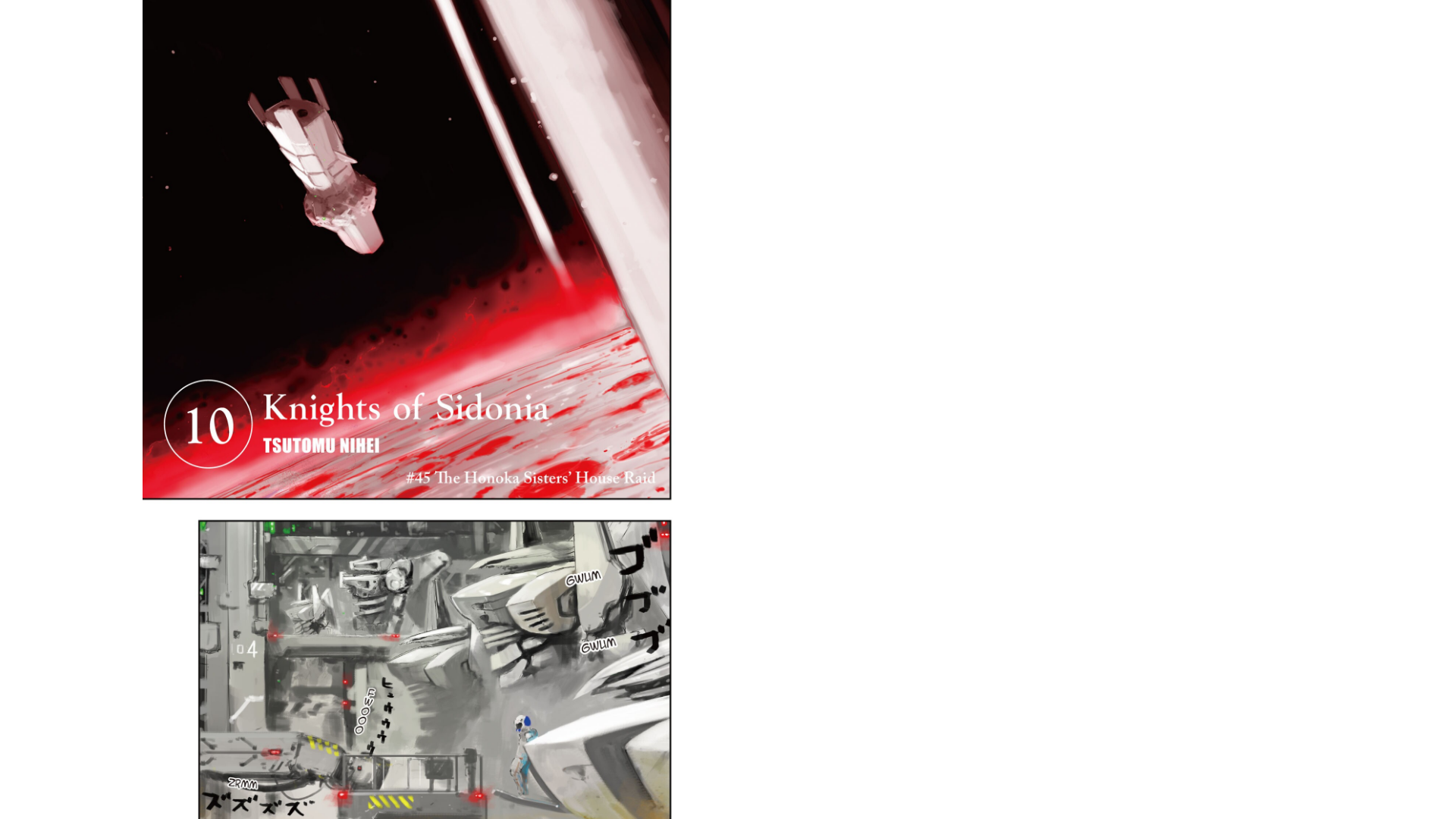
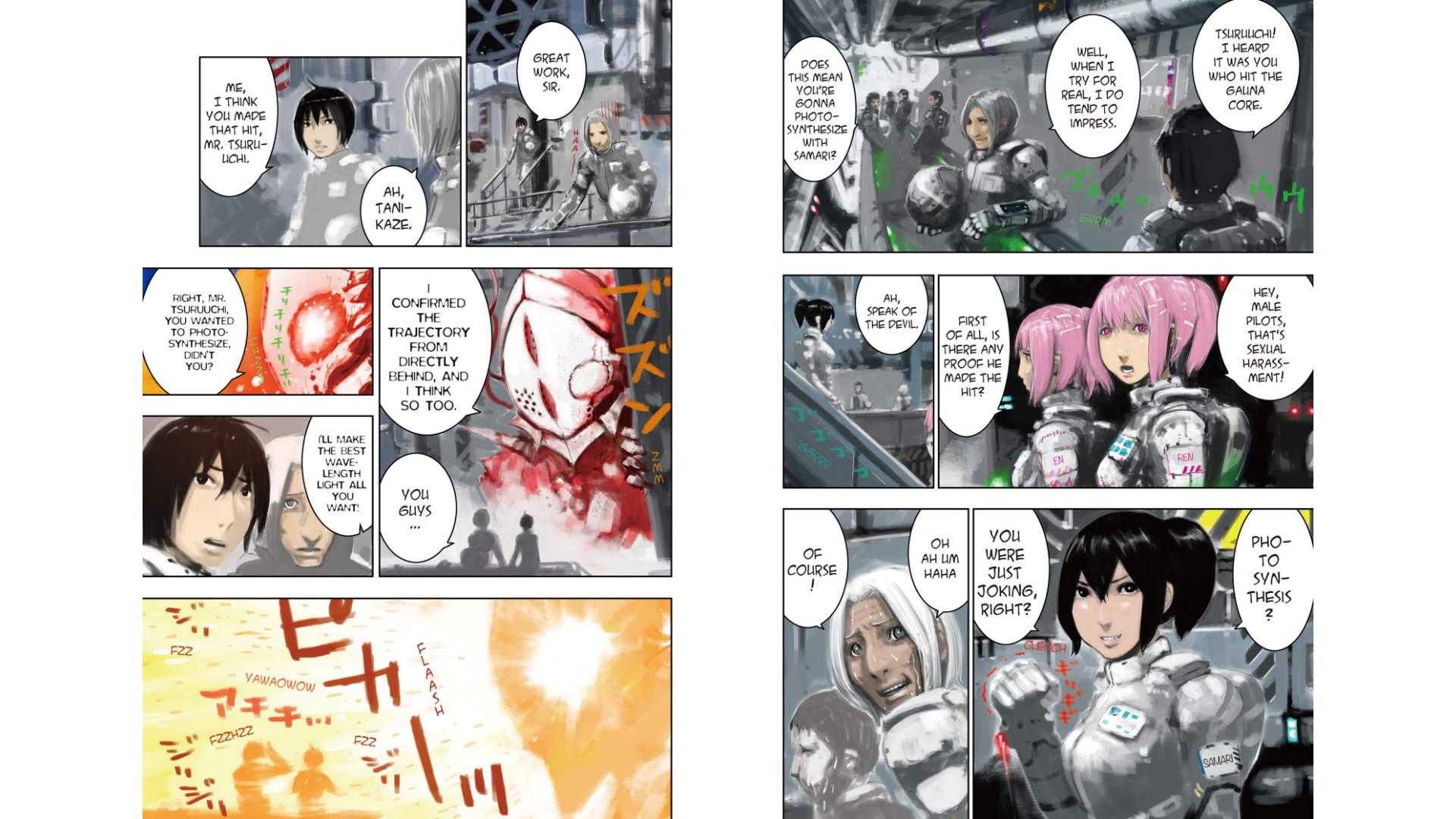
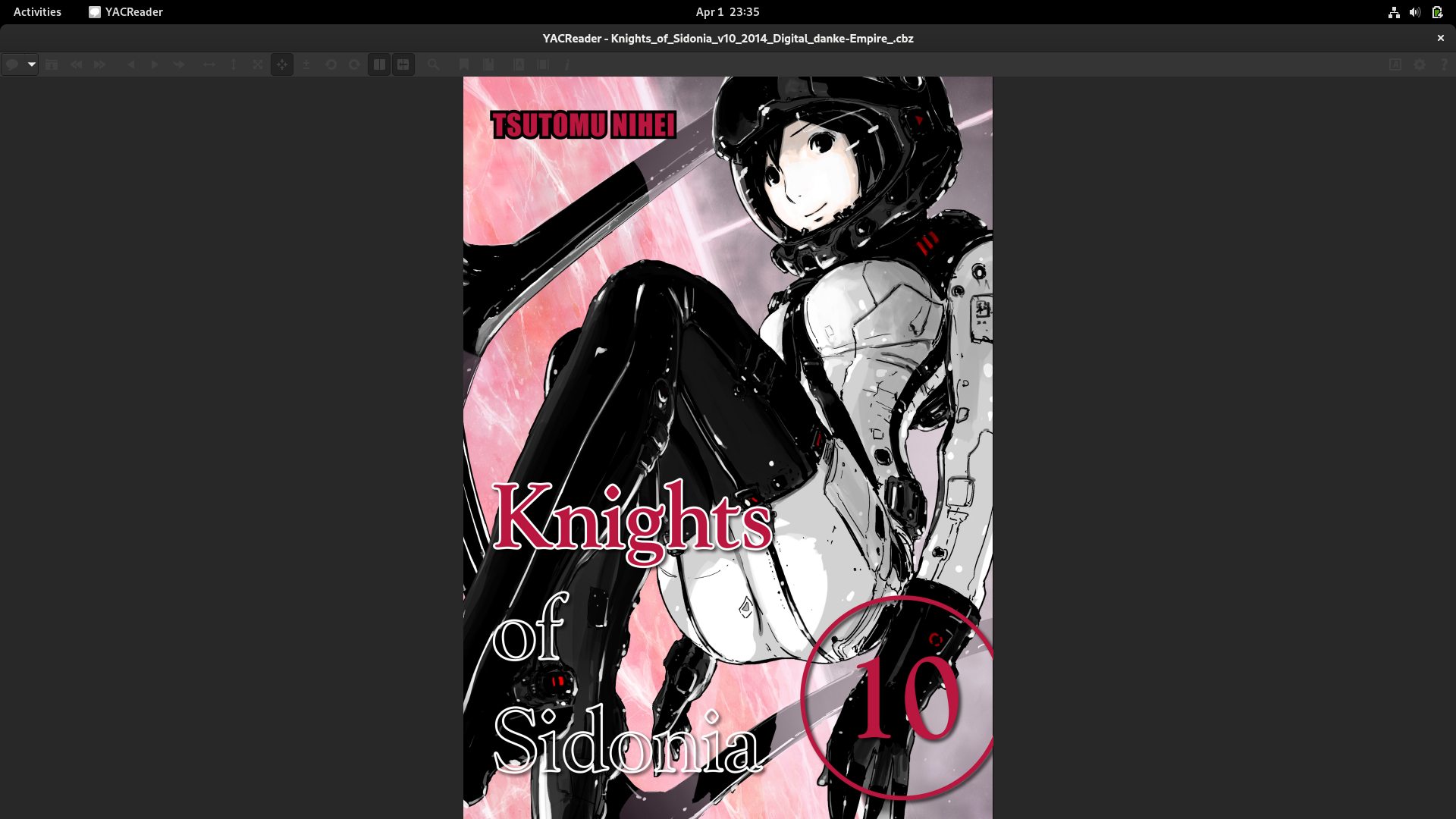
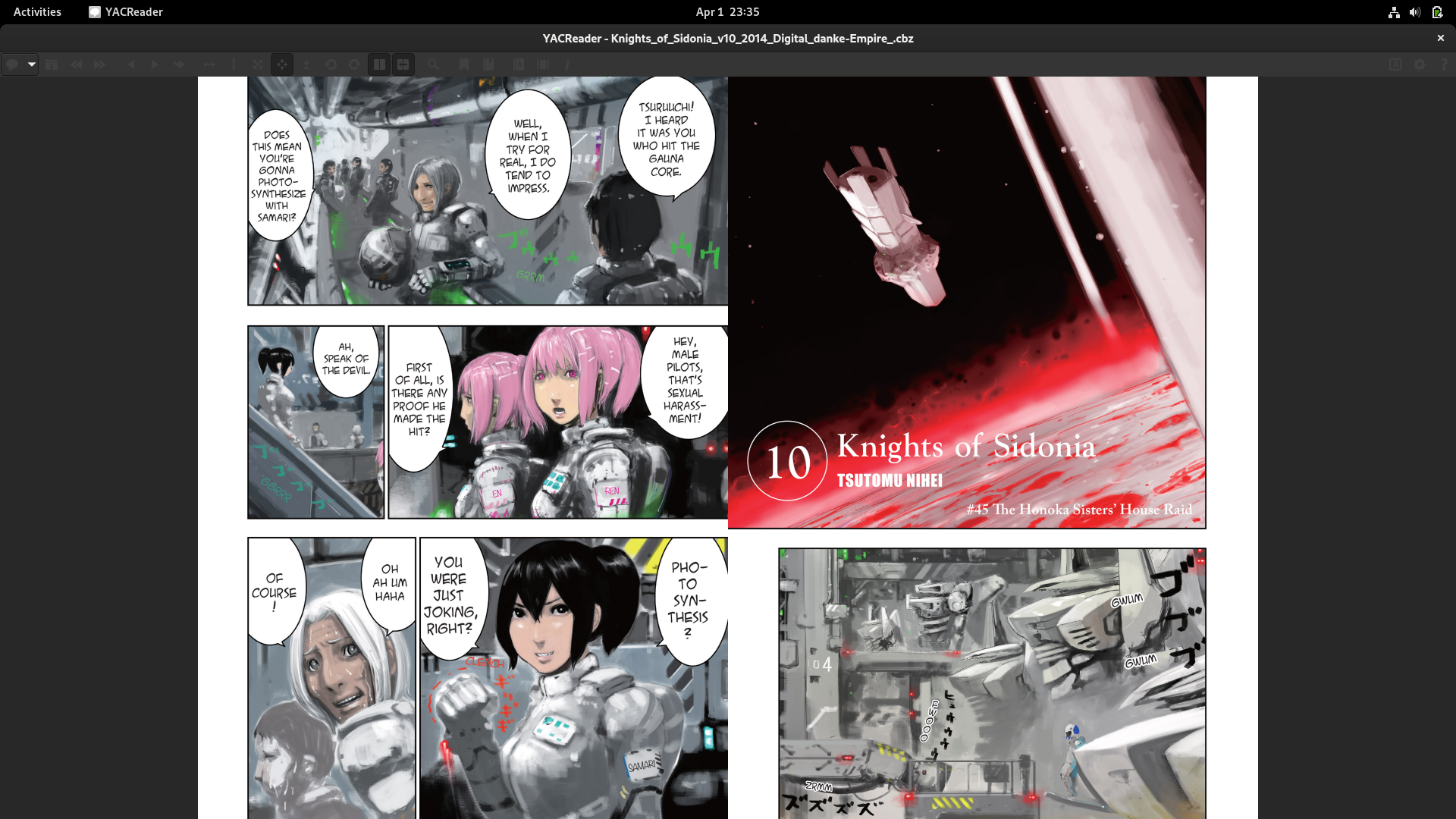
Unfortunately, Yac Reader opens the first and second page together as a double page which ruins the page order. is This is illustrated by the following screenshots taken from BookWalker (a paid service) and Yac Reader.
Book Walker:

Yac Reader:

@sunjay140 Go to options (cog symbol), image adjustments and select "show cover page as single page".
@selmf Thank you for the suggestion but this option is already enabled in the screenshots provided. It displays the cover page as a single page as described but it does not display page 1 of the book (the page immediately after the cover page) as a single page, which results in the page order mismatch.
You can test this yourself with Knights of Sidonia volumes 4 and 10 and compare them with the previews found on Book Walker.
@sunjay140 That's not a bug then. You are comparing a pirated copy which you obtained illegally and read on YACReader with a bought copy you read on an official app. YACReader displays the images as they are contained in the comic book files. It is not our fault if your pirated copy is missing a blank page between the cover and the first page.