

 XargonWan
Can't install do different drive after first installation
After installing RetroDECK on my steam deck, I received my new Micro SD card, which I want to install RetroDECK onto. But I couldn't find a way to change it to a new drive. I (idiot) didn't know there was an uninstall option on Discover. So I deleted the files and then tried reinstalling RetroDECK (when I discovered Discover's uninstall feature).
So I uninstalled it and then reinstalled it again. Still, the drive selection screen on the first installation didn't appear. I looked into the "retrodeck" folder to find it empty. Now there is no way for me to put my ROMs into RetroDECK, which means I can't use it. Is there anything you can do to fix this issue? Or am I missing a simple solution?
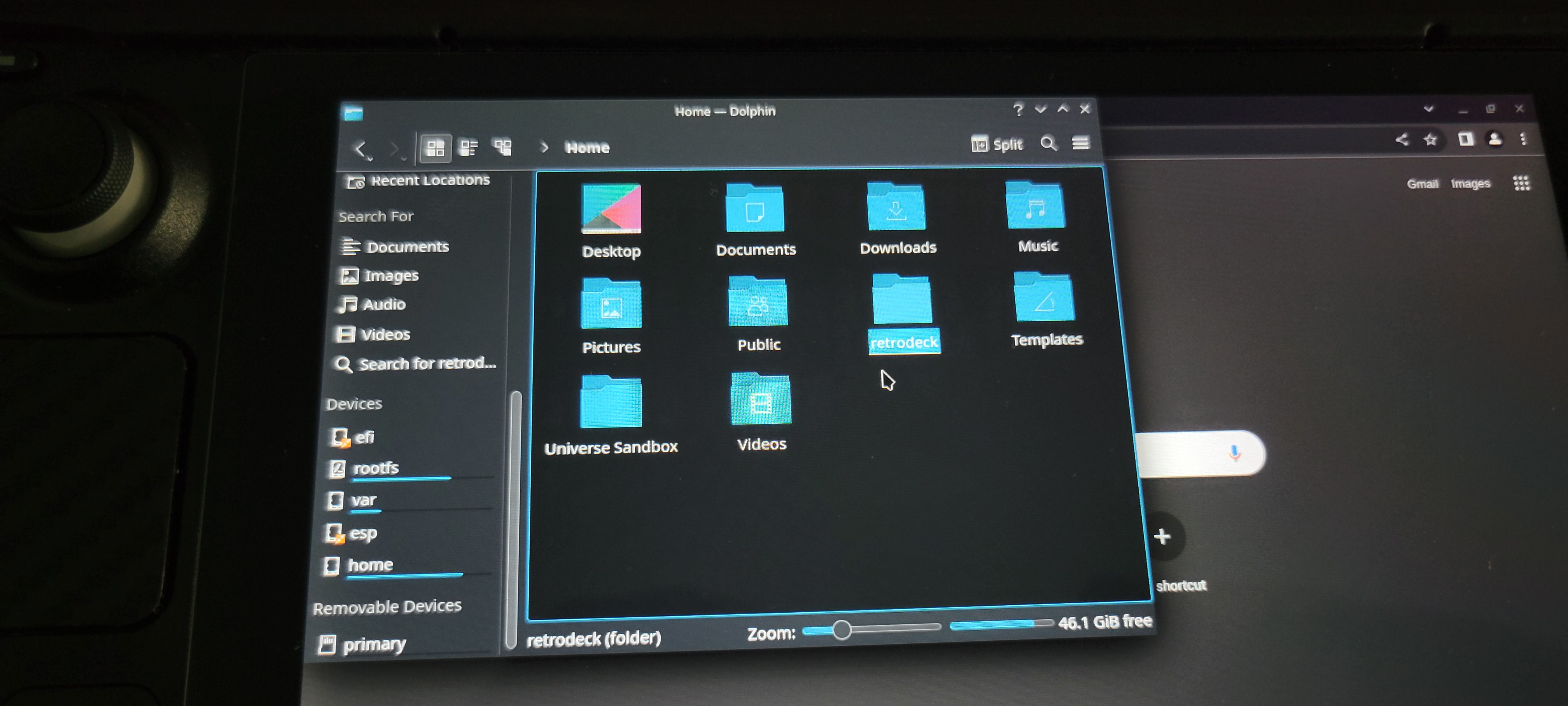
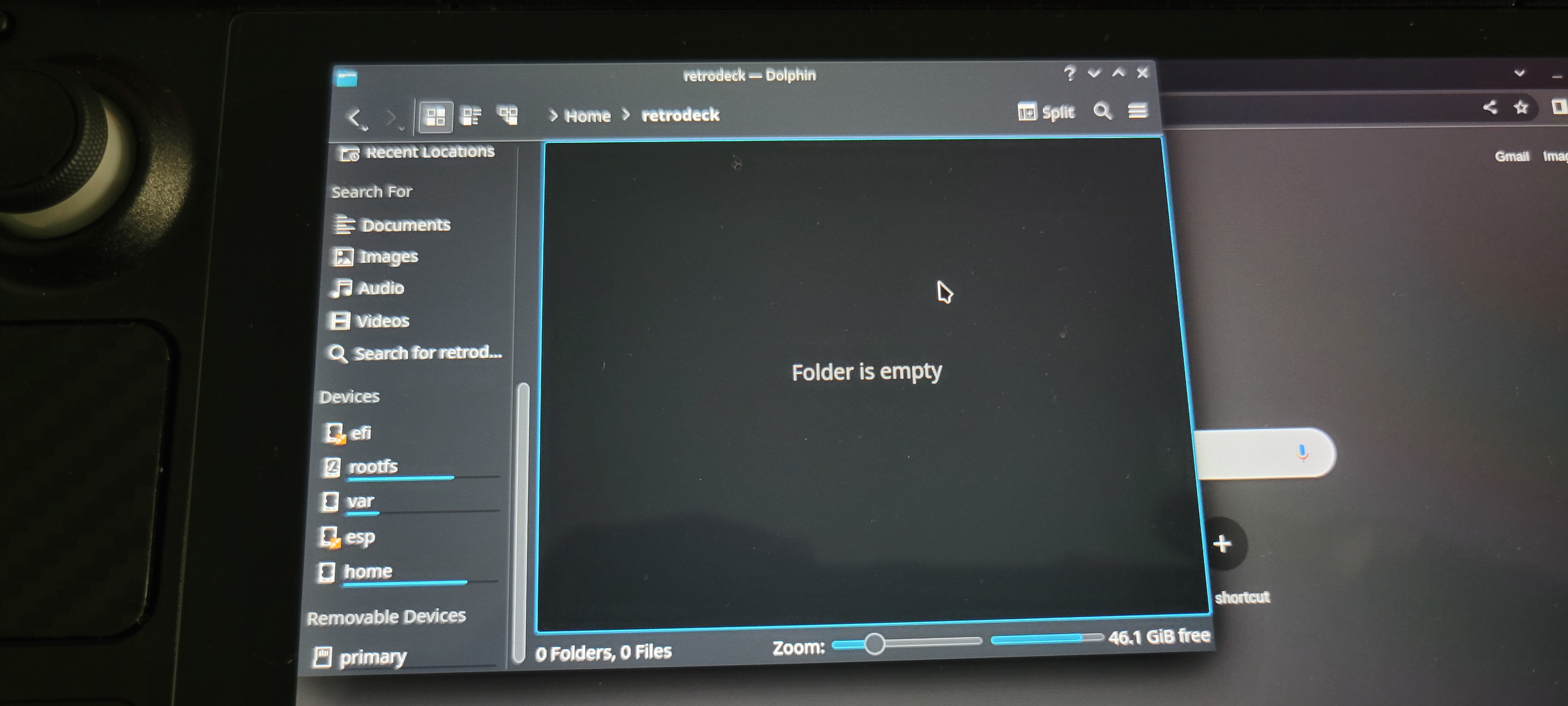

You could do a flatpak run net.retrodeck.retrodeck --reset to call the initial setup again but that will be ereasing all your custom configurations if you had any.
In the next version there will be a tool to move the roms folder.


It also seems like the lockfile is not being removed at uninstallation.
No, as there is no "uninstall commands" for Flatpak. Not that I am aware at list. However I am deprecating the lockfile little by little.
The migration tool has been integrated into the Configurator so this issue should be resolved.