

 WebXDAO
[FEATURE] Fixing Navbar to top
Detailed description
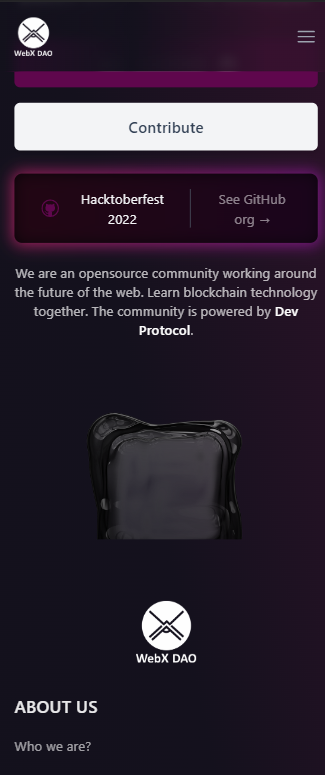
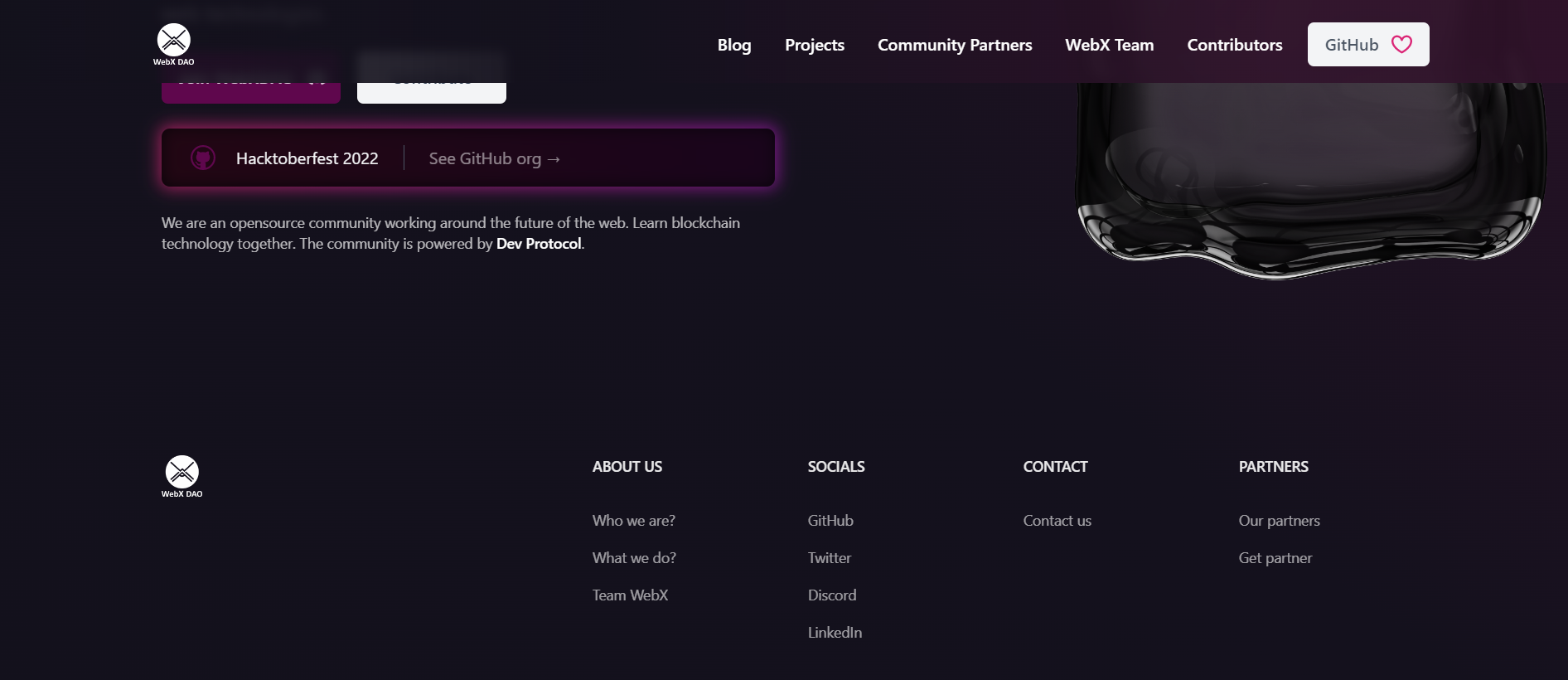
The position of the navbar is currently not fixed on the phone. When a user scrolls down to to the bottom and wants to access the menu, they need to scroll back to the top thus leading to a comparatively poor user experience.
Context
Having a navbar fixed to the top will make sure that the menu is always available to be used by the user as should be the case. Also by fixing the navbar, the community logo inside it also stays visible throughout the user is visiting the website.
Possible implementation
- [x] by changing the position property of the header to fixed using appropriate tailwind classes.
- [x] Updating the background color of header with a blur filter to produce a better visual effect.
Additional information

- [x] Would you like to work on this issue?
Code of Conduct
- [X] I agree to follow this project's Code of Conduct

Hi! Super cool feature. ✨ But this one is tricky!
- The
<Hero/>component need a top margin to not be hidden by the fixed navbar - We would like to keep the navbar with a base
bg-transparent, and trigger the blur effect only on scroll! So that the hero will look the same as now when we enter on the website. - I'm not sure of the UI in mobile once the mobile menu is opened?..

Hey!
- I took into account the top margin part. Will do that.
- Having the
bg-transparentmade the white logo disappear when the navbar overlaps an element with a white bg. Attaching a photo below to better explain that.

To account for that, I was planning to use a gradient similar to the one in BG as I tried to depict through the photos attached in the issue above. Here's an image how the updated navbar may look at top with no scroll.
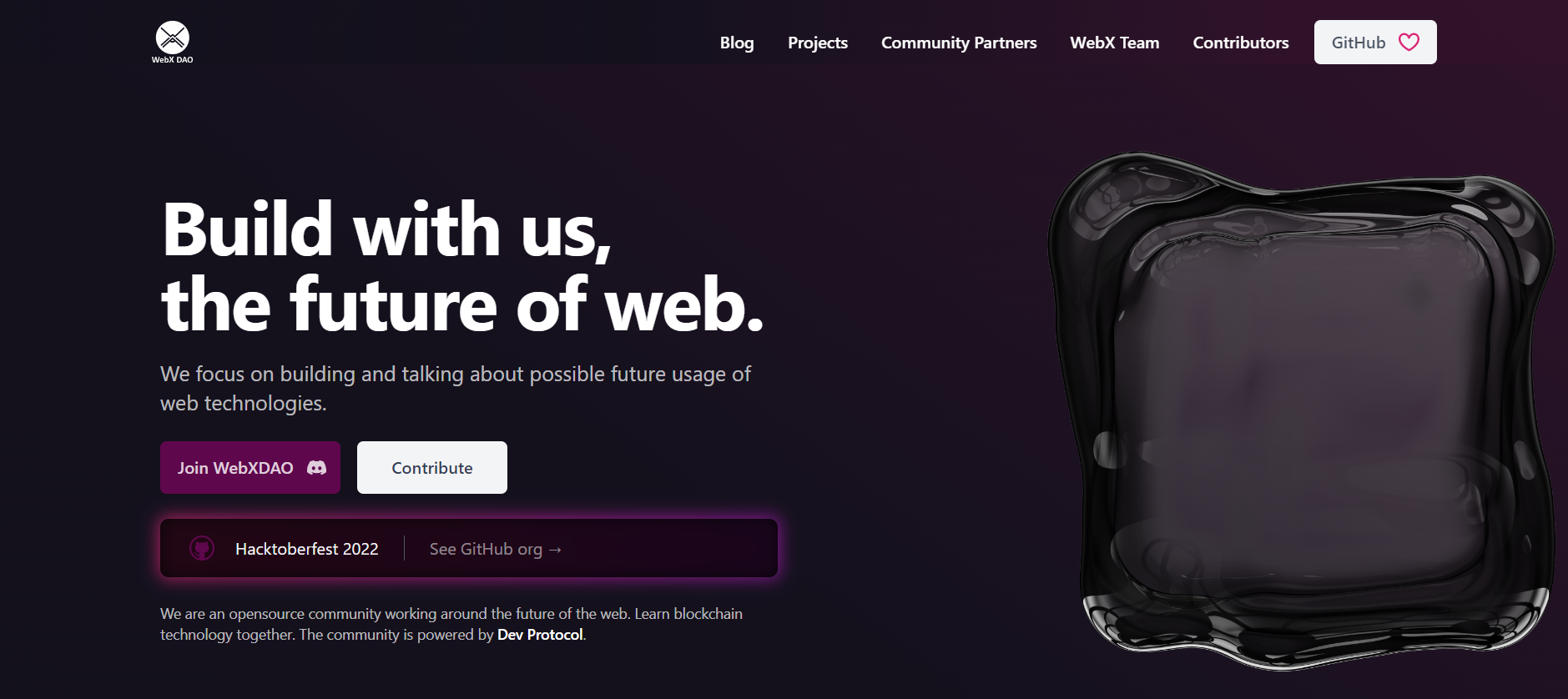 The navbar doesn't look much different in my opinion. We can keep it like this, otherwise trigger the bg change only on scroll as you mentioned above which will involve an additional function tracking the event.
- The mobile menu will work as usual.

Let me know, If I was able to answer your questions or if you have any more :)
Hi @void-ness, let me develop the navbar to test locally. We can inject different classes depending on the scroll event, I don't think the logo disappears with bg-transparency (i mean there is already a bg-transparency in the navbar component!).
I keep you in touch 🔧
Sure. You can check for that. Just wanted to clarify, the logo doesn't disappear just because of bg-transparency being applied, but when the navbar overlaps another element with white bg which is currently not the case. Let me know if you need any help.
It looks like the issue is related to the old website design. Please create a new issue for the updated design.
Thanks for coming here!
