WWBN
WWBN
Highest resolution not getting encoded.
Why is the highest resolution getting -c copy? That takes a lot of space. The point of to re-encode it.
At the least would be good to make it optional. What should I change? Is it the line that we merged earlier ?

I am trying to make it a faster encode, so do you think it should be reencoded without -c copy? what is the problem with the -c copy?

If the video uploaded is 20mb/s , then it will be stored at 20mb/s , and will take all server's resources.
I'm not against this option, just wandering if it could be optional to the user to determine if it's right for its platform or not. This option kills a bit the automatic encode mp4, it more like direct upload ( no encoding ).
The option of -c copy , could be added tho to the direct upload to fix video's performance playback with -movflags +faststart .
Correct but this is only for the highest resolution, it is like always keep the original video quality.
but do you mean an option to not keep that and always transcode?
I am not sure what you mean by that
The option of -c copy , could be added tho to the direct upload to fix video's performance playback with -movflags +faststart .
Only for direct upload option ( On Avideo ). When this options are not disabled. For direct import
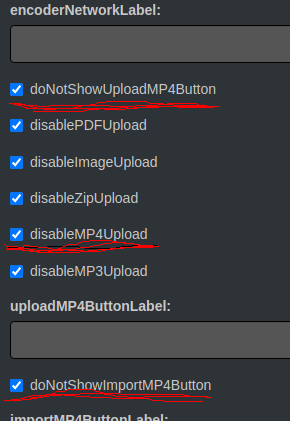
Btw , another issue found with this option. If I unselect all the option and leave only 480p or 540p to get transcoded , the video will still encode the highest quality.
So my question is , what lines should I comment to bypass this function? and get back to normal ( like it was before , transcoding all resolutions ?
I see, but you are correct, the highest resolution is always encoded.
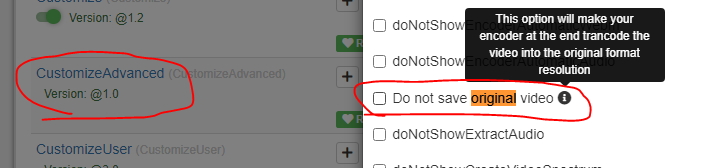
I just add an option on the customize advanced, that need to be checked if you want to save the original
you must update encoder and streamer