2d-extras

2d-extras copied to clipboard
 Unity-Technologies
How can I change the Tile Lock Color option in the inspector ?
Hello,
Unity 2019.1.1f1
I'm trying to change the option "Lock Color" of my tile in the inspector, but the option is locked.
If I select the tile in my brush:

And if I select my Tile in the Asset folder:
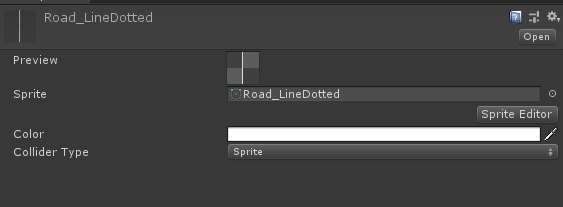
I only succes to change that with edit the Tile with Text Editor and change the "m_Flags" value. If I change the value 1 to 0, Now "Lock Color" is false... but where is the option in Unity...


Thank you for your help ;)

You can right click Inspector tag, then select Debug. I don't know why the option is locked too.