MX_FFmpeg

MX_FFmpeg copied to clipboard
 USBhost
Cannot update custom codec to version 49
Hi,
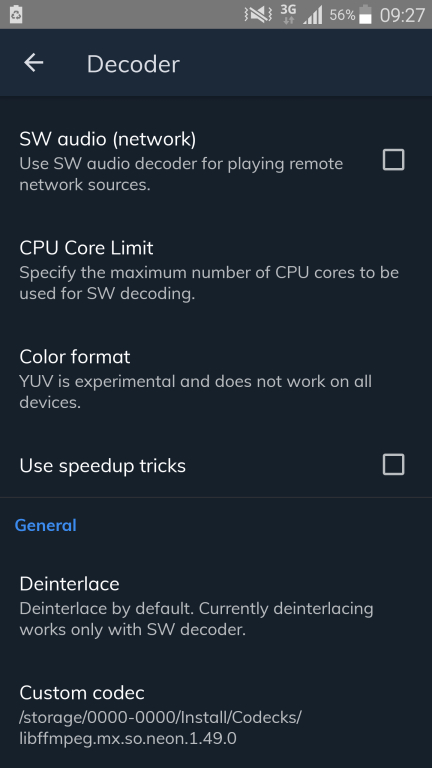
No matter what I do I cannot update my custom codec past version 44. My Note 4 is not accepting the higher versions and I am unable to play HEVC. I am running the payed version of MX player via Google play store. Do you have any idea why this happens and how can I overcome this issue. Please do not tell me to buy a new phone as it will be unacceptable!


To resolve the issue: ( Version 1.51.8 (c) J2 Interactive 2011, 2020 )
- Open settings and select
List - Go to scan and click on
Folders - Click
Addand Add your folder:/storage/0000-0000/Install/Codecs - Click
Back,BackthenDecoder - Click
Custom Codecand point it to the file in point(3) - Restart the player to accept codec