

 TsotsosLab
Parallel execution via model collection causes incoherent execution
This may be beyond the scope of support for this project but for anyone looking to parallelize execution of smiler to save time running consecutive models on the same data: it's important to note that parallel execution of smiler with the model collection option may cause incoherent execution of the input data starting with the second model in the list.
Ex. My input folder contains frames 700 - 2451.
I ran this on 8 seperate terminals synchronously:
smiler run -m "salgan,edn,osalicon" /input /output-docker
smiler run -m "aim,aws" /input /output-matlab
smiler run -m "cas,cvs" /input /output-matlab
smiler run -m "dva,fes" /input /output-matlab
smiler run -m "gbvs,ikn" /input /output-matlab
smiler run -m "imsig,lds" /input /output-matlab
smiler run -m "qss,rare2012" /input /output-matlab
smiler run -m "ssr,sun" /input /output-matlab
Hardware info: CPU: Intel(R) Xeon(R) W-2125 CPU @ 4.00GHz (8 cores) RAM: 16 GB OS: Ubuntu 16.04 LTS
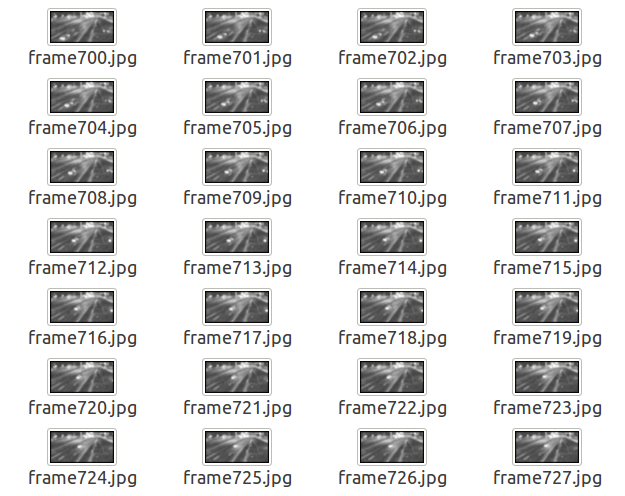
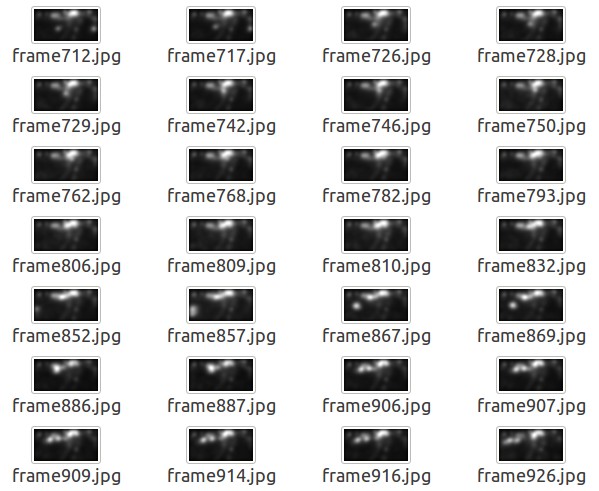
Given my hardware I felt I could get away with running this along with firefox and teamviewer. The results showed for aim, cas, dva, gbvs, imsig, qss & ssr I was able too, however aws, cvs, fes, ikn, lds, rare2012 & sun had incoherent executions resulting in missed frames. I believe this is something related to the -m "aim, aws" model collection option used under parallel execution.
AIM Output:
 AWS Output:
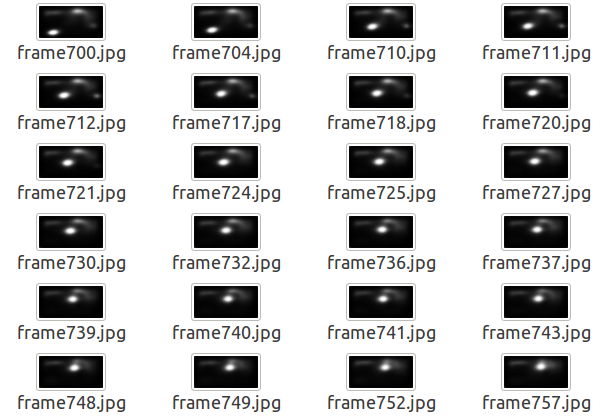
In terms of the docker models, salgan had incoherent results while edn & osalicon did not produce any results. (Note docker models run on CPU as found in https://github.com/TsotsosLab/SMILER/issues/9#issue-424574028)
SalGAN Output:

By "incoherent results," the effects you noticed are that some images were not processed, right? None of the images that actually were processed are incorrect?
This is just a guess, but I think the likely cause of this is the models running out of memory (due to multiple matlab processes running at the same time - each smiler instance spins up a matlab process it uses for its matlab-based models, and each of those models have variable memory requirements). Smiler stdout should have more information, what does it say for the skipped images? Also, htop or a similar tool could help verify memory consumption.
If all you are after is the output, you can safely re-run the same commands: smiler will skip images it already processed, and process the missing images.
I was considering adding a parallel flag to smiler to allow what you are doing in an automated way, but that'll appear in a future version.

By incoherent I results I meant skipped images, the output results for each model are as expected across all processed images. Adding a parallel option would be great, thanks for the reply.