
nam-juce
 nam-juce copied to clipboard
 Tr3m
Tr3m
A JUCE implementation of the Neural Amp Modeler Plugin

NAM JUCE
Neural Amp Modeler JUCE Implementation



A JUCE implementation of Steven Atkinson's NeuralAmpModelerPlugin. This Repository is still a work-in-proress, but the basic functionality is there.
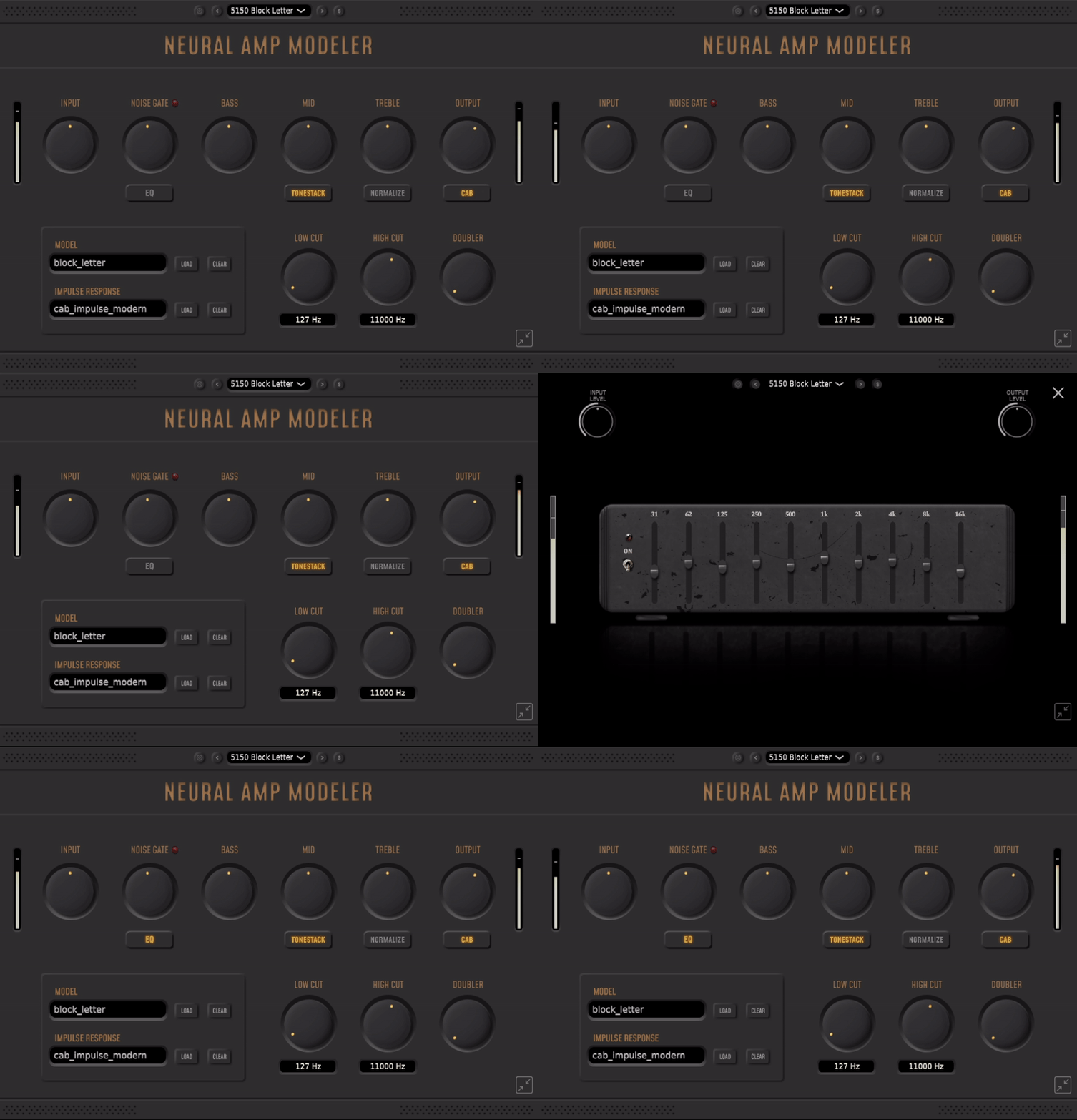
Table of Contents
- Installation
- Releases
- Chocolatey (Windows)
- Building
- Optional CMake Flags
- Supported Platforms
- Supported Formats
- Getting Amp Models
Installation
Releases
The latest version for Windows and MacOS can be found in the Releases page.
Chocolatey (Windows)
For windows, the Chocolatey package can be installed by running:
choco install nam-juce
Building
git clone https://github.com/tr3m/nam-juce
cd nam-juce
Git sumbodules dont need to be initialized manually. CMake will initialize the appropriate submodules depending on the defined flags.
Windows
cmake -B build
cmake --build build --config Release -j %NUMBER_OF_PROCESSORS%
The %NUMBER_OF_PROCESSORS% environment variable is for cmd. The Powershell/New Windows Terminal equivalent is $ENV:NUMBER_OF_PROCESSORS.
MacOS
cmake -B build
cmake --build build -- -j $(sysctl -n hw.physicalcpu)
Linux
cmake -B build
cmake --build build -- -j $(nproc)
Linux dependencies for JUCE can be found here. Keep in mind that the packages they list are meant for Ubuntu, so you might have to do your own research depending on your distro.
Optional CMake Flags
-DUSE_NATIVE_ARCH=1- Enables processor-specific optimizations for modern x64 processors.
-DCMAKE_PREFIX_PATH=<PATH/TO/JUCE>- Use a global installation of JUCE instead of the repo submodule.
-DASIO_PATH=<PATH_TO_ASIO_SDK>(Windows only)- Enables ASIO support for the Standalone Application.
The resulting binaries can be found under build/NEURAL_AMP_MODELER_artefacts/Release/.
Supported Platforms
- Windows
- MacOS
- Linux
Supported Formats
- VST3
- AU
- Standalone Application
Note: The Standalone application for Windows doesn't support ASIO by default. For ASIO support a path to Steingberg's ASIO SDK needs to be provided by using the ASIO_PATH flag with CMake.
More plugin formats like LV2 and Legacy VST can be built by providing the appropriate SDK paths and setting the corresponding JUCE flags in the main CMakeLists.txt file.
Getting Models
You can find Models and Impulse Responses shared by the community on ToneHunt.
 Tr3m
Tr3m