

 TiddlyWiki
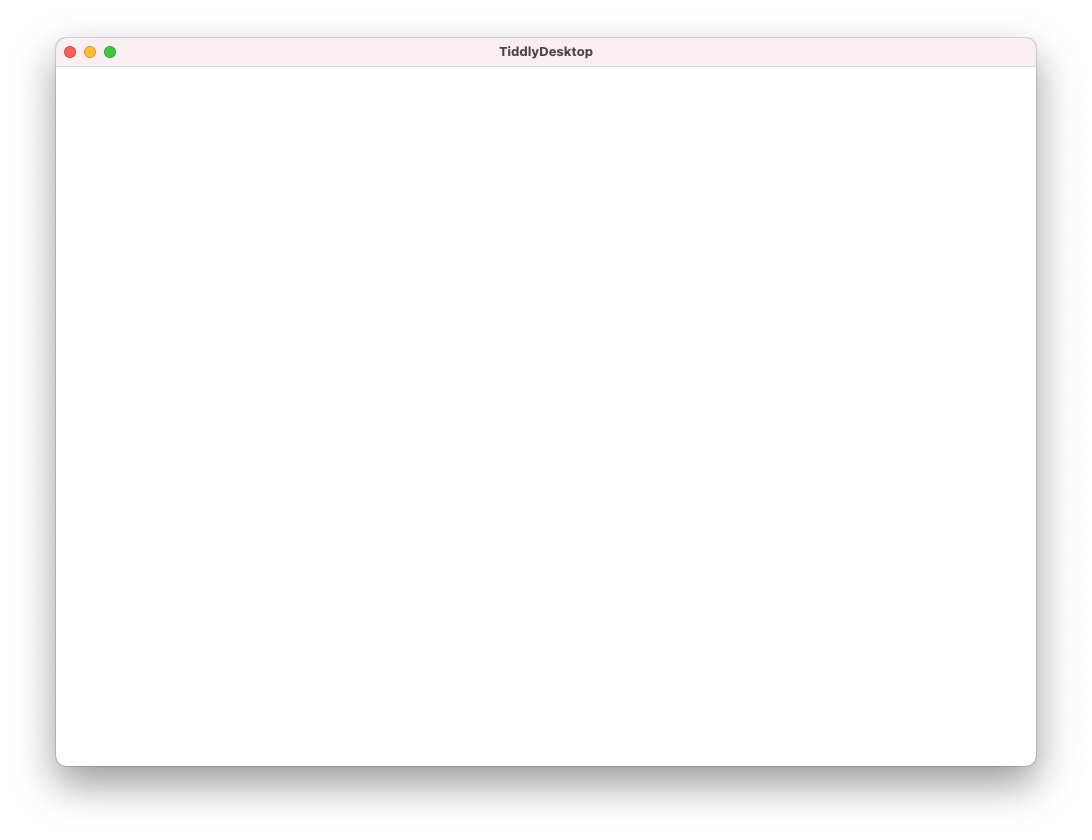
Tiddlydesktop wiki list window is empty (plain white)
I've been using Tiddlydesktop for about year on my Mac. After upgrade to Big Sur a few weeks ago, it still worked ok.
Today, when I launch Tiddydesktop, all screens (wiki list screen, Settings screen, help screen) all come up completely empty/blank -- it's just a white area below the title bar (see screenshot).
I've just downloaded the latest version of TD and rebooted after installing it, but the issue remains.
Is there some config I could reset? Where would those files live?

Ok, I've fixed it -- it was a corrupt config.
I found the configuration files at /Users/alexhunsley/Library/Application Support/TiddlyDesktop, and moved that folder elsewhere, then ran the app again. Now the windows have contents and I've had to add my wikis again.