

 Tichau
PDF to PNG - background goes to black
I have been looking for a good utility to convert vector PDFs to PNG with small file sizes and configurable resolution. FileConverter delivers on both counts, but the resultant PNG files all have black backgrounds, making them unusable. Is there a way to fix that?
Also, when I right click the PDF and select FileConverter, the only option offered is "To PNG (paged)." Why are no other formats offered?
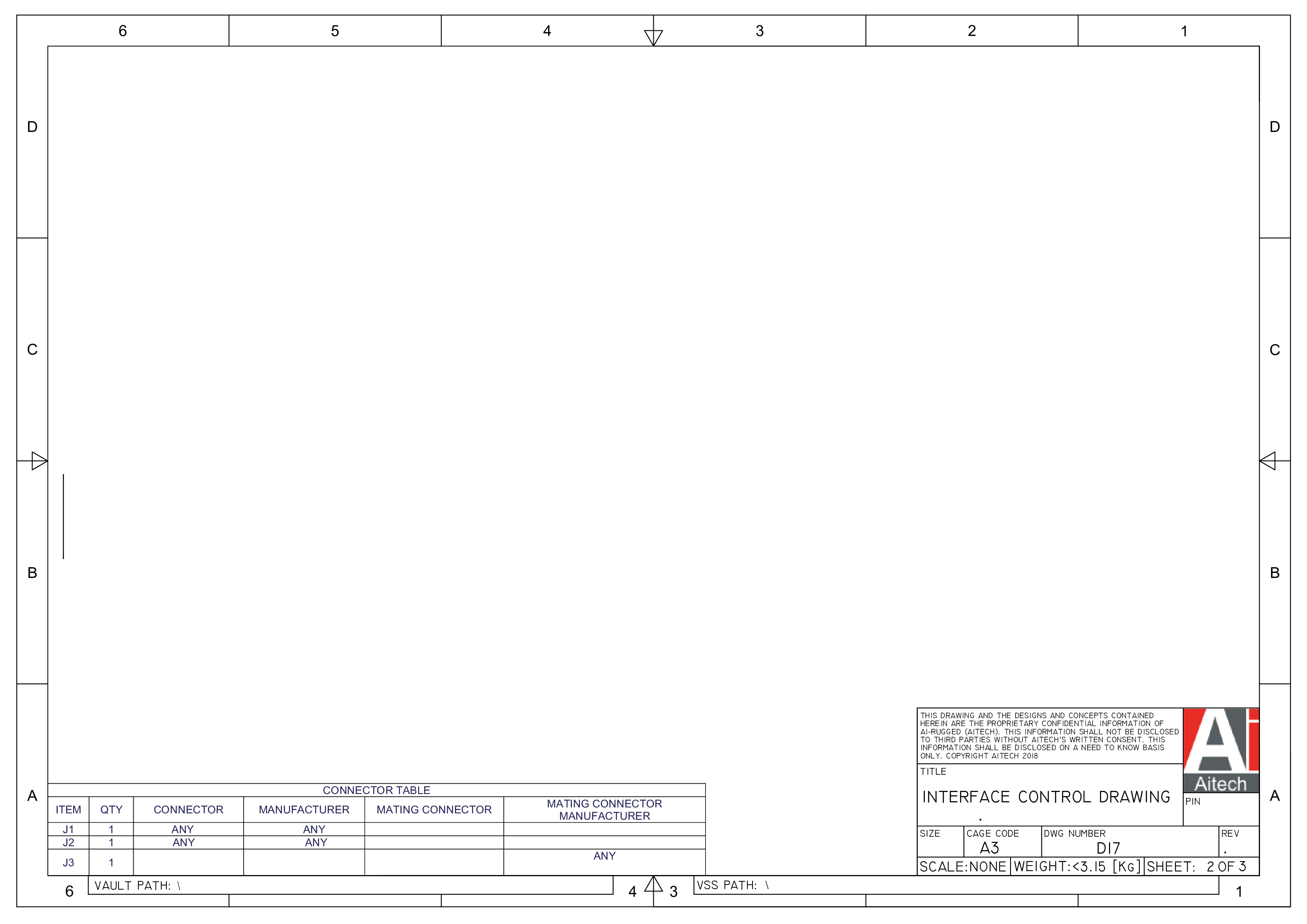
Sample PDF and resulting PNG attached.
Sample PDF drawing.pdf
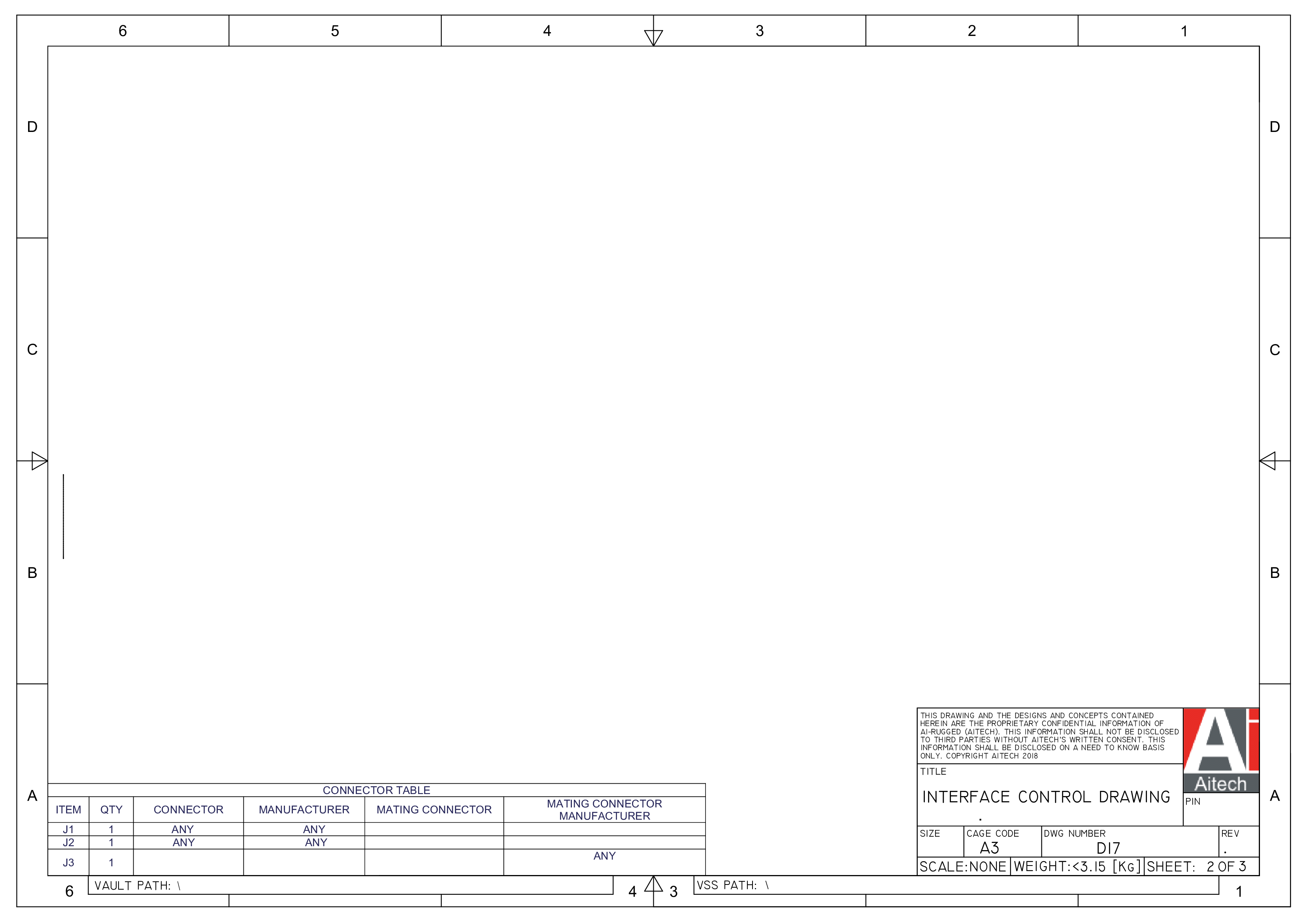
Thanks

Hi,
The png you attached has a white background so I don't understand the issue. Maybe the background is transparent and your png viewer has a black background ?
If you want other output format for PDF files, you can create new preset (you can read this article to know how). PDF files are only convertible to image formats.
Regards, Adrien

