

 Tenma-Server
wrong matching and very long cache
Hi, i was wondering: originally i've FTP 2 series with folder structure: OPT > COMICS > MARVEL > SERIES NAME (YEAR) > name of issue with number 1 etc. that did match comic to correct one but only 4 out of 5 issues (correct is 5 checked via VINE) then i renamed files on the location / even tried to change name offline and re-upload again to: OPT > COMICS > MARVEL > COMIC SERIES NAME (YEAR) > ISSUE1.cbz to ISSUE.5 like you said we should. It matched comics to some weird funny/sexy comics ..... totally not related and i could NOT change it even it i tried to sync few times / re-upload again etc.
Any advice please?

I had this issue myself, though my comics are on my local harddrive. What worked for me was renaming the files according to the standards required by ComicTagger. I have all issues of a series in a directory named like "Series (Year)". The issues are named "Series (Year) #Issuenumber". To give an example: The directory "Giant Days (2015)" contains the files "Giant Days (2015) #1.cbz" and "Giant Days (2015) #2.cbz". The metadata for the folder structure must match the data from Comicvine. The 2 additional volumes from the wrong matchings must be deleted manually.

Have a look into the wiki here: https://github.com/davide-romanini/comictagger
takes ages to sync info from api but looks great ;) so big thanks for that.If only we could download/sync to devices for offline read 😀
also is there a way to add location from outside vps? for example local pc or that would have to be combination of local pc web server and external access? did anyone try anything that with tenma? big thanks
That’s the one problem with using ComicVine as a source, they are very strict about rate-limiting, so it can take ages to gather data from them.
As for offline reading and other source directories, those are both features that are planned.
As for the original question, Ahahn94 is correct, I use a similar method to ComicTagger for file names. Also, for the odd one that doesn’t get the right data from ComicVine, you can adjust the ID of the comic: https://github.com/Tenma-Server/Tenma/wiki/Fixing-an-Incorrect-Issue-Match

so i did the setup and added few comics for testing with format example: Lucifer (2000) folder and files: Lucifer (2000) #1 Lucifer (2000) #2 Lucifer (2000) #3 etc.
'Lucifer (2000)' 75 issues https://comicvine.gamespot.com/lucifer/4050-9744/ 'Superman - American Alien (2015)' 7 issues 'Superman - Red Son (2003)' 3 issues 'The Infinity Gauntlet (1991)' 5 issues
only Lucifer did not add correctly (images below) and throwing back some rubbish not related comics :( any ideas?
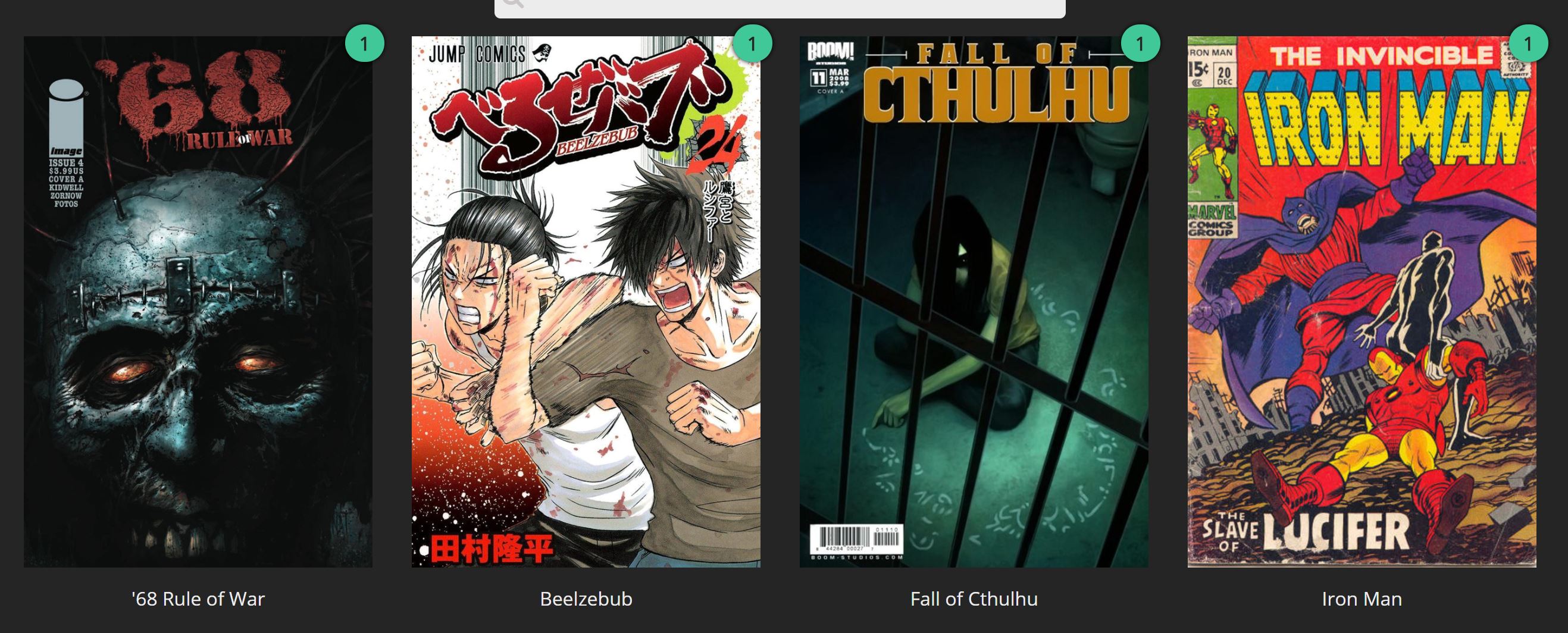
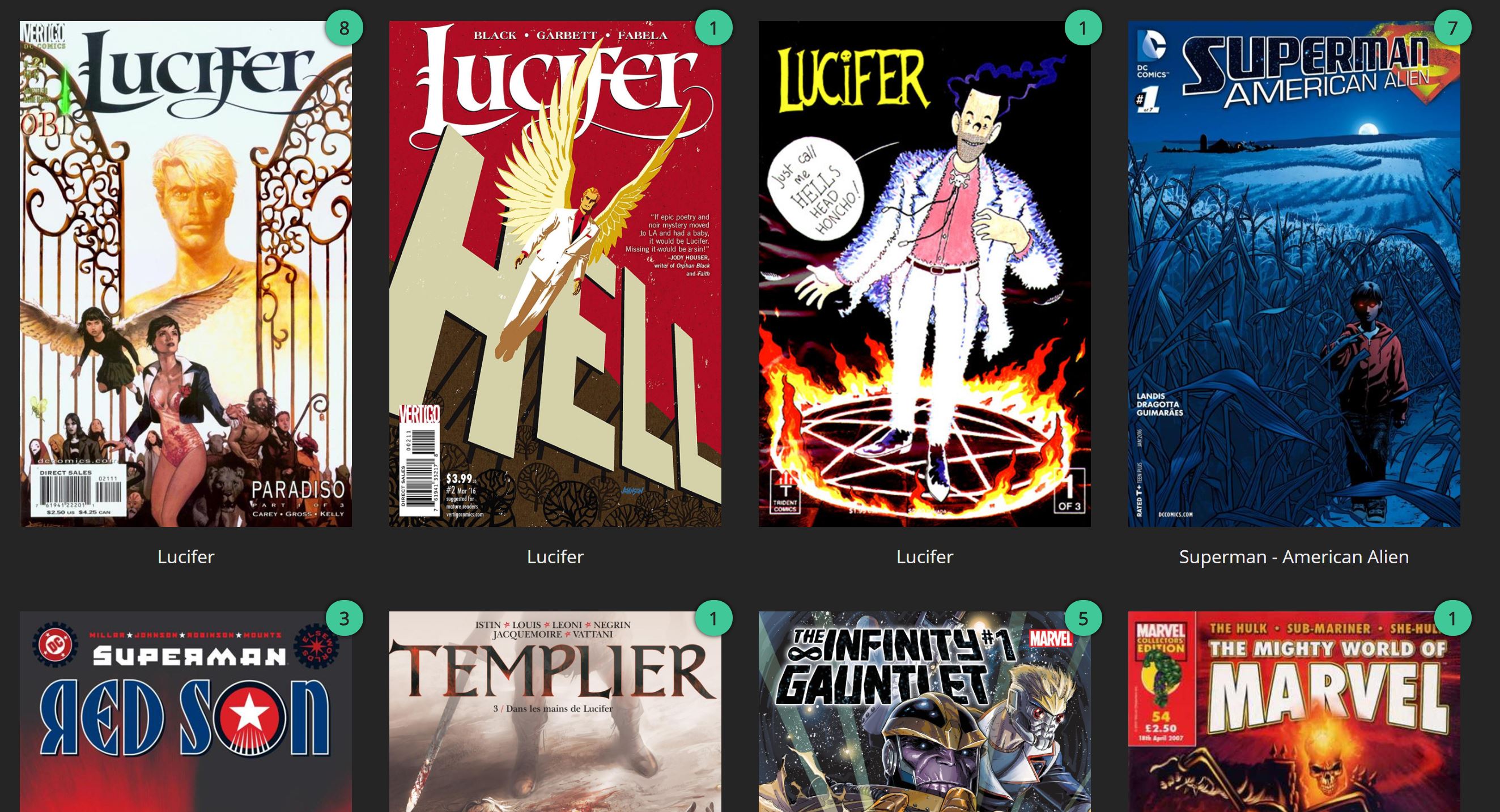
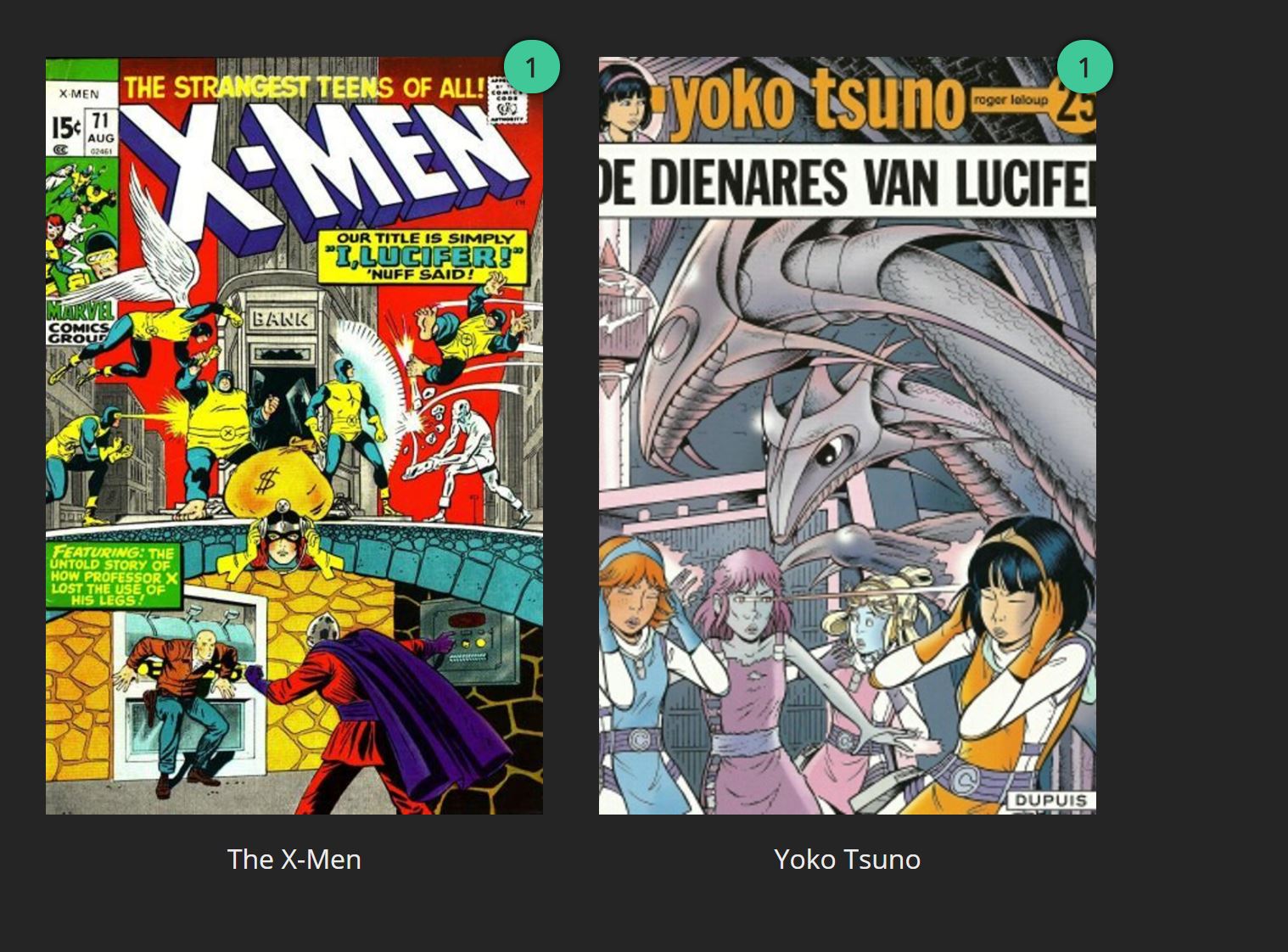
Crazy! looks like still downloading as there's nowhere near 75 lucifer issues on site but results are really bad metadata wise :(
fixed them manually as advised above so looks better now
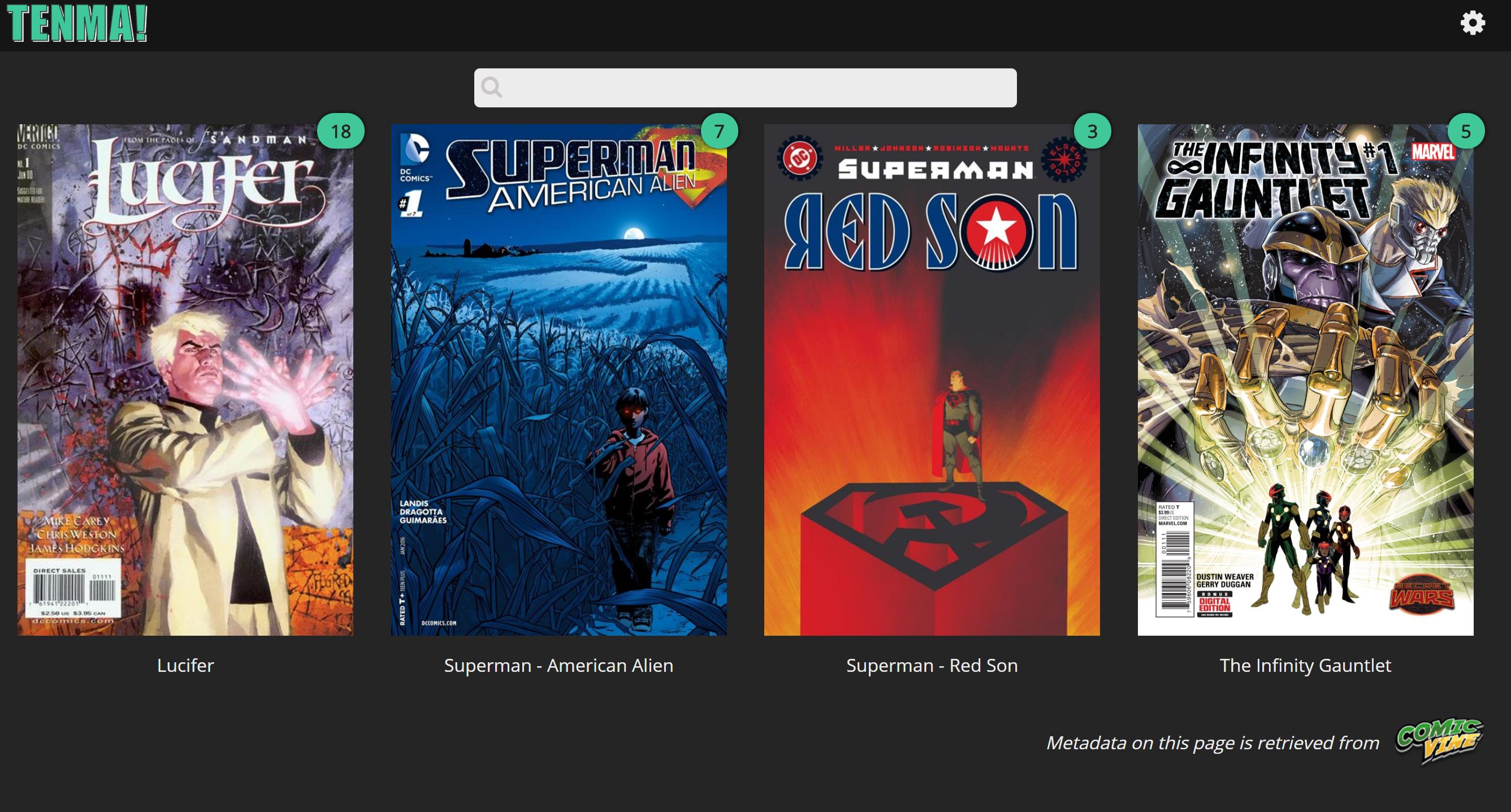
but still missing 58 issues? and api says my rate is fine:
Current API Usage You have used 145 requests in the last hour for API Path '/search' (reset in 9 minutes) You have used 49 requests in the last hour for API Path '/volume' (reset in 9 minutes) You have used 49 requests in the last hour for API Path '/issue' (reset in 9 minutes) You have used 13 requests in the last hour for API Path '/publisher' (reset in 9 minutes) You have used 11 requests in the last hour for API Path '/story_arc' (reset in 9 minutes) You have used 148 requests in the last hour for API Path '/character' (reset in 9 minutes) You have used 73 requests in the last hour for API Path '/person' (reset in 9 minutes) You have used 18 requests in the last hour for API Path '/team' (reset in 9 minutes) Your request rate is fine
not sure what to expect? will they ever appear? any comments would be appreciated ;) big thanks!
Interesting. Not sure why some aren't importing at all. I'll have to test this soon. Thanks for your report!
i thought i would leave it for few hrs bit still same added another comic Deadpool vs Thanos and not being added :( will check tomorrow morning maybe theres a limit per day?
@tarnecki: You're not running into api rate issues since I easily import 500 or so comics an hour.
I looked at the import code 6 months or so ago, and the primary time consumer is the search/matching issues bit. You might also experience a slowdown, if the issues you're importing contains a lot of character, since you need to add/linking them to the issue. In addition, you might also be hitting issues with sqlite db lock-up issues if your reading issues at the same time you're importing.
To get around this, I end up removing the issue search code and tagging my comics with ComicTagger. From the resultant comic archives ComicInfo.xml file, I get the issue's cvid info to import the issue without having to do a search. This reduced the importing time significantly (not to mention it's accuracy).

@bpepple i've just installed everything so i'm the only one with access. Not reading while it's importing but i was going in the issues to fix the match.
how one goes around to do that? removing the issue search code (??) how??
and tagging my comics with ComicTagger (i will try tagger as per link above)
From the resultant comic archives ComicInfo.xml file, I get the issue's cvid info to import the issue without having to do a search. This reduced the importing time significantly (not to mention it's accuracy). (???) how?
big thanks Brian!
@tarnecki: @bpepple has forked Tenma into https://github.com/bpepple/bamf. Bamf uses the ComicInfo.xml files added to the cbz/cbr archieves instead of querying comicvine. So, if you want to use files tagged by ComicTagger, at least for now, you would have to use Bamf instead of Tenma. Keep in mind though that Bamf for now has no docker image, so you would have to install it manually.
@hmhrex Is there any chance that you will include an option to first check for a ComicInfo.xml before querying comicvine to speed things up and improve matching?
@bpepple @ahahn94 thanks - just had a look and for linux beginner this is ... hard :) even comicreader confuses me haha
i'm using ubuntu 18.04 no GUI - removed docker/tenma but left comics in my /opt/path then redone docker/tenma and again but it downloaded metadata from vine for only those few (not all as last time) not correctly matched comics :( again i wasn't reading them at the time ... do you have a noob / step by step guide (with examples) of how to fix this please? or point me to place/forums that has these? it's probably easy to tag with comicreader with gui but with command line it looks hard for me ... appreciate any input guys ... i know this must be silly stuff for you lot! cheers
@ahahn94 that actually sounds like what the behavior should be by default. I think my original thinking was that we wanted to use the most up to date information. However, it would be better to just import with the comicinfo metadata and check against ComicVine later if need be.
any idea how to fix so i can actually add more comics? look like im stuck somehow and nothing happening on import. thanks.
Try removing all tenma containers as well as images from docker and delete everything in the tenma config folder. Then try installing tenma via docker once again
so from inside /var/lib/docker/containers theres 1 long number file - im guessing thats the one? also looked for tenma and got this:
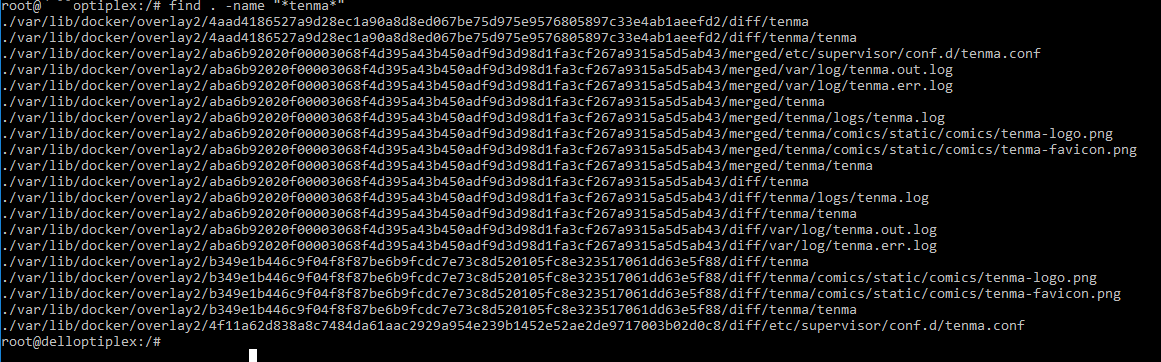
so do i delete overlay2 folder from docker? or just that long name folder in overlay2? thanks!
No, never delete docker containers or images via rm.
Run docker container ls -a to get the name or id of your tenma container.
Then run docker container rm $containername_or_id and replace $containername_or_id with the name or id from the previous command to remove the container(s). There may be multiple containers for the tenma image, so you might have to run this command with multiple ids.
After that, run docker image ls to get the id of the tenma image.
Delete the image by running docker image rm $imageid where $imageid is the id from the previous command.
right ... i don't get what's going on :( this is my folder/files structure
/opt/Comics$ ls -l total 20 drwxrwxr-x 2 root root 4096 May 23 12:26 'Deadpool vs. Carnage (2014)' drwxrwxr-x 2 root root 4096 May 23 12:17 'Deadpool vs. Thanos (2015)' drwxrwxr-x 2 root root 4096 May 23 12:23 'Deadpool vs. X-Force (2014)' drwxrwxr-x 2 root root 4096 May 23 12:24 'Hawkeye vs. Deadpool (2014)' drwxrwxr-x 2 root root 4096 May 21 14:52 'The Infinity Gauntlet (1991)'
file names: /opt/Comics/Deadpool vs. Carnage (2014)$ ls -l total 160596 -rw-rw-r-- 1 root root 40854047 May 23 12:26 'Deadpool vs. Carnage (2014) #1.cbr' -rw-rw-r-- 1 root root 38154970 May 23 12:26 'Deadpool vs. Carnage (2014) #2.cbr' -rw-rw-r-- 1 root root 42798883 May 23 12:26 'Deadpool vs. Carnage (2014) #3.cbr' -rw-rw-r-- 1 root root 42631214 May 23 12:26 'Deadpool vs. Carnage (2014) #4.cbr'
/opt/Comics/Deadpool vs. Thanos (2015)$ ls -l total 153496 -rw-rw-r-- 1 root root 36860036 May 21 16:20 'Deadpool vs. Thanos (2015) #1.cbr' -rw-rw-r-- 1 root root 40566839 May 21 16:20 'Deadpool vs. Thanos (2015) #2.cbr' -rw-rw-r-- 1 root root 41142721 May 21 16:20 'Deadpool vs. Thanos (2015) #3.cbr' -rw-rw-r-- 1 root root 38600692 May 21 16:20 'Deadpool vs. Thanos (2015) #4.cbr'
/opt/Comics/Deadpool vs. X-Force (2014)$ ls -l total 184768 -rw-rw-r-- 1 root root 47219544 May 23 12:23 'Deadpool vs. X-Force (2014) #1.cbr' -rw-rw-r-- 1 root root 45085426 May 23 12:23 'Deadpool vs. X-Force (2014) #2.cbr' -rw-rw-r-- 1 root root 48308754 May 23 12:23 'Deadpool vs. X-Force (2014) #3.cbr' -rw-rw-r-- 1 root root 48574927 May 23 12:23 'Deadpool vs. X-Force (2014) #4.cbr'
/opt/Comics/Hawkeye vs. Deadpool (2014)$ ls -l total 164320 -rw-rw-r-- 1 root root 44281553 May 23 12:24 'Hawkeye vs. Deadpool (2014) #0.cbr' -rw-rw-r-- 1 root root 28682638 May 23 12:24 'Hawkeye vs. Deadpool (2014) #1.cbr' -rw-rw-r-- 1 root root 33147703 May 23 12:24 'Hawkeye vs. Deadpool (2014) #2.cbr' -rw-rw-r-- 1 root root 30885686 May 23 12:24 'Hawkeye vs. Deadpool (2014) #3.cbr' -rw-rw-r-- 1 root root 31260265 May 23 12:24 'Hawkeye vs. Deadpool (2014) #4.cbr'
/opt/Comics/The Infinity Gauntlet (1991)$ ls -l total 144516 -rw-rw-r-- 1 root root 22311433 May 21 14:52 'The Infinity Gauntlet (1991) #1.cbr' -rw-rw-r-- 1 root root 23243511 May 21 14:52 'The Infinity Gauntlet (1991) #2.cbr' -rw-rw-r-- 1 root root 24270632 May 21 14:52 'The Infinity Gauntlet (1991) #3.cbr' -rw-rw-r-- 1 root root 25904504 May 21 14:52 'The Infinity Gauntlet (1991) #4.cbr' -rw-rw-r-- 1 root root 26409621 May 21 14:52 'The Infinity Gauntlet (1991) #5.cbr' -rw-rw-r-- 1 root root 25832555 May 21 14:52 'The Infinity Gauntlet (1991) #6.cbr'
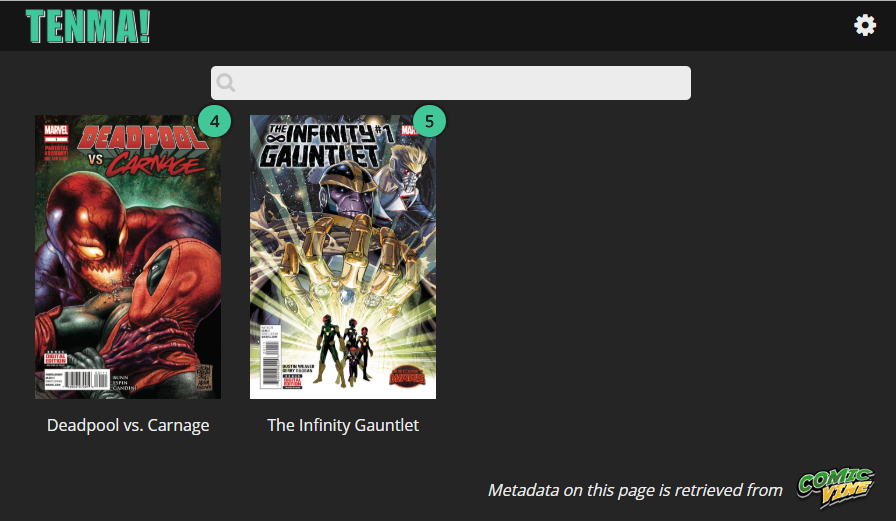
and this is what is only shows on the tenma (4 comics and 1 issue from showed comic missing)
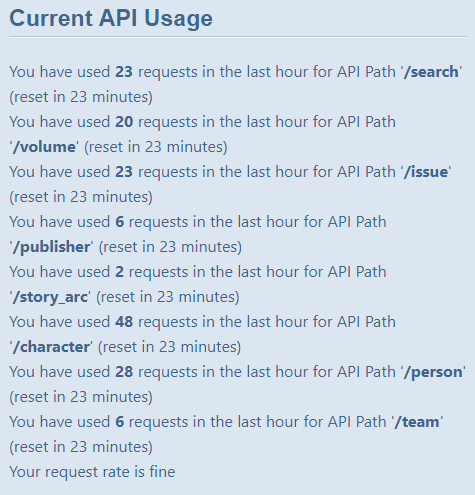
and this is API status
Any ideas? Thanks.
@tarnecki: It might be helpful to provide some info from the Tenma logs (located in the tenma/logs directory) to see where it's hanging up. Don't attach the output from the whole file tho, run something like:
cat tenma.log | grep comicimporter | tail -25
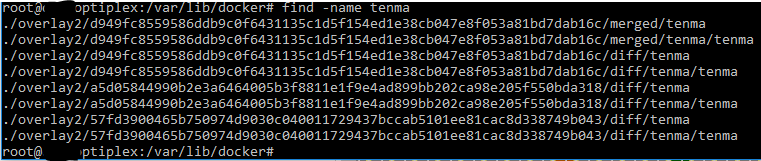
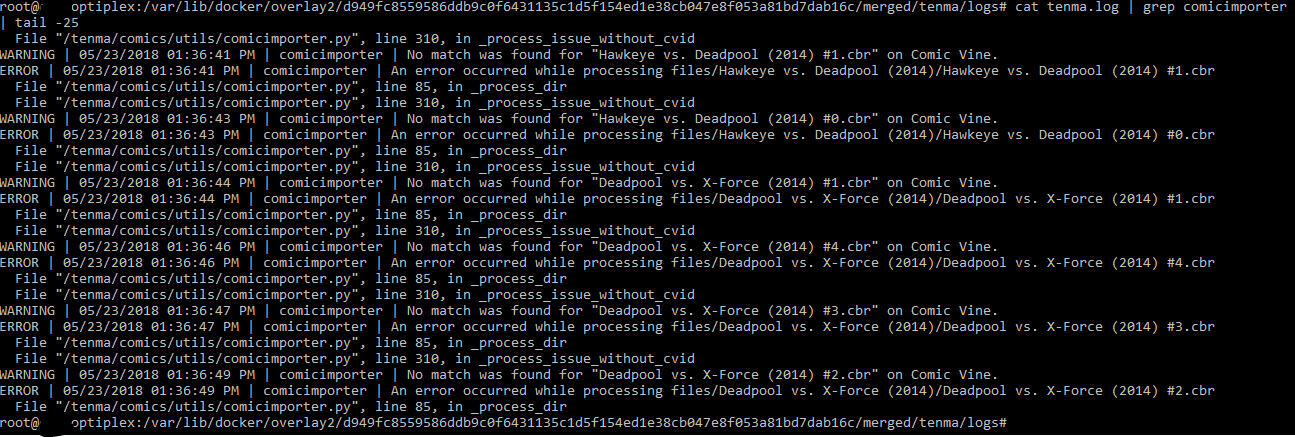
@tarnecki: Ok, so it looks like it's not finding a match on comicvine and trying to add the issue based on the filename. Shouldn't be terribly difficult to recreate this bug locally since your screenshot have some example filenames to recreate a fake file with. I won't be able to get to it till tonight at the earliest since my afternoon is pretty booked up. So, if anyone else wants to debug this before than feel free.
@tarnecki: So, I tested some example files this morning and the importing the comic based on the file name works fine but since I'm doing this from a local install not the docker image, that may be where the problem lies.

You could if you want, tho if there is a bug with getting the file name from the file locations with the docker set-up that should probably be fixed.
Depending how my day goes, I might grab the docker image and verify that my guess on the bug is correct.