

 TeamPiped
[Enhancement] Fill entire window with video (cinema)
Is your enhancement request related to a problem? Please describe.
The video player is relatively small and there's no real way to make it big except going fullscreen.
Describe the solution you'd like
I'd like to be able to watch videos in cinema mode, i.e. where the video fills the entire window, similar to how it works with original YouTube.
Describe alternatives you've considered There is a work around in invidious with ublock from this link https://github.com/iv-org/invidious/issues/1943 Is there a way to adapt this filter to work with piped? I've hacked these uBlock Origin rules together to get the desired result.
! Hide left and right padding containers. invidious.himiko.cloud#$#div.pure-u-md-2-24.pure-u-1:nth-of-type(1) { display: none !important } invidious.himiko.cloud#$#div.pure-u-md-2-24.pure-u-1:nth-of-type(3) { display: none !important }
! Stretch the player horizontally and vertically. invidious.himiko.cloud#$##player-container { width: 100vw !important; height: 100vh !important; } invidious.himiko.cloud#$##player-container { padding: 0px !important; } invidious.himiko.cloud#$##player { height: 100vh !important }
! Hide the scroll bars (WebKit). invidious.himiko.cloud#$#html::-webkit-scrollbar { display: none !important }
! Minor visual changes invidious.himiko.cloud#$#.vjs-big-play-button { border: .06666em solid rgba(0, 0, 0, 0.0) !important }
! Modify navbar height such that it equals window.scrollY (53px in my case). ! Scroll down once to focus entire video. You can use an extension like Redirector to redirect a video ! from /watch?v=([a-zA-Z_-0-9]{11}) to /watch?v=$1#player-container ! which will scroll down to the video container. ! You can then scroll up to use the navbar and scroll back down once to focus the entire player. ! Side note: You can also use Redirector to redirect any YouTube link to your Invidious instance. invidious.himiko.cloud#$#.navbar { margin-top: 8.5px !important; margin-bottom: 8.5px !important; }
Additional context
The idea was inspired by the Improve YouTube extension for Chrome

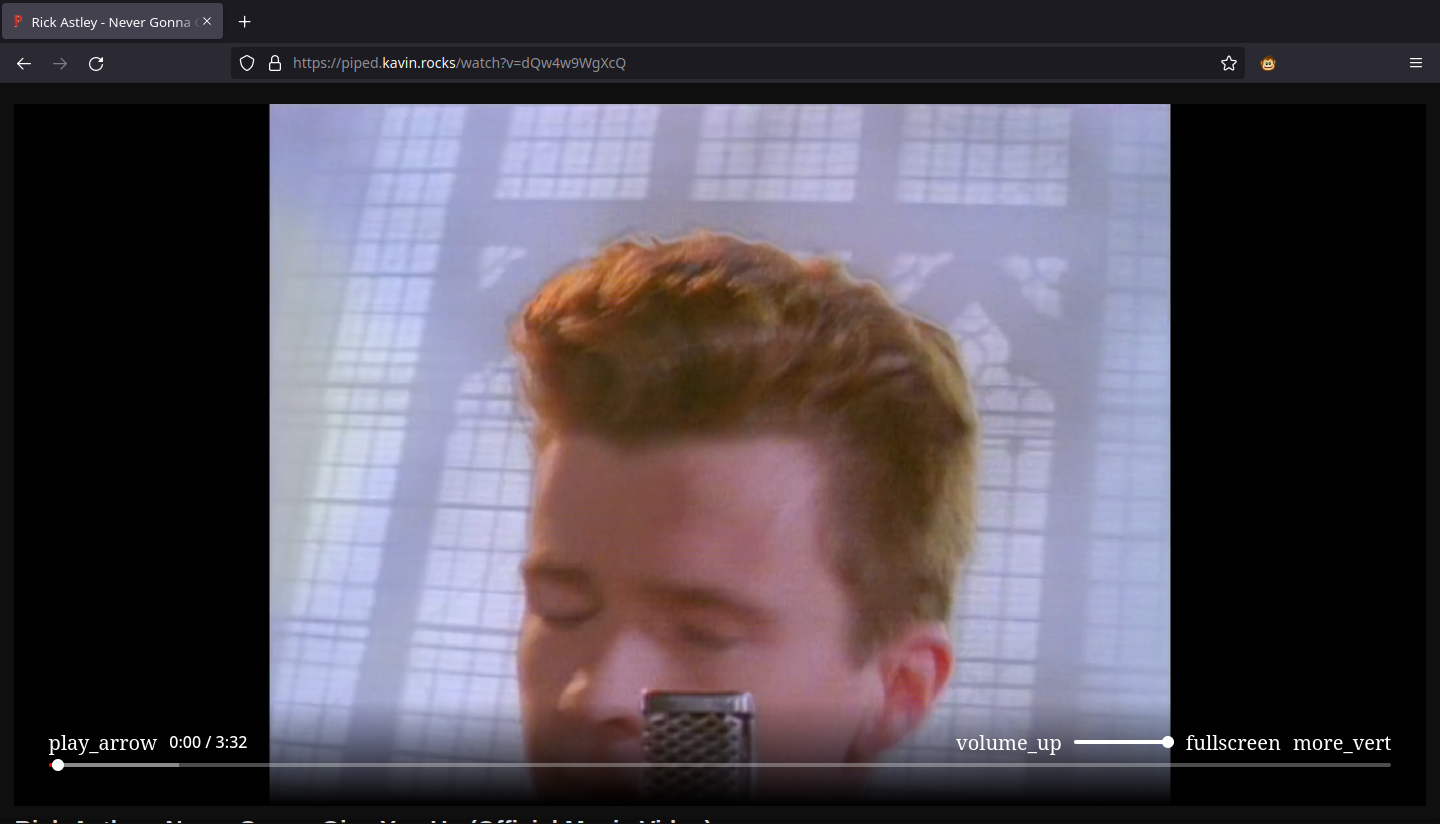
I would also like to see this implemented, as the current view of a video looks like this:
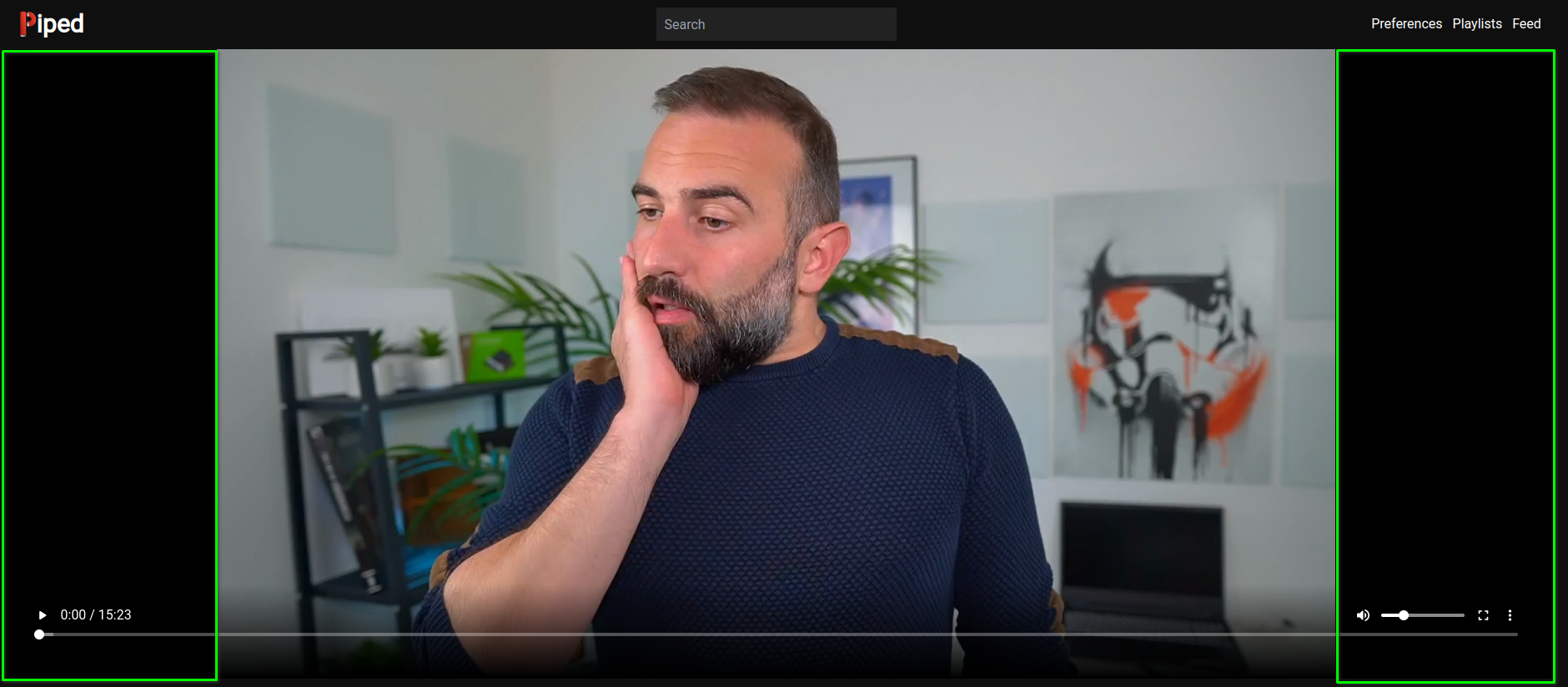
The huge black borders are quite the distraction when you are used to watching the same videos on YouTube or Invidious:
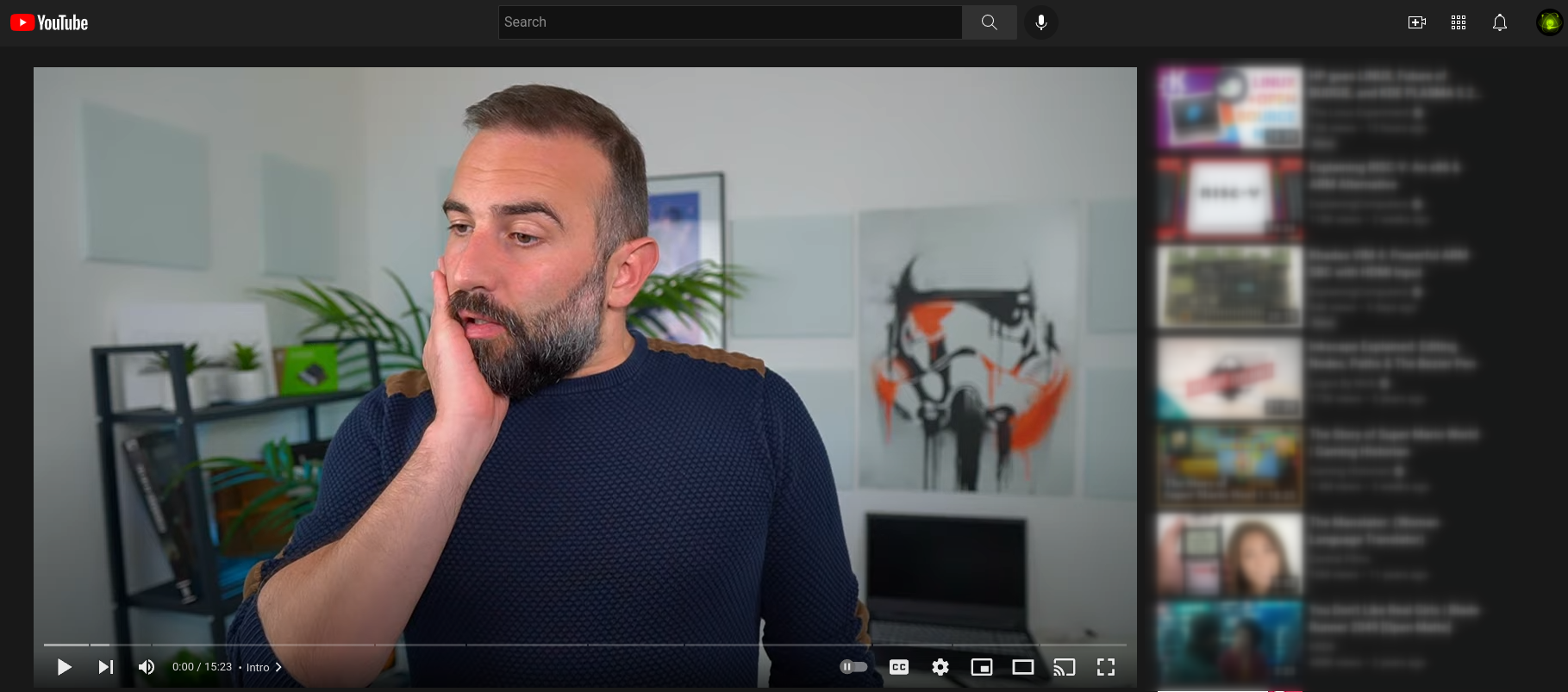
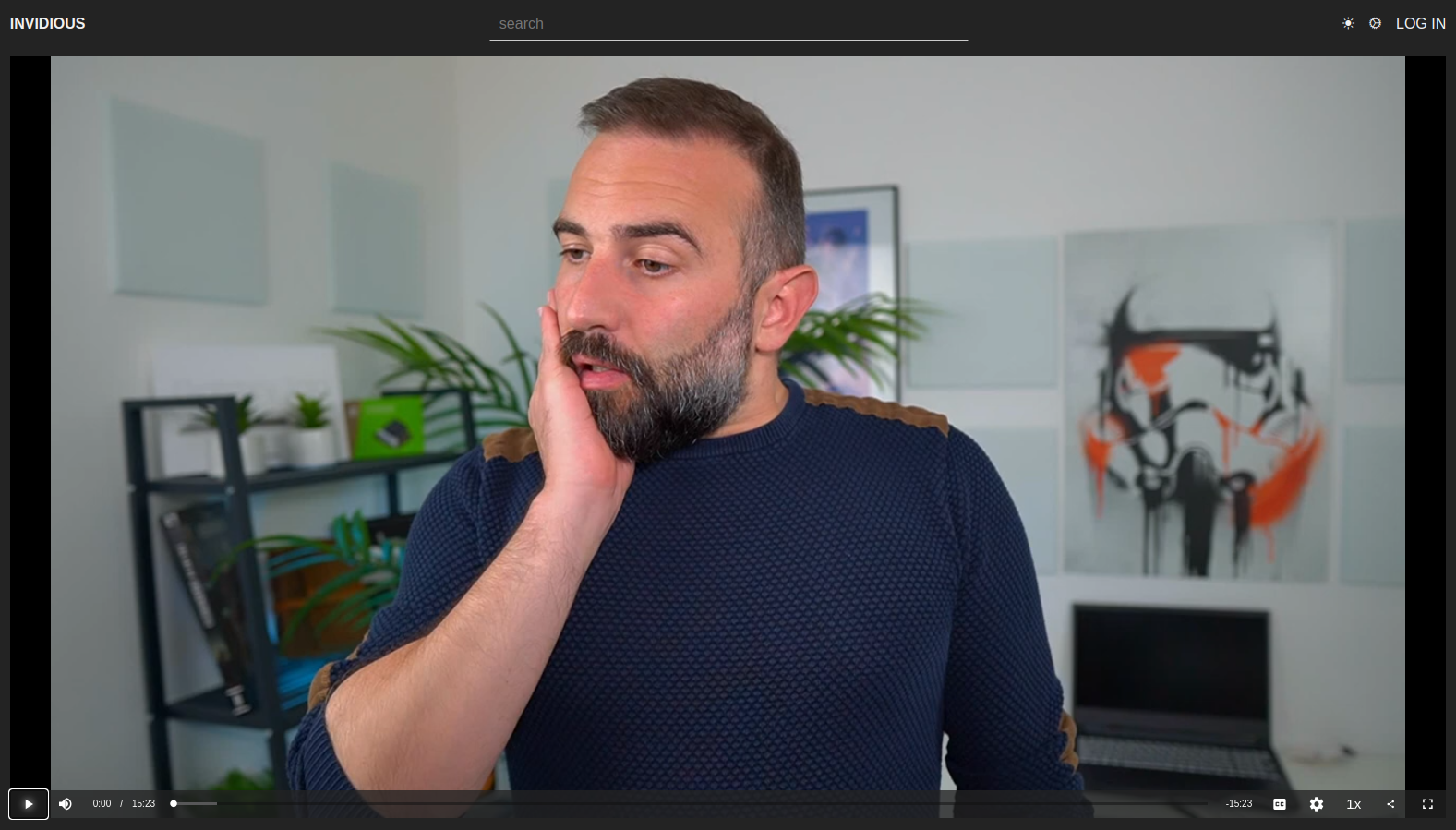
Maybe an option use more vertical space so that the bars scale smaller and the video is larger (like Invidious)?

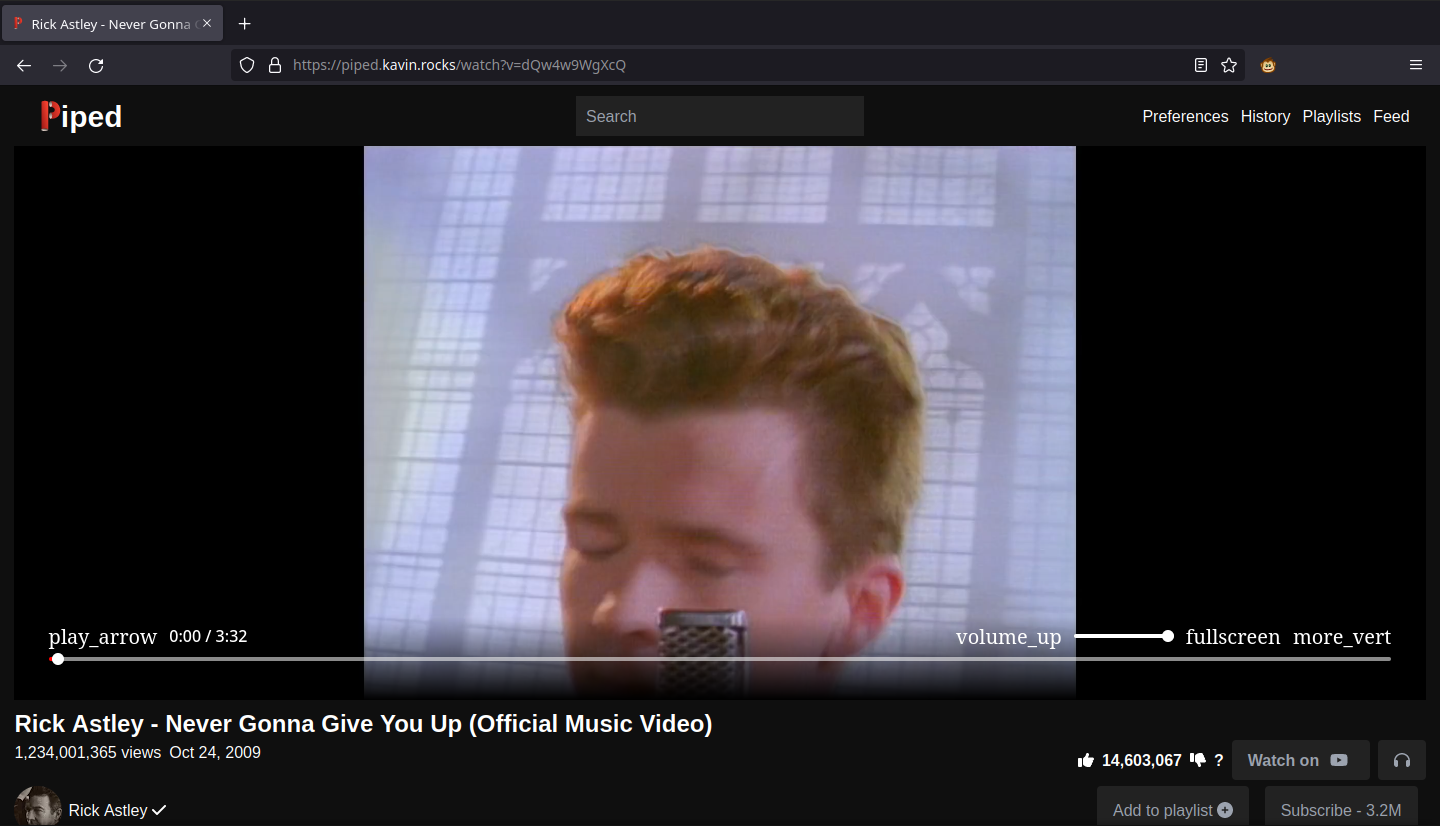
As there's currently no option for cinema mode, inspired by your uBlock rules for Invidious I made a Userscript that would help to achieve similar result to cinema mode but for Piped.
| Before | After |
|---|---|
 |
 |
The navigation bar is hidden, but visible on hover. The player is enlarged and that usually helps to mitigate those bars (I realize that with my example it isn't exactly obvious).

@k073l Very nice script. Using it now as it should suffice until something is actually built into the site. Thanks for sharing :).
Edit: There is a tiny problem where it will break when changing videos (the nav bar no longer hides). I have a experienced this a few times. I changed your match to be // @match *://piped.kavin.rocks/*, and it seems to work much better, but it still doesn't work perfectly just yet moving from the feed to video (the video won't properly expand until the page is refreshed). In addition to this, the script also seems to break the search functionality when the nav is in hover mode.
@k073l Is there a way to adapt this user script to work with piped and ublock origin? I dont use scripts and I am trying to reduce many add ons in my browser. I only use ublock origin
@Warden20 Using only uBlock was my initial idea, but I don't know how I could use it to add HTML elements that would wrap other elements (creating parent <div> that would contain <nav>). If that's possible, then it would (probably) also be possible to add classes and ids to them to allow CSS to distinguish them, since you can add custom CSS with just uBlock.
As for the breaking of search functionality @Abystus mentioned, I reckon it's due to changing the already rendered html and vue functions might not know anything has been altered. Not sure how to fix that locally.