
Alien-Logger
 Alien-Logger copied to clipboard
 TasosY2K
Alien Logger is a MaaS (Malware as a Service) website offering an easier to use alternative from the traditional keylogger.
Alien Logger 👽⌨️

Alien Logger is a MaaS (Malware as a Service) website offering an easier to use alternative from the traditional keylogger. You create an account from where you can recieve a secret key, then you can download the client payload on the device you want to monitor and use the key to validate it. Then you can view all the collected data on your panel.
This project was developed by me a while ago as a PoC hosted at 👽⌨️.ws and im releasing it as i decided don't wanna work on it anymore, i hope you find the code interesting and that you'll learn something from it :)
Features
- No need to buy domain or server
- No need to port-forward
- No need to setup SMTP on your email
- No need for manual file recovery
- Strong data encryption
- Client auto startup
Self-hosted installation
Alien Logger is built to be pretty reliable with a score of 98% uptime for the year it was deployed. You don't need to install a reverse-proxy as SSL certificates are handled by the app itself.
It's only been tested on Debian distros and this guide will assume that you're using one.
- Clone this repo and navigate in it
- Install MySQL or MariaDB and make sure it's running
- Copy the contents of
table.sql - Open your database manager and create a database
- Select the database and run the copied contents as SQL, this will create the accounts table
- Edit the contents of
config.jsonwith your info - Edit
sitemap.xmlrobots.txtandviews/seo.pugwith your info - Install dependencies
npm install - If you want SSL place
server.certandserver.keyincerts/ - Navigate to
/clientand compilepayload.pywith PyInstallerpyinstaller payload.py --noconsole --onefile - After it compiles rename the file in
dist/toalienLogger.exeand move it to thedl-content/folder - If you want monetization place your miner script in
views/miner.pug - Run the app with
node .or use a process manager (PM2)
There is daily database backup implemented.
There is IP blacklist.
There is code for cloudfare support.
All actions are logged at logs.txt.
ReCAPTCHA credidentials required.
Usage
Step 1
Go to /home and download the payload executable by clicking Download Payload.
Chrome may flag it as a virus and refuse to download it, in that case go to chrome's downloads and click on Keep dangerous file.

Step 2
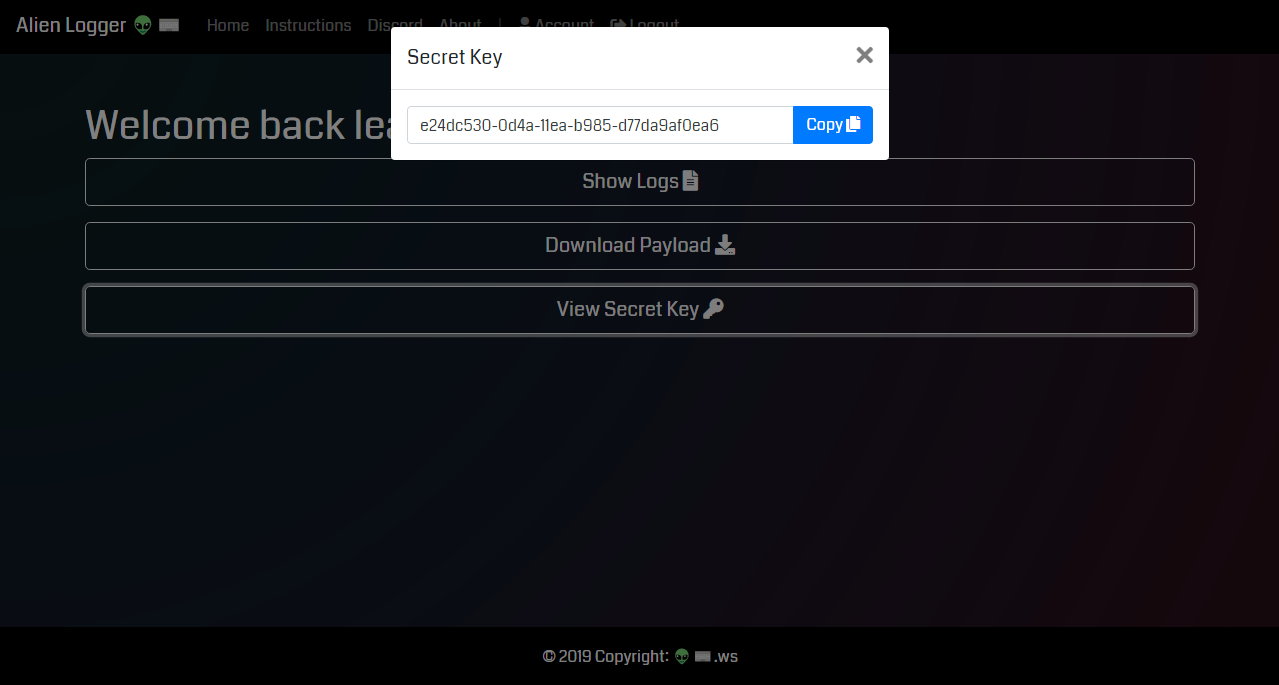
On /home click View Secret Key and copy your key from the prompt, you will need it later.
Step 3
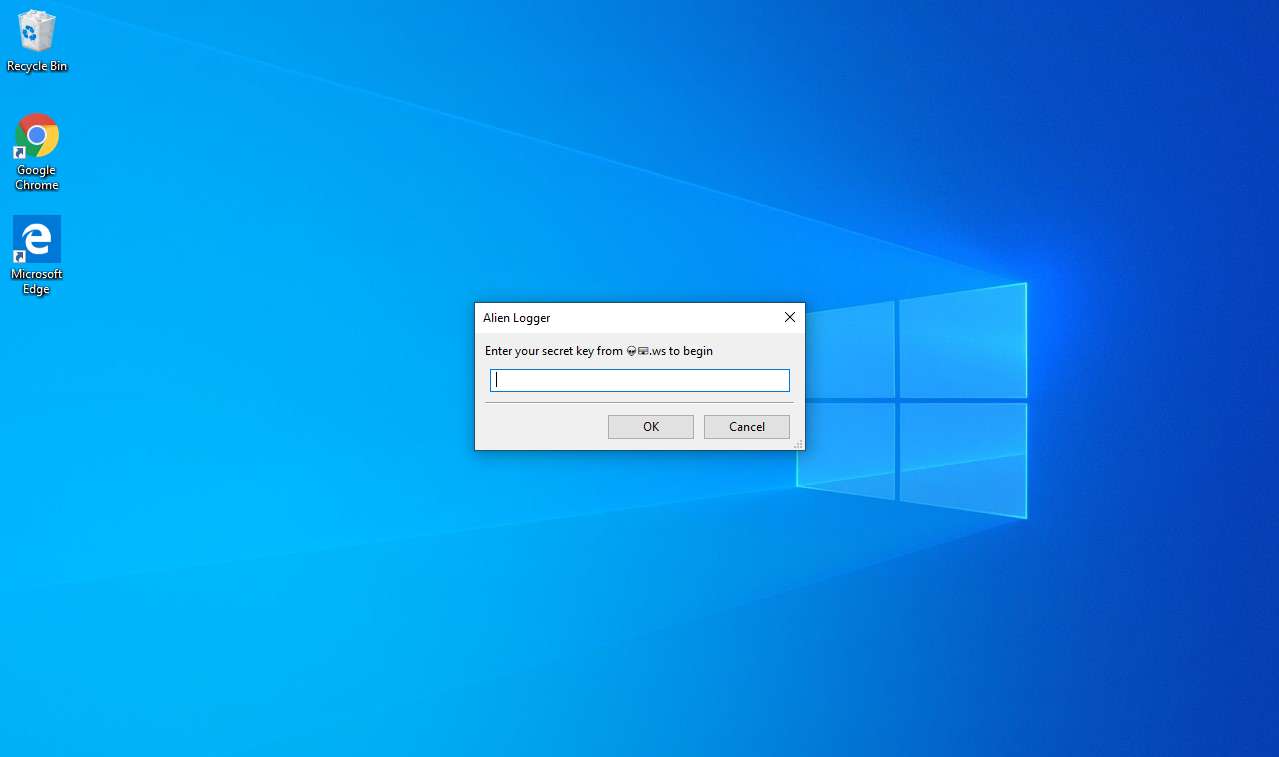
On the victims machine run the executable and insert your key to start the logger.
You can transfer the .exe with a usb drive allongside a .txt containing your key.
Step 4
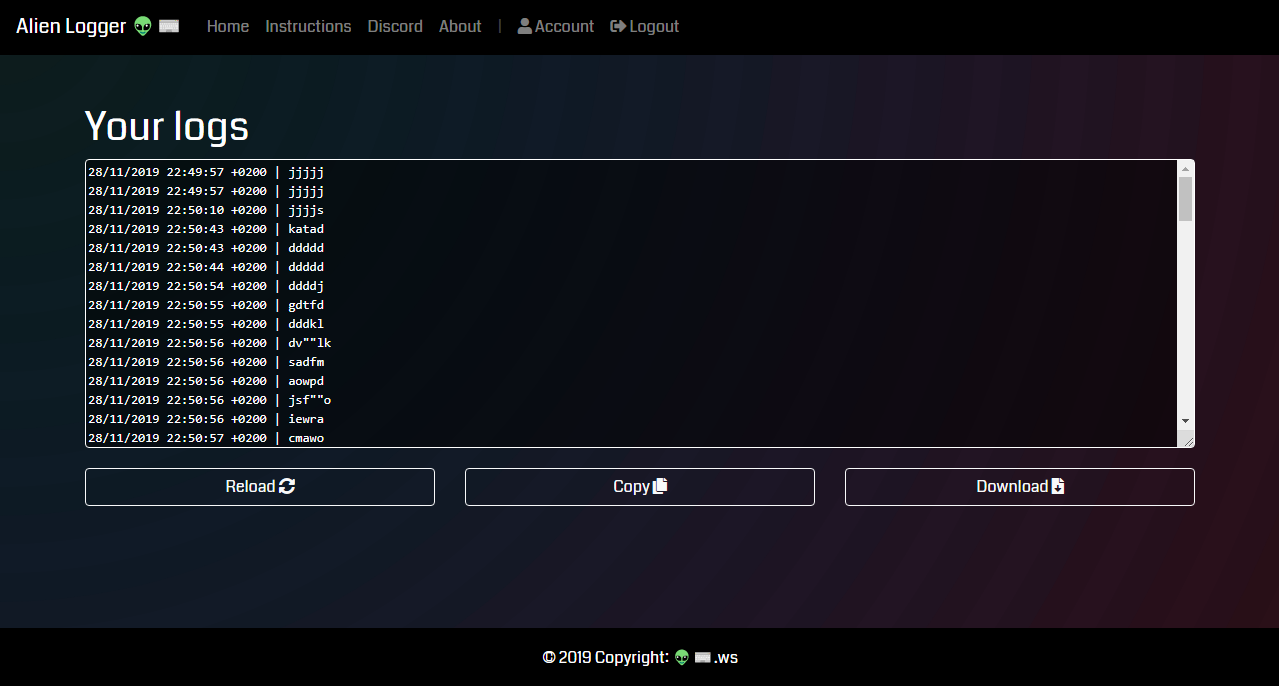
View all the logs collected from that machine by clicking Show Logs.
I will not be responsible for any direct or indirect damage caused due to the usage of this tool, it is for educational purposes only.
 TasosY2K